
Introduction
The MillSO USB Microphone is a compact and lightweight omnidirectional condenser microphone designed for various audio applications. Its flexible gooseneck allows for precise positioning, making it suitable for PC laptops, desktops, and gaming consoles. This manual provides essential information on setup, operation, and specifications to ensure optimal performance.
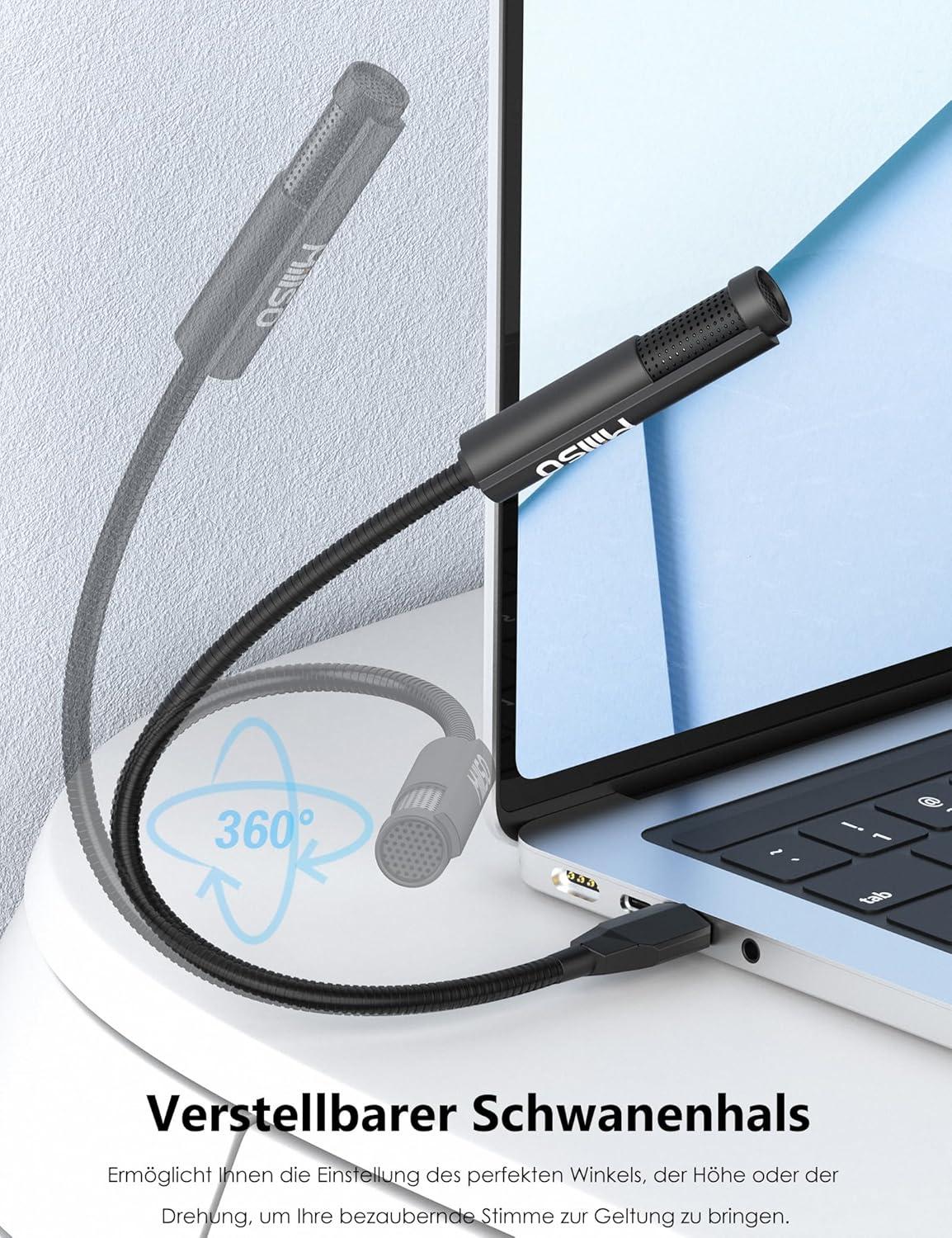
Figure 1: MillSO USB Microphone connected to a laptop.
Product Features
- Robust and Adjustable Gooseneck: The microphone features an ultra-durable metal carbon steel neck, tested for over 10,000 bends. It is 360° positionable, eliminating the need for additional cables or stands. Its compact USB housing frees up desk space and does not obstruct other USB ports, offering an ergonomic solution for a minimalist setup.
- Crystal Clear Voice Capture: The omnidirectional capsule captures sound uniformly up to 30 cm. It is ideal for recordings, streaming, online courses, or podcasts. For optimal quality, position it facing you. Volume adjustment is managed via the device or Windows software, as there is no integrated mute button. Professional clarity is guaranteed.
- Instant Driver-Free Installation: Simply plug it into any computer or PC equipped with a USB-A port for immediate Plug & Play recognition. It is USB powered, requiring no battery. This microphone perfectly replaces faulty internal microphones. Tip: Avoid USB extension cables to preserve audio quality.
- Portable Design and Premium Materials: Constructed from high-strength ABS, this lightweight USB microphone fits easily into any bag. An integrated intelligent circuit reduces ambient noise. Compact yet powerful, this portable solution supports professional or creative travels without adding bulk.
Setup Instructions
The MillSO USB Microphone is designed for simple, driver-free installation. Follow these steps to begin using your microphone:
- Locate an available USB-A port on your computer, laptop, or compatible device.
- Insert the USB connector of the MillSO microphone firmly into the USB-A port.
- The device will be automatically recognized by your operating system (Windows, Mac OS, etc.) as a new audio input device. No additional drivers are required.
- Adjust the flexible gooseneck to position the microphone optimally for your use. For best results, position the microphone facing you, within 30 cm (12 inches).
- Verify the microphone selection in your system's sound settings or within your application (e.g., communication software, recording software).
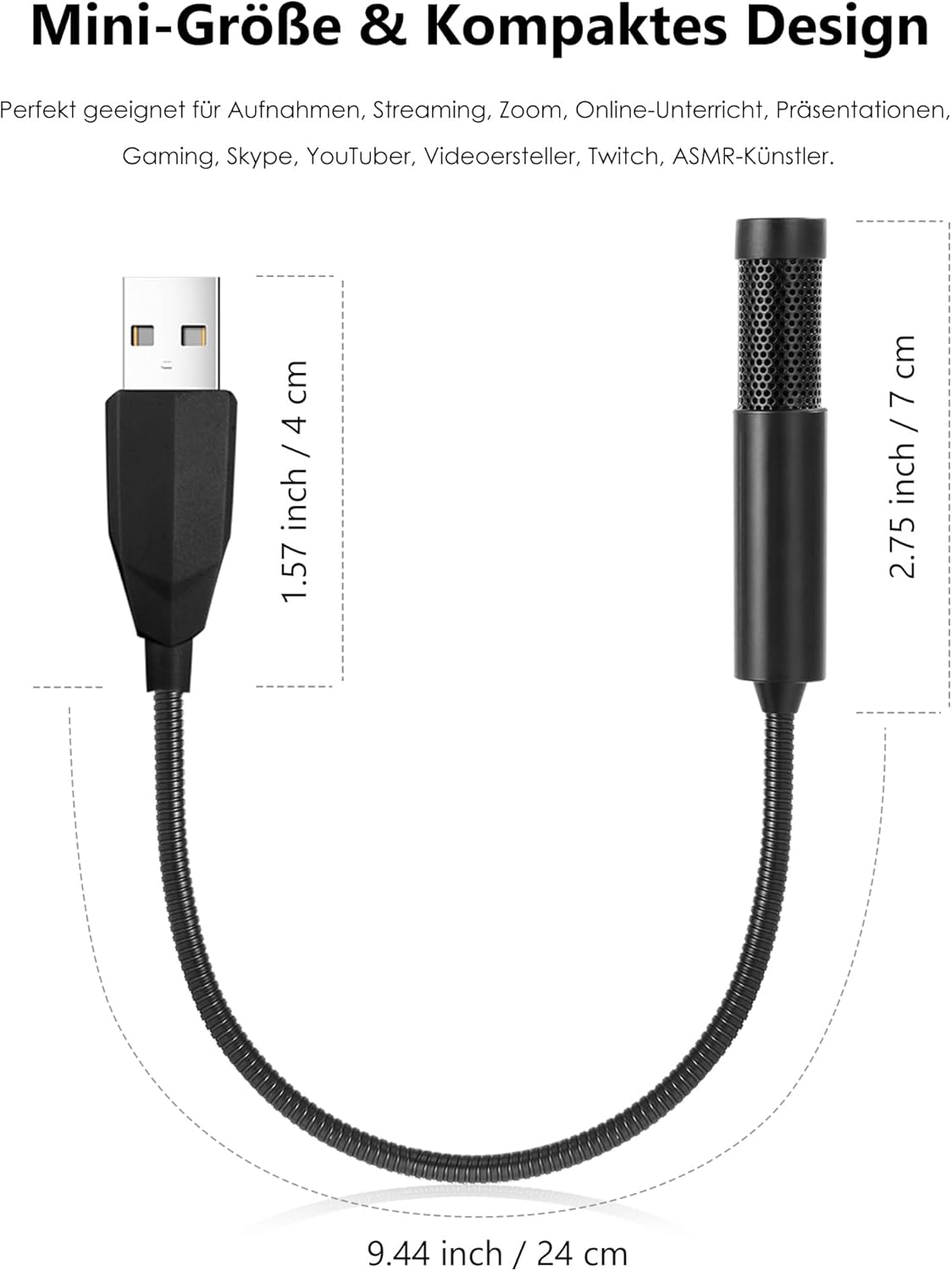
Figure 2: The microphone's flexible gooseneck allows for 360-degree adjustment to achieve optimal positioning.
Operating Instructions
Once set up, the MillSO USB Microphone is ready for use in various applications:
- Voice Capture: The omnidirectional polar pattern captures sound from all directions. For clear voice capture, speak directly towards the microphone head.
- Volume Adjustment: The microphone does not have an integrated volume control button. Adjust the input volume through your computer's operating system sound settings or within the specific application you are using (e.g., Zoom, OBS Studio, Windows Sound Recorder).
- Recommended Use Cases: This microphone is suitable for live-streaming, online teaching, gaming, podcasting, and general voice recording.

Figure 3: Microphone in use for live-streaming.

Figure 4: Microphone used for online teaching.
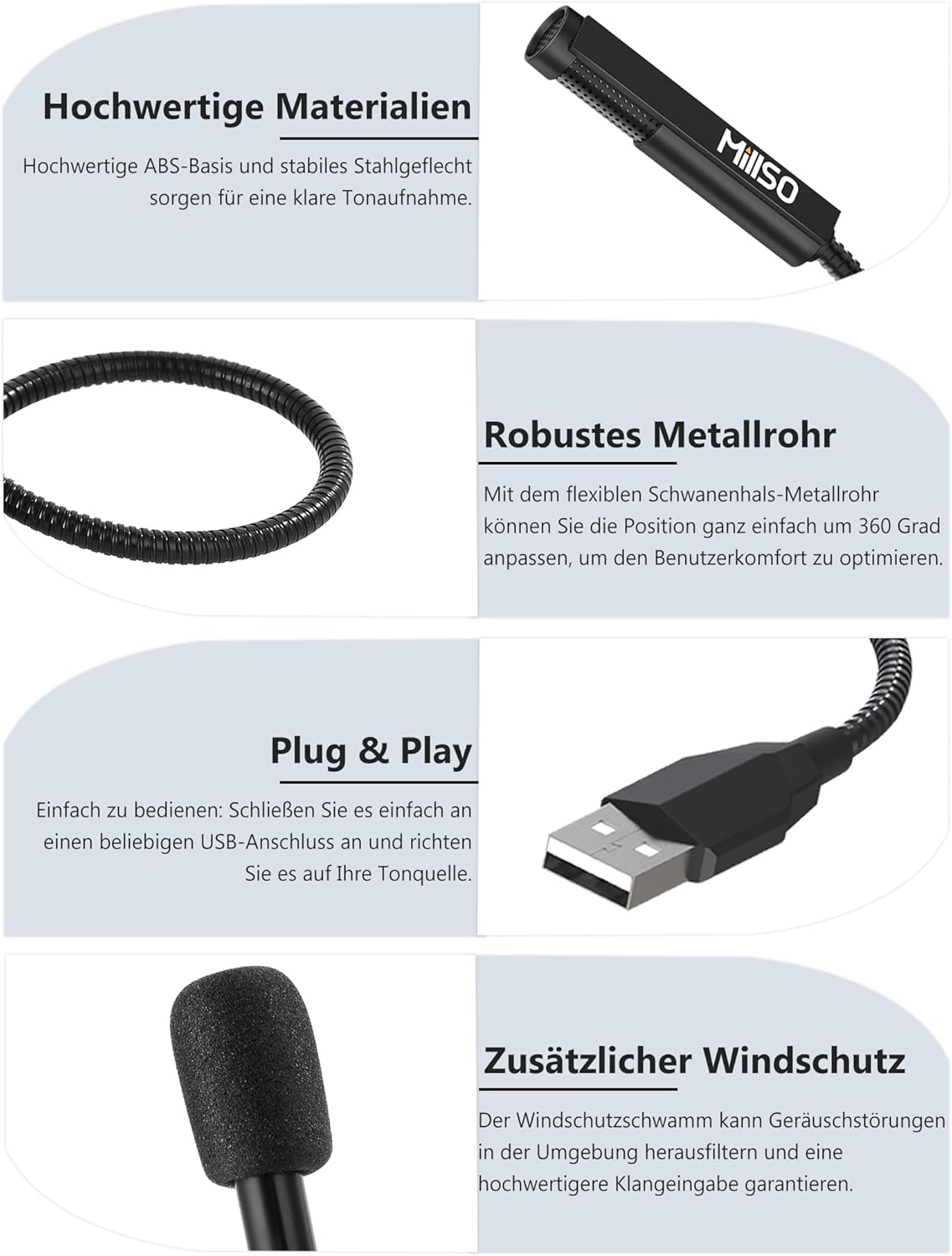
Figure 5: Microphone capturing audio during a recording session.
Compatibility
The MillSO USB Microphone offers broad compatibility with various devices and operating systems:
- Compatible Devices: Computers, PCs, Laptops, Desktops, Gaming Consoles, Tablets.
- Compatible Systems: Windows OS, Mac OS, and other USB 2.0 enabled devices.
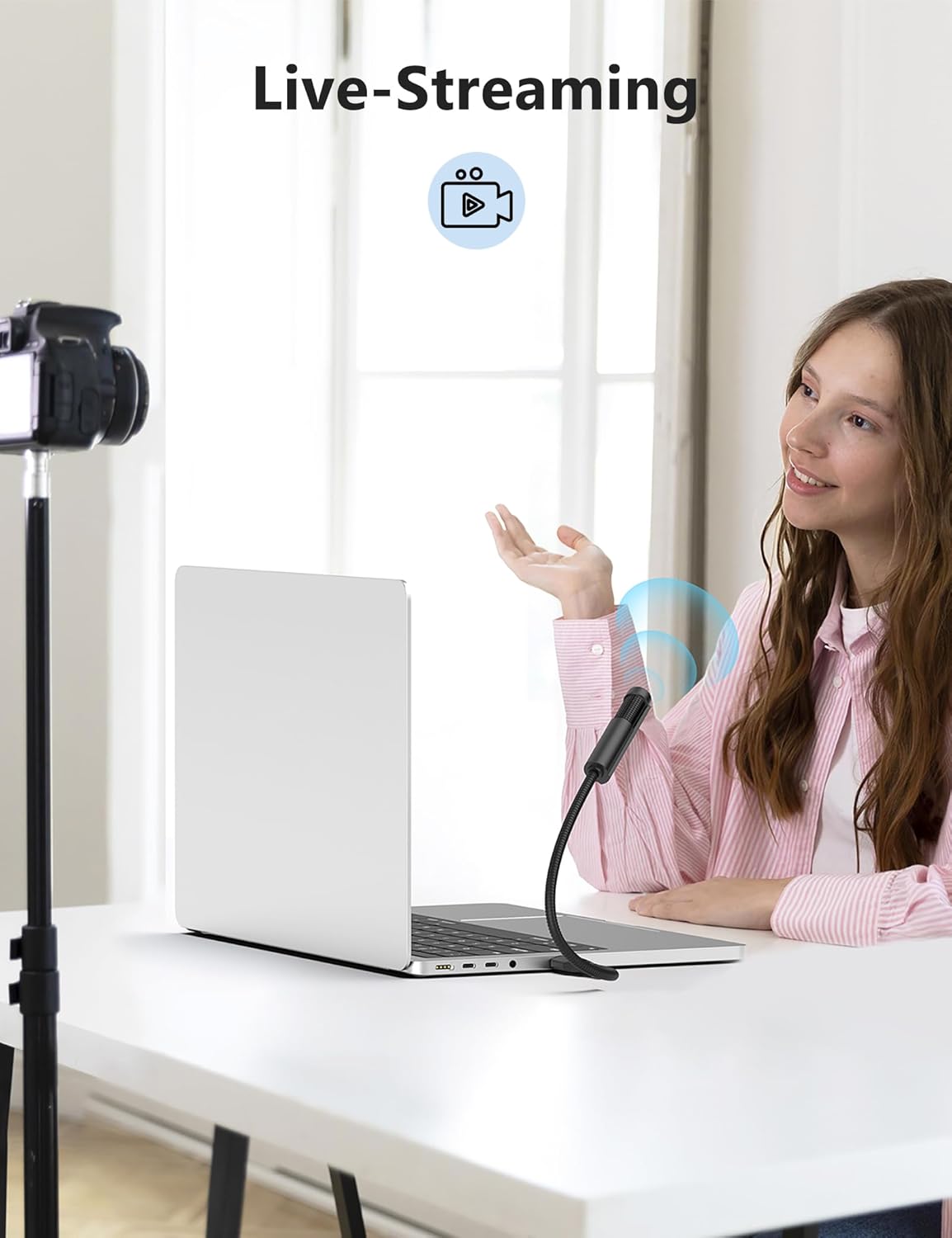
Figure 6: Broad compatibility with laptops, PCs, Windows, and Mac OS.
Maintenance
The MillSO USB Microphone requires minimal maintenance to ensure longevity and optimal performance:
- Cleaning: Use a soft, dry cloth to wipe the microphone head and gooseneck. Avoid using liquid cleaners or abrasive materials, as they may damage the device.
- Storage: When not in use, store the microphone in a clean, dry place away from extreme temperatures and direct sunlight. The flexible gooseneck can be gently folded for compact storage.
- Handling: Avoid excessive force when adjusting the gooseneck or inserting/removing the USB connector.
Troubleshooting
If you encounter issues with your MillSO USB Microphone, consider the following troubleshooting steps:
- Microphone Not Detected:
- Ensure the USB connector is fully inserted into the port.
- Try a different USB-A port on your device.
- Test the microphone on another computer to rule out system-specific issues.
- Restart your computer.
- No Sound or Low Volume:
- Check your computer's sound settings to ensure the MillSO microphone is selected as the default input device.
- Increase the input volume level in your system's sound settings and within the application you are using.
- Ensure the microphone is positioned correctly, facing you and within optimal range (up to 30 cm).
- Poor Audio Quality or Background Noise:
- Avoid using USB extension cables, as they can sometimes degrade audio quality.
- Ensure the microphone is not too close to noisy components like computer fans.
- Check for environmental background noise and try to minimize it.
- The integrated intelligent circuit helps reduce ambient noise, but extreme noise sources may still be picked up.
Specifications
| Brand | MillSO |
| Model Name | USBPCMIC558-35B |
| Connectivity Technology | USB |
| Connector Type | USB Type-A |
| Special Feature | 360° Rotatable Gooseneck |
| Compatible Devices | Gaming Console, Laptop, Tablet, Computer |
| Color | Black |
| Included Components | MQ1 USB PC Microphone |
| Polar Pattern | Omnidirectional |
| Impedance | 2.2 Kilo-ohms (kΩ) |
| Microphone Features | Gooseneck |
| Power Source | Corded Electric (USB Powered) |
| Signal-to-Noise Ratio | 36 dB |
| Hardware Platform | Computer, Laptop, Tablet |
| Number of Channels | 1 |
| Maximum Frequency | 16 KHz |
| Minimum Frequency | 50 Hz |
| Noise Level | 36 Decibels |
| Item Weight | 28 Grams |
| Internal Material | Carbon Steel, Metal, Galvanized Iron Wire |

Figure 7: Dimensions of the MillSO USB Microphone.
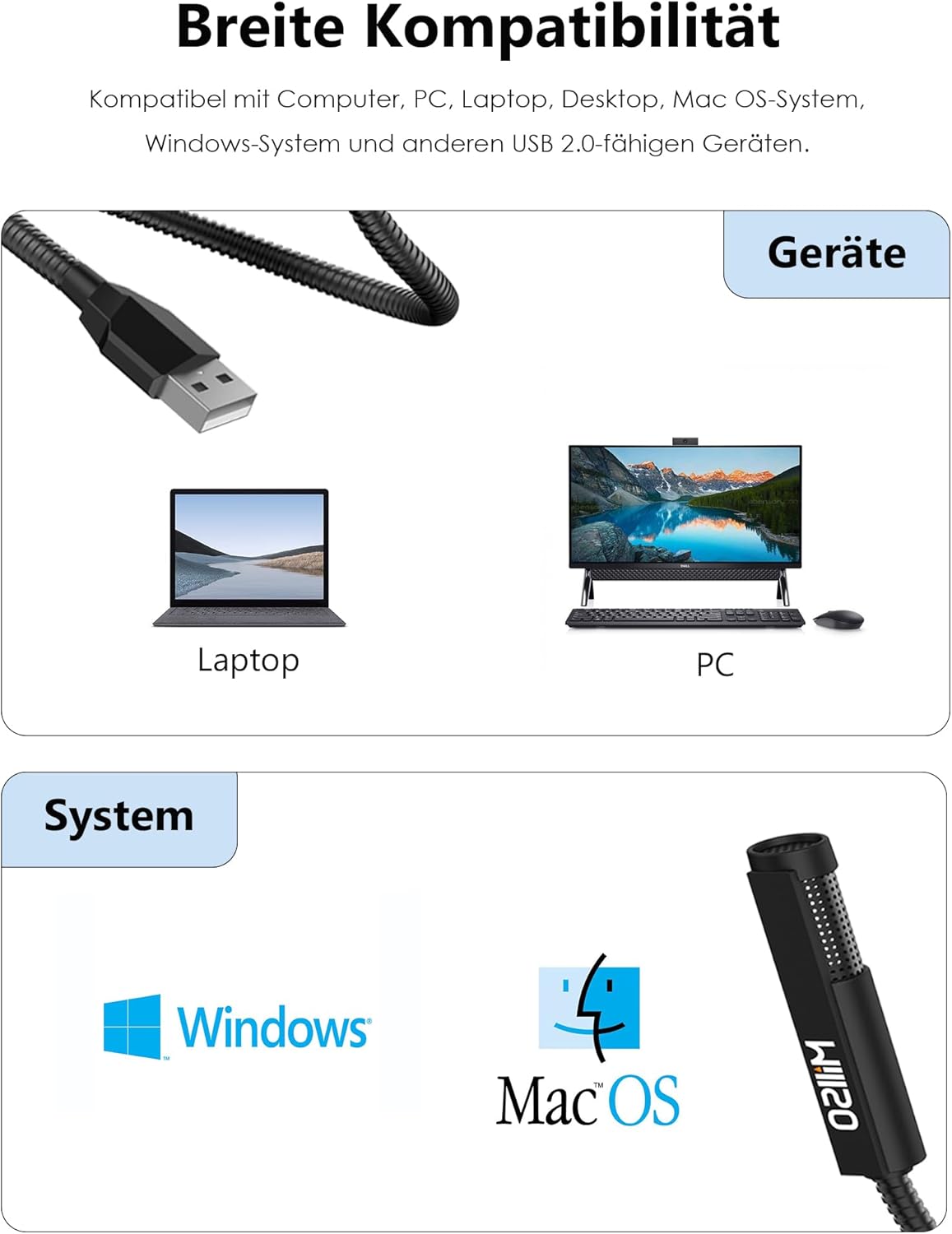
Figure 8: Internal components and noise suppression chipset.
Warranty and Support
MillSO is committed to providing excellent customer service and product support:
- Warranty: The product comes with a 12-month warranty. You can extend your warranty to 18 months by contacting support@millso.com.
- Money-Back Guarantee: A 100% money-back guarantee is offered.
- Spare Parts Availability: Spare parts are available for 18 months.
- Customer Service: MillSO offers responsive customer service and personalized solutions for every use.


