
1. Introduction
This manual provides detailed instructions for the proper use, setup, and maintenance of your HONOR Choice X5 Pro Earbuds. Please read this manual thoroughly before using the product to ensure optimal performance and longevity.
The HONOR Choice X5 Pro Earbuds feature active noise cancellation, a long battery life, and a comfortable in-ear design, providing a high-quality audio experience.
2. Package Contents
Verify that all items are present in your product package:
- HONOR Choice X5 Pro Earbuds (Left and Right)
- Charging Case
- USB Charging Cable
- User Manual (this document)
3. Product Overview
Familiarize yourself with the components of your HONOR Choice X5 Pro Earbuds.

Figure 3.1: HONOR Choice X5 Pro Earbuds placed inside their open charging case, ready for use or charging.
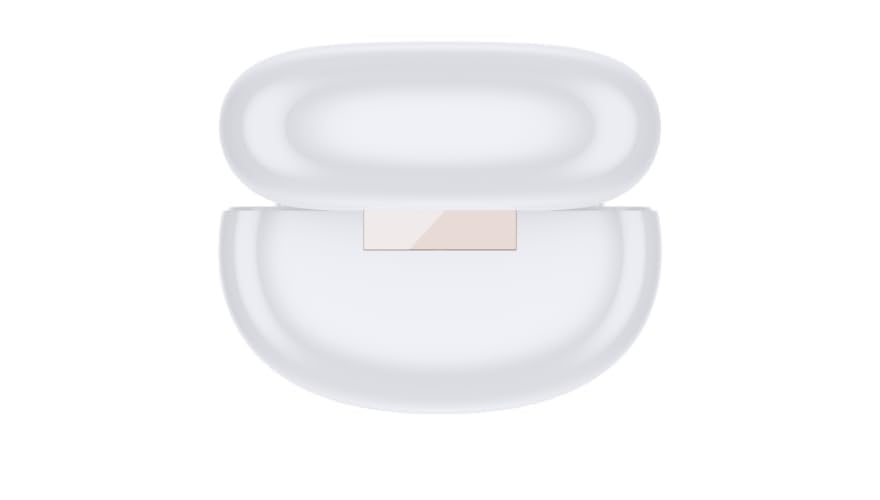
Figure 3.2: Top view of the closed charging case, showing its compact and smooth design.
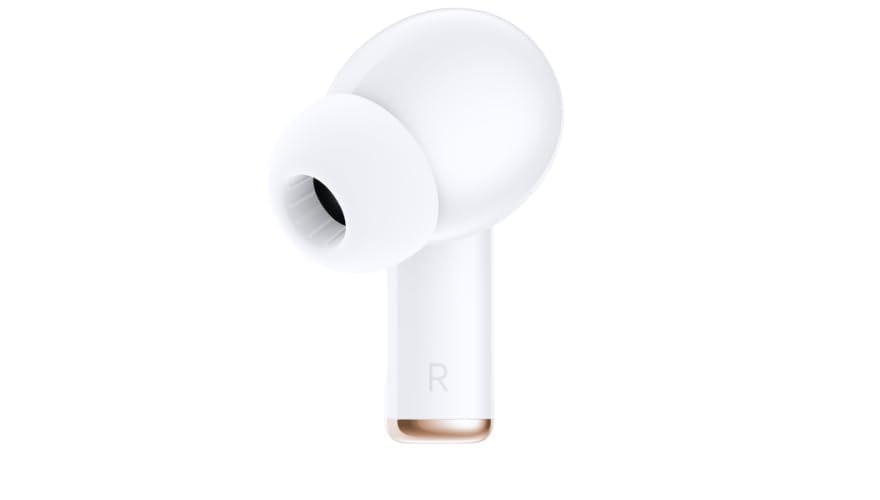
Figure 3.3: Side view of the right earbud, highlighting its ergonomic shape and ear tip.
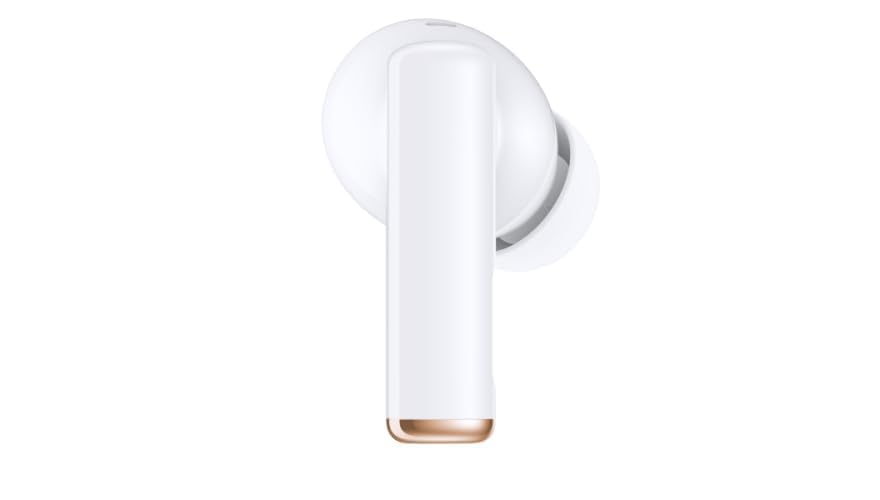
Figure 3.4: Side view of the left earbud, similar in design to the right earbud for comfortable fit.

Figure 3.5: Bottom view of the charging case, showing the USB-C charging port and an indicator light.
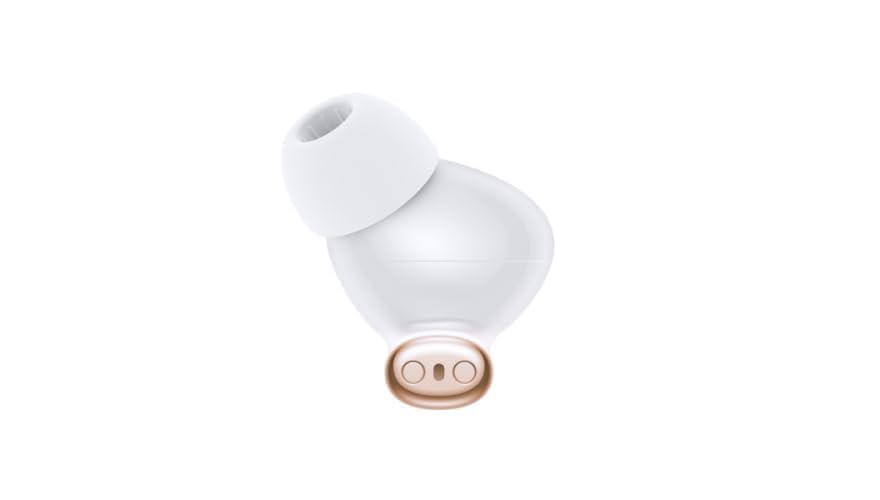
Figure 3.6: Close-up of an earbud's charging contacts and the silicone ear tip, designed for secure fit and sound delivery.
4. Setup
4.1 Initial Charging
- Place both earbuds into the charging case.
- Connect the USB charging cable to the charging port on the case (refer to Figure 3.5) and to a power source.
- Allow approximately 100 minutes for a full charge of the case and earbuds. The indicator light on the case will show charging status.
4.2 Bluetooth Pairing
- Ensure the earbuds are charged.
- Open the charging case. The earbuds will automatically enter pairing mode, indicated by a flashing light on the case.
- On your device (e.g., smartphone, tablet), navigate to the Bluetooth settings.
- Select "HONOR Choice X5 Pro" from the list of available devices.
- Once connected, a confirmation sound or message will indicate successful pairing.
- For subsequent use, the earbuds will automatically connect to the last paired device when removed from the case.
5. Operating Instructions
5.1 Power On/Off
- Power On: Open the charging case or remove the earbuds from the case. They will power on automatically.
- Power Off: Place the earbuds back into the charging case and close the lid. They will power off automatically.
5.2 Audio Playback and Call Control
The earbuds feature touch controls for managing audio and calls. Specific gestures may vary; refer to the quick start guide included with your product for precise touch commands.
- Play/Pause: Typically a single tap on either earbud.
- Next Track: Often a double tap on the right earbud.
- Previous Track: Often a double tap on the left earbud.
- Answer/End Call: Usually a single tap during an incoming call or active call.
- Reject Call: Often a long press during an incoming call.
- Activate Voice Assistant: A long press or specific tap sequence may activate your device's voice assistant (e.g., Siri, Google Assistant).
5.3 Active Noise Cancellation (ANC)
The HONOR Choice X5 Pro Earbuds are equipped with Active Noise Cancellation (ANC) to reduce ambient noise. This feature can be toggled on or off via a specific touch control on the earbuds or through the companion app (if available). Consult your quick start guide for the exact method.
6. Charging
The earbuds and charging case have independent battery capacities.
- Earbud Battery Life: Up to 8 hours per earbud on a single charge (actual battery life may vary based on volume and ANC usage).
- Total Battery Life with Case: Up to 40 hours with multiple charges from the charging case.
- Charging Time: Approximately 100 minutes for a full charge of the case and earbuds.
To charge, place the earbuds in the case and connect the case to a USB power source using the provided cable.
7. Maintenance
Proper maintenance ensures the longevity and performance of your earbuds.
- Cleaning: Use a soft, dry, lint-free cloth to clean the earbuds and charging case. Do not use abrasive cleaners or solvents.
- Ear Tips: Regularly remove and clean the silicone ear tips with water and mild soap, then dry thoroughly before reattaching.
- Charging Contacts: Ensure the charging contacts on both the earbuds and inside the case are clean and free of debris to maintain proper charging.
- Storage: When not in use, store the earbuds in their charging case to protect them and keep them charged.
- Avoid Water: The earbuds are not waterproof. Avoid exposure to water, moisture, or extreme temperatures.
8. Troubleshooting
If you encounter issues with your earbuds, refer to the following common solutions:
| Problem | Possible Solution |
|---|---|
| Earbuds not pairing |
|
| No sound from one earbud |
|
| Charging issues |
|
| Poor audio quality |
|
9. Specifications
Key technical specifications for the HONOR Choice X5 Pro Earbuds:
| Feature | Detail |
|---|---|
| Model Name | HONOR X5 Pro |
| Model Number | 6975446240096 |
| Connectivity Technology | Wireless (Bluetooth) |
| Wireless Communication Technology | Bluetooth |
| Ear Placement | In Ear |
| Noise Control | Active Noise Cancellation |
| Material | Plastic |
| Item Weight | 38.3 Grams |
| Battery Life (Earbuds) | Up to 8 hours |
| Total Battery Life (with Case) | Up to 40 hours |
| Charging Time | Approximately 100 minutes |
| Control Type | Voice Control, Touch Control (implied) |
| Manufacturer | HONOR |
| Date First Available | 14 July 2024 |
10. Warranty and Support
For warranty information, please refer to the warranty card included with your product or contact your retailer. HONOR provides customer support for product inquiries, technical assistance, and warranty claims.
Please visit the official HONOR website or contact their customer service for the most up-to-date support information.


