
1. Product Overview
The TELESIN Magnetic Selfie Stick Tripod is a versatile accessory designed for smartphones, offering both selfie stick and tripod functionalities. It features a magnetic attachment system for quick and secure phone mounting, an extendable pole, and a detachable Bluetooth remote control for convenient operation.

Image 1.1: Overview of the TELESIN Magnetic Selfie Stick Tripod in various configurations, including selfie stick mode, tripod mode, and folded for storage. It shows the magnetic attachment point and the remote control.
Package Contents:
- TELESIN Magnetic Selfie Stick Tripod
- Bluetooth Remote Control
- Magnetic Sheet (for non-Magsafe compatible phones)
- User Manual (this document)
2. Setup Instructions
2.1 Unfolding the Tripod/Selfie Stick
- Grip the handle firmly.
- Gently pull the bottom part of the handle outwards to deploy the tripod legs. Ensure the legs are fully extended and stable on a flat surface for tripod use.
- To extend the selfie stick, pull the top section upwards from the handle. The pole can extend up to 27.2 inches (690mm).

Image 2.1: The TELESIN Magnetic Selfie Stick Tripod shown in its compact, folded state and fully extended as a tripod with a phone attached.
2.2 Attaching Your Smartphone
The tripod features a magnetic attachment system. For optimal performance, ensure your phone or phone case is compatible with magnetic mounting.
- For Magsafe Compatible Phones (e.g., iPhone 12/13/14/15 Pro Max Series): Simply align your phone's Magsafe area with the magnetic head of the tripod. The magnets will securely attach the phone.
- For Non-Magsafe Phones or Cases: Use the provided magnetic sheet. Peel off the protective film and adhere the magnetic sheet to the back of your phone case, ensuring it is centered for best magnetic connection. Once the sheet is applied, you can attach your phone to the tripod's magnetic head.

Image 2.2: A smartphone being magnetically attached to the tripod head, demonstrating the strong and quick release design.
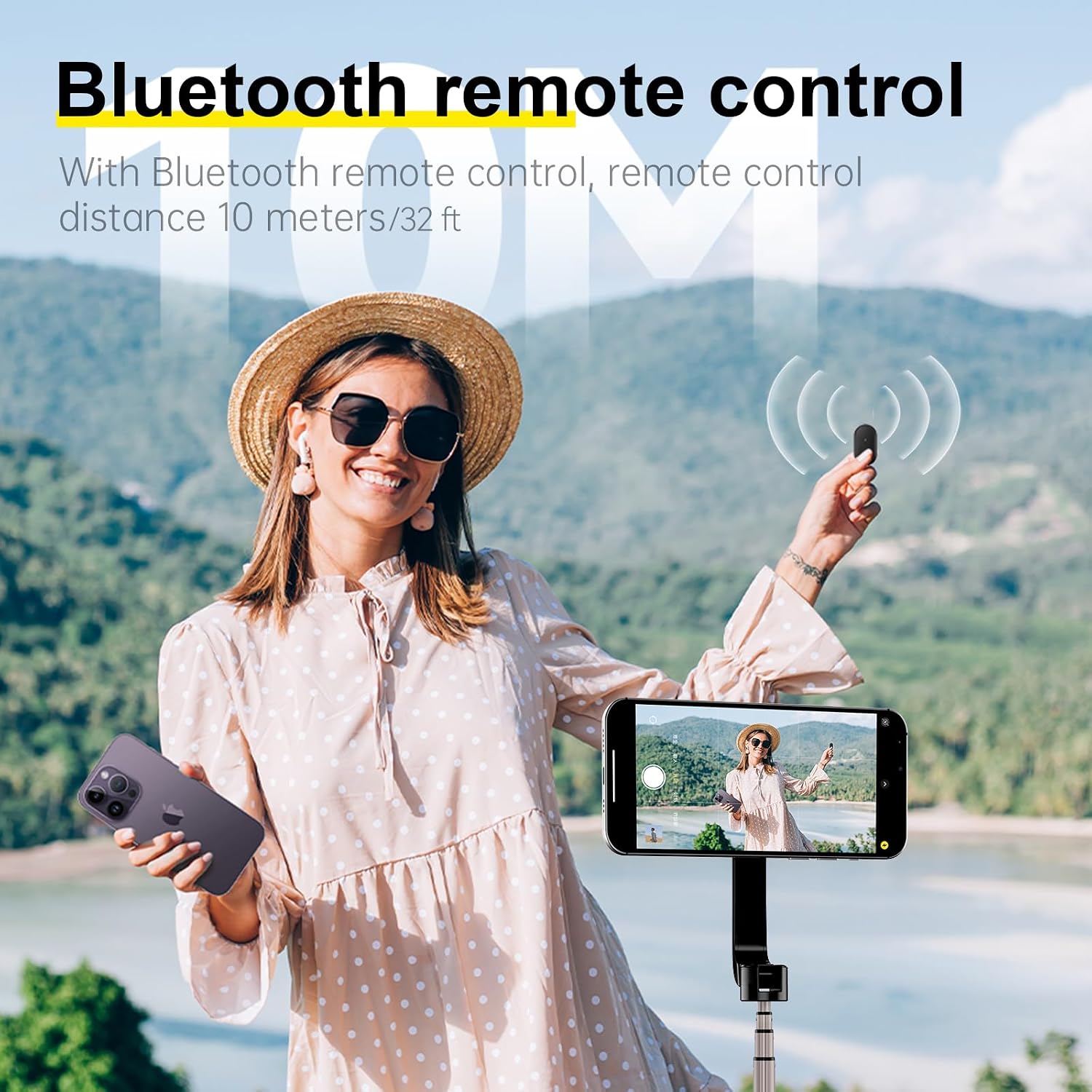
Image 2.3: An illustrative diagram showcasing the powerful internal magnet design, ensuring a secure hold for your smartphone.
2.3 Bluetooth Remote Control Pairing
- Locate the Bluetooth remote control, which is typically integrated into the handle. Gently slide it out if it's stored.
- Press and hold the button on the remote control until an indicator light (usually blue) starts flashing, indicating it's in pairing mode.
- On your smartphone, go to Bluetooth settings and search for available devices.
- Select 'TELESIN Remote' or a similar name from the list to pair. The indicator light on the remote will stop flashing and remain solid (or turn off) once successfully paired.
- The remote control works steadily at a range of over 50 yards (approximately 45 meters).
3. Operating Instructions
3.1 Using as a Selfie Stick
- Extend the pole to your desired length.
- Adjust the angle of your phone using the tilt and rotation features of the magnetic head.
- Use the Bluetooth remote control to capture photos or start/stop video recording.
3.2 Using as a Tripod
- Ensure the tripod legs are fully deployed and stable on a flat, level surface.
- Extend the pole to the desired height.
- Adjust the phone's position using the 180° tilt and 360° rotation capabilities of the magnetic head.
- Utilize the Bluetooth remote control for hands-free photo and video capture.

Image 3.1: The tripod head demonstrating its 180° tilt and 360° rotation capabilities, allowing for versatile camera angles.
3.3 Remote Control Functions
The Bluetooth remote control typically has a single button. A short press will trigger the camera shutter or start/stop video recording, depending on your phone's camera app settings.

Image 3.2: A user operating the TELESIN selfie stick tripod with the Bluetooth remote control, capturing a photo from a distance.
4. Maintenance
4.1 Cleaning
- Wipe the tripod and remote control with a soft, dry cloth.
- Avoid using harsh chemicals or abrasive cleaners.
4.2 Storage
- Fold the tripod completely for compact storage.
- Store in a cool, dry place away from direct sunlight and extreme temperatures.
- Ensure the remote control is securely placed in its designated slot to prevent loss.

Image 4.1: The TELESIN selfie stick tripod in its compact, folded state, illustrating its portability and ease of fitting into a bag.
5. Troubleshooting
5.1 Remote Control Not Connecting
- Ensure the remote control has sufficient battery power.
- Verify Bluetooth is enabled on your smartphone.
- Try unpairing and re-pairing the remote control in your phone's Bluetooth settings.
- Ensure no other Bluetooth devices are interfering with the connection.
5.2 Phone Not Attaching Securely
- Confirm your phone or case is Magsafe compatible or has the magnetic sheet properly installed and centered.
- Ensure there are no obstructions (e.g., thick phone cases without magnetic properties) between the phone and the magnetic head.
- Check if the magnetic sheet is correctly aligned on your phone case.
5.3 Tripod Instability
- Ensure the tripod legs are fully extended and locked into position.
- Place the tripod on a flat, stable surface.
- Avoid extending the pole to its maximum height in windy conditions or on uneven terrain.
6. Specifications
| Feature | Specification |
|---|---|
| Brand | TELESIN |
| Model Name | Magnetic Selfie Stick Tripod (WS-22005) |
| Color | Dark Grey |
| Compatible Devices | Smartphones (Magsafe compatible or with magnetic sheet) |
| Special Features | Foldable, Lightweight, Magnetic, Remote Control, Mini size |
| Material | Metal (likely Aluminum or Alloy), ABS+PC |
| Item Weight | 193 Grams |
| Weight Limit | 1 Kilogram |
| Maximum Height | 27.2 Inches (690mm) |
| Folded Size | 167mm (6.57 inches) |
| Tripod Head Type | Ball Heads (for tilt and rotation) |
| Remote Control Battery Capacity | 125mAh |
| UPC | 6974944461729, 0734598995744 |

Image 6.1: Product packaging displaying model number WS-22005 and key specifications.
7. Warranty and Support
7.1 Warranty Information
Please refer to the warranty card included with your product or visit the official TELESIN website for detailed warranty terms and conditions. Typically, products come with a limited manufacturer's warranty covering defects in materials and workmanship.
7.2 Customer Support
For technical assistance, troubleshooting, or warranty claims, please contact TELESIN customer support:
- Manufacturer: Shenzhen Telesin Co. Ltd.
- Address: 526, 5/F, Building B, Baishixia Longwangmiao Industrial Zone, Fuyong Street, Longgang District, Shenzhen, Guangdong, China.
- Contact Person: Billy Han
You may also find support resources and FAQs on the official TELESIN website.