
1. Introduction
This manual provides instructions for the safe and effective use of your KFD AC Adapter. This adapter is designed to provide power and charge various Water Tech Pool Blaster vacuum cleaner models. Please read this manual thoroughly before use and retain it for future reference.
2. Product Compatibility
The KFD AC Adapter is compatible with Water Tech Pool Blaster vacuums featuring a 2-prong/2-pin connector and next-generation motor box. Compatible models include:
- Water Tech LC099-2SK Pool Blaster
- Catfish Li 20050CL
- Catfish Li Ultra 21051DL
- Pulse 22151EL
- Centennial Li 22051EL (CENT2012)
- Hydro 500 26051SL
- Volt FX-4 Li 24050GL
- Speed Vac Turbo 26050SL
- Eclipse Li 23051EL
- iVac 250 Li 25050GL
- Rush X21 23151EL
Important Note: Please verify your specific Pool Blaster model number and connector type to ensure compatibility before use. Rechargeable batteries typically have a lifespan of 2-3 years. If your device does not charge, the battery may be worn out or decayed and may not accept a charge.
3. Setup and Connection
Follow these steps to properly set up and connect your KFD AC Adapter:
- Inspect the Adapter: Before connecting, visually inspect the AC adapter and its cable for any signs of damage. Do not use if damaged.
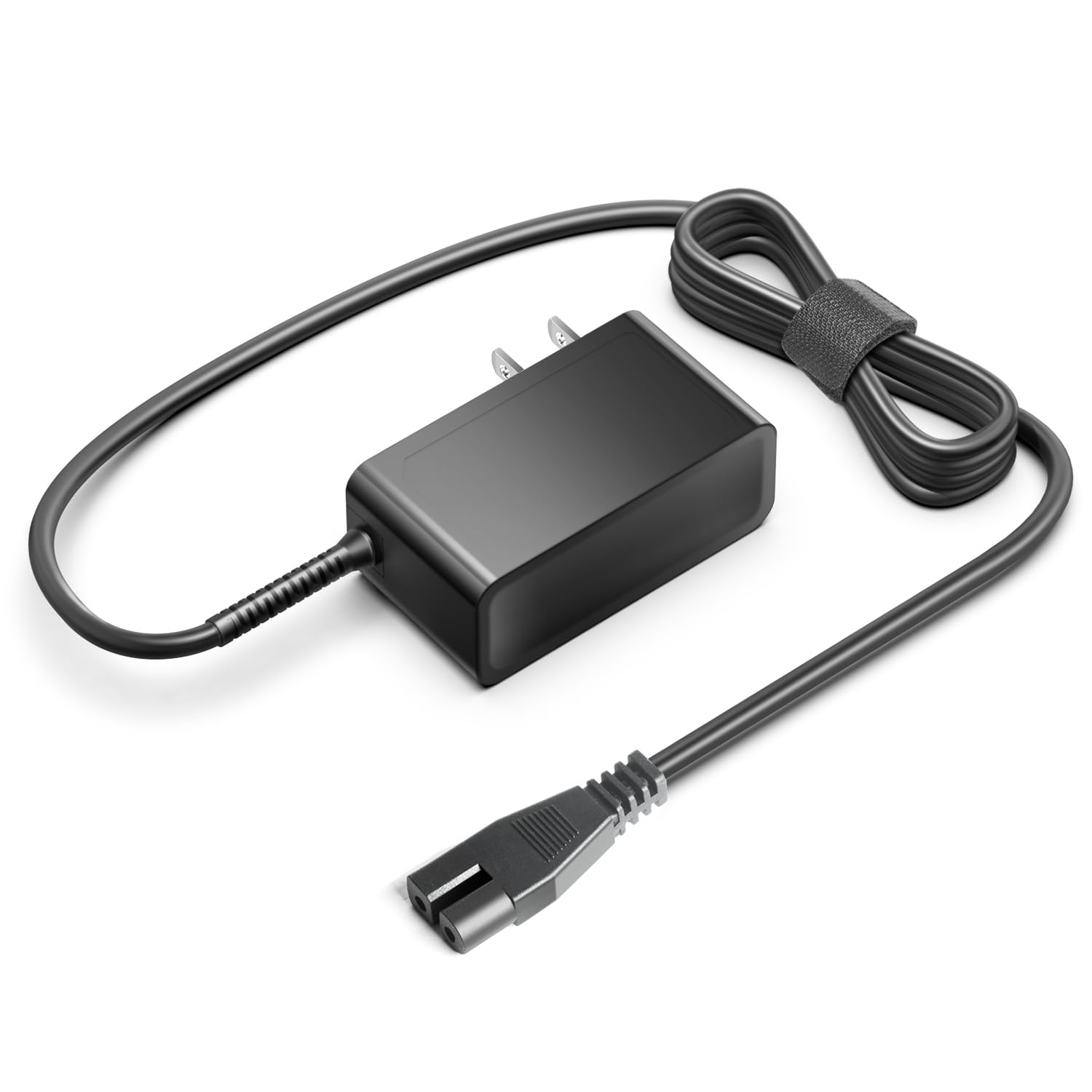
- Connect to Vacuum: Insert the 2-prong connector of the KFD AC Adapter into the charging port of your Water Tech Pool Blaster vacuum cleaner. Ensure a secure fit.
- Plug into Power Outlet: Plug the AC adapter into a standard 100-240V wall power outlet.

4. Operating Instructions
Once connected, the adapter will begin charging your Pool Blaster vacuum. The charging indicator on your vacuum (if present) will typically show the charging status. Refer to your Pool Blaster vacuum's manual for specific charging indicator behavior.
Safety Features
The KFD AC Adapter incorporates multiple safety protections to ensure safe operation:
- Over Voltage Protection (OVP): Prevents damage from excessive output voltage.
- Over Current Protection (OCP): Protects against excessive output current.
- Short Circuit Protection (SCP): Safeguards against short circuits.
- Surge Protection: Defends against power surges.
- Current Stabilizer: Ensures stable current delivery.
- Temperature Control: Manages operating temperature to prevent overheating.

5. Maintenance
To ensure the longevity and proper functioning of your KFD AC Adapter:
- Storage: Store the adapter in a cool, dry place when not in use.
- Cleaning: Disconnect the adapter from the power outlet and the device before cleaning. Wipe with a soft, dry cloth. Do not use liquid cleaners or solvents.
- Cable Care: Avoid bending or crimping the cable excessively. Do not place heavy objects on the cable.
- Environmental Conditions: Do not expose the adapter to extreme temperatures, humidity, or direct sunlight.
6. Troubleshooting
If you encounter issues with your KFD AC Adapter, consider the following:
| Problem | Possible Cause | Solution |
|---|---|---|
| Device not charging | Loose connection, faulty power outlet, worn-out device battery, adapter malfunction. | Ensure all connections are secure. Test the power outlet with another device. Check the device's battery health (refer to device manual). If issues persist, contact support. |
| Adapter feels hot | Normal operation, poor ventilation, excessive load. | A slight warmth is normal. Ensure the adapter is in a well-ventilated area. If it becomes excessively hot, disconnect immediately and contact support. |
| Sparking when plugging in | Normal inrush current, faulty outlet. | A small spark is common. If sparking is excessive or continuous, unplug immediately and have the outlet inspected by a qualified electrician. |
7. Specifications
Technical specifications for the KFD AC Adapter:
- Input: 100-240V AC, 50-60Hz
- Output: 8.4V DC, 1.0A
- Wattage: 8.4 Watts
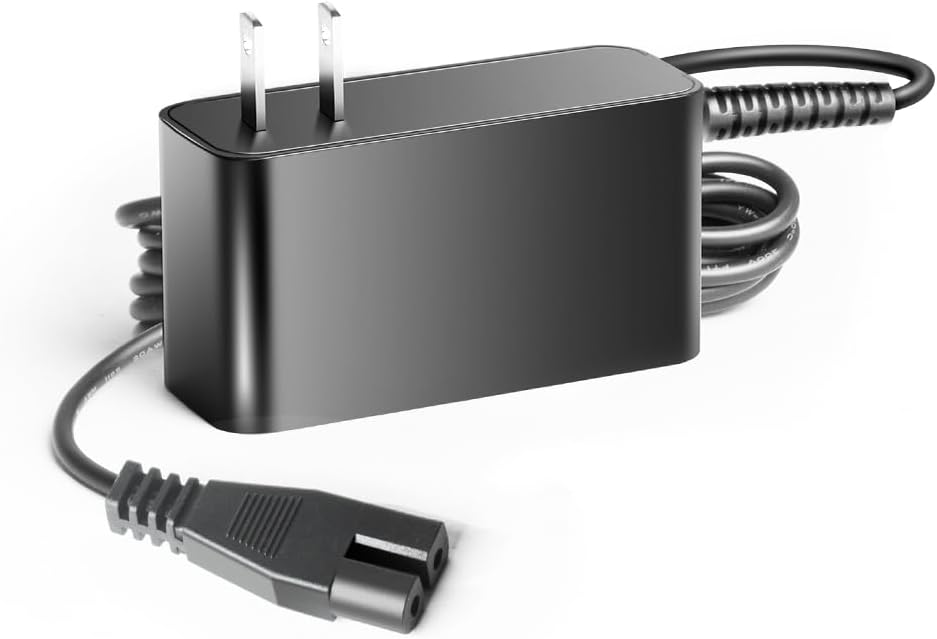
- Connector Type: Barrel Connector (2-pin)
- Color: Black
- Safety Certifications: UL, CE, FCC, RoHS compliant
- Protection Features: Over Voltage Protection (OVP), Over Current Protection (OCP), Short Circuit Protection (SCP), Surge Protection, Current Stabilizer, Temperature Control
8. Warranty and Support
KFD products are designed for reliability and safety. This AC adapter comes with the following warranty and support:
- Warranty: 3 Years
- Exchange Policy: 30 Days Free Exchange
For technical assistance or warranty claims, please refer to the contact information provided with your purchase or visit the official KFD website.