
radtel RT-470L
Radtel RT-470L Triband Ham Radio Instruction Manual
Model: RT-470L
1. Introduction
This manual provides detailed instructions for the proper use, setup, and maintenance of your Radtel RT-470L Triband Ham Radio. Please read this manual thoroughly before operating the device to ensure optimal performance and safety.
2. What's in the Box
Upon unboxing your Radtel RT-470L, verify that all components are present:
- Radtel RT-470L Walkie Talkie Unit
- Dual Band Antenna
- USB-C Charging Cable
- Li-ion Battery (2600mAh)
- Belt Clip
- User Manual (this document)

If any items are missing or damaged, please contact customer support immediately.
3. Setup
3.1 Battery Installation
- Ensure the radio is powered off.
- Align the battery pack with the grooves on the back of the radio.
- Slide the battery upwards until it clicks securely into place.
- To remove, press the battery release latch and slide the battery downwards.
3.2 Antenna Attachment
Screw the dual band antenna clockwise onto the antenna connector at the top of the radio until it is finger-tight. Do not overtighten.
3.3 Charging the Battery
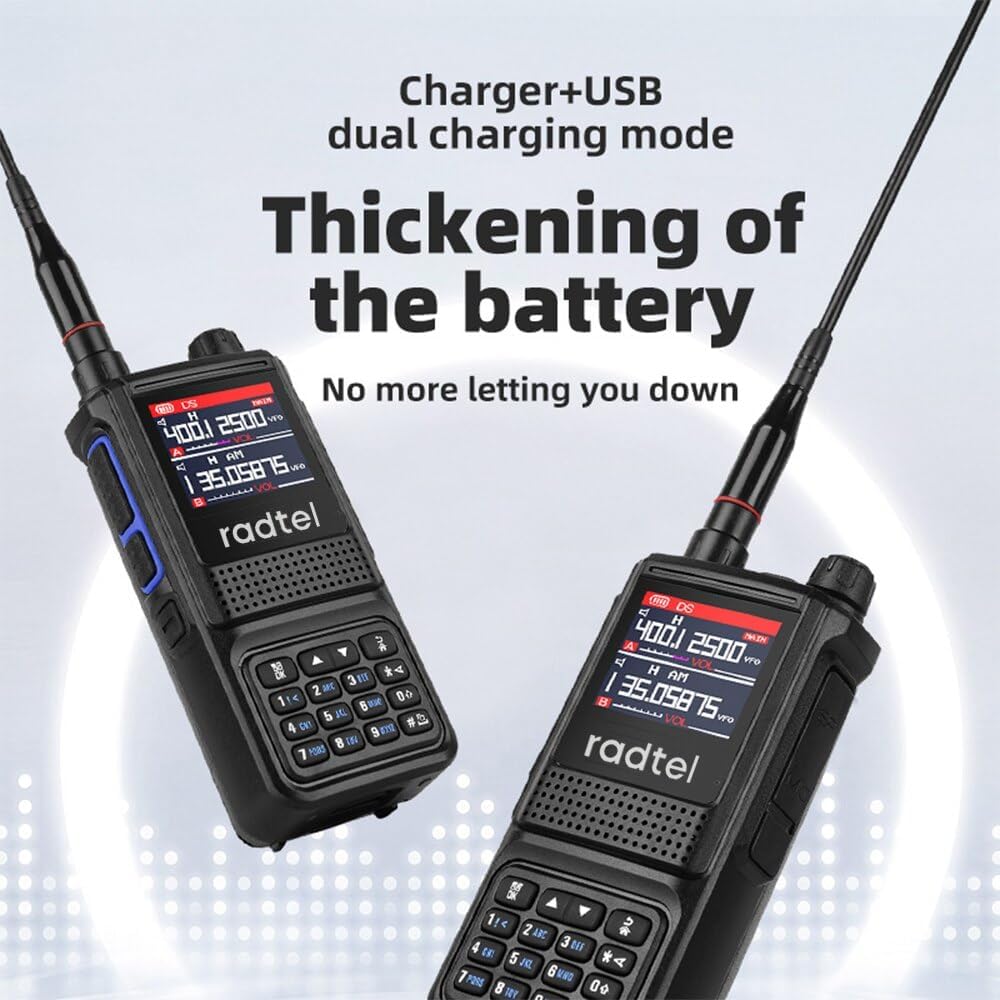
The RT-470L features a convenient USB-C charging port. Connect the supplied USB-C cable to the port located at the bottom of the radio, and the other end to a compatible USB power source (e.g., wall adapter, computer USB port).

The charging indicator on the radio will illuminate during charging and change color or turn off when fully charged. A full charge typically takes approximately 3-4 hours.
4. Operating Instructions
4.1 Basic Operation

- Power On/Off: Rotate the top-right knob clockwise to power on the radio. Continue rotating to adjust volume. Rotate counter-clockwise until it clicks to power off.
- Volume Control: The same knob used for power also controls the volume.
- PTT (Push-to-Talk) Button: Located on the left side of the radio. Press and hold to transmit, release to receive.
- Keypad: Used for direct frequency input, menu navigation, and accessing various functions.
4.2 Frequency Bands and Channels
The RT-470L supports triband operation and features 256 channels (128x2 groups).
- Operating Frequencies: 144-148MHz, 222-225MHz, 420-450MHz.
- Reception Frequencies: Includes 108-136MHz Aviation Band, NOAA U.S. Weather Channel, and FM Radio Broadcast.


4.3 Special Features
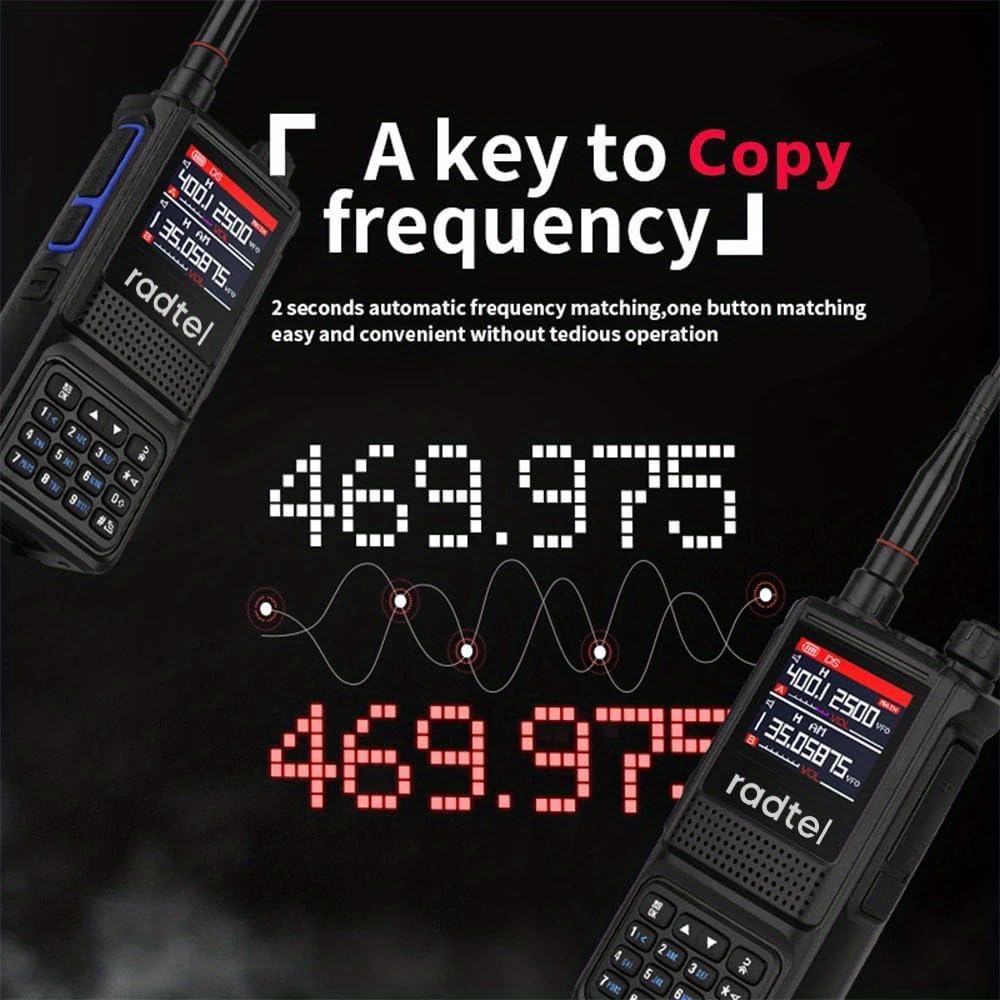
- One-Key Copy Frequency (Auto Frequency Capture): This feature allows the radio to automatically copy another radio's frequency and CTCSS/DCS tone, enabling immediate communication without manual programming. Ensure the radios are within 1 meter distance for this function.
- Dual PTT: The radio supports dual Push-to-Talk functionality.
- Flashlight: The built-in flashlight can be activated by a single click. Double-tap for a blinking flashlight mode.
- FM Radio Function: Access the FM radio function with a dedicated one-touch button.
- Voice Scrambler Function: Enhances communication privacy.
- VOX (Voice-Operated Exchange): Allows for hands-free transmission.
- DTMF (Dual-Tone Multi-Frequency): For signaling and control.
- Dual Standby: Monitor two frequencies simultaneously.
- Roger Beep: An audible tone indicating the end of transmission.
5. Maintenance
5.1 Cleaning
Regularly clean the radio's exterior with a soft, damp cloth. Avoid using harsh chemicals, solvents, or abrasive cleaners, as these can damage the casing and electronic components.
5.2 Battery Care
- Charge the battery fully before first use.
- Avoid overcharging or completely draining the battery, as this can reduce its lifespan.
- Store the battery in a cool, dry place when not in use for extended periods.
5.3 Storage
When storing the radio for long periods, remove the battery and store both components separately in a dry, temperature-controlled environment. Keep the radio away from direct sunlight, extreme temperatures, and high humidity.
6. Troubleshooting
This section addresses common issues you might encounter with your RT-470L. If the problem persists after attempting these solutions, please contact customer support.
| Problem | Possible Cause | Solution |
|---|---|---|
| Radio does not power on. | Battery is not installed correctly or is depleted. | Ensure battery is securely installed. Charge the battery fully. |
| Cannot transmit or receive. | Incorrect frequency/channel, antenna not attached, or low battery. | Verify frequency settings. Ensure antenna is securely attached. Charge battery. |
| Poor audio quality. | Weak signal, antenna issue, or volume too low/high. | Move to an area with better signal. Check antenna connection. Adjust volume. |
| Flashlight not working. | Battery depleted or button not pressed correctly. | Charge battery. Press the flashlight button firmly. |
7. Specifications
| Feature | Detail |
|---|---|
| Model Number | RT-470L |
| Frequency Range | 144-148MHz / 222-225MHz / 420-450MHz (Tri-Band) |
| Reception Bands | 108-136MHz (Aviation Band), NOAA U.S. Weather Channel, FM Radio |
| Number of Channels | 256 (128x2 groups) |
| Battery | 2600mAh Li-ion (included) |
| Charging Port | USB-C |
| Item Weight | Approximately 1.04 pounds |
| Product Dimensions | 14.17 x 49.61 x 14.17 inches |
| Talking Range Maximum | 5 Kilometers (optimal conditions) |
| Tuner Technology | UHF/VHF/AM/FM |
| Water Resistance Level | Not Water Resistant |
| FCC ID | 2AZSA-RT470X |
Note: Specifications are subject to change without notice.
8. Warranty and Support
8.1 Warranty Information
The Radtel RT-470L comes with a warranty period:
- Radio Body: 1 Year
- Accessories: Half Year
This warranty covers manufacturing defects and workmanship under normal use. It does not cover damage caused by misuse, accidents, unauthorized modifications, or natural disasters.
8.2 Customer Support
For technical assistance, warranty claims, or general inquiries, please visit the official Radtel website or contact their customer service department. Refer to the packaging or official product page for the most current contact information.
You can also visit the Radtel Store on Amazon for additional product information and support resources.
Related documentsRT-470L


Ask a question about this manual
Ask about setup, troubleshooting, compatibility, parts, safety, or missing instructions. Manuals+ will review the question and use this page’s manual context to help answer it.