
Introduction
Welcome to your iKF R2 Retro Classic Bluetooth Headphones. This manual provides detailed instructions for setup, operation, maintenance, and troubleshooting to ensure optimal performance and longevity of your device. These headphones combine a vintage design with modern audio technology, offering both wireless Bluetooth 5.4 and wired connectivity.
What's in the Box
Verify that all items are present in your package:
- iKF R2 Headphones
- User Manual
- Charging Cable
- AUX Audio Cable

Image showing the iKF R2 headphones, user manual, charging cable, and AUX audio cable, along with product dimensions.
Product Overview
The iKF R2 headphones feature a blend of classic aesthetics and advanced functionality. Key components include:
- Design: Metal accents and litchi-textured leather for a vintage look.
- Comfort: Adjustable headband with a sturdy steel strip and soft leather padding.
- Audio: 40mm NdFeB drivers for high-definition sound.
- Microphone: Integrated microphone with ENC noise-canceling technology for clear calls.
- Controls: Intuitive touch controls on the earcups.
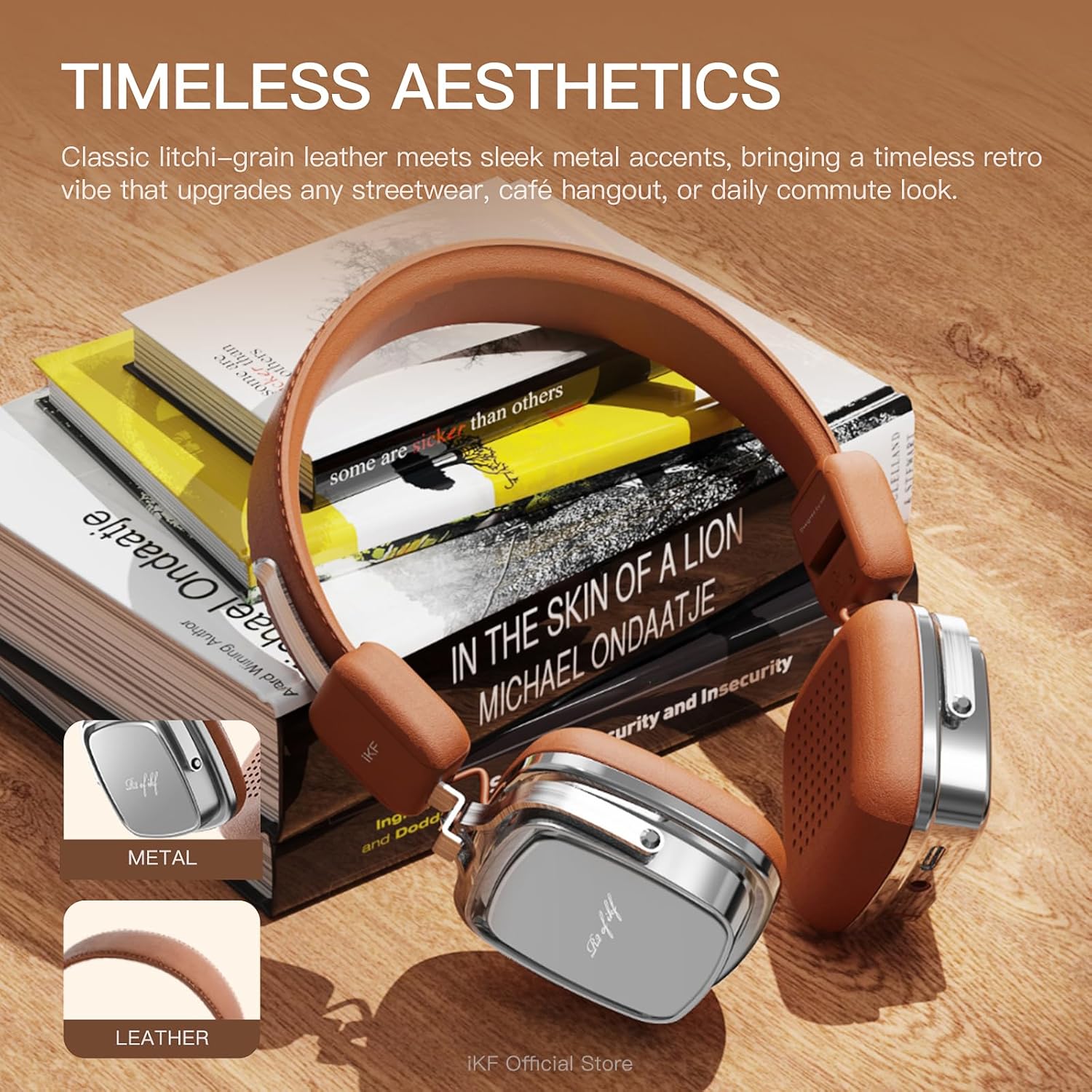
Close-up image highlighting the metal and litchi-grain leather construction of the iKF R2 headphones, emphasizing their timeless aesthetic.
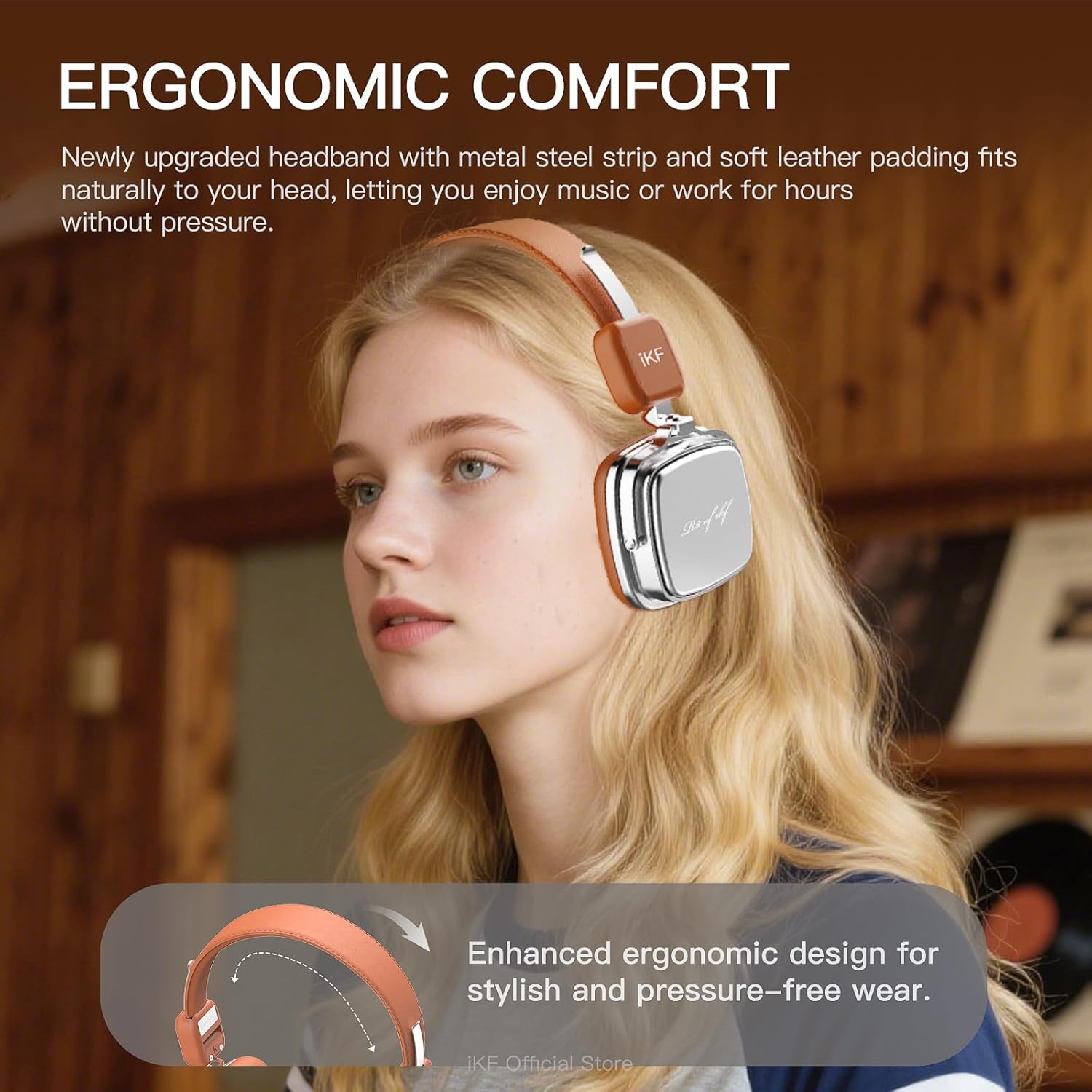
Image demonstrating the ergonomic design and comfortable fit of the iKF R2 headphones on a user, with an arrow indicating the adjustable headband.

Diagram illustrating the internal 40mm NdFeB driver responsible for the headphone's premium sound quality, labeled with 'Hi-Fi' and '40MM Diaphragm driver'.
Setup
Charging the Headphones
Before first use, fully charge your iKF R2 headphones.
- Connect the provided charging cable to the USB-C port on the headphones.
- Connect the other end of the charging cable to a compatible USB power source.
- A full charge takes approximately 2 hours and provides up to 60 hours of playtime. A 15-minute charge can provide up to 7.5 hours of playback.

Image showing the iKF R2 headphones with a visual representation of 60 hours of battery life and the option to use a wired connection when the battery is depleted.
Bluetooth Pairing
To connect your headphones wirelessly:
- Ensure the headphones are powered off.
- Press and hold the power button until the indicator light flashes (e.g., blue and red alternately), indicating pairing mode.
- On your device (smartphone, tablet, laptop), enable Bluetooth and search for available devices.
- Select "iKF R2" from the list of found devices.
- Once connected, the indicator light will change (e.g., solid blue) and you will hear an audible confirmation.
Dual Device Connection: The iKF R2 supports simultaneous connection to two devices. After pairing with the first device, put the headphones back into pairing mode and connect to the second device. The headphones will intelligently switch between the two.
Operating Instructions
Basic Controls
The iKF R2 headphones feature touch controls on the earcups for easy management of audio and calls.
- Power On/Off: Press and hold the power button.
- Play/Pause: Tap the power button once.
- Volume Up/Down: Use the designated touch controls on the earcup.
- Next Track: Use the designated touch control for forward.
- Previous Track: Use the designated touch control for backward.
- Answer/End Call: Tap the power button once during an incoming call.
- Reject Call: Press and hold the power button during an incoming call.
Video demonstrating the touch controls on the iKF R2 headphones for managing music playback and calls.
Gaming Mode
Activate Gaming Mode for ultra-low latency audio (35ms), ideal for gaming. Refer to the companion app or specific button combination for activation.
Video showcasing the iKF R2 headphones' wireless and wired capabilities, including a demonstration of the low-latency gaming mode.
Wired Connection
To use the headphones in wired mode, connect the provided 3.5mm AUX audio cable to the headphone jack on the left earcup and to your audio source. This mode can be used even when the headphone battery is depleted.
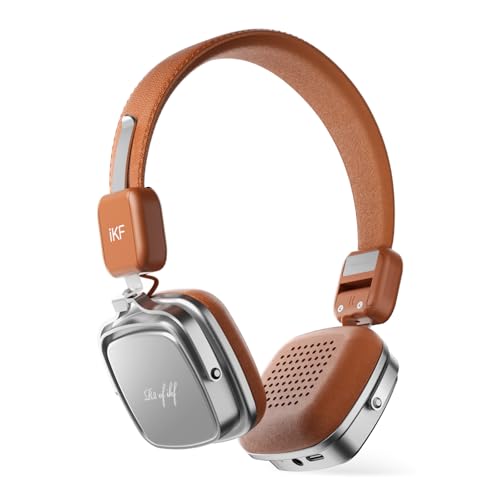
Image showing the iKF R2 headphones connected via the 3.5mm AUX audio cable to an audio source.
Companion App
Enhance your experience by downloading the iKF companion app. The app allows for customizable features, sound equalization, and firmware updates.

Image illustrating the smart features of the iKF R2 headphones, including dual device connectivity, gaming mode, and customizable features via the companion app.
Maintenance
- Cleaning: Use a soft, dry cloth to clean the earcups and headband. Avoid using harsh chemicals or abrasive materials.
- Storage: When not in use, store the headphones in a cool, dry place. Avoid extreme temperatures. The headphones are foldable for compact storage.
- Cable Care: Handle the charging and audio cables gently to prevent damage.
- Water Resistance: These headphones are not water-resistant. Avoid exposure to liquids.

Image showing the iKF R2 headphones folded for compact storage.
Troubleshooting
No Sound
- Ensure the headphones are powered on and charged.
- Check that the headphones are properly paired with your device via Bluetooth.
- Verify the volume levels on both the headphones and your connected device.
- If using a wired connection, ensure the 3.5mm cable is fully inserted into both the headphones and the audio source.
Cannot Pair via Bluetooth
- Make sure the headphones are in pairing mode (indicator light flashing).
- Disable and re-enable Bluetooth on your device.
- Move the headphones closer to your device.
- Clear the Bluetooth pairing history on your device and try pairing again.
- Ensure no other devices are actively connected to the headphones.
Poor Call Quality
- Ensure the microphone is not obstructed.
- Move to a quieter environment, as ENC technology reduces ambient noise but cannot eliminate all sounds.
- Check the connection stability.
Specifications
| Feature | Detail |
|---|---|
| Brand | iKF |
| Model Number | iKF R2 |
| Connectivity Technology | Bluetooth, Wired |
| Bluetooth Version | 5.4 |
| Ear Placement | Over Ear |
| Audio Driver Size | 40 millimeters |
| Impedance | 32 ohm |
| Frequency Range | 20 Hz - 20,000 Hz |
| Battery Average Life | 60 hours |
| Battery Charge Time | 2 hours |
| Audio Latency | 35 milliseconds (Gaming Mode) |
| Noise Control | Sound Isolation (ENC for calls) |
| Headphone Jack | 3.5 mm Jack |
| Additional Features | Adjustable Headband, Detachable Cable, Microphone Included, Multipoint Pairing, Volume Control |
| Control Type | Touch Control |
| Enclosure Material | Leather, Metal, Plastic |
| Water Resistance Level | Not Water Resistant |
Warranty and Support
Warranty Information
The iKF R2 Retro Classic Bluetooth Headphones come with a 1-Year Store Warranty from the date of purchase. This warranty covers manufacturing defects and ensures your product is free from material and workmanship flaws under normal use. Please retain your proof of purchase for warranty claims.
Customer Support
For technical assistance, warranty claims, or any questions regarding your iKF R2 headphones, please contact iKF customer support through the official iKF website or your retailer.
You can also refer to the official iKF store for more information: iKF Official Store


