
Introduction
This manual provides detailed instructions for the Casio FX-991ESPLUS-2W4DT Scientific Calculator. Designed for complex calculations, this model features 417 functions and a natural text display, making it suitable for various academic and professional applications.
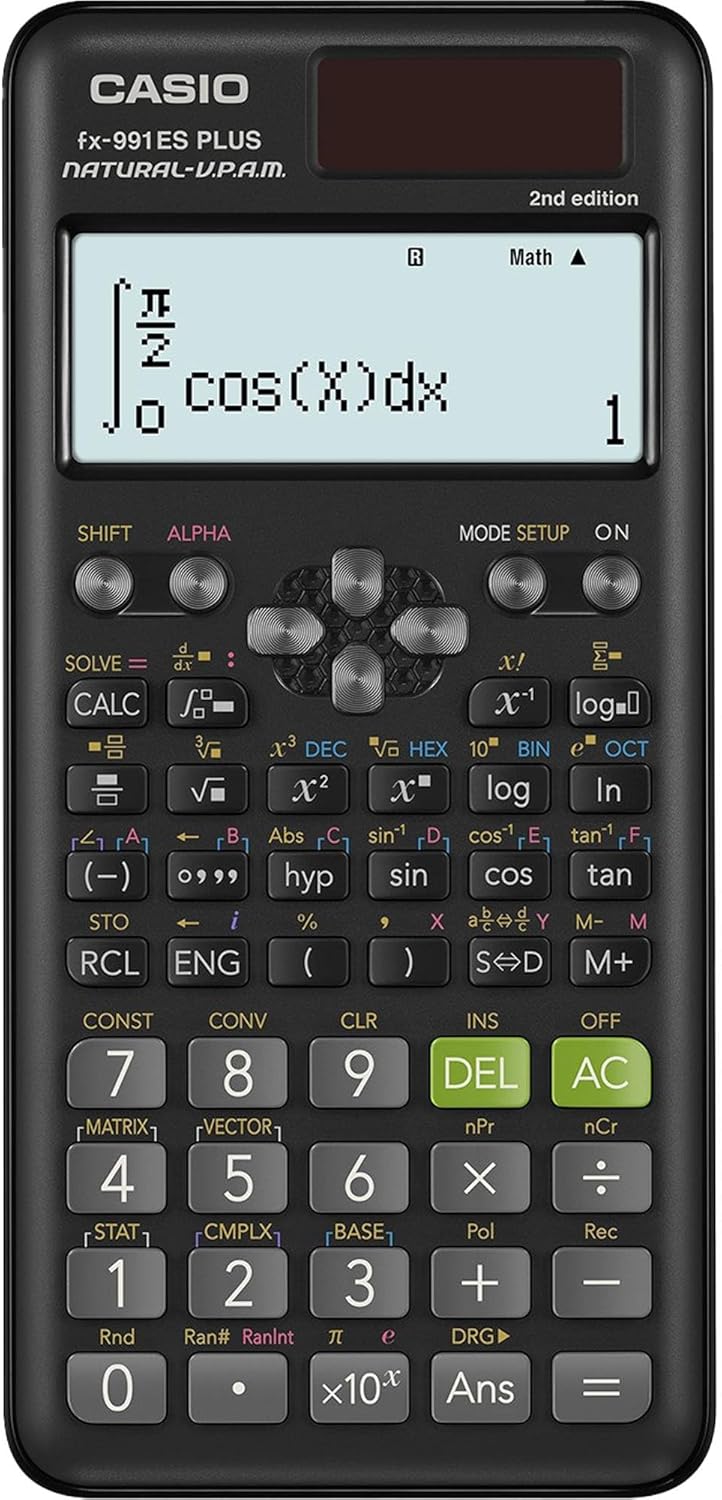
Image: Front view of the Casio FX-991ESPLUS-2W4DT Scientific Calculator, displaying a complex integral calculation on its natural text display.
Setup
Power Supply
The calculator operates using both solar power and a single AAA battery. This dual power system ensures continuous operation. The main battery has an approximate lifespan of 3 years.
To conserve energy, the calculator includes an automatic shutdown function that activates after a period of inactivity.
Initial Use
Upon first use, ensure adequate light for solar charging or insert a fresh AAA battery. The calculator will power on automatically or by pressing the [ON] button.
Operating Instructions
Display and Navigation
The calculator features a liquid crystal display with natural text, allowing mathematical expressions to be shown as they appear in textbooks.
Use the directional keys to navigate through menus and input expressions.
Basic Calculations
- Fractions and mixed numbers
- Percentages
- Reciprocal calculations
- Factorial function
- Pi (π) and irrational number calculations
- Rounding function
- Calculations in degrees, minutes, and seconds (sexagesimal)
Advanced Calculations
- Base-n calculations
- Logical operators
- Complex number calculations
- Matrix calculations
- Vector calculations
- Differential calculations
- Integral calculations
- Transcendental number 'e'
Applied Functions
- Multi-instruction command (:)
- Continuous calculation
- Replay function
- Multi-execution function
- CALC function
- SOLVE function
- Function features
Memory Functions
- 9 variables (A, B, C, D, E, F, X, Y, M)
- Independent memory (M/M+/M-)
- Answer memory
- Memory protection
- Reset function
Display Format Settings
- Number format: Fixed
- Number format: Sci (Scientific notation)
- Number format: Norm (Normal notation)
- Engineering notation
- Switching calculation results
Scientific Constants and Metric Conversion
The calculator includes built-in scientific constants and a metric conversion function for physics and chemistry related calculations.
Statistical Calculations
Perform basic statistical calculations using the dedicated statistics function.
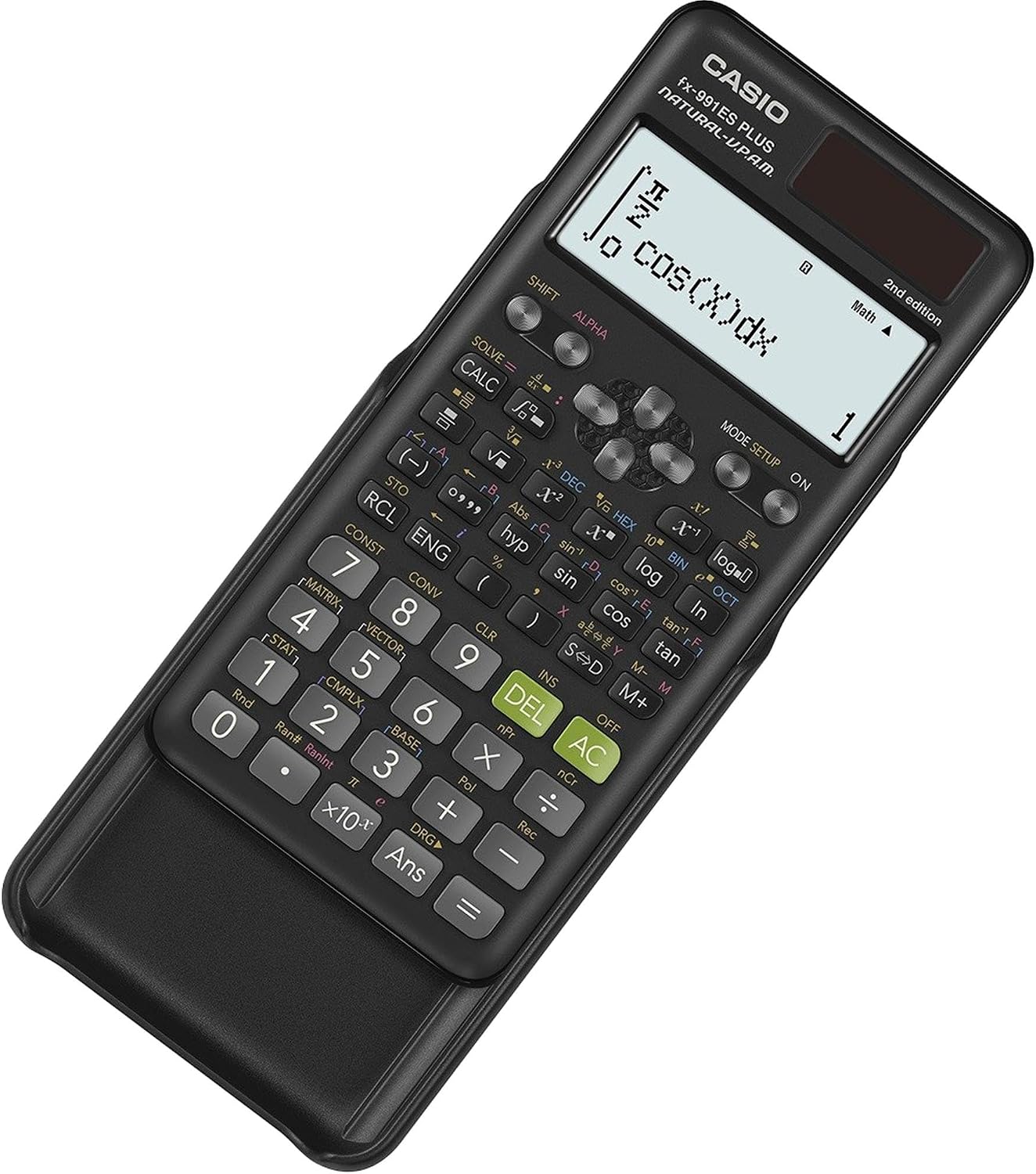
Image: Angled view of the Casio FX-991ESPLUS-2W4DT Scientific Calculator, showing its protective slide cover partially attached, highlighting its portability and design.
Maintenance
Cleaning
Wipe the calculator with a soft, dry cloth. Avoid using abrasive cleaners or solvents, as these can damage the display or casing.
Battery Replacement
When the display becomes dim or calculations are slow, replace the AAA battery. Ensure the calculator is off before replacing the battery. Refer to the battery compartment cover for instructions on access.
Storage
Store the calculator in a cool, dry place, away from direct sunlight and extreme temperatures. Use the provided hard case to protect the display and keys from scratches and impacts.
Troubleshooting
Display Issues
If the display is blank or dim, check the battery and ensure sufficient light for solar power. Replace the battery if necessary. If the issue persists, a reset may be required.
Calculation Errors
If an error message appears, review your input for syntax errors or mathematical impossibilities. Common errors include division by zero or incorrect function arguments. Clear the error by pressing [AC] or [ON].
Resetting the Calculator
If the calculator behaves unexpectedly or freezes, a reset may resolve the issue. To perform a reset, press [SHIFT] then [CLR] (usually above [MODE/SETUP]), then select [All]. Confirm the reset. Note that this will clear all memory and settings.
Specifications
- Model: FX-991ESPLUS-2W4DT (Manufacturer Part Number: 82042)
- Functions: 417
- Power: Solar and AAA battery (approx. 3-year battery life for main battery)
- Dimensions: 16.2 cm x 7.7 cm x 1.1 cm (6.38 in x 3.03 in x 0.43 in)
- Weight: 95g (0.21 lbs)
- Display: Liquid crystal, natural text, 4 lines
- Digits: 10 + 2 digits
- Material: Plastic
- Automatic Shutdown: Yes
Warranty and Support
This Casio FX-991ESPLUS-2W4DT Scientific Calculator comes with a 3-month warranty from the date of purchase. For warranty claims or technical support, please contact Casio customer service or your authorized dealer. Keep your proof of purchase for warranty validation.