
Monster 810079700547

Monster N-Lite 200 AirLinks Wireless Earbuds User Manual
Model: N-Lite 200
1. Introduction
Welcome
Thank you for choosing the Monster N-Lite 200 AirLinks Wireless Earbuds. This manual provides detailed instructions on how to set up, operate, and maintain your new earbuds to ensure optimal performance and longevity. Please read this manual thoroughly before using the product.
Key Features
- Pure Monster Sound: Designed for deep bass and enhanced clarity across the entire frequency range.
- Clear Calls: Built-in microphone for clear communication, even in noisy environments.
- Bluetooth 5.0: Stable and fast connection with ultra-low latency, compatible with various devices.
- Fast Charging: USB-C charging case provides extended playtime.
- IPX5 Water Resistant: Resistant to mild water mist and splashes, suitable for sports and travel.
- Ergonomic Design: Comfortable and secure fit with multiple ear-tip sizes.

Image: Experience Pure Monster Sound with your N-Lite 200 AirLinks earbuds.
2. Setup Guide
Package Contents
Ensure all items are present in your package:
- Monster N-Lite 200 AirLinks Wireless Earbuds (Left and Right)
- Wireless Charging Case
- USB-C Charging Cable
- Ear-tips (S, M, L sizes)
- User Manual

Image: Included components in the N-Lite 200 AirLinks package.
Charging the Earbuds
Before first use, fully charge the earbuds and the charging case.
- Place the earbuds into the charging case. Ensure they are correctly seated.
- Connect the USB-C charging cable to the charging port on the case and plug the other end into a USB power source.
- The indicator light on the case will show charging status. A full charge provides over 5 hours of playtime for the earbuds, with an additional 24 hours from the charging case.

Image: USB-C charging for the N-Lite 200 AirLinks charging case.
Bluetooth Pairing
The earbuds feature instant pairing for convenience.
- Open the charging case. The earbuds will automatically enter pairing mode.
- On your device (smartphone, tablet, etc.), enable Bluetooth.
- Search for "Monster N-Lite 200 AirLinks" in the list of available Bluetooth devices and select it to connect.
- Once connected, the earbuds will automatically reconnect to the last paired device when taken out of the case.
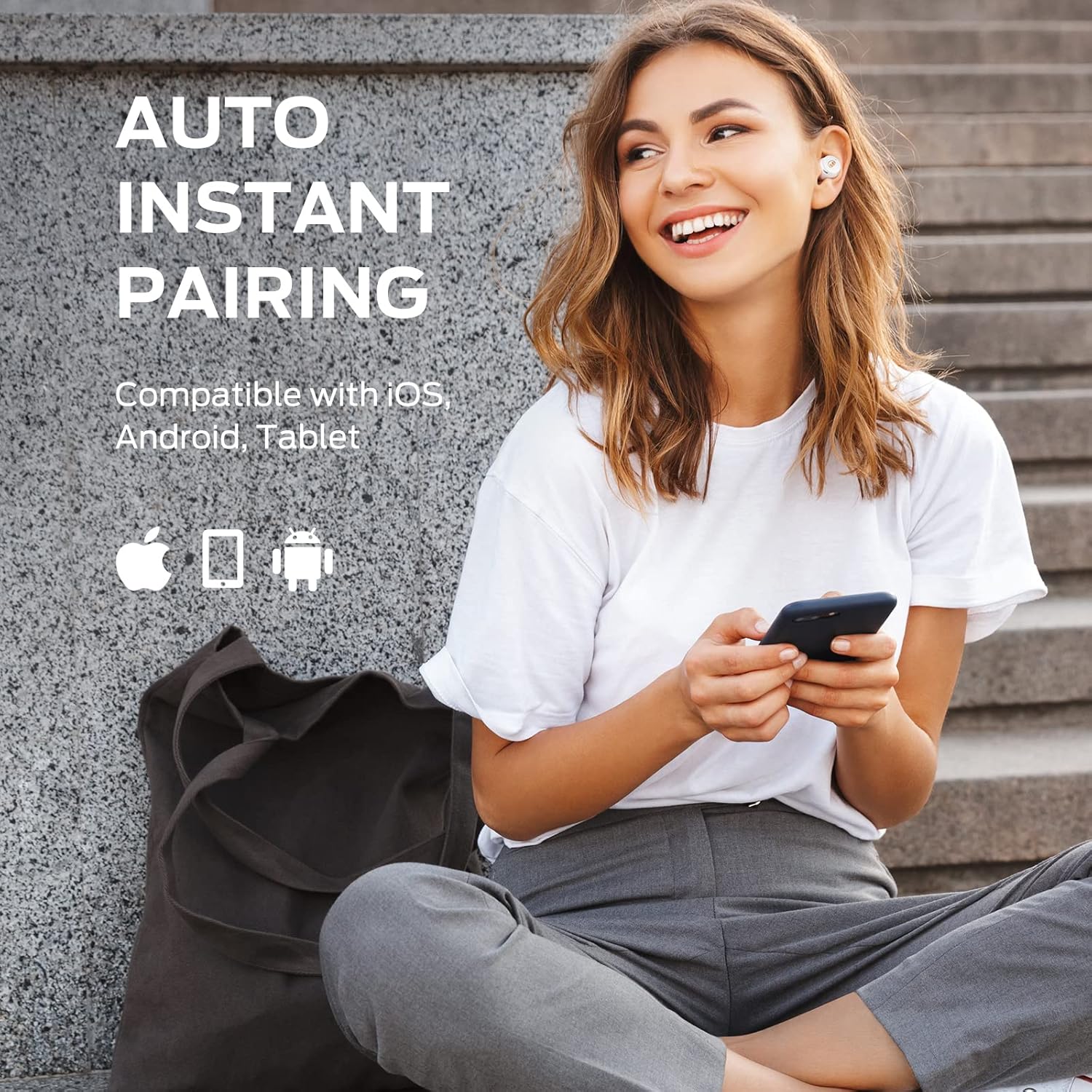
Image: Auto instant pairing with various devices.
3. Operating Instructions
Touch Controls
The Monster N-Lite 200 AirLinks earbuds feature high-sensitivity touch controls for easy management of music and calls. Both earbuds can be used independently.

Image: High-sensitivity touch control functions.
| Function | Action |
|---|---|
| Play/Pause Music | Single tap on either earbud |
| Next Track | Double tap on the Right earbud |
| Previous Track | Double tap on the Left earbud |
| Answer/End Call | Single tap on either earbud |
| Reject Call | Press and hold either earbud for 2 seconds |
| Activate Voice Assistant (Siri/Google Assistant) | Triple tap on either earbud |
| Volume Up | Press and hold Right earbud |
| Volume Down | Press and hold Left earbud |
4. Care and Maintenance
Cleaning
To maintain optimal performance and hygiene, regularly clean your earbuds and charging case.
- Use a soft, dry, lint-free cloth to wipe the earbuds and charging case.
- Gently remove any earwax or debris from the ear tips and speaker mesh using a small, soft brush or cotton swab.
- Avoid using abrasive materials, solvents, or harsh chemicals.
Water Resistance (IPX5)
The Monster N-Lite 200 AirLinks earbuds are IPX5 water resistant, meaning they can withstand mild water splashes and sweat. They are suitable for workouts and light rain.
- Do not submerge the earbuds in water.
- Do not expose them to running water or extreme humidity.
- Ensure the earbuds are dry before placing them back into the charging case to prevent damage.

Image: IPX5 water resistance of the N-Lite 200 AirLinks earbuds.
Storage
When not in use, store the earbuds in their charging case to protect them from dust and damage, and to keep them charged.
5. Troubleshooting
If you encounter any issues with your Monster N-Lite 200 AirLinks earbuds, please refer to the common solutions below:
| Issue | Possible Solution |
|---|---|
| Earbuds not pairing with device |
|
| Only one earbud working |
|
| Earbuds not charging |
|
| Poor sound quality or low volume |
|
6. Product Specifications
| Feature | Detail |
|---|---|
| Model Name | N-Lite 200 |
| Connectivity Technology | Wireless (Bluetooth 5.0) |
| Wireless Communication Technology | Bluetooth |
| Included Components | Wireless Charging Case |
| Age Range (Description) | Adult |
| Material | Plastic |
| Specific Uses for Product | Sport |
| Recommended Uses for Product | Exercising, Traveling, Music Listening |
| Compatible Devices | Bluetooth Devices |
| Control Type | Voice Control |
| Cable Feature | Without Cable |
| Water Resistance Level | Water Resistant (IPX5) |
| Frequency Range | 20 Hz - 20,000 Hz |
| Style | White |
| Manufacturer | Monster |
| Model Number | 810079700547 |
| Special Features | Lightweight |
| Batteries Included | Yes |
| Includes Rechargeable Battery | Yes |
| Parcel Dimensions | 12 x 9.9 x 4.6 cm; 150 g |
| Ear Placement | In Ear |
| Form Factor | In Ear |
| Noise Control | None |
7. Warranty and Support
Warranty Information
The Monster N-Lite 200 AirLinks Wireless Earbuds come with a 12-month worry-free service from the date of purchase. This warranty covers manufacturing defects and ensures your product functions as intended under normal use. Please retain your proof of purchase for warranty claims.
Customer Support
If you have any questions, require technical assistance, or need to make a warranty claim, please contact Monster customer support. You can typically find contact information on the official Monster website or through the retailer where you purchased the product. Please provide your product model number (N-Lite 200) and a detailed description of the issue when contacting support for faster service.
Related documents810079700547


Ask a question about this manual
Ask about setup, troubleshooting, compatibility, parts, safety, or missing instructions. Manuals+ will review the question and use this page’s manual context to help answer it.