
Introduction
Thank you for choosing MONODEAL DV68 Bone Conduction Headphones. These headphones are designed to provide a comfortable, open-ear listening experience, allowing you to enjoy audio while remaining aware of your surroundings. Featuring IP67 waterproofing and Bluetooth 5.3 connectivity, they are suitable for various activities including sports and outdoor use. This manual will guide you through the setup, operation, and maintenance of your new headphones.

What's in the Box
Please check the package contents upon unboxing:
- 1x DV68 Headphones
- 1x User Manual
- 1x Eartips
- 1x Charging Cable
Product Overview
The MONODEAL DV68 headphones feature a lightweight, flexible design that rests comfortably around your head, with transducers positioned near your cheekbones. Key components include:
- Bone Conduction Transducers: Deliver audio through your cheekbones, leaving your ears open.
- Control Buttons: Located on the side for power, volume, and multi-function operations.
- Charging Port: For connecting the charging cable.
- Microphone: For hands-free calls.
- LED Indicator: Displays status such as power, pairing, and charging.

Setup
1. Charging the Headphones
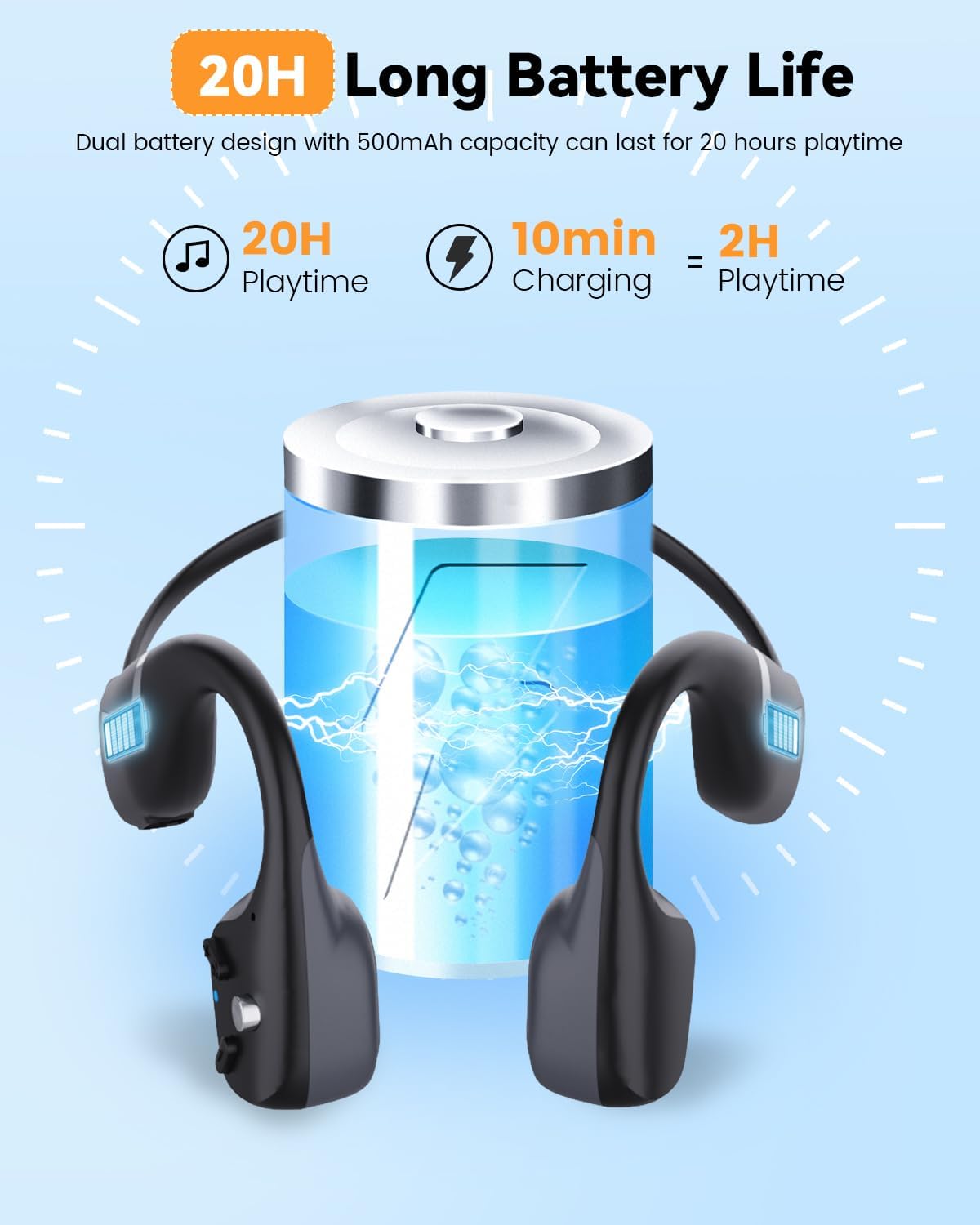
Before first use, fully charge your headphones. Connect the provided charging cable to the charging port on the headphones and to a USB power source. The LED indicator will show the charging status.
- A full charge provides approximately 20 hours of playtime.
- A quick 10-minute charge can provide up to 2 hours of playtime.
2. Bluetooth Pairing
- Power On: Press and hold the Power button until the LED indicator flashes red and blue, indicating pairing mode.
- Activate Bluetooth: On your device (smartphone, tablet, etc.), go to Bluetooth settings and turn on Bluetooth.
- Select Device: Look for "DV68" in the list of available devices and select it to connect.
- Confirmation: Once connected, the LED indicator will turn solid blue, and you may hear an audible confirmation.
The headphones support multipoint pairing, allowing connection to two devices simultaneously. To use this feature, pair with the first device, then enter pairing mode again to connect to the second device. The headphones will automatically switch between devices.
Operating Instructions
Power On/Off
- Power On: Press and hold the Power button for 3 seconds.
- Power Off: Press and hold the Power button for 5 seconds.
Music Playback
- Play/Pause: Press the Multi-function button once.
- Next Track: Press and hold the Volume + button for 2 seconds.
- Previous Track: Press and hold the Volume - button for 2 seconds.
Call Management
- Answer/End Call: Press the Multi-function button once.
- Reject Call: Press and hold the Multi-function button for 2 seconds.
- Voice Assistant: Double-press the Multi-function button to activate your device's voice assistant.
Volume Control
- Increase Volume: Press the Volume + button.
- Decrease Volume: Press the Volume - button.
Smart LED Light
The headphones are equipped with a smart LED light feature to enhance safety during night activities.

Maintenance
Cleaning
Wipe the headphones with a soft, damp cloth. Do not use harsh chemicals or abrasive cleaners. Ensure the charging port is dry before charging.
Storage
Store the headphones in a cool, dry place away from direct sunlight and extreme temperatures. Avoid placing heavy objects on them.
Waterproofing (IP67)
The MONODEAL DV68 headphones are IP67 rated, meaning they are protected against dust ingress and can withstand immersion in water up to 1 meter for 30 minutes. They are suitable for workouts, running, hiking, and can resist sweat, rain, and snow.
Important Note: These headphones are not designed for swimming or prolonged submersion in water.

Troubleshooting
| Problem | Possible Solution |
|---|---|
| Headphones do not power on. | Ensure the headphones are fully charged. Connect to a power source and check the LED indicator. |
| Cannot pair with device. |
|
| No sound or low volume. |
|
| Sound quality is poor. |
|
Specifications
| Feature | Detail |
|---|---|
| Brand | MONODEAL |
| Model Name | DV68 |
| Ear Placement | Open Ear |
| Connectivity Technology | Wireless (Bluetooth) |
| Wireless Technology | Bluetooth V5.3 |
| Water Resistance Level | IP67 (Water Resistant) |
| Battery Life | Up to 20 hours playtime |
| Quick Charge | 10 minutes charge for 2 hours playtime |
| Item Weight | 34 Grams |
| Enclosure Material | Aluminum |
| Additional Features | Foldable, Smart LED Light, HD Microphone, Multipoint Pairing |
Warranty and Support
Your MONODEAL DV68 Bone Conduction Headphones come with a 2-Year Manufacturer's Warranty from the date of purchase. This warranty covers manufacturing defects and ensures your product is free from material and workmanship flaws under normal use.
For warranty claims, technical support, or any inquiries regarding your product, please contact MONODEAL customer service through the retailer where you purchased the product or visit the official MONODEAL website for support contact information.
Please retain your proof of purchase for warranty validation.


