
MIDOLA MID-B15-Blue
MIDOLA Bluetooth Headphones User Manual
Model: MID-B15-Blue
Introduction
Thank you for choosing MIDOLA Bluetooth Headphones. This manual provides essential information for setting up, operating, and maintaining your headphones to ensure optimal performance and longevity. Please read this manual thoroughly before using the product.
What's in the Box
Your MIDOLA Bluetooth Headphones package includes the following items:
- MIDOLA Bluetooth Headphones
- AUX Cable
- USB Charging Cable
- User Manual (this document)
Product Overview
The MIDOLA Bluetooth Headphones are designed for comfort, versatility, and high-quality audio. Key features include:
- Extended Playtime: Up to 68 hours of music time on a single charge.
- Multiple EQ Modes: Six optional music equalization modes (Pop, Rock, Vocal, Jazz, BassUp, Classic) to customize your listening experience.
- Hi-Fi Stereo Audio: Equipped with a powerful 40mm dynamic driver for clear sound and deep bass.
- Foldable and Lightweight Design: Ensures portability and comfortable wear for extended periods.
- Built-in Microphone: For hands-free calling and online communication.
- Wired and Wireless Connectivity: Supports both Bluetooth wireless and 3.5mm AUX wired connections.

Figure 1: MIDOLA Bluetooth Headphones in Blue.
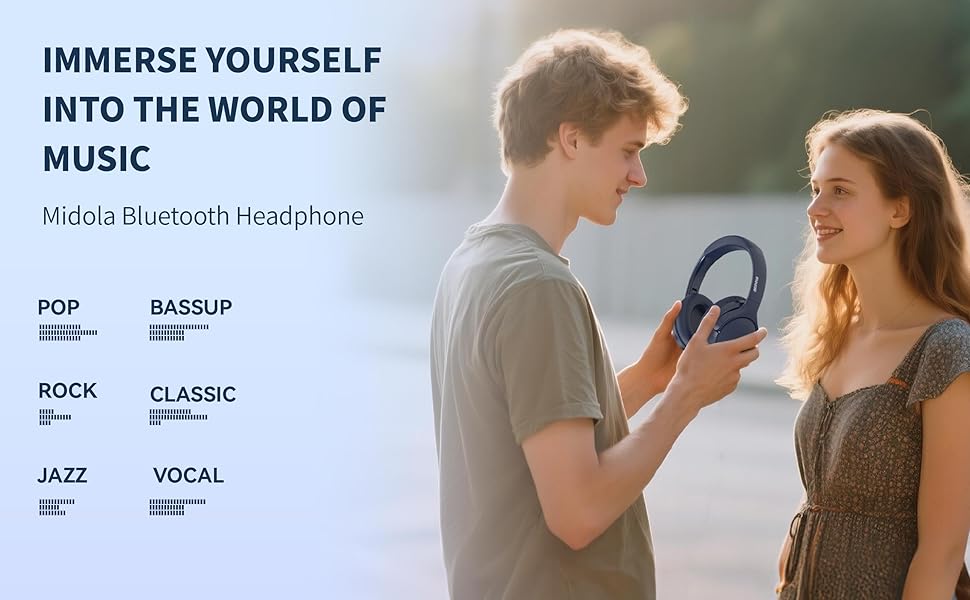
Figure 2: Impressive battery life with 68 hours of music playback and 950 hours of standby time.

Figure 3: Lightweight design for easy wear, featuring a 40mm driver for HiFi stereo sound and minimal pressure.
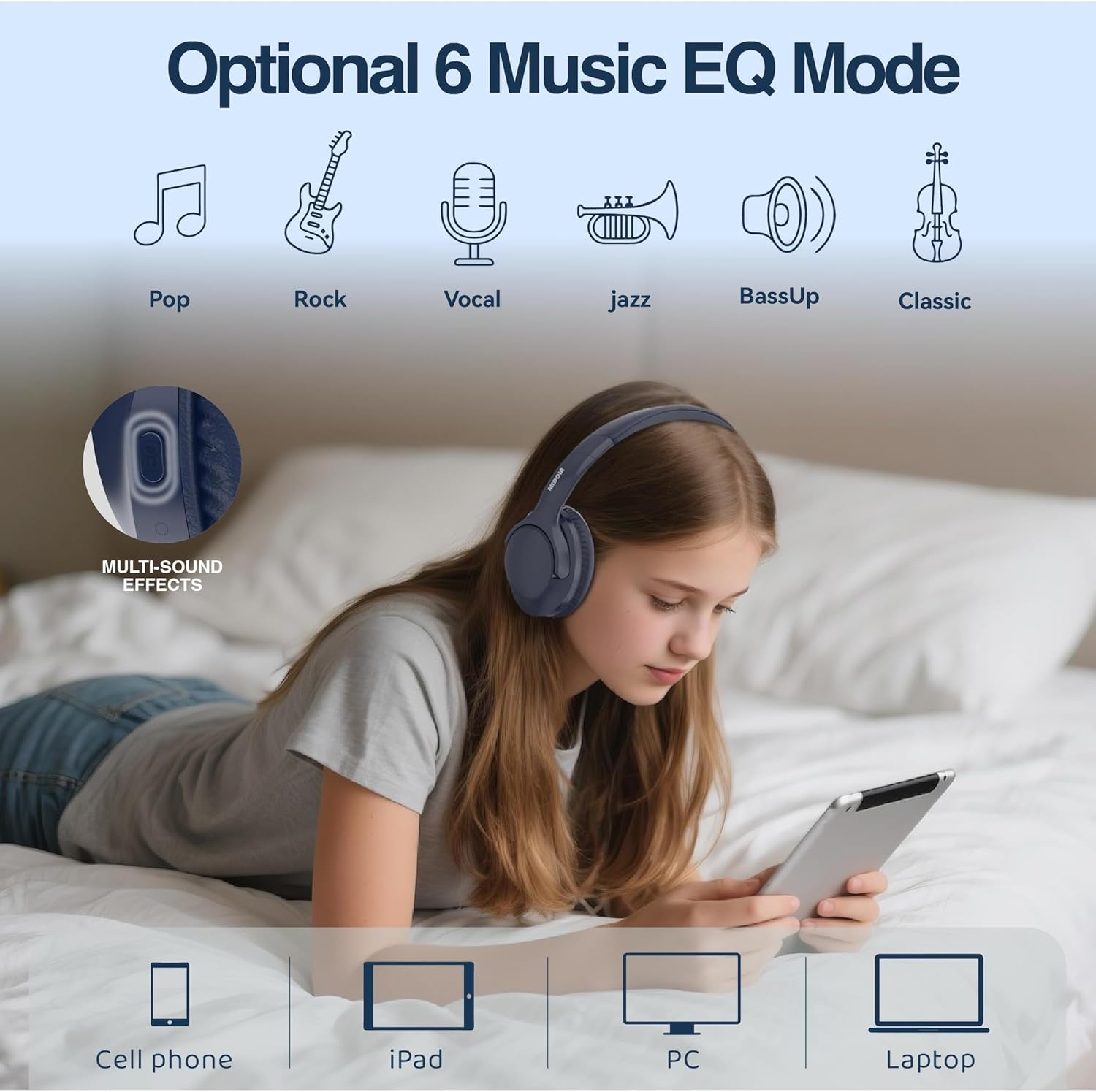
Figure 4: Customize your audio with 6 optional music EQ modes, including Pop, Rock, Vocal, Jazz, BassUp, and Classic.

Figure 5: Detailed view of the Hi-Fi Stereo Audio components, highlighting the powerful 40mm dynamic driver and DLC diaphragm for clear, detailed sound.
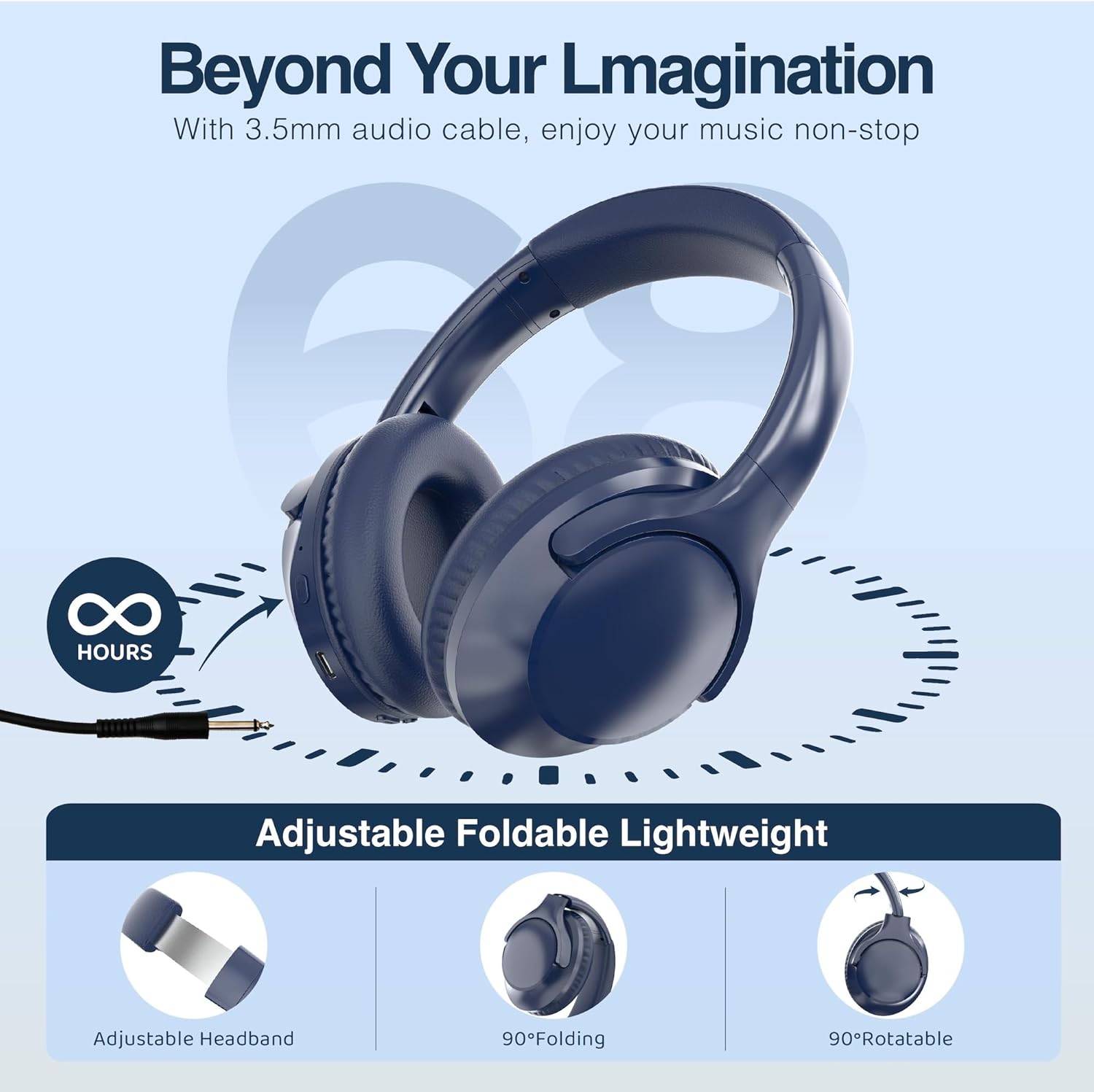
Figure 6: The headphones feature an adjustable headband, 90-degree folding for compact storage, and 90-degree rotatable earcups for a comfortable fit.
Setup
Charging the Headphones
Before first use, fully charge your headphones. A full charge takes approximately 2 hours.
- Connect the small end of the USB charging cable to the charging port on the headphone.
- Connect the larger end of the USB charging cable to a USB power adapter (not included) or a computer's USB port.
- The LED indicator light will show charging status (refer to product for specific light behavior). It will typically turn off or change color when fully charged.
Bluetooth Pairing
To connect your headphones wirelessly to a device:
- Ensure the headphones are charged and powered off.
- Press and hold the Power button on the headphones until the LED indicator light flashes blue and red, indicating pairing mode.
- On your device (smartphone, tablet, PC), enable Bluetooth and search for available devices.
- Select "MIDOLA" from the list of found devices.
- Once connected, the LED indicator light on the headphones will typically show a solid blue light or flash slowly.
- The headphones support a stable connection up to 33 feet (10 meters).
Operating Instructions
Power On/Off
- Power On: Press and hold the Power button for approximately 2-3 seconds until the LED indicator lights up.
- Power Off: Press and hold the Power button for approximately 3-4 seconds until the LED indicator turns off.
Music Playback
- Play/Pause: Press the Multi-function button once.
- Next Track: Press and hold the Volume Up button.
- Previous Track: Press and hold the Volume Down button.
- Volume Up: Short press the Volume Up button.
- Volume Down: Short press the Volume Down button.
- Change EQ Mode: Press the EQ button to cycle through the 6 available equalization modes (Pop, Rock, Vocal, Jazz, BassUp, Classic).
Call Management
- Answer/End Call: Press the Multi-function button once.
- Reject Call: Press and hold the Multi-function button for 2 seconds.
- Redial Last Number: Double-press the Multi-function button.
Wired Mode
To use the headphones in wired mode (without battery power):
- Connect one end of the included 3.5mm AUX cable to the audio input jack on the headphones.
- Connect the other end of the AUX cable to the audio output jack of your device.
- In wired mode, the headphone's built-in controls (volume, play/pause, EQ) may not function. Control audio directly from your connected device.
Maintenance
Cleaning
- Wipe the headphones with a soft, dry cloth.
- Do not use abrasive cleaners, alcohol, or chemical solvents.
- Keep the charging port and audio jack free of dust and debris.
Storage
- Store the headphones in a cool, dry place away from direct sunlight and extreme temperatures.
- When not in use for extended periods, fully charge the headphones every few months to preserve battery life.
- Utilize the foldable design for compact storage and protection during travel.
Troubleshooting
| Problem | Possible Cause | Solution |
|---|---|---|
| Headphones won't turn on | Low battery; Power button not pressed long enough | Charge the headphones; Press and hold the Power button for 2-3 seconds |
| Cannot pair with device | Headphones not in pairing mode; Device Bluetooth off; Too far from device | Ensure headphones are flashing blue/red; Turn on device Bluetooth; Move headphones closer to device (within 33ft/10m) |
| No sound | Volume too low; Not connected; Wrong audio output selected on device | Increase volume on headphones and device; Re-pair headphones; Select MIDOLA as audio output on your device |
| Poor sound quality | Weak Bluetooth signal; Interference; Low battery | Move closer to device; Avoid strong electromagnetic fields; Charge headphones |
Specifications
| Feature | Specification |
|---|---|
| Model Name | MID-B15 |
| Connectivity Technology | Wired, Wireless (Bluetooth 5.3) |
| Ear Placement | Over Ear |
| Audio Driver Size | 40 Millimeters |
| Frequency Response | 20 Hz - 20,000 Hz |
| Sensitivity | 105 dB |
| Impedance | 32 Ohm |
| Battery Life | 68 Hours (Music Playtime) |
| Charging Time | 2 Hours |
| Bluetooth Range | 33 Feet (10 meters) |
| Item Weight | 7.04 ounces |
| Included Components | Headphone, AUX Cable, USB Charging Cable, User Manual |
| Noise Control | Sound Isolation |
| Control Type | Volume Control, Button |
| Water Resistance Level | Not Water Resistant |
Warranty and Support
MIDOLA products are manufactured with high-quality standards. For warranty information or technical support, please refer to the contact details provided on the product packaging or the official MIDOLA website. Keep your purchase receipt as proof of purchase for any warranty claims.
Related documentsMID-B15-Blue


Ask a question about this manual
Ask about setup, troubleshooting, compatibility, parts, safety, or missing instructions. Manuals+ will review the question and use this page’s manual context to help answer it.