
Introduction
This manual provides detailed instructions for the safe and efficient use of your UGREEN Nexode 45W USB C Charger and UGREEN 65W Robot GaN USB C Charger. Please read this manual thoroughly before using the product and retain it for future reference.
Safety Information
- Do not expose the chargers to liquids, moisture, or extreme temperatures.
- Do not disassemble, modify, or attempt to repair the chargers. This will void the warranty and may cause damage or injury.
- Use only with compatible devices and cables.
- Ensure proper ventilation when charging to prevent overheating.
- Keep out of reach of children.
- Built-in short circuit protection, overload protection, over temperature protection, and overvoltage protection are designed for safety.
Package Contents
The package includes the following items:
- 1 x UGREEN Nexode 45W USB C Charger
- 1 x UGREEN 65W Robot GaN USB C Charger

Image: The UGREEN Nexode 45W USB C Charger (top left) and the UGREEN 65W Robot GaN USB C Charger (bottom right).
Product Overview
UGREEN Nexode 45W USB C Charger
This compact 45W charger features two USB-C ports, allowing for efficient charging of compatible devices. It supports fast charging protocols, including Samsung Super Fast Charging 2.0 (requires a 5A charging cable).

Image: The UGREEN Nexode 45W USB C Charger connected to a Samsung Galaxy S23 Ultra, demonstrating its fast charging capability.

Image: The UGREEN Nexode 45W USB C Charger simultaneously charging a smartphone and a tablet, illustrating its dual-port functionality.
UGREEN 65W Robot GaN USB C Charger
The 65W Robot GaN charger features a unique robot design with an LED display that shows different expressions corresponding to charging states. It includes two USB-C ports and one USB-A port, offering versatile charging for multiple devices simultaneously.
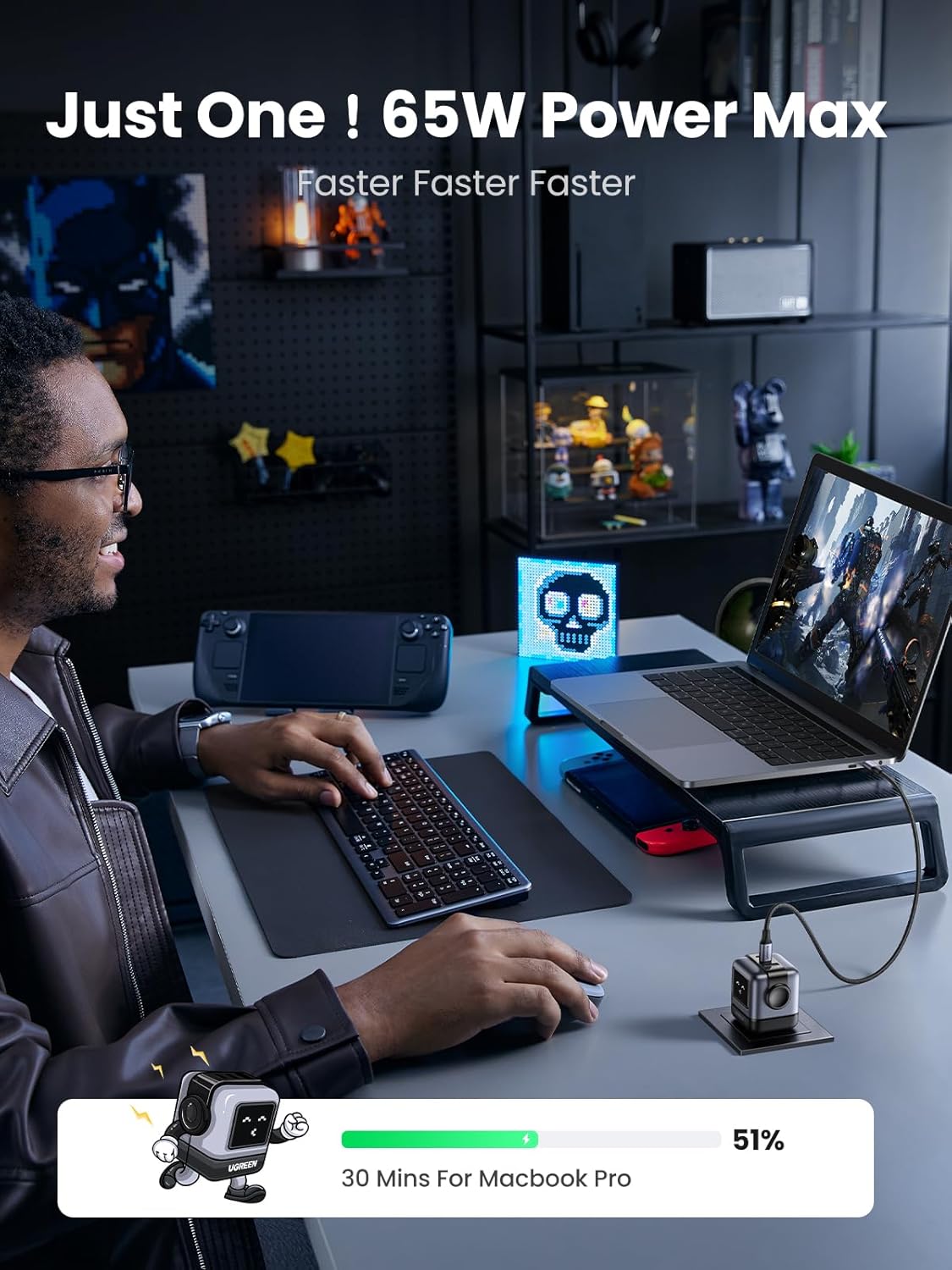
Image: The UGREEN 65W Robot GaN USB C Charger powering a laptop, highlighting its 65W output.
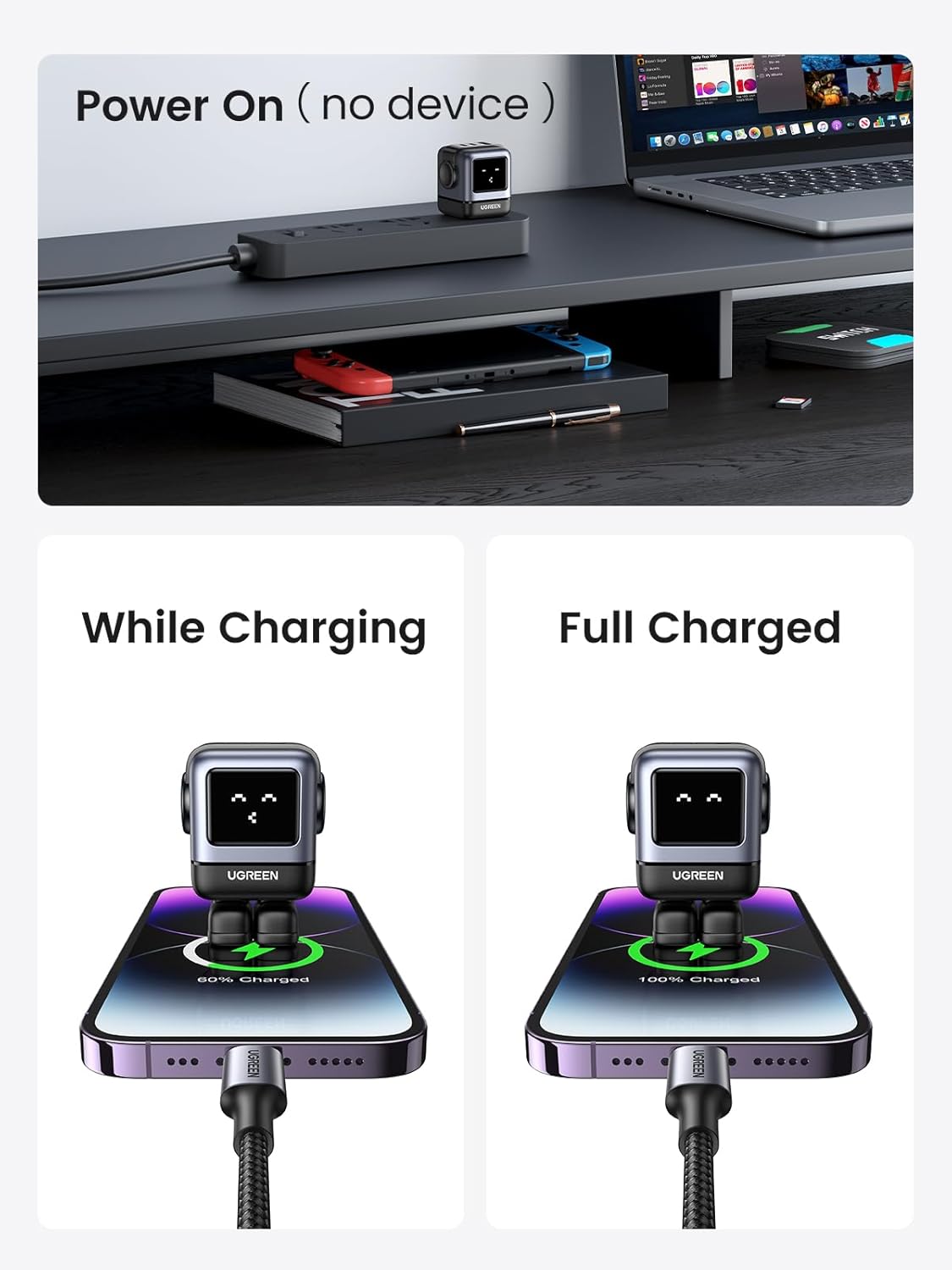
Image: Close-up of the UGREEN 65W Robot GaN USB C Charger's LED display, illustrating its different expressions for power on, charging, and full charge states.

Image: Detailed view of the UGREEN 65W Robot GaN USB C Charger, showing its electroplated side, LCD screen on the front, and 65W GaN marking on the back.
Setup
- Unpack the charger(s) from the packaging.
- Select a suitable power outlet.
- Plug the charger into the power outlet.
- Connect your device to the charger using a compatible USB-C or USB-A cable.
Operating Instructions
Single Device Charging
Connect your device to any available USB-C or USB-A port on the charger. The charger will automatically detect the device and deliver the optimal charging power.
Multiple Device Charging
Both the 45W and 65W chargers support simultaneous charging of multiple devices. The chargers feature intelligent power distribution to ensure each connected device receives appropriate power for efficient charging.

Image: The UGREEN 65W Robot GaN USB C Charger connected to both a tablet (receiving 45W) and a smartphone (receiving 20W), demonstrating automatic power distribution.
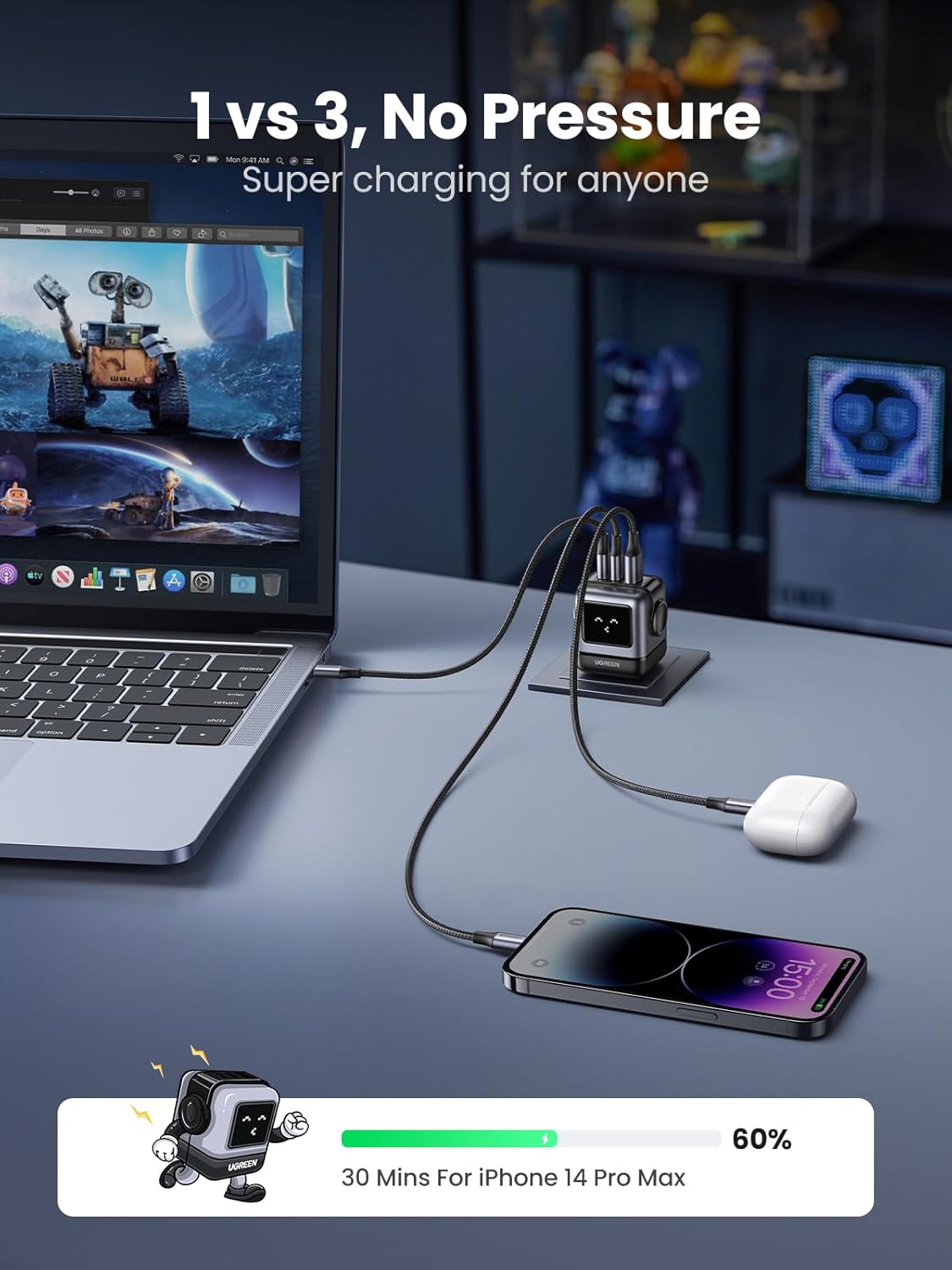
Image: The UGREEN 65W Robot GaN USB C Charger simultaneously charging a laptop, a smartphone, and wireless earbuds, showcasing its ability to handle multiple devices.
Robot GaN Charger LED Display
The LED display on the 65W Robot GaN charger indicates its operational status:
- Power On (no device connected): The LED display shows a specific expression indicating it's ready.
- While Charging: The LED display changes to an expression indicating active charging.
- Full Charged: The LED display shows an expression indicating the connected device is fully charged.
Maintenance
- Disconnect the charger from the power outlet before cleaning.
- Wipe the surface with a soft, dry cloth. Do not use liquid cleaners or aerosols.
- Store the chargers in a cool, dry place away from direct sunlight and extreme temperatures.
Troubleshooting
Charger Not Working
- Ensure the charger is securely plugged into a working power outlet.
- Check the charging cable for any damage and ensure it is properly connected to both the charger and the device. Try a different cable if available.
- Test the charger with a different device to confirm if the issue is with the charger or the device.
Slow Charging
- Ensure your device supports fast charging and that you are using a compatible fast-charging cable (e.g., a 5A cable for Samsung Super Fast Charging 2.0).
- If multiple devices are connected, the power output per port may be reduced due to intelligent power distribution. Disconnect other devices to test full power to a single device.
- Check if your device is running power-intensive applications in the background.
Overheating
- It is normal for chargers to become warm during operation. However, if the charger becomes excessively hot, disconnect it immediately.
- Ensure adequate ventilation around the charger. Do not cover it or place it in an enclosed space.
- If overheating persists, discontinue use and contact customer support.
Specifications
| Feature | Detail |
|---|---|
| Brand | UGREEN |
| Model (45W Charger) | UGREEN Nexode 45W USB C Charger |
| Model (65W Charger) | UGREEN 65W Robot GaN USB C Charger |
| Connector Type | USB-C, USB-A |
| Compatible Devices | Earbuds, Phones, Tablets, Laptops (e.g., MacBook Pro/Air) |
| Input Voltage | Up to 240 Volts |
| Total USB Ports | 3 (2x USB-C, 1x USB-A on 65W; 2x USB-C on 45W) |
| Wattage | 45W (Nexode), 65W (Robot GaN) |
| Power Source | Corded Electric |
| Special Features | Fast Charging, Short Circuit Protection, Overload Protection, Over Temperature Protection, Overvoltage Protection, LED Display (65W Robot GaN) |
Warranty and Support
UGREEN products typically come with a manufacturer's warranty. Please refer to the warranty card included with your product or visit the official UGREEN website for detailed warranty terms and conditions.
For technical support, troubleshooting assistance, or warranty claims, please contact UGREEN customer service through their official website or the contact information provided in your product packaging. You may also refer to the UGREEN Store on Amazon for additional resources.
This product is eligible for a 30-day refund/replacement return policy through Amazon.