1. Introduction
The Fresh 'n Rebel Twins Core are wireless in-ear Bluetooth earbuds designed for comfort and convenience. They offer stable Bluetooth connectivity, intuitive touch controls, voice assistant integration, and clear calls with an integrated microphone. Enjoy up to 30 hours of total playtime with the charging case.
1.1. What's in the Box
- Fresh 'n Rebel Twins Core Wireless Earbuds
- Charging Case
- USB to USB-C Charging Cable
- User Manual (this document)

Image: The Fresh 'n Rebel Twins Core box contents, showing the earbuds, charging case, USB-C charging cable, and a quick start guide.
2. Setup
2.1. Charging the Earbuds and Case
Before first use, ensure your Twins Core earbuds and charging case are fully charged. The charging case provides additional battery life for your earbuds on the go.
- Connect the provided USB-C charging cable to the charging port on the case.
- Plug the other end of the cable into a USB power source (e.g., wall adapter, computer USB port).
- The indicator light on the case will show charging status. A full charge takes approximately 2 hours.
- Once fully charged, disconnect the cable.
2.2. Pairing with Your Device
The Twins Core earbuds use Bluetooth for wireless connection to your smartphone, tablet, or other compatible devices.
- Open the charging case and remove both earbuds. They will automatically enter pairing mode.
- On your device, go to the Bluetooth settings.
- Turn on Bluetooth if it's not already enabled.
- Look for "Fresh 'n Rebel Twins Core" or a similar name in the list of available devices.
- Select the earbuds to connect. Once connected, you will hear an audio confirmation.

Image: The Fresh 'n Rebel Twins Core earbuds in their open charging case, showcasing their sleek design and readiness for connection.
3. Operating Instructions
3.1. Touch Controls
The Twins Core earbuds feature intuitive touch controls for managing your audio and calls without needing to access your device.

Image: A visual guide illustrating how to use the touch controls on the earbuds for various functions like play/pause, skipping tracks, and answering calls.
- Play/Pause: Single tap on either earbud.
- Next Track: Double tap on the right earbud.
- Previous Track: Double tap on the left earbud.
- Answer/End Call: Single tap on either earbud.
- Reject Call: Press and hold either earbud.
- Activate Voice Assistant: Triple tap on either earbud.
3.2. Voice Assistant Integration
Seamlessly integrate with your device's voice assistant (e.g., Siri, Google Assistant) for hands-free control.
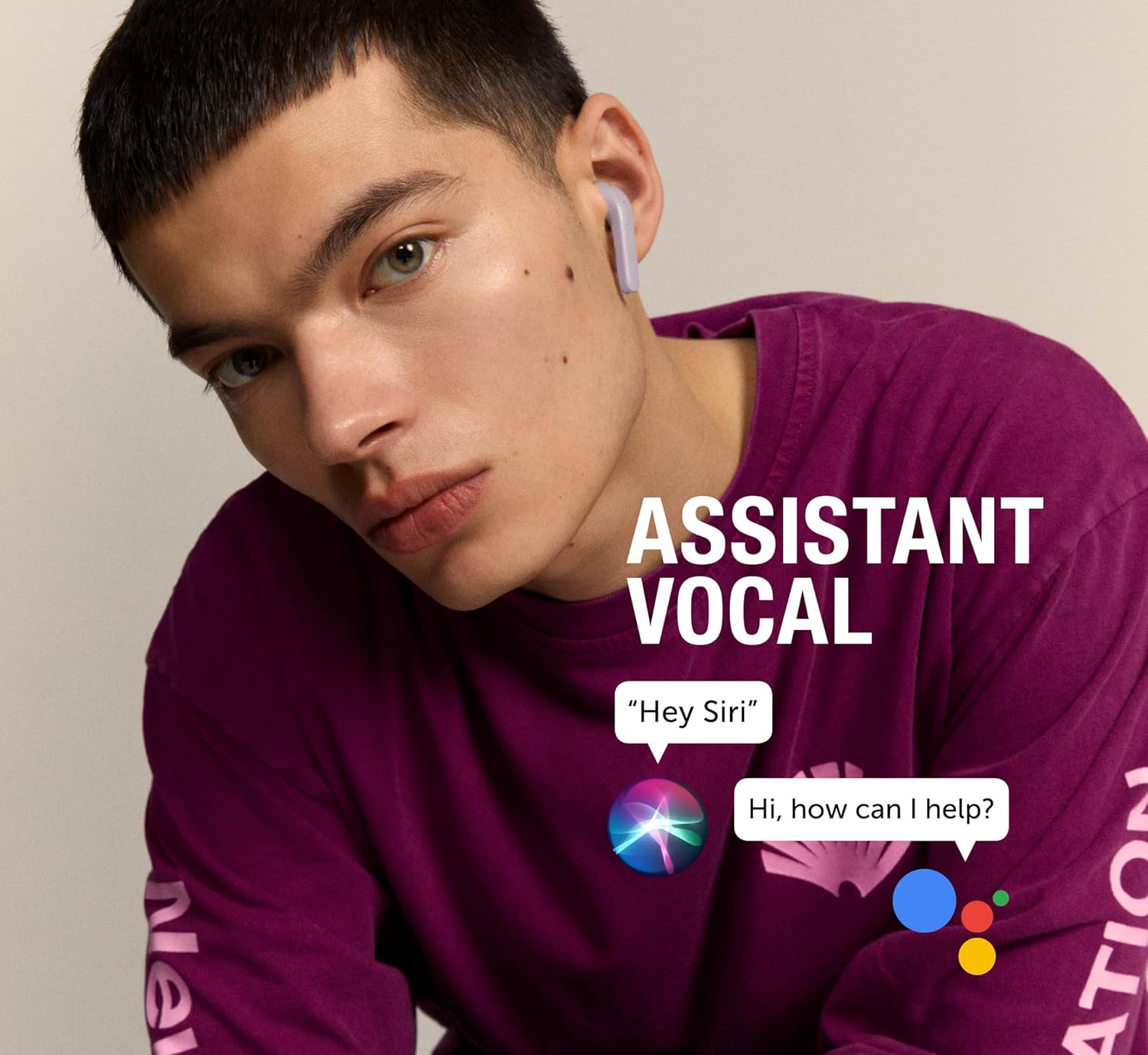
Image: A user interacting with their device's voice assistant through the Twins Core earbuds, demonstrating the hands-free capability.
To activate, triple tap on either earbud. You can then issue commands such as making calls, sending messages, checking the weather, or controlling music playback.
3.3. Dual Master Connectivity
The Twins Core earbuds offer independent connectivity, allowing you to use either earbud individually or both together.
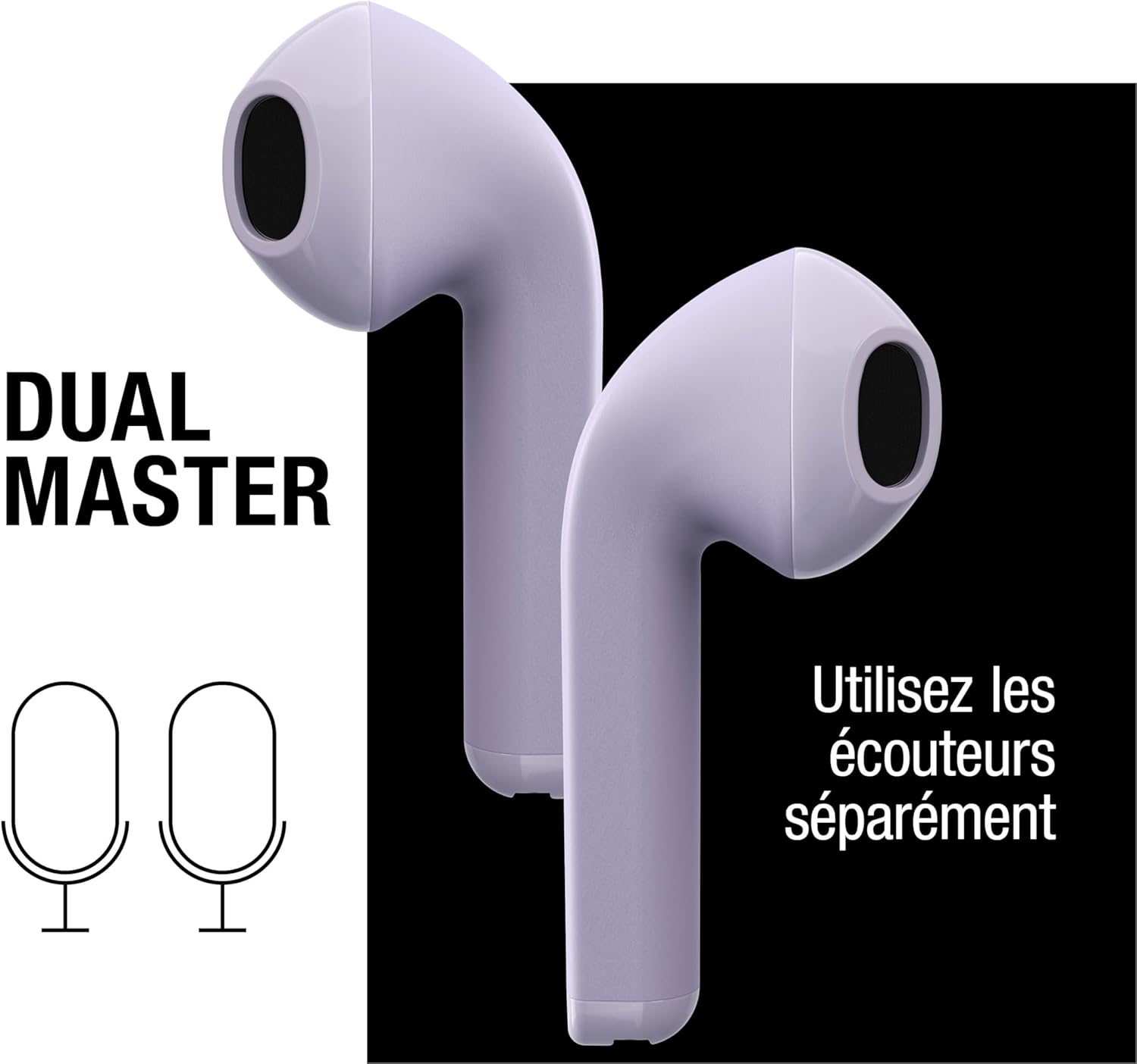
Image: A graphic representation of the Twins Core earbuds emphasizing their 'Dual Master' feature, meaning each earbud can function independently.
This feature ensures a stable Bluetooth connection and flexibility, whether you prefer to use one earbud for calls while keeping an ear open to your surroundings, or both for immersive stereo sound.
3.4. Battery Life
The Twins Core earbuds provide extended listening time, with 6 hours of playtime per charge and a total of 30 hours with the portable charging case.

Image: An infographic detailing the battery endurance of the Twins Core, showing 6 hours from the earbuds themselves and an additional 24 hours provided by the charging case, totaling 30 hours.
4. Maintenance
Proper care will extend the life of your Fresh 'n Rebel Twins Core earbuds.
- Cleaning: Gently wipe the earbuds and charging case with a soft, dry, lint-free cloth. Do not use harsh chemicals or abrasive materials.
- Storage: When not in use, store the earbuds in their charging case to protect them and keep them charged. Store in a cool, dry place away from extreme temperatures.
- Water Resistance: The earbuds are rated as waterproof. However, avoid prolonged submersion in water and do not expose them to saltwater or other liquids that may cause corrosion. Always ensure the charging port is dry before charging.
5. Troubleshooting
If you encounter issues with your Fresh 'n Rebel Twins Core earbuds, try the following solutions:
| Problem | Possible Cause | Solution |
|---|---|---|
| Earbuds not pairing/connecting | Bluetooth is off on device; earbuds not in pairing mode; interference. | Ensure Bluetooth is enabled on your device. Place earbuds back in case, close, then reopen to re-enter pairing mode. Move closer to your device. Turn off and on your device's Bluetooth. |
| No sound or low volume | Volume too low; earbuds not properly seated; connection issue. | Increase volume on your device and using earbud touch controls. Ensure earbuds are securely placed in your ears. Reconnect the earbuds to your device. |
| Earbuds not charging | Charging cable/port issue; earbuds not correctly placed in case. | Check if the charging cable is securely connected to both the case and power source. Ensure earbuds are correctly seated in the charging case. Try a different USB port or power adapter. |
| Voice assistant not responding | Incorrect gesture; device settings. | Ensure you are performing the triple-tap gesture correctly. Check your device's settings to confirm voice assistant is enabled and configured. |
If the problem persists, please refer to the warranty and support section for further assistance.
6. Specifications
| Feature | Detail |
|---|---|
| Model Name | Twins Core |
| Item Model Number | TWINS-CORE |
| Brand | Fresh 'n Rebel |
| Color | Dreamy Lilac |
| Material | Plastic |
| Form Factor | In-Ear |
| Ear Placement | In-ear |
| Connectivity Technology | Wireless |
| Wireless Communication Technology | Bluetooth |
| Control Method | Touch |
| Control Type | Noise Control |
| Soundproofing | None |
| Frequency Range | 20 Hz - 20,000 Hz |
| Charging Time | 2 hours |
| Water Resistance Level | Waterproof |
| Specific Product Uses | Music, games, sports, phone calls |
| Recommended Product Uses | Gaming, calls, sports |
| Compatible Devices | Desktop computers, laptops, tablets, smartphones, music production equipment, car audio systems |
| Special Features | Wireless in-ear headphones |
| Included Components | Charging cable, User manual, Charging case |
| Age Range (Description) | Adult |
| Manufacturer | Fresh 'n Rebel |
| Date First Available on Amazon.com.be | September 11, 2023 |
7. Warranty & Support
7.1. Manufacturer's Warranty
The Fresh 'n Rebel Twins Core earbuds come with a 2-year manufacturer's warranty. This warranty covers defects in materials and workmanship under normal use. Please retain your proof of purchase for warranty claims.
For specific terms and conditions of the warranty, please refer to the documentation included with your product or visit the official Fresh 'n Rebel website.
7.2. Customer Support
If you require further assistance, have questions not covered in this manual, or need to make a warranty claim, please contact Fresh 'n Rebel customer support through their official website or the retailer where you purchased the product.
Information regarding spare parts availability and software updates is not available at this time.


