
OKP Life K-5.0
Contents
OKP Life Robot Vacuum K5 User Manual
Model: K-5.0 | Brand: OKP Life
Introduction
The OKP Life Robot Vacuum K5 is an intelligent cleaning device designed to simplify floor maintenance. It features powerful 2500PA suction, smart navigation, and app/voice control for a convenient cleaning experience. Ideal for various floor types, including carpets and hard floors, it efficiently handles dust, pet hair, and debris. Its compact design allows it to clean under furniture, and it boasts a long 120-minute runtime with automatic self-charging.

Figure 1: OKP Life Robot Vacuum K5 with charging dock and app interface.
What's in the Box
Verify that all components are present in the package:
- 1x OKP K5 Robot Vacuum Cleaner
- 1x Charging Dock
- 1x Power Adapter
- 1x User Manual
- 1x Cleaning Tool
- 2x Side Brushes
Setup Guide
1. Unboxing and Initial Setup
Carefully remove all components from the packaging. Retain the packaging for future storage or transport.
Video 1: Unboxing and initial overview of the OKP Life Robot Vacuum K5.
2. Attaching Side Brushes
Attach the two side brushes to the corresponding posts on the bottom of the vacuum. They should click securely into place. Ensure they are firmly attached before operation.
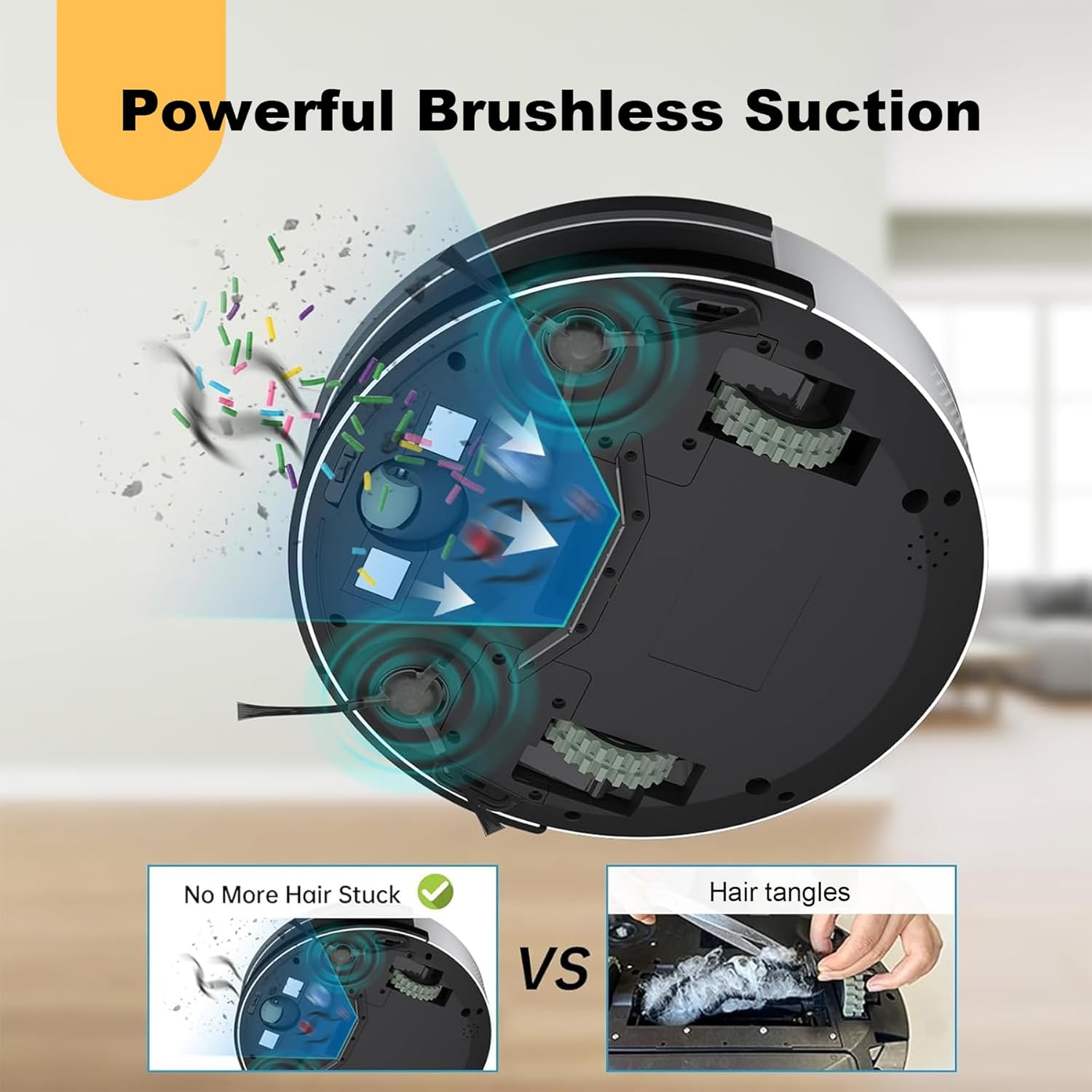
Figure 2: View of the robot's underside, highlighting the side brush attachment points.
3. Charging the Robot Vacuum
Place the charging dock against a wall in an open area. Ensure there are no obstacles within 1 meter (3 feet) to the front and 0.5 meters (1.5 feet) to the sides. Connect the power adapter to the charging dock and plug it into a wall outlet. Place the robot vacuum on the charging dock, ensuring the charging contacts align. The indicator light will show charging status. Fully charge before first use (approx. 4-5 hours).

Figure 3: The robot vacuum automatically docks for charging.
Operating Instructions
1. Power On/Off
To power on or off the robot, press and hold the power button located on the top of the device for approximately 3 seconds until you hear an audible cue.
2. Cleaning Modes
The OKP Life K5 offers several cleaning modes to suit different needs:
- Auto Cleaning: The robot intelligently navigates and cleans the entire accessible area.
- Spot Cleaning: For concentrated dirt, the robot will clean a specific area in a spiral pattern.
- Edge Cleaning: The robot follows walls and furniture edges to ensure thorough cleaning of boundaries.
- Zigzag Cleaning: The robot cleans in a systematic Z-shaped path, covering the maximum area and reducing missed spots.

Figure 4: Visual representation of various cleaning patterns.
3. Smart Control (App/Voice)
Download the
Ask a question about this manual
Ask about setup, troubleshooting, compatibility, parts, safety, or missing instructions. Manuals+ will review the question and use this page’s manual context to help answer it.