
1. Introduction
This manual provides instructions for the installation, operation, and maintenance of your Wokyo Electric Sofa Remote Hand Control Replacement. This remote is designed for use with power recliners and lift chairs that utilize a 5-pin connector system. Please read this manual thoroughly before use to ensure proper function and safety.
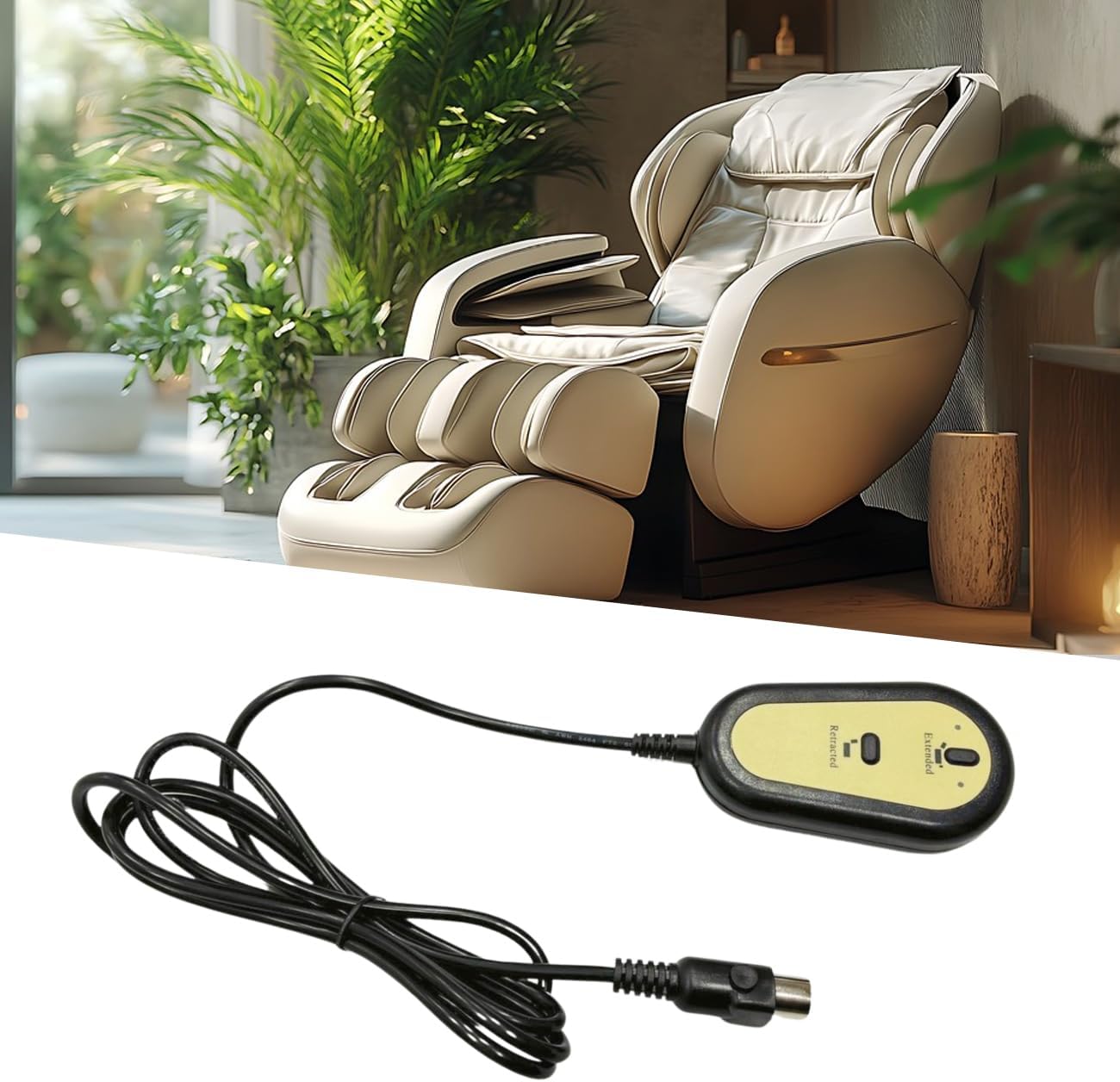
Image 1.1: Wokyo Electric Sofa Remote Hand Control with a power recliner in the background.
2. Safety Information
- Ensure the power supply to the furniture is disconnected before installation or maintenance.
- Do not expose the remote control to water or excessive moisture.
- Avoid dropping or subjecting the remote to strong impacts.
- Keep out of reach of children to prevent accidental operation.
- If the cable or connector is damaged, discontinue use and replace the unit.
3. Product Overview
The Wokyo Electric Sofa Remote Hand Control features a simple two-button design for extending and retracting your furniture, along with a convenient USB charging port. It is compatible with various brands of power recliners and lift chairs that use a round 5-pin connector.
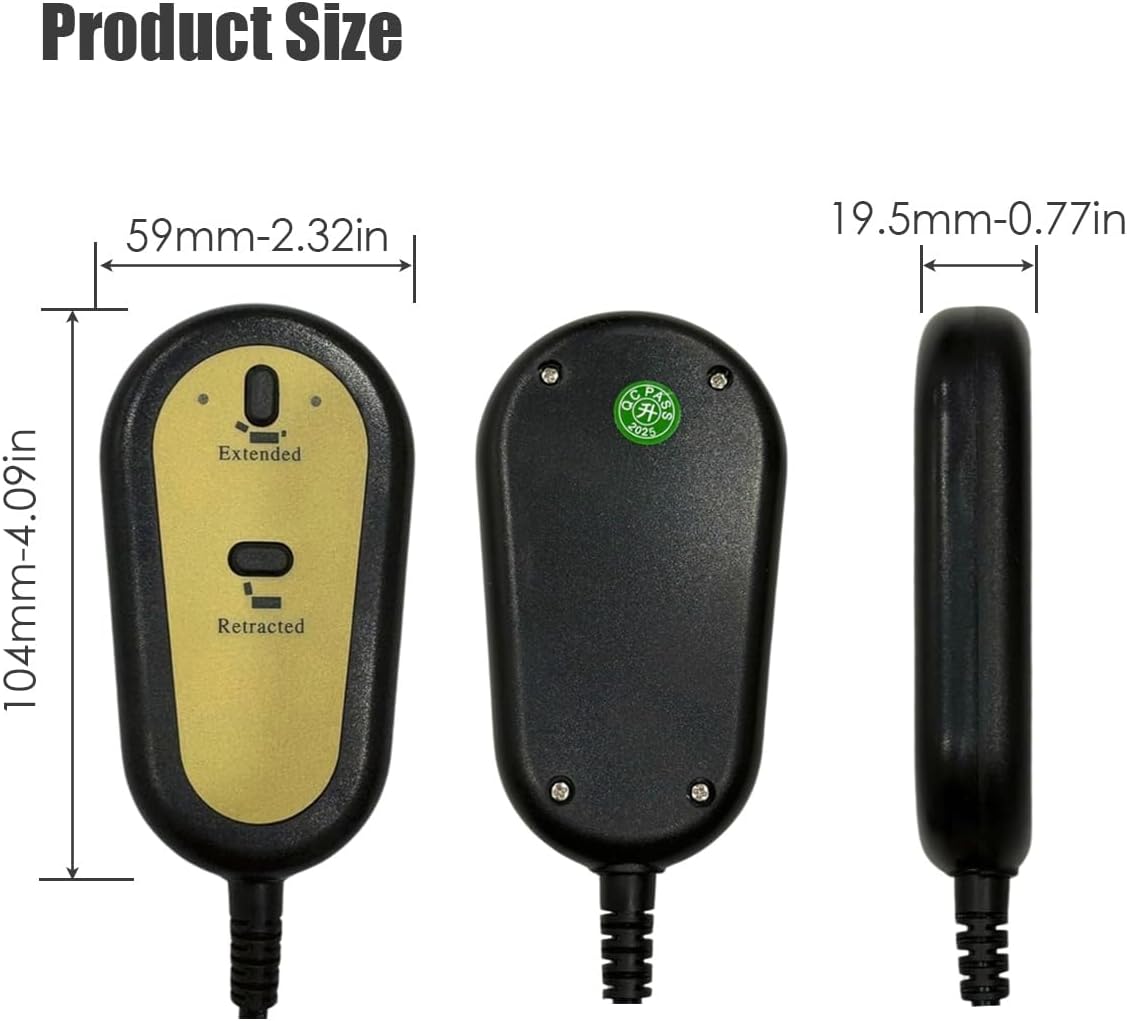
Image 3.1: Front, back, and side views of the Wokyo Electric Sofa Remote Hand Control, showing dimensions.
Key Features:
- Universal Compatibility: Designed for brands with a round 5-pin connector and 2-button (up/down) function.
- Integrated USB Port: Allows for convenient charging of mobile devices.
- Durable Construction: Made from high-quality ABS material for safety and longevity.
- Plug-and-Play: Simple installation without complex wiring.

Image 3.2: Close-up details of the Wokyo remote, highlighting the 5-pin plug, two control buttons, and thick cable.
4. Setup
- Disconnect Power: Before beginning, ensure the power cord of your recliner or lift chair is unplugged from the wall outlet.
- Locate Existing Connector: Identify the existing remote control cable and its 5-pin connector, typically located near the motor or control box under the furniture.
- Remove Old Remote (if applicable): Carefully disconnect the old remote by pulling the 5-pin connector straight out. Do not twist or force it.
- Connect New Remote: Align the 5-pin connector of the Wokyo replacement remote with the corresponding port on your furniture's control system. Push firmly until it clicks into place. Ensure the connection is secure.
- Restore Power: Once the new remote is securely connected, plug your furniture's power cord back into the wall outlet.
The remote is now ready for use.

Image 4.1: Detailed view of the 5-pin straight head connector, control buttons, and cable length of the Wokyo remote.
5. Operating Instructions
The Wokyo Electric Sofa Remote Hand Control features two primary buttons for operation:
- "Extended" Button: Press and hold this button to extend the recliner or lift the chair. Release the button to stop movement at the desired position.
- "Retracted" Button: Press and hold this button to retract the recliner or lower the chair. Release the button to stop movement at the desired position.
USB Charging Port:
The integrated USB port allows you to charge compatible devices. Simply plug your device's USB charging cable into the port on the remote control. Charging functionality is active when the furniture is powered on.

Image 5.1: Wokyo remote control showing 'Extended' and 'Retracted' buttons next to a recliner chair, illustrating adjustable positions.
6. Maintenance
- Cleaning: Wipe the remote control with a soft, dry cloth. Do not use abrasive cleaners or solvents.
- Cable Inspection: Periodically check the cable for any signs of wear, cuts, or damage. If damage is found, replace the remote immediately.
- Connector Check: Ensure the 5-pin connector remains securely plugged into the furniture's control system.
7. Troubleshooting
| Problem | Possible Cause | Solution |
|---|---|---|
| Remote does not respond. | No power to furniture. Loose or disconnected 5-pin connector. Damaged remote or cable. | Check if furniture is plugged into a working outlet. Ensure 5-pin connector is fully inserted. Inspect cable for damage; replace remote if necessary. |
| USB port not charging. | Furniture not powered on. Device charging cable is faulty. USB port on remote is damaged. | Ensure furniture is plugged in and powered on. Try a different USB cable or device. Contact support if the port is damaged. |
| Furniture moves intermittently. | Loose 5-pin connection. Internal wiring issue in furniture. | Securely re-insert the 5-pin connector. Consult your furniture's manual or a professional technician. |
8. Specifications
| Feature | Detail |
|---|---|
| Brand | Wokyo |
| Model Number | d9199f4f-3b67-4c4f-bb63-de9201f3bc28 |
| Connector Type | 5 Pin, Straight Head |
| Buttons | 2 (Extended, Retracted) |
| Additional Features | USB Charging Port |
| Material | ABS (Acrylonitrile Butadiene Styrene) |
| Product Dimensions (L x W x H) | 7.87 x 2.76 x 1.97 inches (approx.) |
| Item Weight | 0.66 Pounds (approx.) |
9. Warranty and Support
Wokyo provides a 60-day refund policy and a 12-month warranty for this product. If you encounter any issues or have questions regarding your Electric Sofa Remote Hand Control, please contact our customer support for assistance.
For support, please refer to the contact information provided with your purchase or visit the official Wokyo store on Amazon.