
VTOMAN JS-391
VTOMAN V10 Pro 4500A Jump Starter User Manual
Model: JS-391 | Brand: VTOMAN
1. Introduction
The VTOMAN V10 Pro 4500A Jump Starter is a versatile and powerful device designed to provide reliable jump-starting for a wide range of vehicles, including all gasoline engines and diesel engines up to 10.0 liters. Beyond its primary function, it serves as a portable power bank for charging electronic devices and features an integrated LED flashlight for emergency situations. This manual provides essential information on the proper setup, operation, maintenance, and troubleshooting of your VTOMAN V10 Pro Jump Starter.

Figure 1: VTOMAN V10 Pro 4500A Jump Starter with included accessories.
2. What's in the Box
Upon unpacking, please ensure all the following items are included:
- 1 x VTOMAN V10 Pro Jump Starter Unit
- 1 x Smart Jumper Cable with LED Indicator
- 1 x USB-A to Type-C Cable
- 1 x Type-C to Type-C Cable
- 1 x Storage Case
- 1 x User Manual (this document)

Figure 2: All components included in the VTOMAN V10 Pro Jump Starter kit.
3. Setup and Initial Charging
Before first use, fully charge your VTOMAN V10 Pro Jump Starter. The unit features a battery indicator to show the charge level (25%, 50%, 75%, 100%).
3.1. Charging the Jump Starter
The VTOMAN V10 Pro can be charged using the provided USB-C to Type-C cable or USB-A to Type-C cable.
- Charging at Home: Connect the jump starter to a wall adapter (not included) using one of the provided USB cables. A full charge typically takes about 5 hours.

Figure 3: Charging the jump starter using a wall adapter.
- Charging in Car: Connect the jump starter to your car's USB port or a car charger (not included) using one of the provided USB cables. A full charge typically takes about 5 hours.

Figure 4: Charging the jump starter inside a car.
3.2. Understanding the Ports and Indicators
Familiarize yourself with the various ports and indicators on your jump starter:
- Jump Start Socket: For connecting the smart jumper cables.
- USB-C Input/Output Port (PD15W): For charging the unit or charging compatible devices.
- Dual USB-A Output Ports (Quick Charging): For charging electronic devices.
- 15V/10A DC Output Port: For powering 12V DC devices like air compressors or car refrigerators.
- LED Flashlight: Provides illumination with multiple modes.
- Battery Indicator: Shows the remaining charge level (25%, 50%, 75%, 100%).
- Power Button: To turn the unit on/off and cycle through flashlight modes.
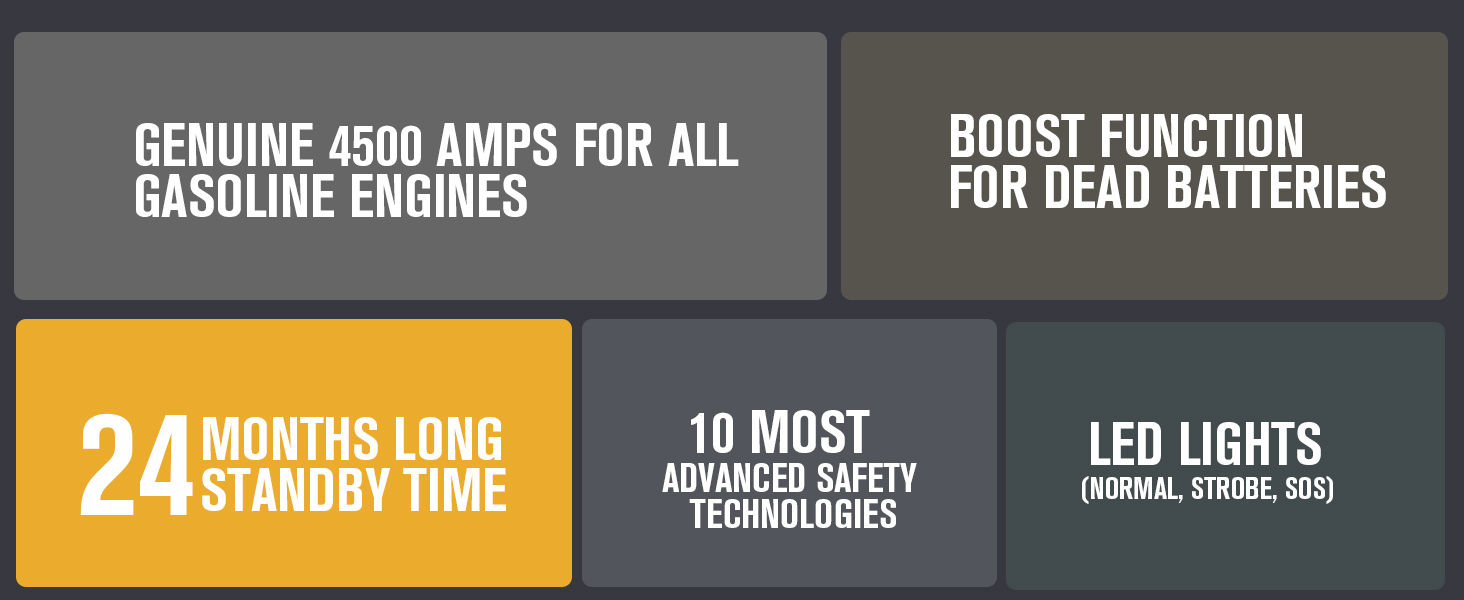
Figure 5: Overview of the jump starter's ports and indicators.
4. Operating Instructions
4.1. Jump Starting a Vehicle
The VTOMAN V10 Pro is capable of jump-starting all 12V vehicles, including all gasoline engines and diesel engines up to 10.0 liters. This includes cars, trucks, motorcycles, tractors, lawnmowers, SUVs, snowmobiles, boats, vans, and RVs.

Figure 6: The jump starter's broad compatibility with different vehicle types.
LED Indicator on Jumper Cable and Operation:
| LED Indicator | Operation |
|---|---|
| Green LED (solid) | The connection is correct, you can start the vehicle directly. |
| Red LED | Reverse connection, please correct the polarity of battery clamps. |
| Green LED (blinks) | The vehicle battery voltage is too low, try to press "BOOST" button. When Green LED illuminates (solid), then start the vehicle within 30s. |
| No Light | The vehicle battery may be damaged. First of all, make sure the correct connection. Try to press "BOOST" button. When Green LED illuminates (solid), then start the vehicle within 30s. |
Regular Jump Start Mode:
This mode is used when your vehicle's battery is low but not completely dead.
- Insert the smart jumper cable into the jump start socket on the VTOMAN V10 Pro.
- Connect the red clamp to the positive (+) terminal of the vehicle battery and the black clamp to the negative (-) terminal.
- Ensure the Green LED on the smart jumper cable illuminates solid, indicating a correct connection.
- Start your vehicle.

Figure 7: Visual guide for regular jump start procedure.
Boost Mode (for Totally Dead Batteries):
If your vehicle's battery is totally dead or the voltage is too low to detect, use the Boost function.
- Insert the smart jumper cable into the jump start socket on the VTOMAN V10 Pro.
- Connect the red clamp to the positive (+) terminal of the vehicle battery and the black clamp to the negative (-) terminal.
- If the Green LED blinks or there is no light, press the "BOOST" button on the smart jumper cable. The Green LED should then illuminate solid.
- Start your vehicle within 30 seconds.

Figure 8: Visual guide for boost mode jump start procedure.
4.2. Power Bank Functionality
The VTOMAN V10 Pro can charge various electronic devices using its USB-C and dual USB-A output ports, as well as the 15V/10A DC output.
- Connect your device to the appropriate output port on the jump starter using its charging cable.
- The jump starter will automatically begin charging your device.

Figure 9: The jump starter's capability to charge multiple devices.
4.3. LED Flashlight
The integrated 400 lumen LED flashlight offers three modes for various situations:
- Normal Mode: Press and hold the power button for 3 seconds to turn on the flashlight.
- Strobe Mode: Short press the power button once while the flashlight is on to activate strobe.
- SOS Mode: Short press the power button again to activate SOS.
- Turn Off: Short press the power button a third time to turn off the flashlight.

Figure 10: The jump starter's LED flashlight modes for emergency and camping.
5. Maintenance
To ensure the longevity and optimal performance of your VTOMAN V10 Pro Jump Starter, follow these maintenance guidelines:
- Regular Charging: Recharge the unit every 3-6 months, even if not in use, to maintain battery health.
- Storage: Store the jump starter in its provided storage case in a cool, dry place away from direct sunlight and extreme temperatures. The unit has a long standby time of 24 months.

Figure 11: The jump starter's impressive 24-month standby time.
- Cleaning: Use a soft, dry cloth to clean the unit. Do not use harsh chemicals or abrasive materials.
- Inspect Cables: Periodically check the jumper cables for any signs of damage, fraying, or corrosion.
6. Troubleshooting
Refer to the LED indicator guide in Section 4.1 for immediate troubleshooting steps related to jump-starting. Below are common issues and their solutions:
- Unit Not Turning On: Ensure the unit is charged. Press the power button firmly.
- Vehicle Not Starting (Green LED solid): The vehicle's battery might be severely discharged, or there could be another issue with the vehicle (e.g., starter motor, fuel system). Try Boost Mode if the battery is completely dead.
- Red LED on Jumper Cable: Indicates reverse polarity. Disconnect the clamps and reattach them correctly (red to positive, black to negative).
- Green LED Blinking or No Light: The vehicle battery voltage is too low. Press the "BOOST" button on the smart jumper cable. If the Green LED illuminates solid, start the vehicle within 30 seconds. If still no light or blinking, the vehicle battery may be damaged.
- Device Not Charging from Power Bank: Ensure the jump starter has sufficient charge. Check the charging cable and device compatibility with the output ports.
7. Specifications
| Feature | Detail |
|---|---|
| Model No. | JS-391 |
| Battery Capacity | 88.8 Wh (2 Lithium Polymer batteries included) |
| Peak Output Current | 4500 Amps |
| Start Current | 800 Amps |
| USB-C Input/Output | 5V/3A 15W |
| USB-A Output (Standard) | 5V/2.4A |
| USB-A Output (Quick Charge) | 5V/3A, 9V/2A, 12V/1.5A |
| DC Output | 15V/10A |
| LED Flashlight | 400 Lumen (Normal, Strobe, SOS modes) |
| Operating Temperature | -4°F to 140°F (-20°C to 60°C) |
| Dimensions | 1.3"D x 2.6"W x 8.8"H |
| Item Weight | 0.45 Kilograms (15.8 ounces) |
| Safety Protections | Spark-proof, Reverse-charge, Over-current, Over-charge, Reverse-polarity, High-temp, Low-temp, Short-circuit, Over-voltage, Over-load protection. |

Figure 12: The 10 advanced safety technologies integrated into the jump starter.
8. Warranty and Support
VTOMAN stands behind the quality of its products. Your VTOMAN V10 Pro Jump Starter comes with:
- 18 Months Warranty: Covering manufacturing defects and malfunctions under normal use.
- Lifetime Tech Support: Dedicated customer service is available to assist you with any questions or issues you may encounter.
For further assistance or to download the full user manual, please visit the official VTOMAN website or refer to the provided PDF manual: VTOMAN V10 Pro User Manual (PDF)
Related documentsJS-391


Ask a question about this manual
Ask about setup, troubleshooting, compatibility, parts, safety, or missing instructions. Manuals+ will review the question and use this page’s manual context to help answer it.