
1. Introduction
This manual provides essential information for the safe and efficient use of your UGREEN 25W USB-C Charger and accompanying 2-meter USB-C to USB-C Cable. Please read this manual thoroughly before using the product and retain it for future reference.
The UGREEN 25W USB-C Charger (Model CD250) is designed to provide fast charging for compatible devices. Equipped with a USB-C port, it supports up to 25W power delivery and various fast charging protocols including PPS, PD3.0, and QC4.0. This charger is compact, portable, and engineered for safe operation.
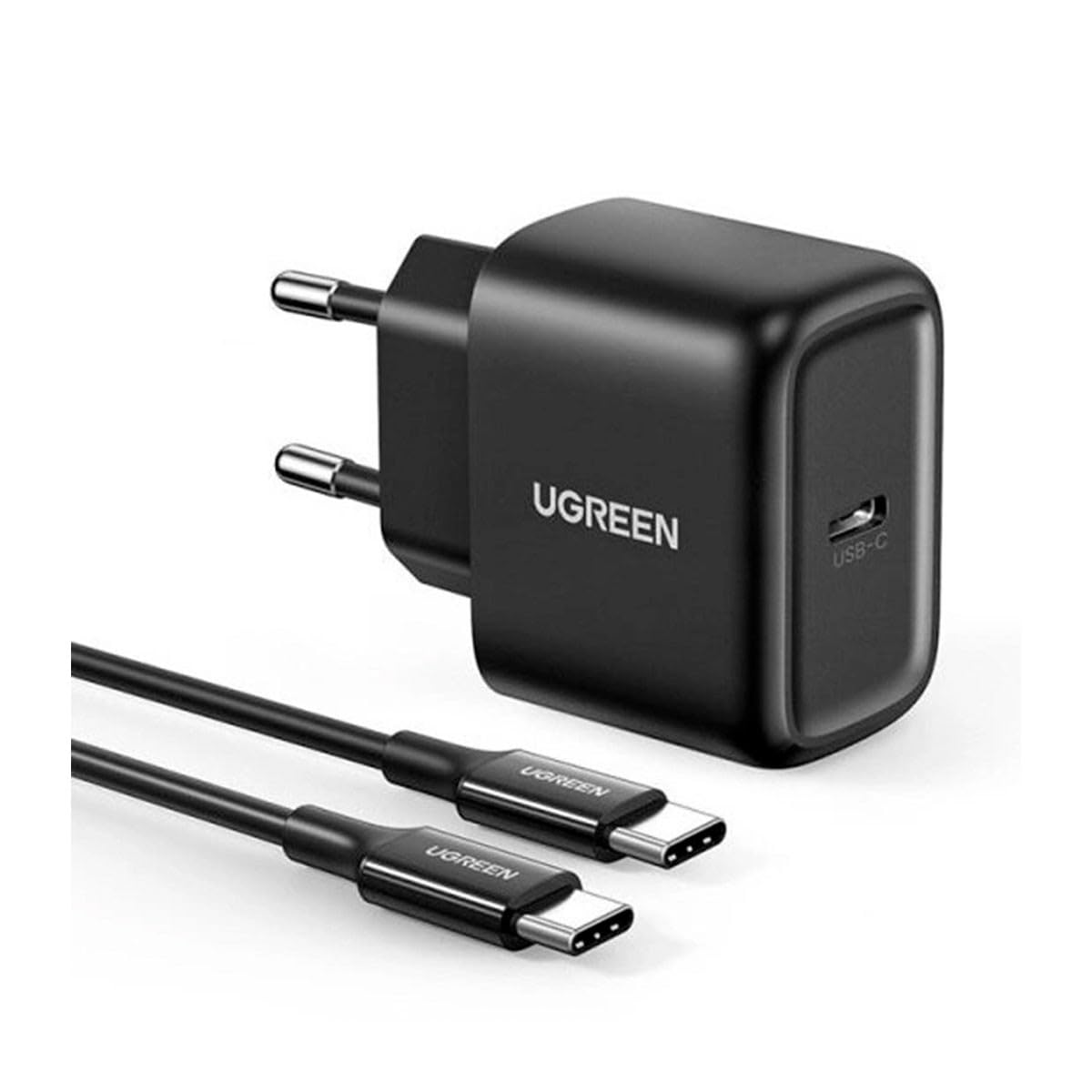
Image: The UGREEN 25W USB-C Charger and the included 2-meter USB-C to USB-C cable, presented together.
2. Package Contents
Verify that all items are present in your product package:
- 1 x UGREEN 25W USB-C Power Adapter
- 1 x 2-meter USB-C to USB-C Cable

Image: The UGREEN 25W USB-C Charger and its 2-meter USB-C cable neatly packed, demonstrating its portability for travel.
3. Setup
Follow these steps to set up your UGREEN 25W USB-C Charger:
- Unpack: Carefully remove the charger and cable from their packaging.
- Connect Cable: Insert one end of the provided 2-meter USB-C to USB-C cable into the USB-C port on the UGREEN 25W charger.
- Plug into Power Outlet: Insert the charger's plug into a compatible wall power outlet (Type F – 2-pin, Germany and Spain).
- Connect to Device: Insert the other end of the USB-C cable into the charging port of your compatible device.
4. Operating Instructions
Once connected, the charger will automatically begin providing power to your device. The UGREEN 25W USB-C Charger supports various fast charging protocols to optimize charging speed for compatible devices.
- Fast Charging: The charger supports PPS, PD3.0, and QC4.0 protocols for rapid power delivery up to 25W.
- Charging Indication: Your device's screen or indicator light will show that it is charging.
- Disconnecting: To stop charging, simply unplug the USB-C cable from your device, then remove the charger from the wall outlet.

Image: A smartphone being charged by the UGREEN 25W USB-C Charger, plugged into a wall outlet, demonstrating typical usage.
5. Compatibility
The UGREEN 25W USB-C Charger is compatible with a wide range of mobile phones and tablets that support USB-C charging. It is optimized for fast charging with devices supporting PD3.0, QC4.0, and PPS protocols.
Examples of Compatible Phone Models:
- Samsung Galaxy S20
- Samsung Galaxy S21 Ultra
- iPhone 13 (when used with a USB-C to Lightning cable, not included)
- Xiaomi Redmi Note 10
6. Safety Information
To ensure safe operation and prevent damage to the product or connected devices, please observe the following safety guidelines:
- Do not expose the charger or cable to water, moisture, or extreme temperatures.
- Avoid dropping or subjecting the product to strong impacts.
- Do not attempt to disassemble, repair, or modify the charger.
- Ensure the charger is plugged into a power outlet with the correct voltage.
- The charger features built-in short-circuit protection for enhanced safety.
- Keep out of reach of children.
- Unplug the charger during lightning storms or when unused for extended periods.
7. Specifications

Image: The UGREEN 25W USB-C Charger displaying its compact dimensions (46mm x 29mm x 34.5mm).
| Feature | Specification |
|---|---|
| Brand | UGREEN |
| Model Number | 6957303804108 (CD250) |
| Power Output | 25 Watts |
| Output Current | 5 A |
| Output Voltage | 5 Volts |
| Total USB Ports | 1 (USB Type-C) |
| Plug Type | Type F – 2-pin (Germany and Spain) |
| Connectivity Technology | USB |
| Special Features | Fast Charging, Lightweight Design, Short-circuit Protection, Travel-friendly |
| Included Components | 1 x 2-meter USB-C to USB-C cable |
| Compatible Devices | Mobile Phones |
| Color | Black |
| Item Weight | 1 Kilogram |
| Form Factor | Compact |
8. Troubleshooting
If you encounter issues with your UGREEN 25W USB-C Charger, please refer to the following common troubleshooting steps:
- Device Not Charging:
- Ensure the charger is securely plugged into a working wall outlet.
- Verify that the USB-C cable is firmly connected to both the charger and your device.
- Try using a different USB-C cable to rule out a faulty cable.
- Test the charger with a different compatible device to confirm charger functionality.
- Slow Charging:
- Confirm your device supports fast charging protocols (PD3.0, QC4.0, PPS) to utilize the charger's full potential.
- Ensure the cable used is capable of supporting fast charging.
- Close any power-intensive applications running in the background on your device.
- Charger Overheating:
- It is normal for chargers to become warm during operation. However, if it becomes excessively hot, unplug it immediately.
- Ensure adequate ventilation around the charger and avoid covering it.
9. Warranty and Support
For warranty information, technical support, or customer service inquiries, please refer to the official UGREEN website or contact your local retailer. Please have your product model number (6957303804108) and purchase details available when contacting support.