
NEWWAY ON-KM02F
NEWWAY RF02 Wireless Keyboard and Mouse Combo User Manual
Model: ON-KM02F
Introduction
Thank you for choosing the NEWWAY RF02 Wireless Keyboard and Mouse Combo. This 3-in-1 pack includes a 105-key AZERTY layout keyboard with 13 multimedia shortcuts, a 6-button mouse with up to 1600 DPI, and a compact mouse pad. Designed for home and office use, this reliable and durable combo offers great autonomy and a simple plug-and-play setup.

Image: The NEWWAY RF02 Wireless Keyboard and Mouse Combo, including the keyboard, mouse, mouse pad, and USB receiver.
Package Contents
Please check the package contents to ensure all items are present:
- 1 x NEWWAY RF02 Wireless Keyboard (AZERTY layout)
- 1 x NEWWAY RF02 Wireless Mouse
- 1 x Mouse Pad
- 1 x USB 2.4 GHz Receiver
- 1 x User Manual (this document)
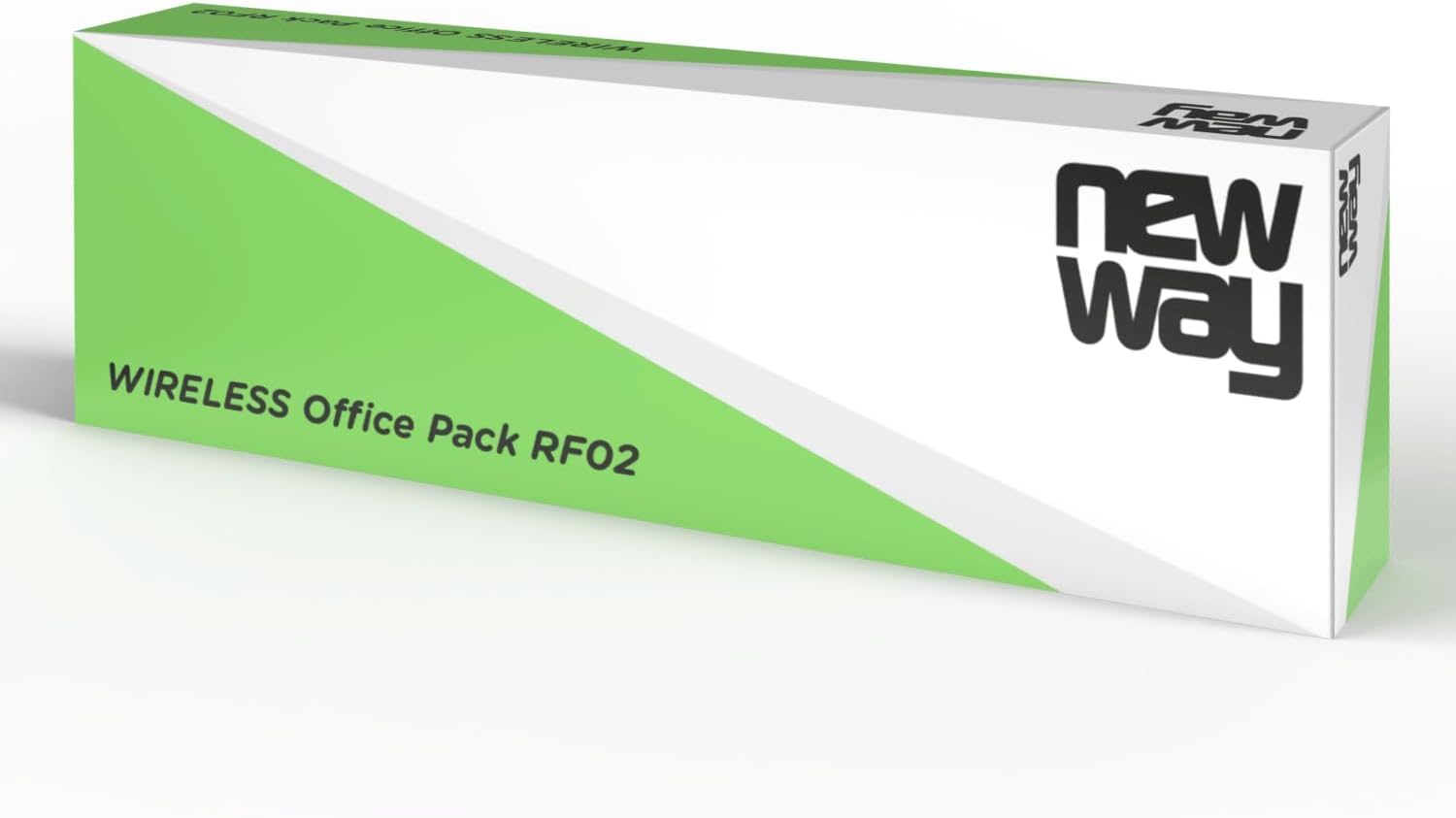
Image: The retail packaging for the NEWWAY RF02 Wireless Office Pack.
Setup Guide
Follow these steps to set up your NEWWAY RF02 Wireless Keyboard and Mouse Combo:
- Install Batteries:
- For the keyboard: Open the battery compartment on the back of the keyboard and insert 2 AAA batteries (not included), ensuring correct polarity.
- For the mouse: Open the battery compartment on the underside of the mouse and insert 1 AA battery (not included), ensuring correct polarity.
- Locate USB Receiver: The USB 2.4 GHz receiver is typically stored in the battery compartment of the mouse for safe keeping during transport. Gently remove it.

Image: The underside of the NEWWAY RF02 mouse, illustrating where the USB receiver is stored.
- Connect USB Receiver: Plug the USB 2.4 GHz receiver into an available USB port on your computer (PC, laptop, or tablet).
- Automatic Installation: The system will automatically detect and install the necessary drivers. This is a plug-and-play device, so no manual driver installation is required.
- Ready to Use: Once the installation is complete, your keyboard and mouse are ready for use.
Compatibility: This combo is compatible with Windows XP to Windows 11 operating systems.
Operating Instructions
Keyboard Usage
The NEWWAY RF02 keyboard features a 105-key AZERTY layout and includes 13 multimedia shortcuts for enhanced productivity.

Image: Top-down view of the NEWWAY RF02 AZERTY wireless keyboard, highlighting its layout and wireless capability.
Multimedia Shortcuts: These keys allow quick access to various functions. Look for icons on the F-keys (F1-F12) and other dedicated keys. To activate them, you may need to press the Fn key simultaneously with the desired multimedia key, depending on the keyboard's default mode.
- Volume Control: Mute, Volume Down, Volume Up.
- Media Playback: Play/Pause, Previous Track, Next Track, Stop.
- Web Browser: Home, Email, Search.
- Other Functions: My Computer, Calculator, Lock Screen.
Mouse Usage
The NEWWAY RF02 mouse features 6 buttons and an adjustable DPI sensor.

Image: A detailed view of the NEWWAY RF02 mouse, with labels indicating the left button, scroll wheel, right button, and DPI button.
- Left Button: Standard click function.
- Right Button: Context menu function.
- Scroll Wheel: Scroll up/down, and can also function as a middle click button.
- DPI Button: Located behind the scroll wheel, this button allows you to cycle through different DPI (Dots Per Inch) settings. This adjusts the mouse sensitivity, allowing for faster or slower cursor movement. The mouse supports up to 1600 DPI.
- Side Buttons: Two additional buttons on the side (typically for forward/backward navigation in web browsers or file explorers).

Image: The NEWWAY RF02 wireless mouse, highlighting its wireless capability and 1600 DPI sensor.
Maintenance
Proper maintenance will extend the lifespan of your NEWWAY RF02 combo:
- Cleaning: Use a soft, dry cloth to clean the keyboard and mouse. For stubborn dirt, a slightly damp cloth can be used, but ensure no liquid enters the devices. Avoid harsh chemicals or abrasive cleaners.
- Battery Replacement: Replace batteries when performance degrades. The keyboard offers up to 180 hours of battery life, and the mouse up to 171 hours.
- Storage: When not in use for extended periods, remove batteries to prevent leakage. Store the USB receiver in the mouse's compartment.
- Mouse Pad Care: The included mouse pad is anti-slip and waterproof. It can be wiped clean with a damp cloth.

Image: The NEWWAY mouse pad, illustrating its anti-slip and waterproof properties.
Troubleshooting
If you encounter issues with your NEWWAY RF02 combo, please refer to the following common solutions:
| Problem | Possible Cause / Solution |
|---|---|
| Keyboard or mouse not responding. |
|
| Laggy or erratic cursor movement. |
|
| Multimedia keys not working. |
|
| Keyboard/mouse disconnects frequently. |
|
Specifications
Detailed technical specifications for the NEWWAY RF02 Wireless Keyboard and Mouse Combo:
| Feature | Detail |
|---|---|
| Model Number | ON-KM02F |
| Connectivity Technology | 2.4 GHz Wireless (Radio Frequency) |
| Keyboard Layout | AZERTY (French Layout), 105 keys |
| Keyboard Features | Membrane, Full-size, 13 Multimedia Shortcuts |
| Mouse Buttons | 6 buttons |
| Mouse Sensor Technology | Optical |
| Mouse DPI | Up to 1600 DPI (adjustable) |
| Keyboard Battery Life | Up to 180 hours (requires 2 AAA batteries, not included) |
| Mouse Battery Life | Up to 171 hours (requires 1 AA battery, not included) |
| Compatible Operating Systems | Windows XP to Windows 11 |
| Recommended Use | Home and Office |
| Mouse Pad Features | Anti-slip, Waterproof |

Image: Diagram showing the dimensions of the NEWWAY RF02 keyboard, mouse, and mouse pad.
Warranty and Support
The NEWWAY RF02 Wireless Keyboard and Mouse Combo comes with a 2-Year Limited Warranty from the manufacturer.
For technical support, warranty claims, or any questions regarding your product, please contact NEWWAY customer service through the retailer's platform or refer to the contact information provided with your purchase documentation.
You can also visit the official NEWWAY store on Amazon for more information and support: NEWWAY Amazon Store
Ask a question about this manual
Ask about setup, troubleshooting, compatibility, parts, safety, or missing instructions. Manuals+ will review the question and use this page’s manual context to help answer it.