
Dreo Nomad One
Dreo Nomad One Bladeless Tower Fan User Manual
Model: Nomad One | Brand: Dreo
1. Introduction
Thank you for choosing the Dreo Nomad One Bladeless Tower Fan. This manual provides essential information for the safe operation, maintenance, and troubleshooting of your new fan. Please read it thoroughly before use and retain it for future reference.
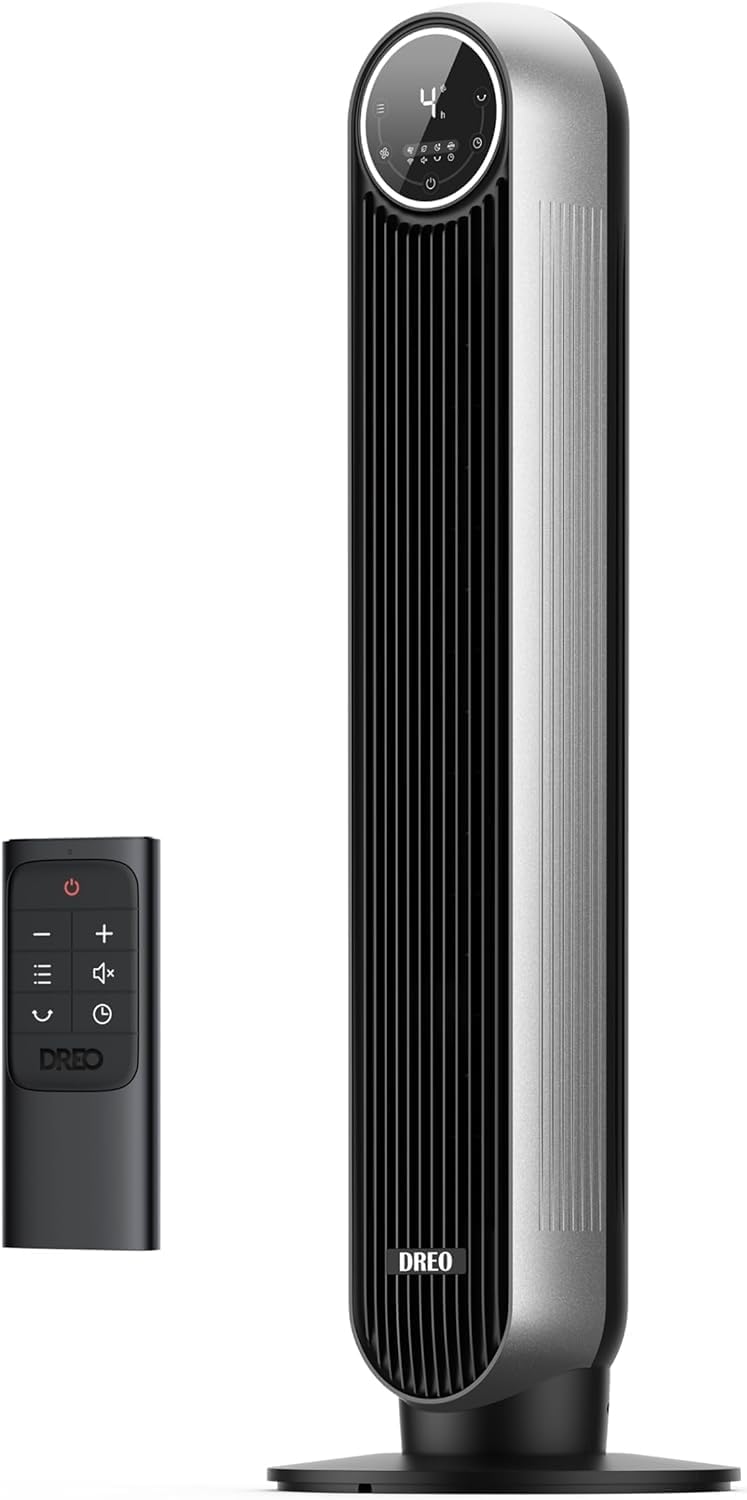
The Dreo Nomad One Bladeless Tower Fan and its accompanying remote control.
2. Important Safety Instructions
To reduce the risk of fire, electric shock, or injury, always follow these basic safety precautions:
- Read all instructions before using this fan.
- Ensure the power supply matches the voltage specified on the fan's rating label.
- Do not operate any fan with a damaged cord or plug. Discard fan or return to an authorized service facility for examination and/or repair.
- Do not run cord under carpeting. Do not cover cord with throw rugs, runners, or similar coverings. Arrange cord away from traffic area and where it will not be tripped over.
- Always unplug the fan before moving, cleaning, or performing maintenance.
- Do not insert fingers or foreign objects into any openings of the fan.
- This fan is intended for indoor use only. Do not use outdoors or in wet conditions.
- Keep the fan away from water and other liquids.
- Do not use the fan near curtains, plants, or other objects that could be drawn into the fan.
- This appliance has a polarized plug (one blade is wider than the other). To reduce the risk of electric shock, this plug is intended to fit in a polarized outlet only one way. If the plug does not fit fully in the outlet, reverse the plug. If it still does not fit, contact a qualified electrician. Do not attempt to defeat this safety feature.
3. Package Contents
Verify that all components are present and in good condition:
- Nomad One Tower Fan Body x 1
- Front Fan Base x 1
- Rear Fan Base x 1
- Remote Control x 1 (Battery Included)
- User Manual x 1
4. Assembly
The Dreo Nomad One Tower Fan is designed for quick and tool-free assembly:
- Connect the Front Fan Base and Rear Fan Base by aligning the grooves and snapping them together to form the complete base.
- Align the assembled base with the bottom of the tower fan body. Ensure the power cord passes through the designated opening in the base.
- Gently push the fan body onto the base until it clicks securely into place.
- Route the power cord through the cord slot on the underside of the base to prevent tangling and ensure stability.

The fan features tool-free assembly for easy setup.
5. Product Features & Controls
The Dreo Nomad One offers a range of features for personalized comfort:
- Powerful Airflow: Delivers high-speed, refreshing winds up to 25ft/s.
- Ultra-Quiet Operation: Engineered for low noise levels, as quiet as 28dB in Sleep mode.
- Multiple Modes: Normal, Natural, Sleep, and Auto modes for varied airflow experiences.
- Adjustable Speeds: 4 fan speeds from gentle breeze to strong wind.
- Wide Oscillation: 90° oscillation covers a broad area.
- 8-Hour Timer: Set the fan to automatically turn off after a specified duration.
- Easy Cleaning: Features a removable rear grille and impeller wheel for convenient cleaning.
- Control Options: Operate via the intuitive LED control panel or the included remote control.
Control Panel & Remote
The fan can be controlled using the touch-sensitive panel on top of the unit or the remote control. The LED display shows current settings.
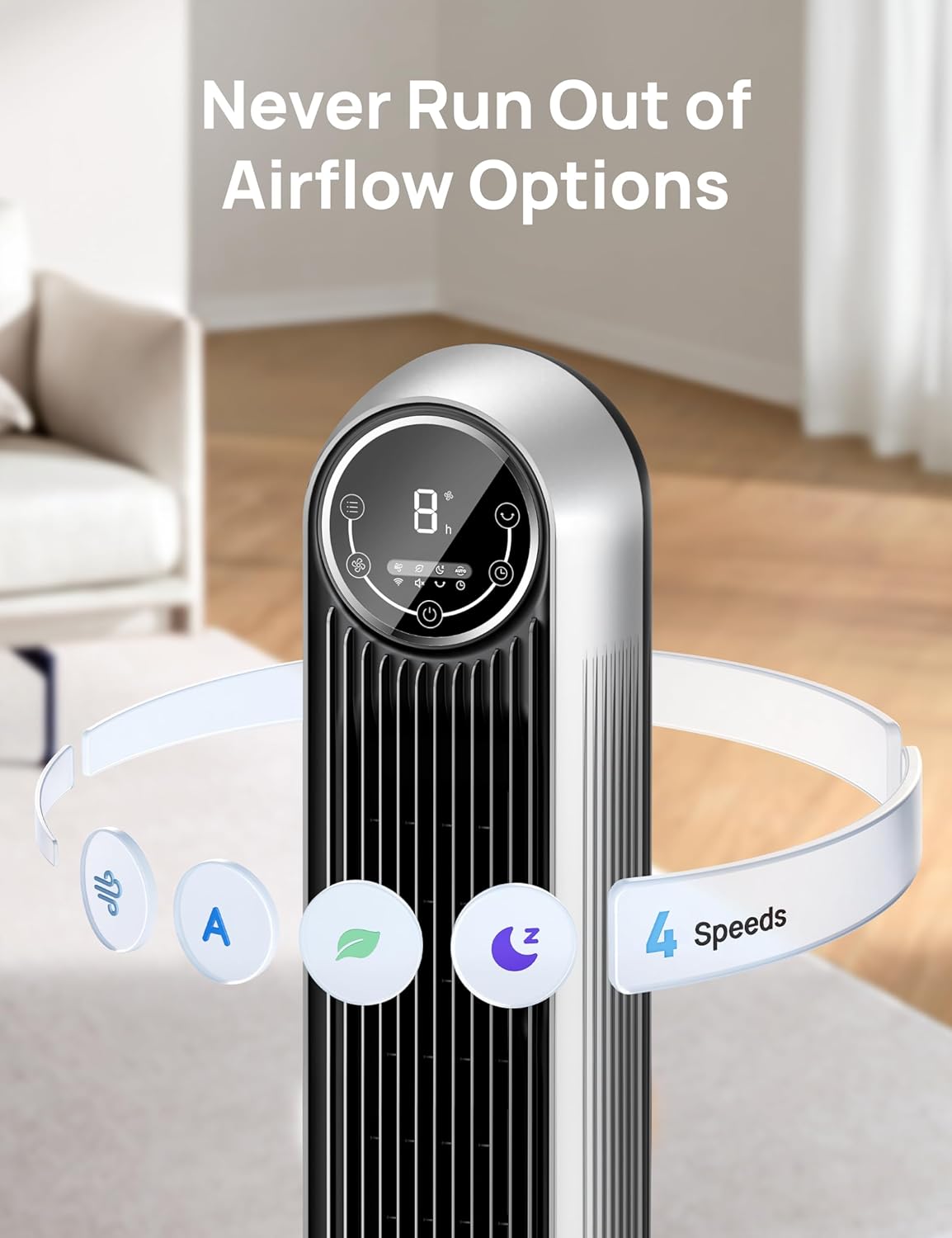
The intuitive LED control panel allows for easy adjustment of settings.
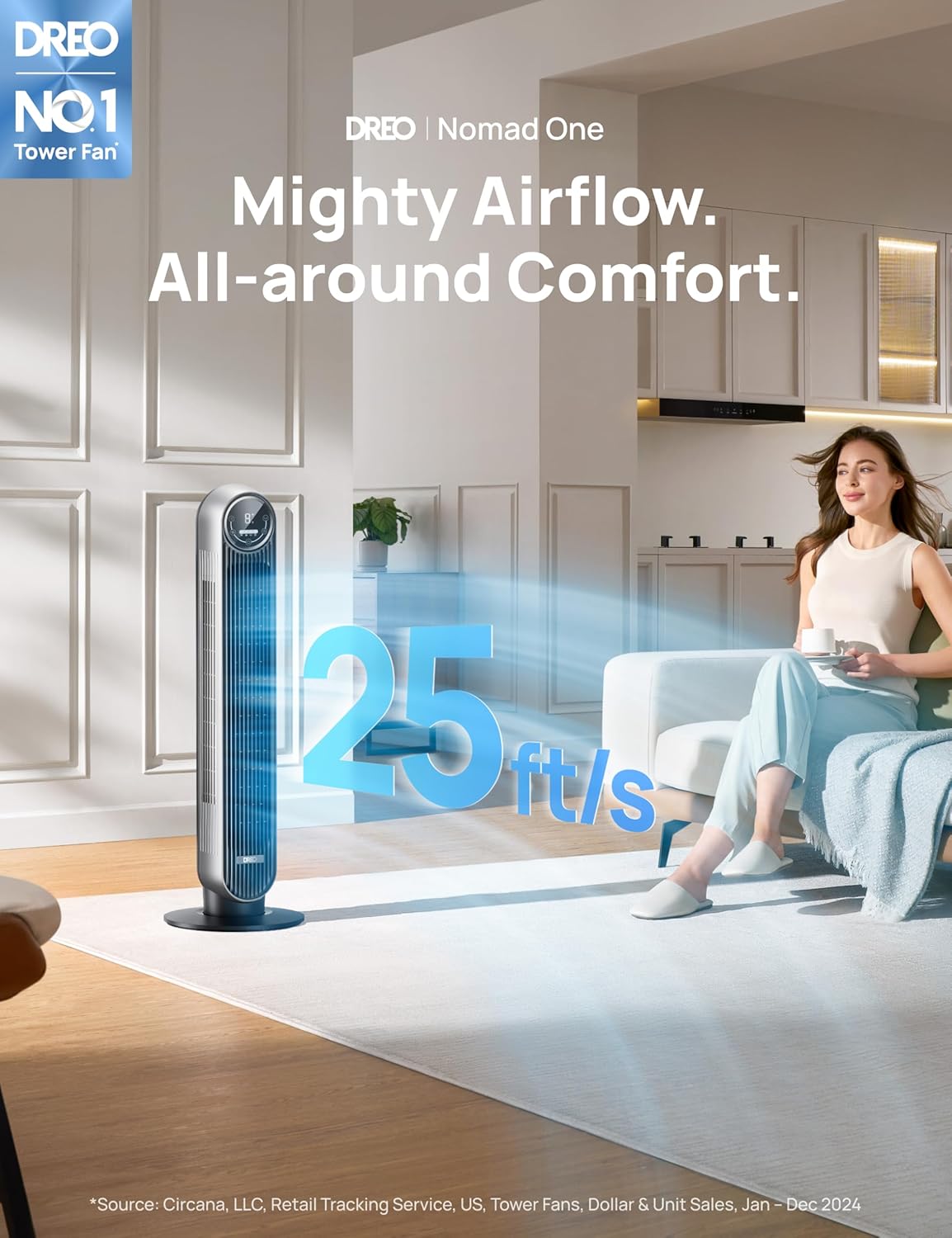
Experience powerful and far-reaching airflow up to 25ft/s.
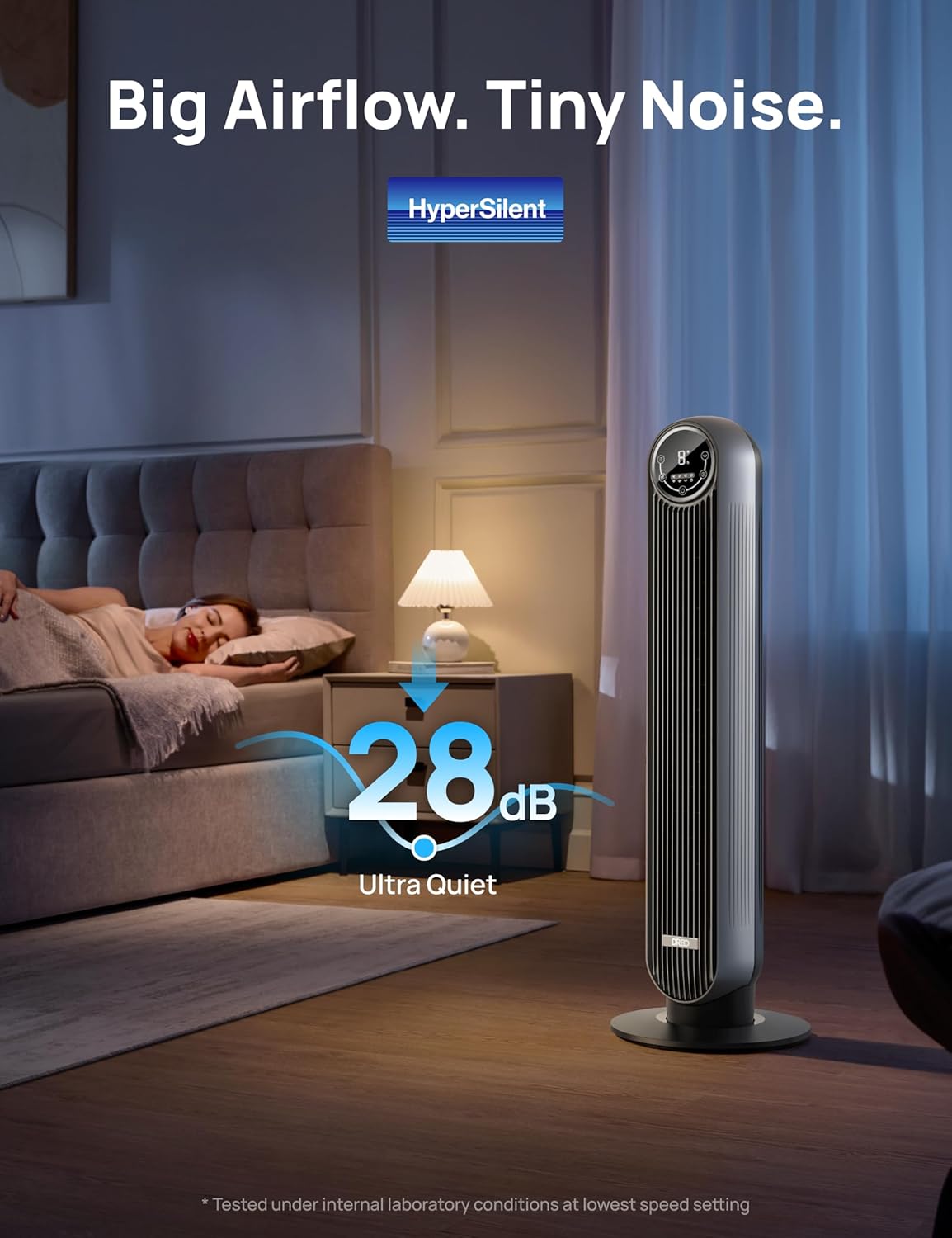
Enjoy ultra-quiet operation, as low as 28dB, ideal for bedrooms.
6. Operating Instructions
Power On/Off
- Press the Power button on the control panel or remote to turn the fan on or off.
Adjusting Fan Speed
- Press the Speed button to cycle through 4 fan speeds (1-4).
Selecting Modes
Press the Mode button to switch between the following modes:
- Normal Mode: Provides constant airflow at the selected speed.
- Natural Mode: Simulates natural breeze by varying fan speed.
- Sleep Mode: Operates at a lower, quieter speed with display auto-off and auto-mute for undisturbed sleep.
- Auto Mode: Adjusts fan speed automatically based on room temperature.
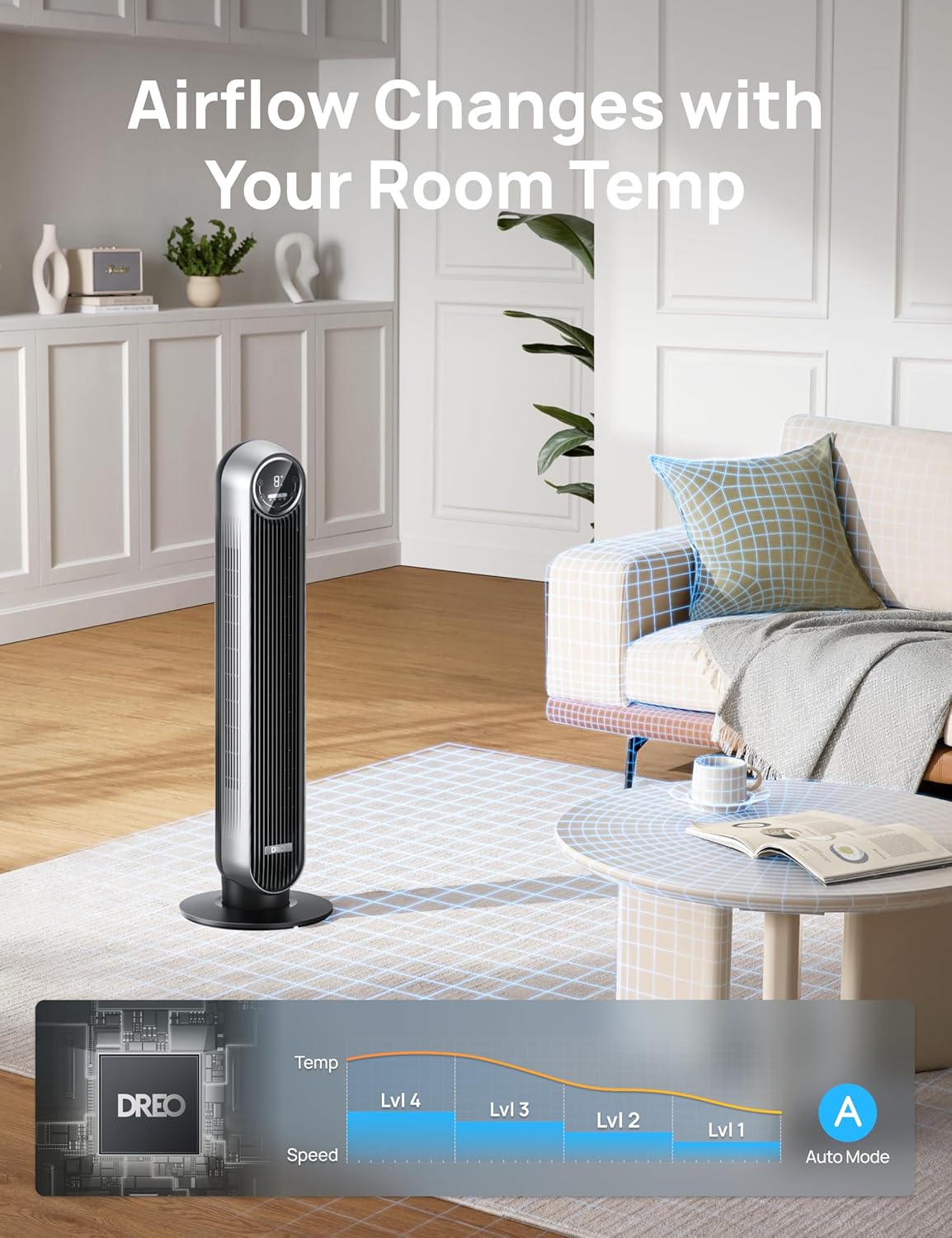
The Auto Mode intelligently adjusts fan speed according to ambient temperature.
Oscillation
- Press the Oscillation button to activate or deactivate the 90° oscillation feature, distributing air across a wider area.
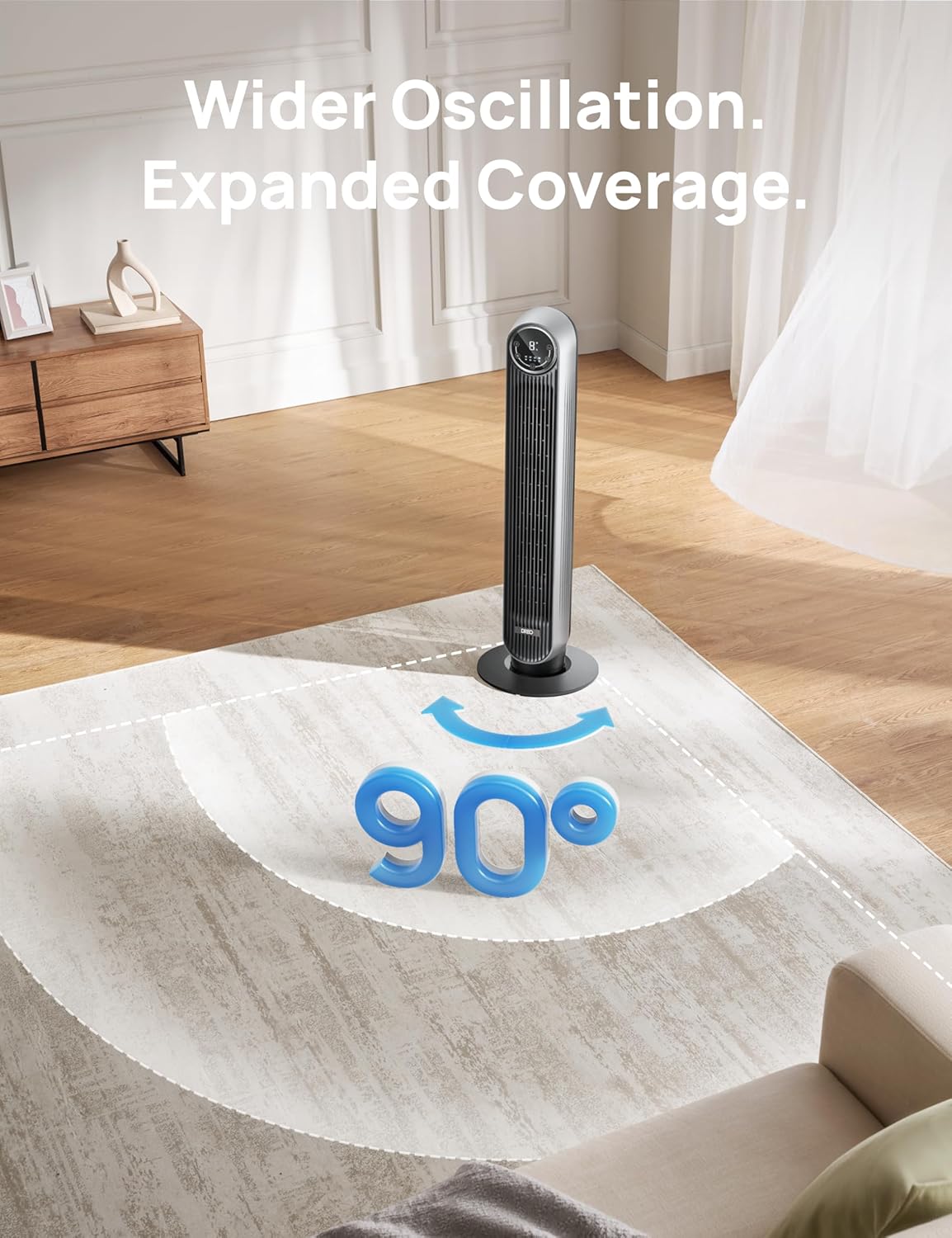
The 90° oscillation provides expanded coverage for wider air distribution.
Timer Function
- Press the Timer button to set the fan to automatically turn off after 1 to 8 hours. Each press increases the timer by 1 hour.
7. Maintenance and Cleaning
Regular cleaning ensures optimal performance and extends the lifespan of your fan. Always unplug the fan before cleaning.
Exterior Cleaning
- Wipe the exterior surfaces with a soft, damp cloth. Do not use abrasive cleaners or solvents.
- Ensure no water enters the internal components.
Internal Cleaning (Removable Grille & Impeller)
The rear grille and impeller wheel are designed to be removable for thorough cleaning:
- Unplug the fan from the power outlet.
- Locate and remove the screws securing the rear grille (refer to the diagram for screw locations).
- Carefully detach the rear grille and then the impeller wheel.
- Wash the detached grille and impeller wheel with mild soap and water. Rinse thoroughly and allow them to air dry completely before reassembly.
- Reassemble the impeller wheel and rear grille, ensuring all parts are securely fastened.
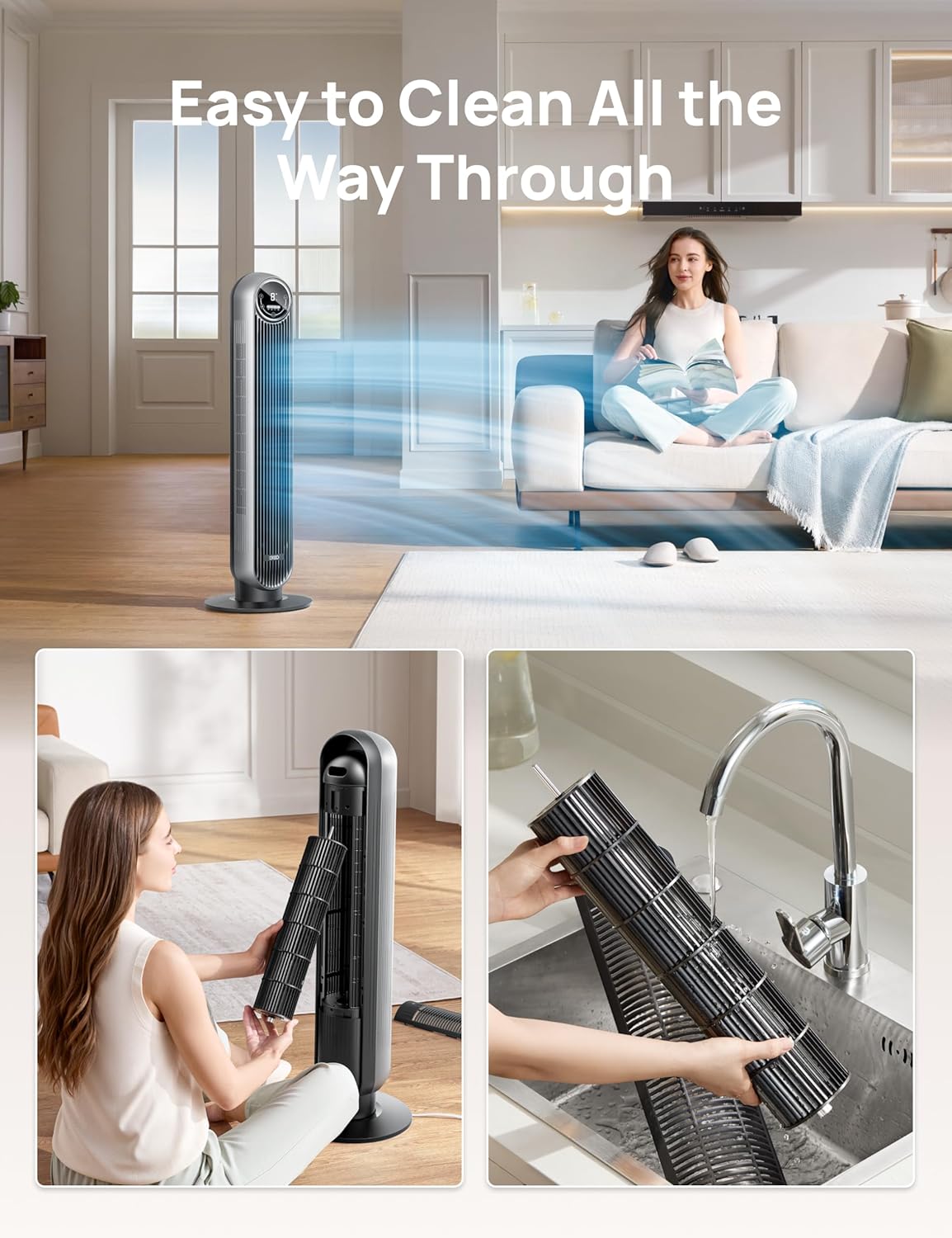
The detachable design allows for easy cleaning of the internal components.
8. Troubleshooting
If you encounter issues with your fan, please refer to the following table:
| Problem | Possible Cause | Solution |
|---|---|---|
| Fan does not turn on | No power supply | Ensure the power cord is securely plugged into a working outlet. Check the circuit breaker. |
| Weak airflow | Fan speed is too low; Air inlet/outlet blocked; Internal components dirty | Increase fan speed. Clear any obstructions. Clean the rear grille and impeller. |
| Fan is noisy | Fan is not on a flat surface; Internal components dirty | Place the fan on a flat, stable surface. Clean the rear grille and impeller. |
| Remote control not working | Battery depleted; Obstruction between remote and fan | Replace the remote control battery. Ensure there is a clear line of sight between the remote and the fan. |
| Oscillation not working | Obstruction preventing rotation | Ensure the fan is on a level surface and there are no obstructions around its base. |
9. Specifications
| Feature | Specification |
|---|---|
| Model Name | Nomad One |
| Brand | Dreo |
| Color | Silver |
| Product Dimensions | 11.81"D x 11.81"W x 36.22"H |
| Item Weight | 9 Pounds |
| Power Source | Corded Electric |
| Voltage | 120.0 V |
| Wattage | 42.0 W |
| Noise Level | 34 dB (as low as 28dB in Sleep mode) |
| Number of Power Levels | 4 Speeds |
| Special Features | Ambient Intelligence, Max 25ft/s High Velocity, Quiet Operation, 8H Timer, Touch and Remote Control, 90° Oscillation |
| Control Method | Remote, Touch |
| Indoor/Outdoor Usage | Indoor |
| Certification | ETL Listed |

Detailed dimensions of the Dreo Nomad One Tower Fan.
10. Warranty and Support
Dreo provides a limited warranty for this product. For detailed warranty information, product support, or to register your product, please visit the official Dreo website or contact customer service using the information provided on the product packaging or the official website.
Please have your model number (Nomad One) and purchase information ready when contacting support.
Related documentsNomad One


Ask a question about this manual
Ask about setup, troubleshooting, compatibility, parts, safety, or missing instructions. Manuals+ will review the question and use this page’s manual context to help answer it.