
Introduction
Thank you for choosing the Transformers TF-T31 Bluetooth TWS Wireless Earbuds. These earphones are designed to provide a high-quality audio experience for both gaming and music, featuring a unique mechanical shell design inspired by Transformers. This manual will guide you through the setup, operation, and maintenance of your new earbuds.
Key features include:
- Bluetooth 5.4: Ensures a stable, fast connection with low power consumption.
- Dual Mode Functionality: Switch between Gaming Mode for ultra-low latency and Music Mode for rich HiFi sound.
- Immersive Audio: Equipped with 13mm magnetically levitated drivers for deep bass, clear mids, and crisp highs.
- Extended Battery Life: Up to 5 hours of continuous playback, extended to 50 hours with the charging case.
- Clear Calls: Advanced Environmental Noise Cancellation (ENC) technology for crystal-clear HD calling.
- Ergonomic Design: Lightweight and comfortable for extended wear, suitable for various activities.
- Intuitive Touch Controls: Easy management of music, calls, and modes.
- LED Digital Display: Real-time battery status indication on the charging case.
What's in the Box
Verify that all items are present in your package:
- Transformers TF-T31 Wireless Earbuds (Left and Right)
- Charging Case (Mechanical Shell Design)
- Type-C Charging Cable
- User Manual

Image: Box contents of the Transformers TF-T31 Earbuds, showing the charging case, earbuds, Type-C cable, and user manual.
Video: An unboxing video demonstrating the contents and initial appearance of the TF-T31 Megatron earbuds.
Product Overview
The TF-T31 earbuds feature a distinctive mechanical shell design, providing both aesthetic appeal and robust protection. The charging case is compact and portable, designed for convenience and extended battery life.
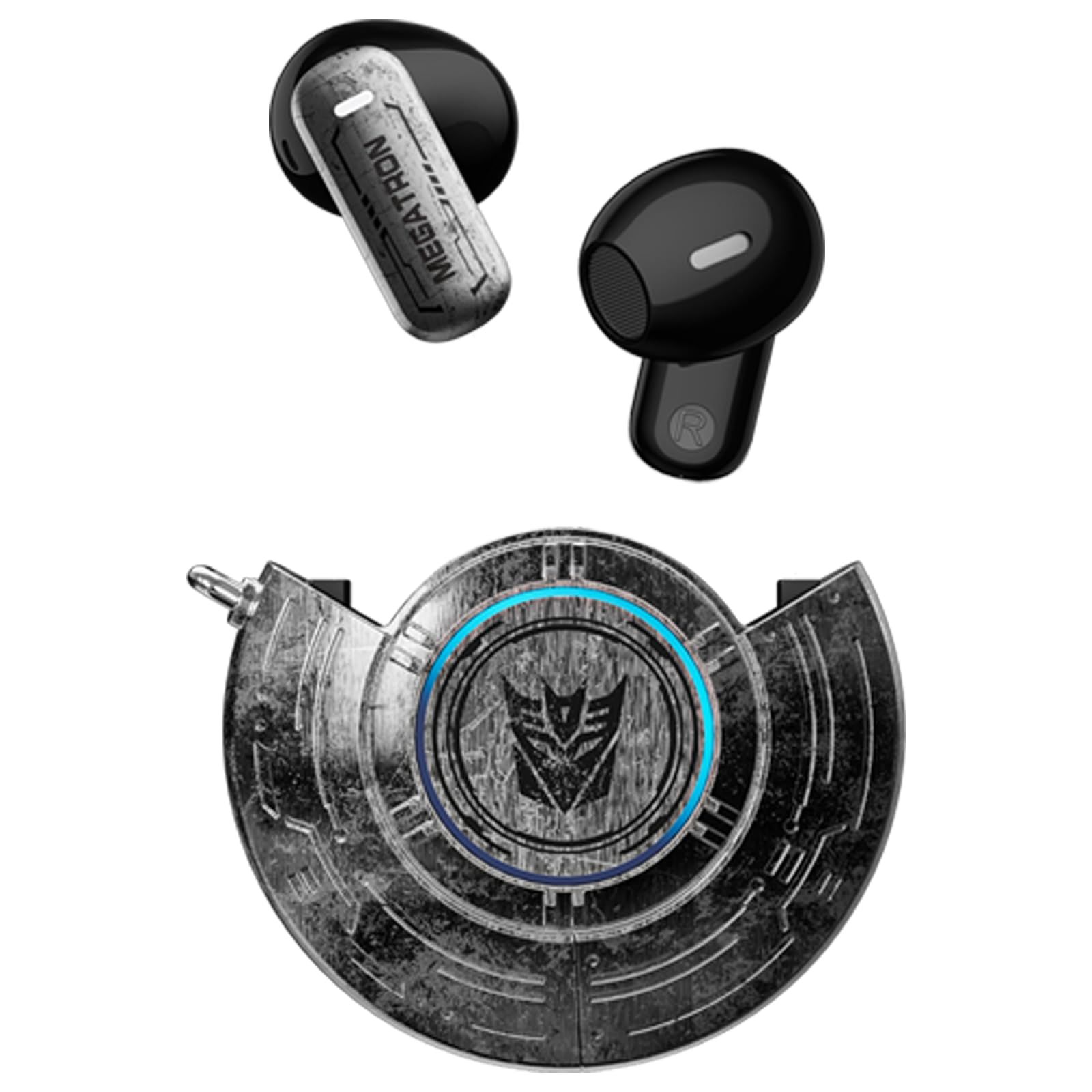
Image: The Transformers TF-T31 Wireless Earbuds securely housed within their mechanical shell charging case.
Mechanical Shell Design
The charging case boasts a unique mechanical zinc alloy body compartment with a circular style craft design, reflecting the Transformers aesthetic. This design is not only visually striking but also provides durability.
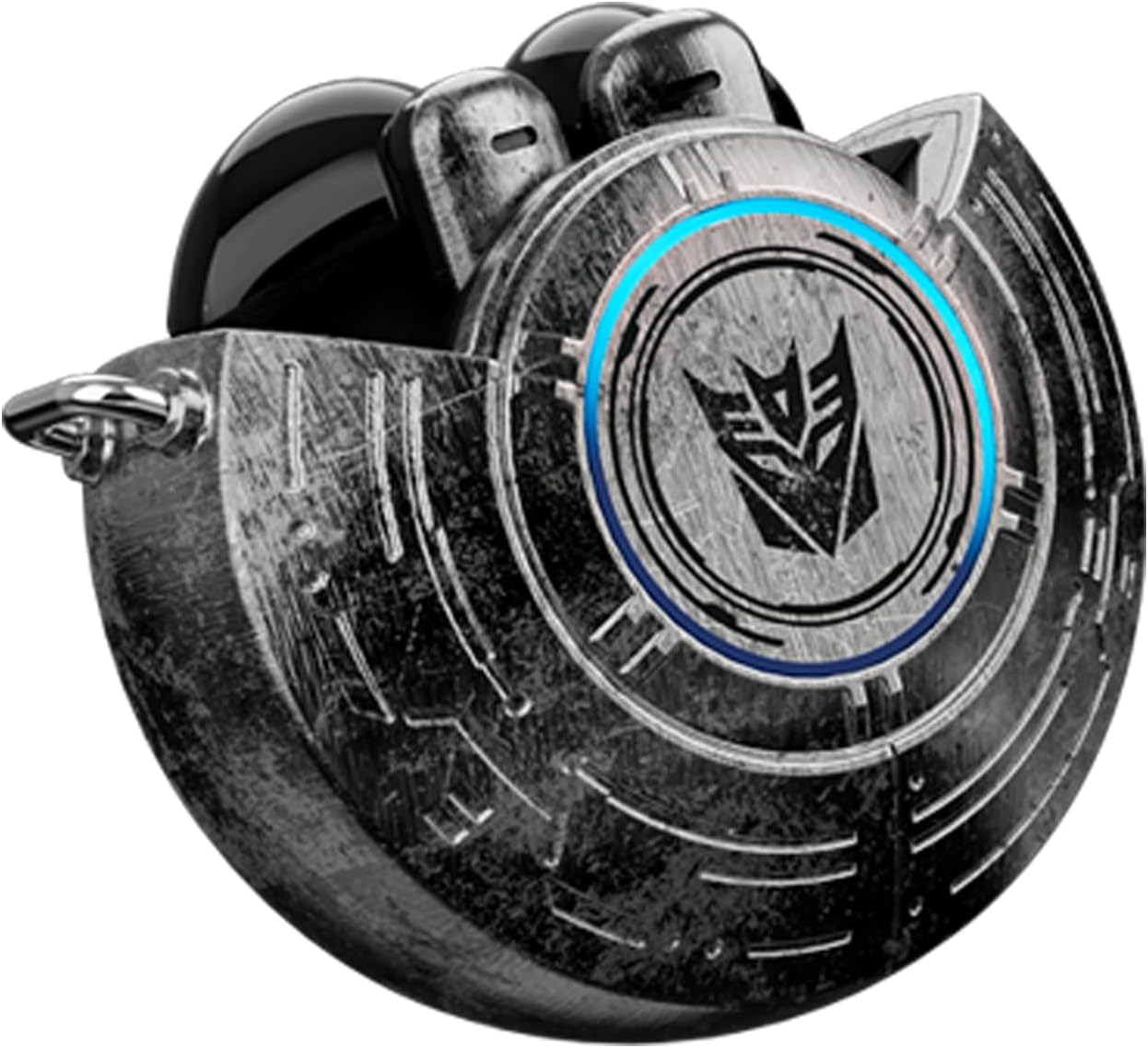
Image: A detailed view of the TF-T31 charging case, showcasing its intricate mechanical shell and illuminated LED elements.
High-Resolution Audio
Experience high-resolution audio decoding with space-like surround sound. The 13mm magnetically levitated drivers deliver pure fidelity sound quality, ensuring a rich and detailed listening experience across all frequencies.
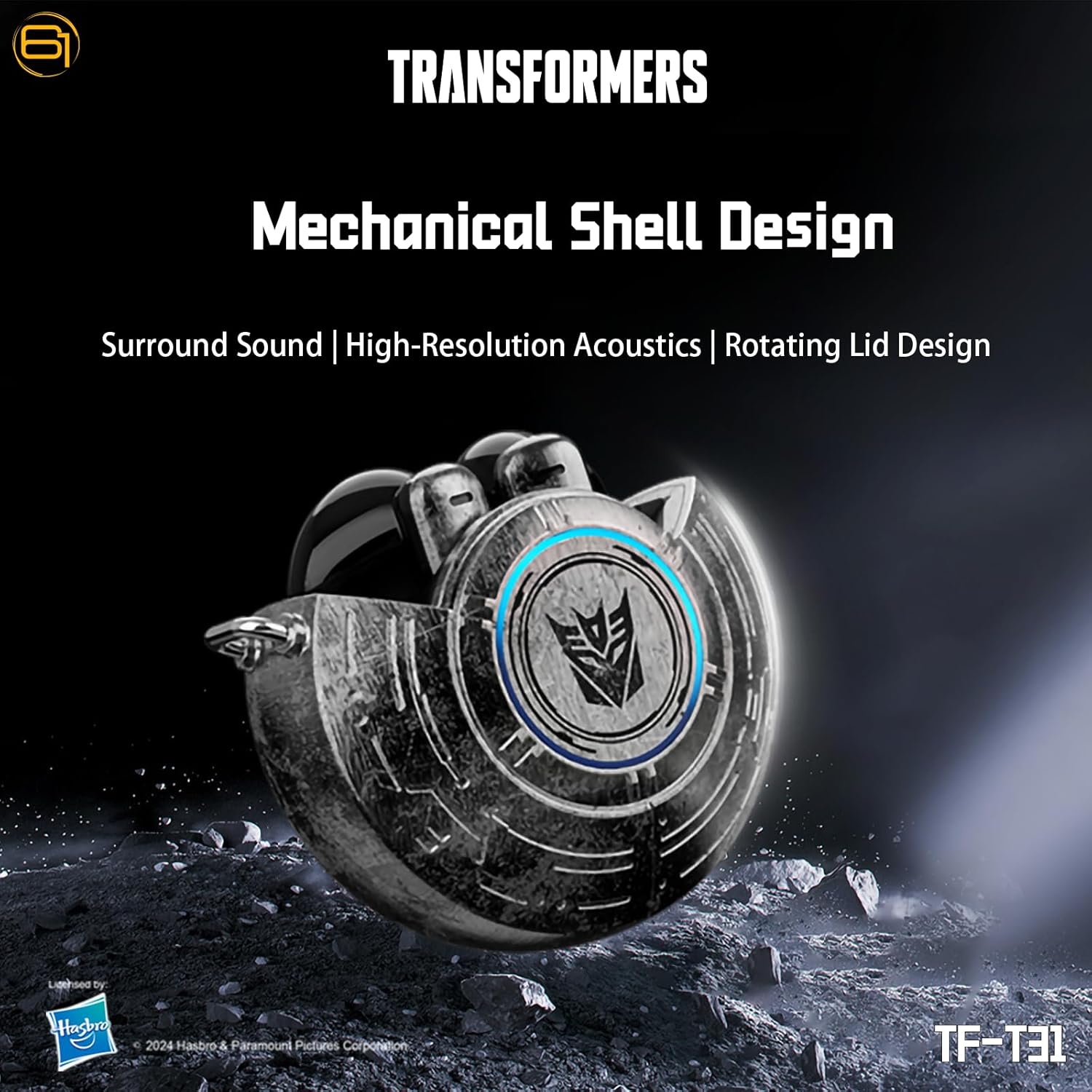
Image: Visual representation of the TF-T31 earbuds' high-resolution audio capabilities, including surround sound.
Dual Mode Functionality
The TF-T31 earbuds offer two distinct modes: Gaming Mode and Music Mode. Gaming Mode provides ultra-low latency for synchronized audio and video, crucial for mobile gaming. Music Mode optimizes sound for rich HiFi quality with enhanced bass and clear highs.

Image: A gamer utilizing the TF-T31 earbuds in low latency gaming mode, emphasizing audio and video synchronization.
Ergonomic and Comfortable Fit
Designed for comfort and security, the lightweight earbuds ensure a snug fit for extended periods, whether you are gaming, working out, or engaged in daily activities.

Image: A person wearing the TF-T31 earbuds, illustrating their ergonomic design and how they fit in the ear.
Setup
1. Charging the Earbuds and Case
Before first use, fully charge the earbuds and charging case. Place the earbuds into the charging case. Connect the Type-C charging cable to the charging port on the case and plug the other end into a USB power source. The LED digital display on the case will indicate the charging status. A full charge for the case takes approximately 1.5 hours.
2. Powering On/Off
- Power On: Open the charging case, and the earbuds will automatically power on.
- Power Off: Place the earbuds back into the charging case and close the lid. They will automatically power off and begin charging.
3. Bluetooth Pairing
- Ensure the earbuds are charged.
- Open the charging case. The earbuds will automatically enter pairing mode, indicated by a flashing LED light on the earbuds.
- On your device (smartphone, tablet, laptop), enable Bluetooth.
- Search for available Bluetooth devices and select "TF-T31" from the list.
- Once connected, the LED indicator on the earbuds will stop flashing, and you will hear an audible confirmation.
- If pairing fails, place the earbuds back in the case, close the lid, and repeat the steps.
Operating Instructions
Touch Controls
The TF-T31 earbuds feature intuitive touch controls on each earbud. The functions may vary slightly between Gaming Mode and Music Mode.
| Action | Function |
|---|---|
| Single Tap (Left/Right) | Play/Pause Music, Answer/End Call |
| Double Tap (Right) | Next Track |
| Double Tap (Left) | Previous Track |
| Triple Tap (Left/Right) | Activate Voice Assistant |
| Long Press (2 seconds) | Reject Call |
| Long Press (3 seconds) | Switch between Gaming Mode and Music Mode |
Mode Switching
To switch between Gaming Mode and Music Mode, long-press either earbud for 3 seconds. An audible prompt will confirm the mode change.
Maintenance
- Cleaning: Regularly clean the earbuds and charging case with a soft, dry cloth. Avoid using harsh chemicals or abrasive materials.
- Storage: When not in use, store the earbuds in their charging case to protect them from dust and damage.
- Avoid Water: While the earbuds are water-resistant, avoid prolonged exposure to water or submersion. Ensure the charging port is dry before charging.
- Temperature: Do not expose the device to extreme temperatures (hot or cold).
Troubleshooting
If you encounter issues with your TF-T31 earbuds, refer to the following common solutions:
- Earbuds not pairing: Ensure both earbuds are charged and out of the case. Turn off Bluetooth on your device and turn it back on. Try re-pairing.
- Only one earbud working: Place both earbuds back into the charging case, close the lid, and then open it again. This often resets the connection between the two earbuds.
- No sound: Check the volume level on both your device and the earbuds. Ensure the earbuds are properly connected to your device.
- Charging issues: Verify that the charging cable is securely connected to both the case and the power source. Ensure the charging contacts on the earbuds and inside the case are clean.
- Poor sound quality: Ensure the earbuds are properly seated in your ears. Try cleaning the ear tips. Move closer to your connected device to avoid interference.
Specifications
Detailed technical specifications for the Transformers TF-T31 Wireless Earbuds:

Image: Technical parameters of the TF-T31 headphones, providing a quick reference for key specifications.
| Feature | Detail |
|---|---|
| Product Type | TWS Wireless Earphones |
| Bluetooth Version | 5.4 |
| Bluetooth Transmission Distance | Up to 10 meters (32 feet) |
| Frequency Response Range | 20Hz-20KHz |
| Speaker Impedance | 32Ω |
| Sensitivity | 109dB±3dB |
| Charging Port | Type-C |
| Charging Time (Case) | Approx. 1.5 hours |
| Headphone Battery Capacity | 30mAh x 2 |
| Charging Case Battery Capacity | 300mAh |
| Music Playback Time | Up to 5 hours (earbuds), up to 50 hours (with case) |
| Speaker Unit | Φ13mm Magnetically Levitated Drivers |
| Noise Control | Passive Noise Cancellation, ENC for calls |
| Control Type | Touch Control |
| Water Resistance Level | Water Resistant |
| Material | Plastic (Enclosure) |
| Item Weight | 3.7 Ounces |
Warranty and Support
This product comes with a 30-day warranty from the date of purchase, covering manufacturing defects. Please retain your proof of purchase for warranty claims.
For further assistance, technical support, or warranty inquiries, please contact the retailer or manufacturer's customer service. Refer to the contact information provided with your purchase documentation.


