
Black Shark BS-S1
Contents
Black Shark BS-S1 Smartwatch User Manual
Model: BS-S1 Silver
1. Introduction
Welcome to the user manual for your Black Shark BS-S1 Smartwatch. This guide provides essential information on how to set up, operate, maintain, and troubleshoot your device. Please read this manual thoroughly to ensure proper use and to maximize the features of your smartwatch.

Image: The Black Shark BS-S1 Smartwatch, silver casing with a black strap, showcasing its main display.
2. Package Contents
Please check the package for the following items:
- Black Shark BS-S1 Smartwatch
- Magnetic Charging Cable
- User Manual (this document)
3. Setup
3.1 Charging the Device
Before first use, fully charge your smartwatch. Connect the magnetic charging cable to the charging points on the back of the watch and plug the USB end into a power adapter (not included) or a computer's USB port.
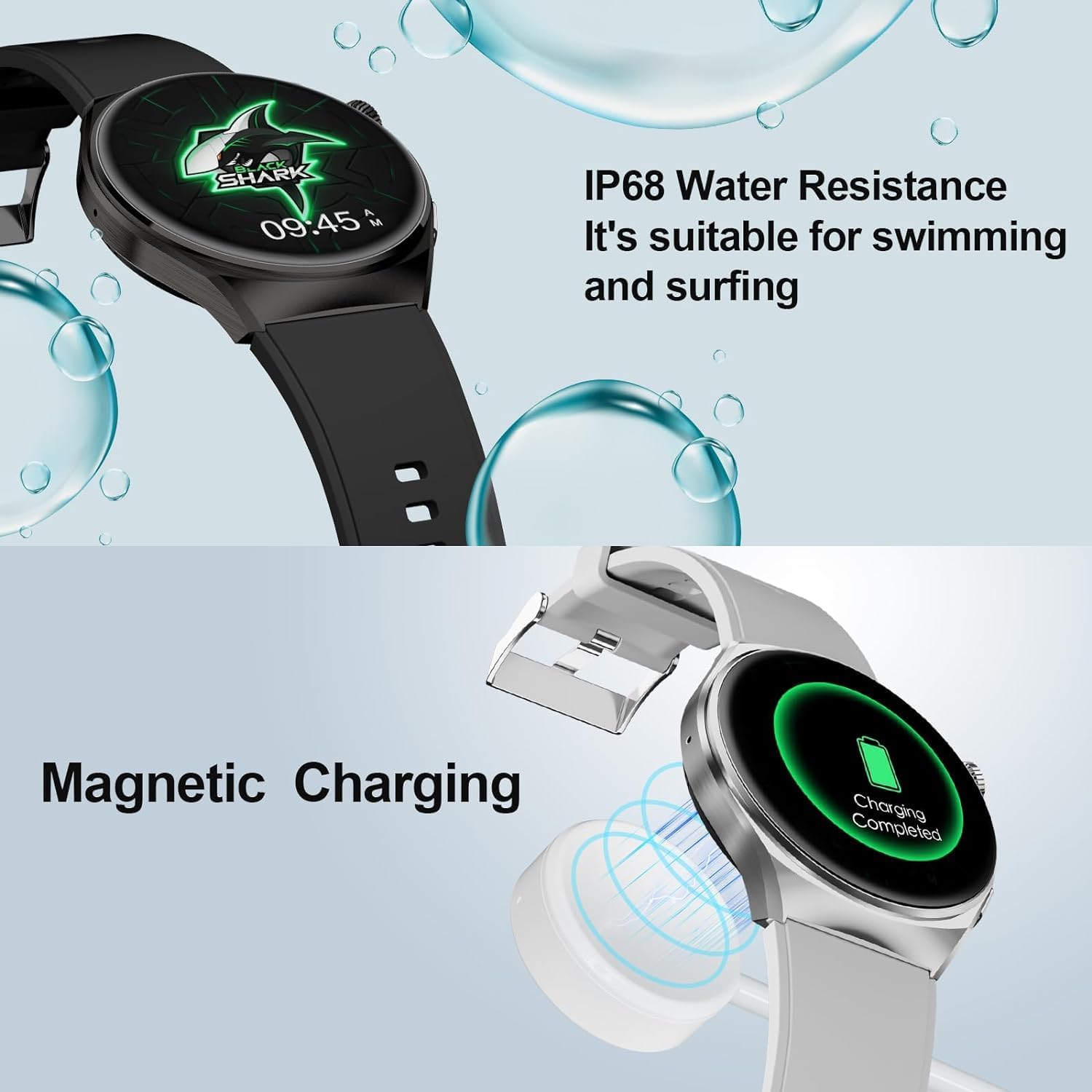
Image: The Black Shark BS-S1 Smartwatch undergoing magnetic charging, with a visual indicator of charging completion.
A full charge typically provides up to 10 days of typical use.
3.2 Powering On/Off
- To Power On: Press and hold the side button until the Black Shark logo appears.
- To Power Off: Press and hold the side button, then select 'Power Off' on the screen.
3.3 App Installation and Pairing
- Scan the QR code in the manual or on the watch screen, or search for the official Black Shark app in your smartphone's app store (Google Play Store for Android, Apple App Store for iOS).
- Install and open the app.
- Follow the on-screen instructions in the app to create an account or log in.
- Enable Bluetooth on your smartphone.
- In the app, select 'Add Device' and choose your Black Shark BS-S1 from the list of nearby devices.
- Confirm the pairing request on both your smartphone and the smartwatch.
4. Operating the Smartwatch
4.1 Display and Navigation
The Black Shark BS-S1 features a 1.43-inch AMOLED full touch screen with a resolution of 466*466 pixels. Navigation is primarily done through touch gestures and the side button.
- Swipe Up/Down: Scroll through menus or notifications.
- Swipe Left/Right: Access quick functions or different data screens.
- Tap: Select an item or confirm an action.
- Side Button: Press to return to the home screen or wake the display. Press and hold for power options or to access voice assistant (if configured).

Image: A detailed view of the smartwatch display, emphasizing its clarity and vibrant colors.
4.2 Customizing Watch Faces
The smartwatch offers over 100 watch faces to personalize your device. You can change them directly on the watch or through the companion app.
- On Watch: From the home screen, press and hold the display. Swipe left or right to browse available watch faces and tap to select.
- Via App: Open the Black Shark app, navigate to the 'Watch Faces' section, and download or apply new designs.

Image: A collage of different watch faces available for the Black Shark BS-S1 Smartwatch.
4.3 Health Monitoring Features
The BS-S1 provides comprehensive 24/7 health monitoring, including heart rate, blood oxygen (SpO2), and sleep quality tracking. It also supports menstrual cycle tracking.
- Heart Rate: Continuously monitors your heart rate. View real-time data on the watch or detailed trends in the app.
- Blood Oxygen (SpO2): Measures your blood oxygen saturation level.
- Sleep Quality: Tracks your sleep patterns, including deep sleep, light sleep, and wake times.
- Menstrual Cycle Tracking: Helps track and predict menstrual cycles for female users.

Image: The smartwatch screen showing various health metrics such as heart rate, SpO2, and menstrual cycle status.
4.4 Sports Modes
Explore over 100 fitness modes that automatically monitor your heart rate, calories burned, and activity duration. Access these modes from the main menu on your watch.

Image: Visual representation of the smartwatch tracking an outdoor run, showing detailed fitness data.
4.5 Bluetooth Calls and Notifications
With ENC Bluetooth Call support, you can make and receive calls directly from your smartwatch when connected to your phone. The watch also displays notifications from your paired smartphone.
- Receiving Calls: When a call comes in, you can answer or reject it from the watch screen.
- Making Calls: Use the dialer or contact list on the watch (requires phone connection).
- Notifications: Enable desired app notifications in the Black Shark app on your phone to receive them on your watch.
4.6 Other Features
The Black Shark BS-S1 includes several other useful functions:
- Camera Control: Remotely control your smartphone's camera.
- Message Notifications: Receive and view messages from various apps.
- Stopwatch: A built-in stopwatch for timing activities.
- World Clock: View times in different time zones.
- GPS Running Route Tracking: Utilizes your phone's GPS via the app to track outdoor running routes.

Image: An illustration of various functional applications and features integrated into the smartwatch experience.
5. Maintenance
5.1 Cleaning
To keep your smartwatch in optimal condition, regularly clean the device and strap. Use a soft, dry cloth to wipe the screen and casing. For the strap, follow the manufacturer's recommendations based on its material.
5.2 Water Resistance
The Black Shark BS-S1 Smartwatch has an IP68 water resistance rating, making it suitable for swimming and surfing. However, it is not recommended for diving or high-pressure water activities. Avoid exposure to hot water, steam, or corrosive liquids.
Image: The smartwatch demonstrating its IP68 water resistance in a water environment.
6. Troubleshooting
If you encounter issues with your Black Shark BS-S1 Smartwatch, try the following solutions:
- Device not turning on: Ensure the watch is fully charged. Connect it to the charger for at least 10 minutes.
- Cannot pair with phone:
- Ensure Bluetooth is enabled on your phone and the watch.
- Make sure the watch is within Bluetooth range of your phone.
- Restart both the watch and your phone.
- Clear Bluetooth cache on your phone (Android) or forget the device and re-pair.
- Inaccurate health data: Ensure the watch is worn snugly on your wrist, not too tight or too loose. Clean the sensor on the back of the watch.
- Notifications not received:
- Check notification settings in the Black Shark app.
- Ensure your phone's notification permissions are granted to the app.
- Verify the watch is connected via Bluetooth.
- Short battery life: Reduce screen brightness, disable always-on display, limit continuous heart rate monitoring, and close unnecessary background apps on the watch.
If the problem persists, contact Black Shark customer support for further assistance.
7. Specifications
| Feature | Specification |
|---|---|
| Model | BS-S1 |
| Brand | Black Shark |
| Operating System | Wear OS |
| Screen Size | 1.43 Inches |
| Display Type | AMOLED Full Touch Screen |
| Resolution | 466*466 Pixels |
| Brightness | 600 nit |
| Storage Capacity | 128 GB |
| Connectivity Technology | Bluetooth |
| Wireless Communication Standard | Bluetooth |
| Battery Composition | Lithium-ion |
| Typical Use Battery Life | Up to 10 days |
| Special Feature | Always on display |
| GPS | No (uses phone's GPS via app) |
| Water Resistance | IP68 |
8. Warranty and Support
Your Black Shark BS-S1 Smartwatch comes with a standard manufacturer's warranty. Please refer to the warranty card included in your package or visit the official Black Shark website for detailed warranty terms and conditions.
For technical support, troubleshooting assistance beyond this manual, or warranty claims, please contact Black Shark customer service through their official website or the contact information provided in your product packaging.
Documents and downloads
Ask a question about this manual
Ask about setup, troubleshooting, compatibility, parts, safety, or missing instructions. Manuals+ will review the question and use this page’s manual context to help answer it.