
HAKINAKU PTH-10D
HAKINAKU PTH-10D Portable 3-in-1 Carbon Monoxide Detector User Manual
Model: PTH-10D | Brand: HAKINAKU
1. Introduction
The HAKINAKU PTH-10D is a compact, portable 3-in-1 device designed to monitor carbon monoxide (CO) levels, temperature, and humidity. This device provides essential environmental data and alerts to help ensure safety in various settings, including travel, camping, RVs, cars, and indoor spaces. This manual provides instructions for proper setup, operation, and maintenance.

Image 1: HAKINAKU PTH-10D Portable 3-in-1 Carbon Monoxide Detector. This image shows the front of the orange and grey circular device with its digital display showing CO ppm, temperature, humidity, and battery level. A black lanyard with a carabiner clip is attached.
2. Safety Information
Carbon monoxide (CO) is a colorless, odorless, and tasteless gas that can be fatal. This device is intended to detect CO gas and provide alerts, but it is not a substitute for proper ventilation and maintenance of fuel-burning appliances. Always ensure adequate ventilation when using fuel-burning devices.
CO Hazard Levels and Alarms:
- 0-49 PPM: Green bar flashing. No alarm alert. Indicates normal or safe levels.
- 50-99 PPM: Yellow bar flashing. Slow "di di" sound regularly. Indicates OSHA Exposure Limits are being approached or exceeded.
- 100-500 PPM: Red bar flashing. Rapid "di di" sound alert. Indicates dangerous levels that can cause mild headache, fatigue, nausea, dizziness, and potentially death within 2 to 3 hours.
If the alarm sounds, immediately move to fresh air and ventilate the area. Seek medical attention if symptoms of CO poisoning are experienced.

Image 2: Chart illustrating CO alarm ranges and associated hazards. The chart displays different PPM levels with corresponding color indicators (green, yellow, red) and alarm sounds, along with potential health effects.
3. Product Features
- 3-in-1 Functionality: Monitors Carbon Monoxide (CO), Temperature, and Humidity.
- Portable Design: Mini size (3.0 x 2.7 x 1.2 inches, 5.9 ounces) with a lanyard for easy carrying and hanging.
- Real-time Detection: 2-second data refresh rate for immediate readings.
- Customizable CO Alert: Adjustable alarm threshold from 25-125 PPM.
- Long Battery Life: Built-in 1000 mAh lithium battery provides up to 120 hours of working time. Rechargeable via Type-C interface.
- Magnetic Back: Allows for easy attachment to metal surfaces.
- HD Screen: 1.50" HD screen displays all data and icons clearly.
- Sleep-Friendly: Screen auto-darkens after 10 minutes to avoid disturbance.

Image 3: An overview of the HAKINAKU PTH-10D's features, including 120-hour battery life, screen auto-darkening, 1.50" HD screen, customizable CO value, and magnetic absorption.
4. Setup
4.1 Initial Charging
Before first use, fully charge the device using the provided Type-C USB cable. The battery indicator on the display will show charging status. A full charge provides approximately 120 hours of continuous operation.
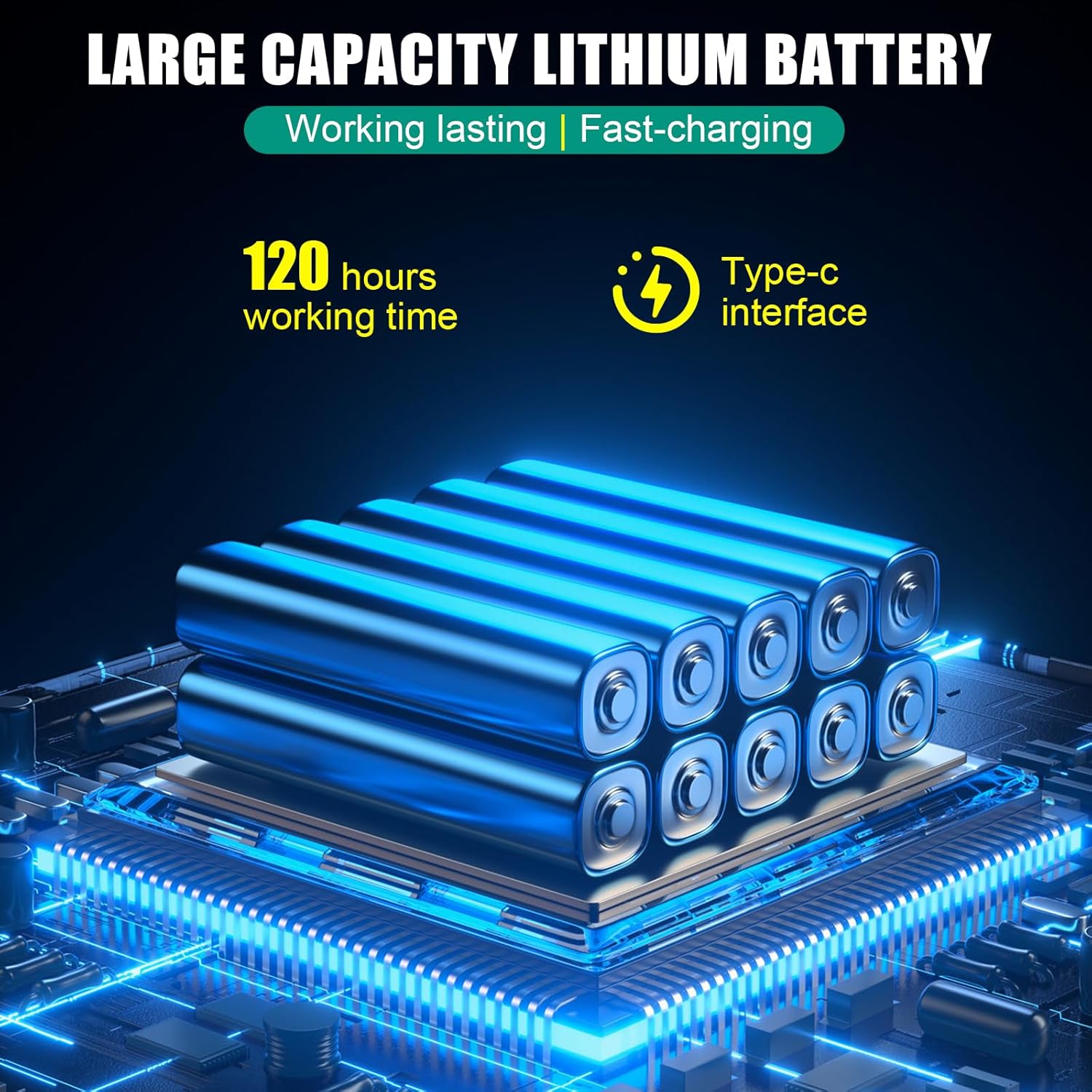
Image 4: Close-up of the HAKINAKU PTH-10D, highlighting the Type-C charging port and internal battery components.
4.2 Power On/Off
To power on the device, press and hold the main button located at the bottom of the display until the screen illuminates. To power off, press and hold the same button until the display turns off.
Video 1: Demonstration of powering on and off the HAKINAKU PTH-10D, and cycling through temperature and humidity readings.
5. Operating Instructions
5.1 Display Overview
The 1.50" HD screen displays the following information:
- CO ppm: Carbon Monoxide concentration in parts per million.
- Temperature: Current ambient temperature (Celsius or Fahrenheit).
- Humidity: Current relative humidity percentage.
- Battery Indicator: Shows remaining battery life.
- Alarm Status: Color-coded ring (green, yellow, red) indicates CO level safety.

Image 5: The HAKINAKU PTH-10D display showing CO ppm, temperature, and humidity readings, with a green indicator bar for safe CO levels. The image also highlights the 2-second data refresh rate.
5.2 Changing Temperature Units
While the device is on, a single short press of the main button will toggle the temperature display between Celsius (°C) and Fahrenheit (°F).
5.3 Adjusting CO Alert Value
The default CO alert value is 50 PPM. You can customize this value between 25 PPM and 125 PPM. To adjust:
- Double-tap the main button to enter adjustment mode. The CO PPM digits will flash.
- Use short presses of the button to cycle through the desired PPM values.
- Once the desired value is displayed, press and hold the button to confirm and exit adjustment mode.
Note: Please read the manual carefully before customizing the alert value to understand the implications of different CO levels.

Image 6: A hand holding the HAKINAKU PTH-10D, illustrating the customizable CO alert feature. The display shows "CO VALUE ALERT CUSTOM SUPPORT" with a default of 50 PPM and a range of 25-125 PPM.
5.4 Placement and Usage
The portable design allows for flexible placement. Consider the following:
- Travel & Camping: Use the lanyard to hang the device in tents, RVs, or near sleeping areas.
- Vehicles: Place it securely in your car, truck, or boat.
- Indoor Spaces: Utilize the magnetic back to attach it to metal surfaces in kitchens, living rooms, or bedrooms. The auto-darkening screen is ideal for bedrooms.
Video 2: An overview of the HAKINAKU PTH-10D's features and portability, demonstrating its use in various settings.

Image 7: The HAKINAKU PTH-10D hanging in a car, emphasizing its use for safety during travel.

Image 8: The HAKINAKU PTH-10D placed on a nightstand in a bedroom, highlighting its sleep-friendly auto-darkening screen feature.

Image 9: Collage showing the HAKINAKU PTH-10D in a cellar, living room, and kitchen, demonstrating its versatility for indoor use.
6. Maintenance
6.1 Charging
Recharge the device when the battery indicator shows low power. Use a standard Type-C USB charger. Avoid using damaged cables or chargers.
6.2 Cleaning
Wipe the device with a soft, dry cloth. Do not use abrasive cleaners or immerse the device in water. Ensure the air duct openings are clear of dust and debris for accurate readings.

Image 10: A close-up of the HAKINAKU PTH-10D's back, showing the 3D porous air duct design for sensitive and accurate electrochemical sensing.
7. Troubleshooting
- Device not powering on: Ensure the device is fully charged. Connect it to a Type-C charger and try again.
- Alarm sounds unexpectedly: Move to fresh air immediately. If the alarm persists in a well-ventilated area, contact support.
- Inaccurate readings: Ensure the device is not placed directly in front of a heat source, in direct sunlight, or in an area with poor air circulation. Check that the air ducts are not obstructed.
Video 3: A demonstration of the HAKINAKU PTH-10D's CO detection capabilities in a controlled environment using a burning match. The video shows the device detecting increasing CO levels and triggering an alarm.
8. Specifications
| Feature | Detail |
|---|---|
| Model Number | PTH-10D |
| Brand | HAKINAKU |
| Manufacturer | Protech International Group CO.,LTD. |
| Item Weight | 5.9 ounces |
| Product Dimensions | 3 x 1.2 x 2.7 inches |
| Batteries Included | Yes |
| Alarm Type | Audible |
| Operating Humidity | Up to 90 percent |
| UPC | 645890037936 |
9. Warranty and Support
For warranty information or technical support, please contact the manufacturer, Protech International Group CO.,LTD. Specific warranty details are not provided in this manual. Please refer to the product packaging or the manufacturer's official website for the most current warranty policy and contact information.
Related documentsPTH-10D

Ask a question about this manual
Ask about setup, troubleshooting, compatibility, parts, safety, or missing instructions. Manuals+ will review the question and use this page’s manual context to help answer it.