This manual provides comprehensive instructions for the Black Shark BS-S1 Smartwatch. It covers setup, operation, maintenance, and troubleshooting to ensure optimal use of your device. Please read this manual thoroughly before using your smartwatch.
1. Setup
1.1 Unboxing and Initial Inspection
Carefully remove all components from the packaging. Verify that all items are present and undamaged. The package should contain the Black Shark BS-S1 Smartwatch and its charging cable.
1.2 Charging the Smartwatch
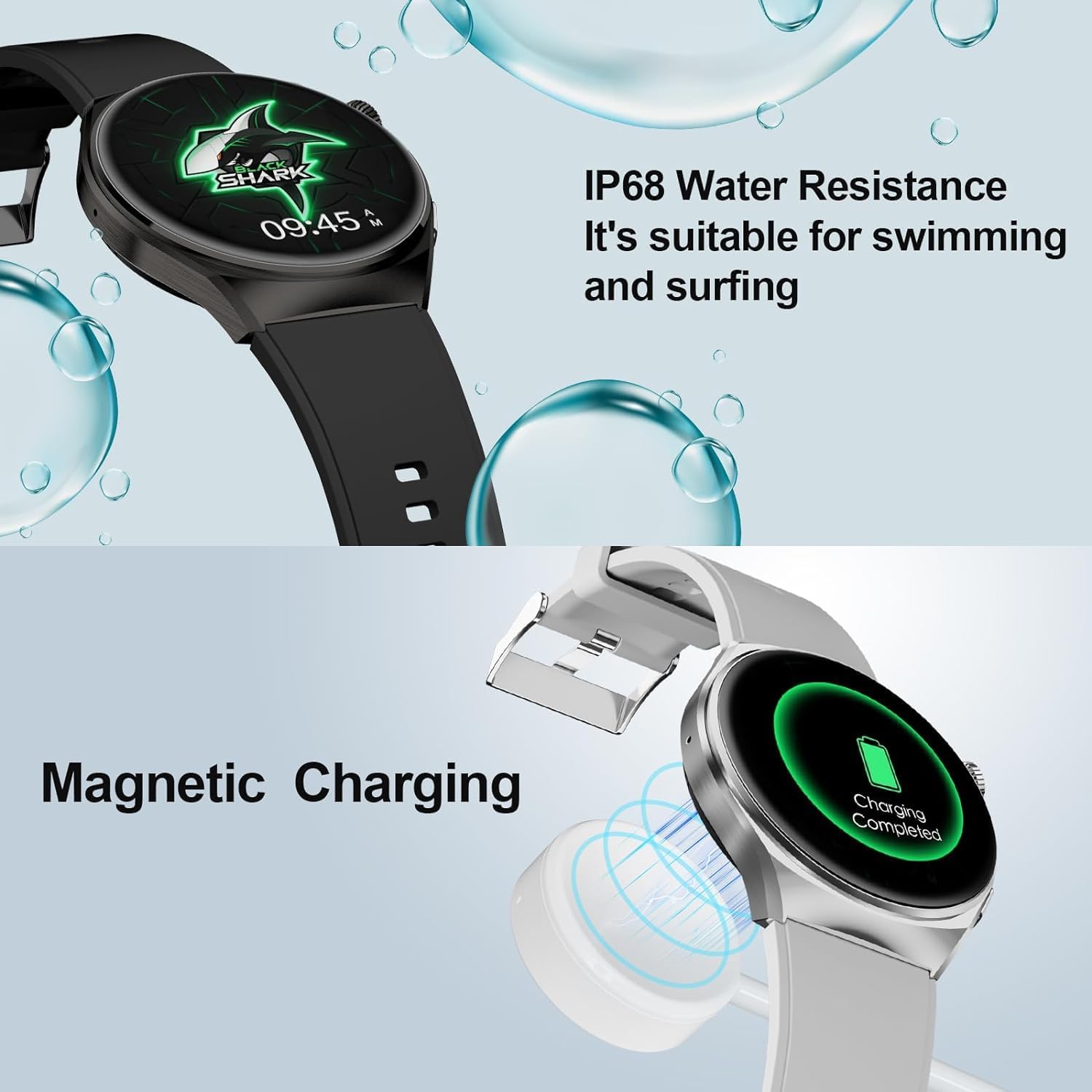
Before first use, fully charge your smartwatch. The BS-S1 uses magnetic charging.
Connect the magnetic charging cable to a USB power adapter (not included).
Attach the magnetic end of the cable to the charging contacts on the back of the smartwatch. Ensure it snaps into place securely.
The watch display will indicate charging status. A full charge typically takes a few hours.
Image: The Black Shark BS-S1 Smartwatch being charged magnetically. The image also shows the watch's IP68 water resistance feature.
1.3 Pairing with Your Smartphone
The Black Shark BS-S1 Smartwatch connects to your smartphone via Bluetooth.
Download and install the official Black Shark Smartwatch application on your smartphone. This app is compatible with both Android and iOS devices.
Ensure Bluetooth is enabled on your smartphone.
Open the Black Shark Smartwatch app and follow the on-screen instructions to add your device.
Select "BS-S1" from the list of available devices in the app.
Confirm the pairing request on both your smartphone and the smartwatch.
2. Operating Instructions
2.1 Basic Navigation
The BS-S1 features a 1.43-inch AMOLED full touch screen for intuitive control. Swipe across the screen to navigate menus and tap to select options. The physical button on the side typically serves as a power button, back button, or to access the app list.
Image: Close-up of the Black Shark BS-S1 Smartwatch display, highlighting its 1.43-inch AMOLED screen with 466x466 pixel resolution.
2.2 Customizing Watch Faces
The smartwatch offers over 100 watch faces to personalize your device. You can change watch faces directly on the watch or through the companion app on your smartphone.
Image: The Black Shark BS-S1 Smartwatch displaying various watch faces, illustrating the wide range of customization options available.
2.3 Health Monitoring Features
The BS-S1 provides 24/7 health monitoring capabilities:
Heart Rate Monitoring: Continuously tracks your heart rate throughout the day.
Blood Oxygen (SpO2) Monitoring: Measures your blood oxygen saturation levels.
Sleep Quality Tracking: Analyzes your sleep patterns to help improve sleep quality.
Menstrual Cycle Tracking: Offers tracking for female users.
Image: The Black Shark BS-S1 Smartwatch displaying various health metrics including heart rate, SpO2, and menstrual cycle tracking.
2.4 Sports Modes and Activity Tracking
The smartwatch supports over 100 sports modes, automatically monitoring your heart rate, calories burned, and activity duration during workouts. It also features integrated GPS for route tracking.
GPS Running Route Tracking: Records your running routes and distance.
Step Counter: Tracks daily steps, distance, and calories.
Altitude: Monitors changes in elevation.
Image: A person running while wearing the Black Shark BS-S1 Smartwatch, with the watch display showing various sports metrics like heart rate, steps, and calories burned.
2.5 Smart Features
The BS-S1 integrates seamlessly with your smartphone to offer various smart functionalities:
Bluetooth Calling (ENC): Make and receive calls directly from your watch with Environmental Noise Cancellation.
Message Notifications: Receive alerts for calls, texts, and app notifications.
Camera Control: Remotely control your smartphone's camera.
World Clock: View times in different time zones.
Stopwatch: A built-in stopwatch function.
Image: A user interacting with the Black Shark BS-S1 Smartwatch, illustrating features like Bluetooth calling, GPS tracking, camera control, and message notifications.
3. Maintenance
3.1 Cleaning Your Smartwatch
To maintain the appearance and functionality of your BS-S1 Smartwatch, clean it regularly:
Wipe the screen and body with a soft, lint-free cloth.
For stubborn smudges, slightly dampen the cloth with water. Avoid using harsh chemicals or abrasive materials.
Ensure the charging contacts are clean and dry before charging.
3.2 Water Resistance
The Black Shark BS-S1 Smartwatch has an IP68 water resistance rating, making it suitable for swimming and surfing. However, it is not recommended for diving or high-pressure water activities. Always dry the watch thoroughly after exposure to water, especially before charging.
3.3 Battery Care
The smartwatch is equipped with a Lithium-ion battery. To prolong battery life:
Avoid extreme temperatures.
Do not allow the battery to fully discharge frequently.
Use only the provided charging cable.
4. Troubleshooting
If you encounter issues with your Black Shark BS-S1 Smartwatch, refer to the following common solutions:
4.1 Device Not Turning On
Ensure the watch is fully charged. Connect it to the charger for at least 30 minutes.
Press and hold the power button for 10-15 seconds to attempt a forced restart.
4.2 Unable to Pair with Smartphone
Confirm Bluetooth is enabled on your smartphone and the smartwatch.
Ensure the smartwatch is within range of your smartphone.
Restart both your smartphone and the smartwatch.
Clear the Bluetooth cache on your smartphone (if applicable) and try pairing again.
Make sure you are using the correct Black Shark Smartwatch application.
4.3 Inaccurate Health Data
Ensure the watch is worn snugly on your wrist, but not too tight.
Clean the sensors on the back of the watch.
Avoid excessive movement during measurements.
4.4 Software Update Issues
If you experience issues after a software update, such as the device not functioning correctly, try the following:
Ensure the watch has sufficient battery life before starting an update.
Attempt a factory reset (refer to the app for instructions, as this may vary). Note: A factory reset will erase all data on the watch.
Contact customer support if the issue persists.
5. Specifications
Brand
Black Shark
Model Number
BS-S1
Display
1.43-inch AMOLED, 466x466 pixels
Operating System
Wear OS (as per specification, though often custom OS for smartwatches)
The Black Shark BS-S1 Smartwatch comes with a 2-year manufacturer's warranty. This warranty covers defects in materials and workmanship under normal use. Please retain your proof of purchase for warranty claims.
For warranty service, please contact Black Shark customer support or your authorized retailer.
7. Customer Support
For further assistance, technical support, or inquiries regarding your Black Shark BS-S1 Smartwatch, please use the following contact information:
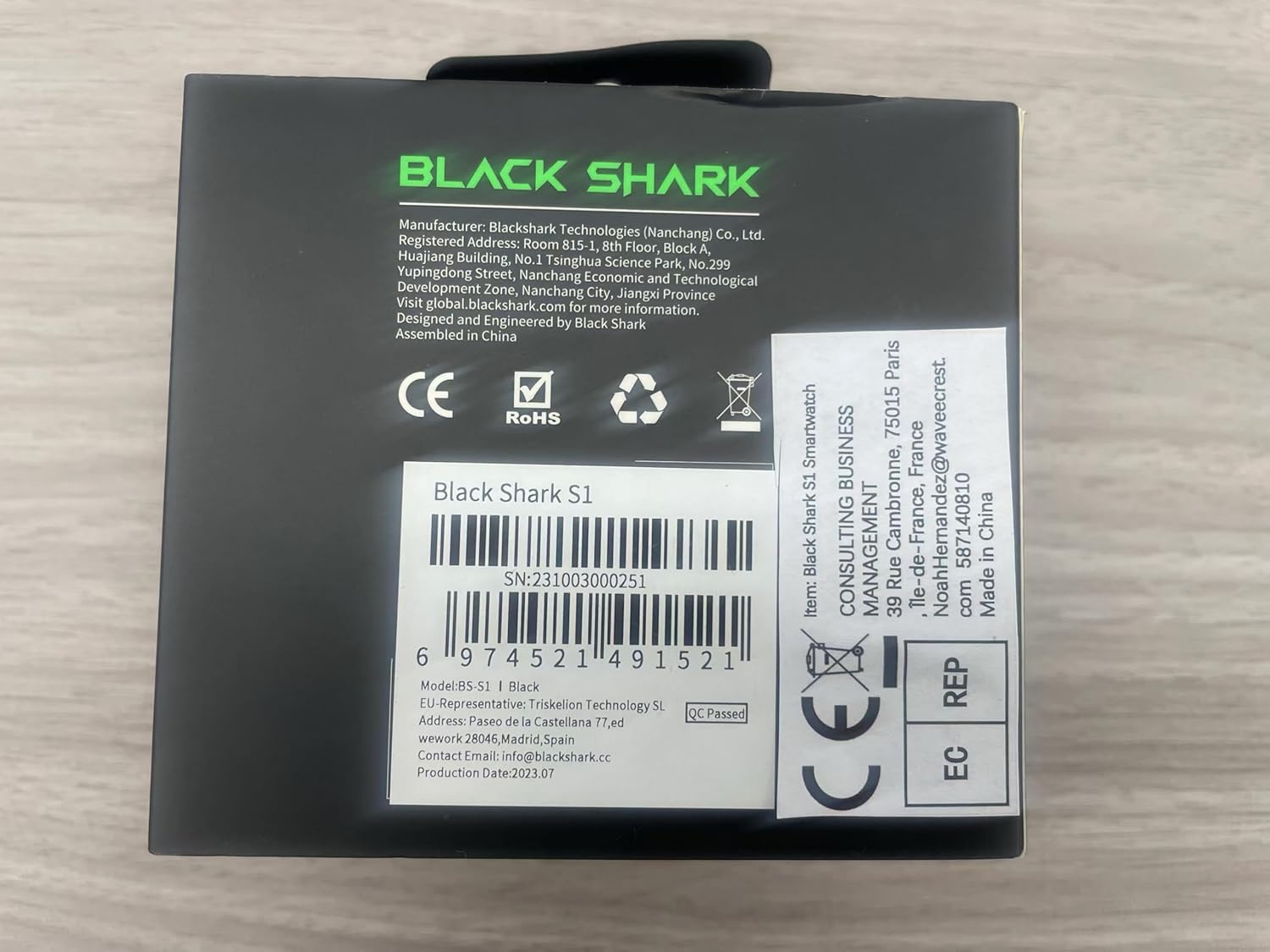
Image: The Black Shark BS-S1 Smartwatch packaging, showing manufacturer contact information and regulatory marks.
Related Documents - BS-S1
Black Shark Watch S1 User Manual Comprehensive user manual for the Black Shark Watch S1, covering setup, features, safety guidelines, specifications, and support information.
Black Shark S1 Pro Akıllı Saat Kullanım Kılavuzu Kapsamlı kullanım kılavuzu, Black Shark S1 Pro akıllı saatin kurulumu, eşleştirilmesi, kullanımı, özellikleri ve güvenlik önlemleri hakkında detaylı bilgi sunar.
BLACK SHARK Watch S1 User Manual Comprehensive user manual for the BLACK SHARK Watch S1 smartwatch, detailing setup, operation, features, specifications, safety guidelines, and warranty information.