
Introduction
This manual provides detailed instructions for the Mohard BC81 Bluetooth FM Transmitter Car Adapter. This device enhances your in-car audio experience by allowing you to stream music, make hands-free calls, and charge your devices efficiently. Please read this manual thoroughly before use to ensure proper operation and to maximize the product's features.
Product Overview
The Mohard BC81 is a versatile car accessory featuring Bluetooth 5.3 technology, dual fast-charging ports (PD 30W & QC3.0 18W), an FM transmitter for audio streaming, hands-free calling capabilities, and customizable LED ambient lighting. It is designed for compatibility with most 12V-24V vehicles.
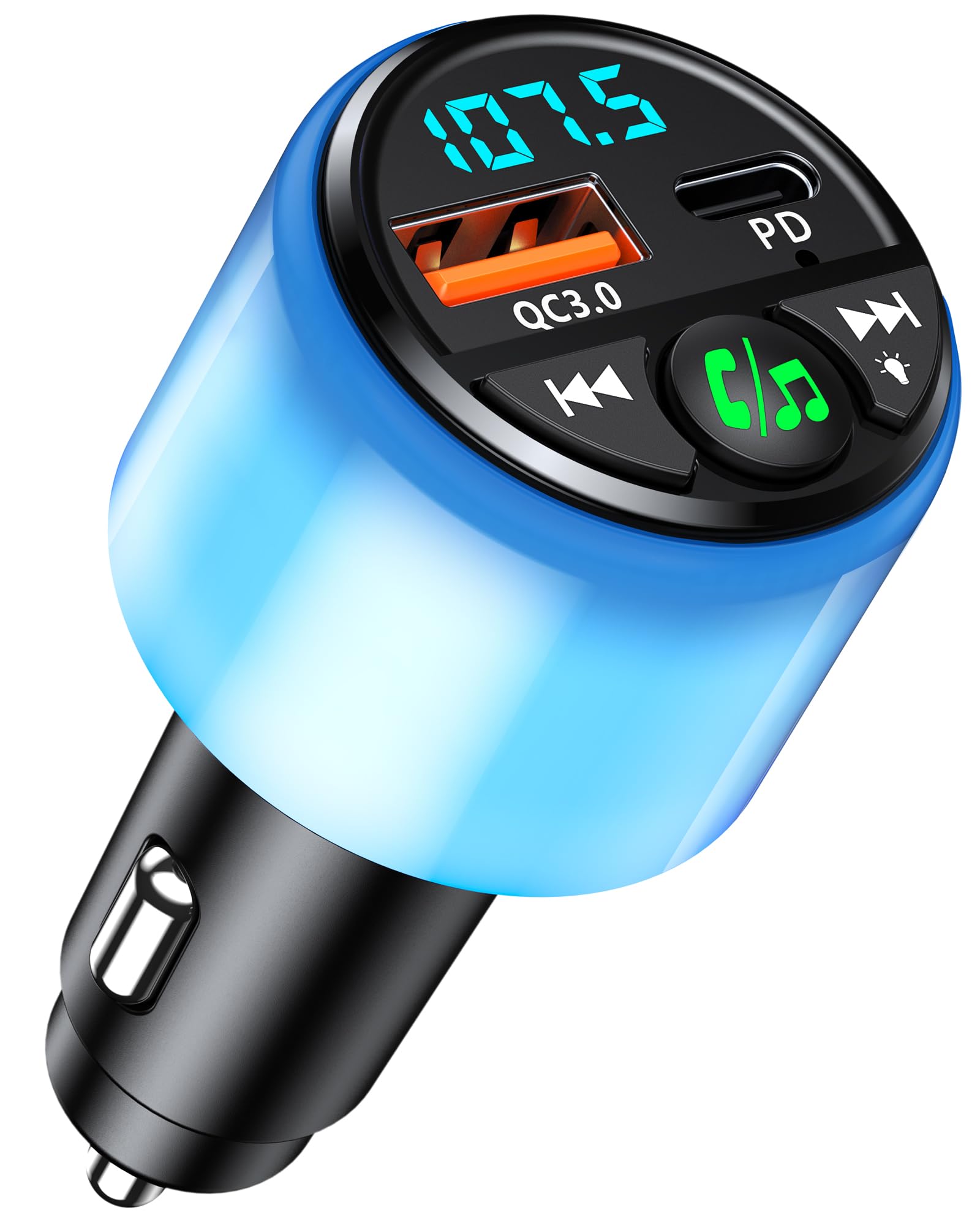
Image: The Mohard BC81 Bluetooth FM Transmitter, highlighting its 48W total charging output (PD 30W + QC3.0 18W) and digital display. This image illustrates the device's primary function as a charger and audio transmitter.
Setup Instructions
- Insert the Transmitter: Plug the Mohard BC81 Bluetooth FM Transmitter into your car's cigarette lighter socket. The device will power on automatically.
- Tune Car Radio: Set your car radio to an unused FM frequency. Choose a frequency that does not have an existing radio station signal to minimize interference.
- Adjust Transmitter Frequency:
- Press the Multi-Function Button (MFB) to enter FM mode.
- Adjust the frequency of the transmitter to match your car radio's frequency by using the previous/next track buttons (short or long press as indicated by the device).
- Wait 3 seconds or press the MFB again to confirm the frequency setting.
- Pair with Bluetooth:
- Activate the Bluetooth function on your mobile phone or other Bluetooth-enabled device.
- Search for the device named "BC81" in your Bluetooth settings.
- Select "BC81" to connect. Once paired, the device will automatically reconnect to your phone when powered on again.

Image: A visual representation of the Mohard BC81's Bluetooth 5.3 capabilities, emphasizing faster transmission, more stable connection, and automatic reconnection. The device is shown with its digital display indicating an FM frequency.
Operating Instructions
Music Playback
Once connected via Bluetooth and the FM frequency is set, you can play music from your phone. The audio will be transmitted to your car's radio system. The device supports Bluetooth 5.3, AAC, MP3, and FLAC formats for high-fidelity sound.

Image: The Mohard BC81 device depicted with musical notes and instruments, illustrating its capability to deliver Hi-Fi stereo music through your car's audio system.
Hands-Free Calling
The Mohard BC81 features a built-in HD microphone and CVC noise reduction technology for clear hands-free calls.
- Answer Call: Press the MFB once.
- End Call: Press the MFB once during a call.
- Reject Call: Press and hold the MFB.
- Redial Last Number: Double-press the MFB.

Image: A user making a hands-free call in a car, with the Mohard BC81 device shown alongside icons for answering, hanging up, rejecting, and redialing calls, emphasizing its clear communication features.
Charging Devices
The device is equipped with two fast-charging ports:
- PD 30W Port: For Power Delivery compatible devices, offering rapid charging.
- QC3.0 18W Port: For Quick Charge 3.0 compatible devices, providing efficient charging.
These ports allow simultaneous high-speed charging for two devices, such as smartphones, tablets, or smartwatches.
LED Ambient Lighting
The Mohard BC81 features LED lighting with 5 selectable colors to enhance your car's interior ambiance. The light ring pulsates with music playback.
- Change Color: Long press the designated button (usually the MFB or a dedicated light button) to cycle through the available colors.
- Turn Off Light: The LED lighting can be turned off if desired. Refer to the device's specific button functions for this action.

Image: The Mohard BC81 device emitting a vibrant blue LED light, with color options shown above. An arrow indicates a long press action to switch colors, demonstrating the customizable ambient lighting feature.
Low Voltage Warning
The device monitors your car's battery voltage. If the voltage drops below 11V, the LED display will flash to warn you of low voltage, helping to prevent battery issues. The flashing stops once the voltage returns to 11V or higher.
Maintenance
- Cleaning: Use a soft, dry cloth to clean the device. Do not use liquid cleaners or aerosols.
- Storage: Store the device in a cool, dry place when not in use.
- Avoid Extreme Conditions: Do not expose the device to extreme temperatures, direct sunlight, or excessive moisture.
- Handle with Care: Avoid dropping or subjecting the device to strong impacts.
Troubleshooting
| Problem | Possible Solution |
|---|---|
| No power/Device not turning on |
|
| Poor audio quality/Static noise |
|
| Bluetooth not connecting |
|
| Charging is slow or not working |
|
Specifications
| Feature | Detail |
|---|---|
| Model | BC81 |
| Bluetooth Version | 5.3 |
| Charging Ports | 1 x PD 30W, 1 x QC3.0 18W (Total 48W) |
| Input Voltage | 12V-24V (DC) |
| Display Type | LED |
| Audio Output Mode | FM Transmission, Bluetooth |
| Compatible Media Types | Bluetooth 5.3, AAC, MP3, FLAC, USB Flash Drive |
| Material | ABS plastic |
| Dimensions | 11.2 x 5 x 4.3 cm |
| Weight | 60 g |
| Special Features | Automatically reconnects, Clear hands-free experience, Dual fast charging ports, Impressive LED ambient lighting, Modern Bluetooth 5.3 technology, Low voltage warning |
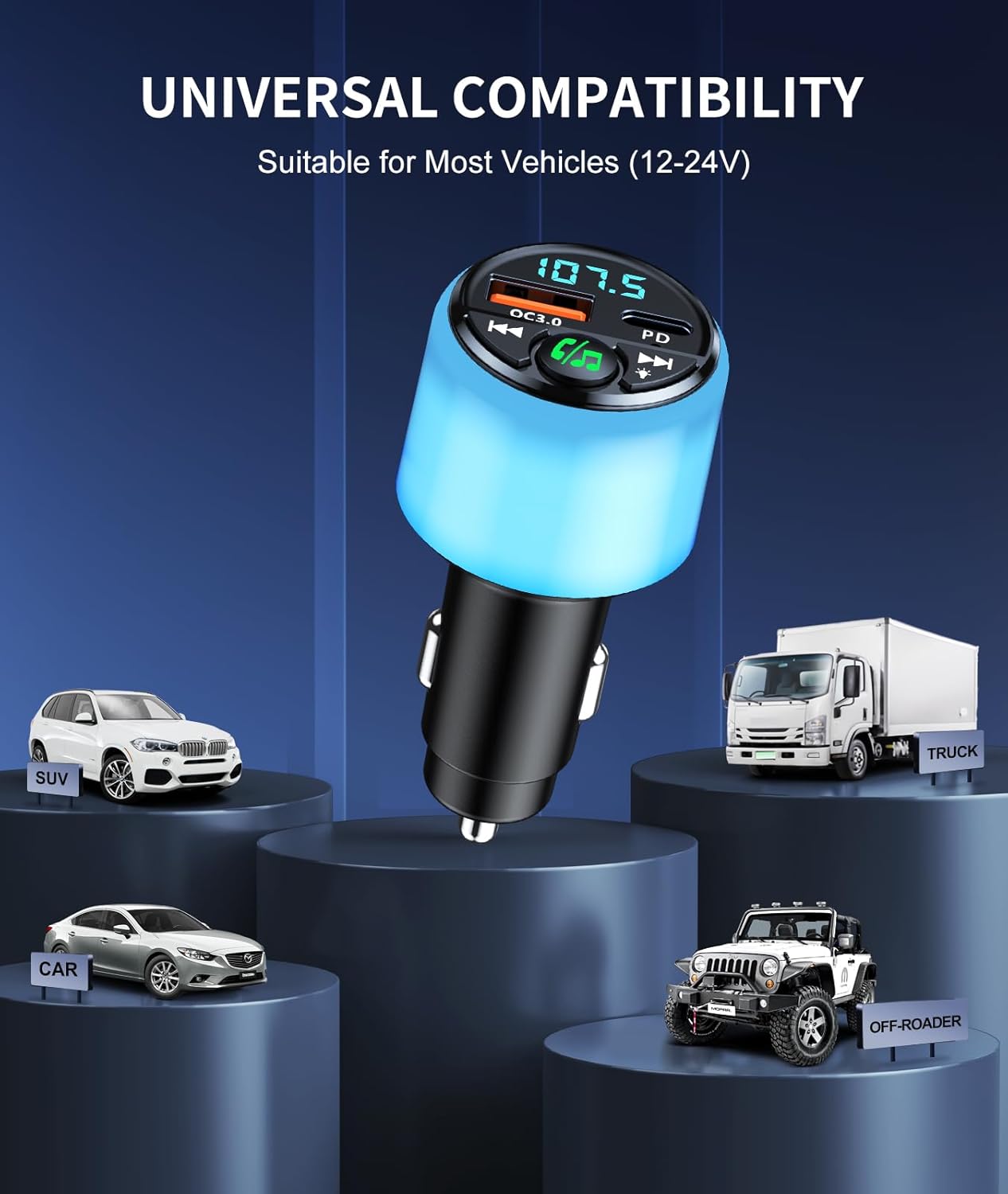
Image: The Mohard BC81 device positioned above various vehicle types (SUV, Car, Off-Roader, Truck), illustrating its universal compatibility with most 12V-24V vehicles.
Warranty and Support
For warranty information and technical support, please refer to the contact details provided with your purchase or visit the official Mohard website. Keep your purchase receipt for warranty claims.
Note: The product package includes one user manual (English language).


