Introduction
Thank you for choosing the Fitonus Smart Watch. This manual provides essential information for setting up, operating, and maintaining your device. Please read it carefully to ensure optimal performance and longevity of your smart watch.

Figure 1: The Fitonus Smart Watch, showcasing its robust design and digital display.
Setup
1. Initial Charging
Before first use, fully charge your Fitonus Smart Watch. Connect the magnetic charging cable to the charging points on the back of the watch and plug the USB end into a compatible power adapter (not included). A full charge typically takes approximately 2 hours.

Figure 2: The smart watch displaying its charging status. A full charge can provide up to 7 days of normal use or 25 days on standby.
2. App Download and Pairing
To unlock all features, download the companion application on your iOS or Android mobile device. Search for "Fitonus" in your device's app store. Once installed, open the app and follow the on-screen instructions to pair your smart watch via Bluetooth. Ensure Bluetooth is enabled on your phone.
3. Time and Date Synchronization
Upon successful pairing with the app, the smart watch will automatically synchronize its time and date with your mobile device.
Operating Instructions
1. Basic Navigation
The Fitonus Smart Watch features a full-touch round display and a digital crown for navigation. Swipe across the screen to access different menus and functions. Rotate the digital crown to scroll through lists or adjust settings.

Figure 3: Illustrates the use of the digital crown for navigating through the watch's interface, allowing for easy access to various data pages.
2. Bluetooth Calls and Notifications
With Bluetooth connectivity, you can make, answer, or reject calls directly from your smart watch. All notifications from your paired mobile device will be displayed on your wrist, accompanied by a vibration alert.

Figure 4: The smart watch displaying an incoming call, demonstrating its Bluetooth call functionality and the ability to answer or reject calls directly from the wrist.
3. Health Monitoring
The smart watch is equipped with high-performance sensors to monitor your health metrics 24/7. It tracks heart rate, sleep patterns, blood pressure, and blood oxygen levels. Data is recorded to help you analyze trends and make reasonable adjustments to your lifestyle. Detailed data can be viewed in the companion app.
- Heart Rate: Continuous monitoring of your heart rate.
- Sleep Monitoring: Tracks sleep stages and quality.
- Blood Pressure: Provides estimated blood pressure readings.
- Blood Oxygen (SpO2): Measures blood oxygen saturation.
Note: The measurement data provided by the watch is for daily tracking purposes only and cannot be used for medical diagnosis.

Figure 5: Visual representation of the smart watch's health monitoring capabilities, including heart rate, blood pressure, and SpO2 tracking, with data displayed on both the watch and the connected app.
4. Sports Modes
The Fitonus Smart Watch supports over 100 sports modes, including running, cycling, rock climbing, skiing, football, and more. It tracks and records your exercise data in real-time, such as steps, distance, and calories burned, helping you maintain a reasonable exercise plan.
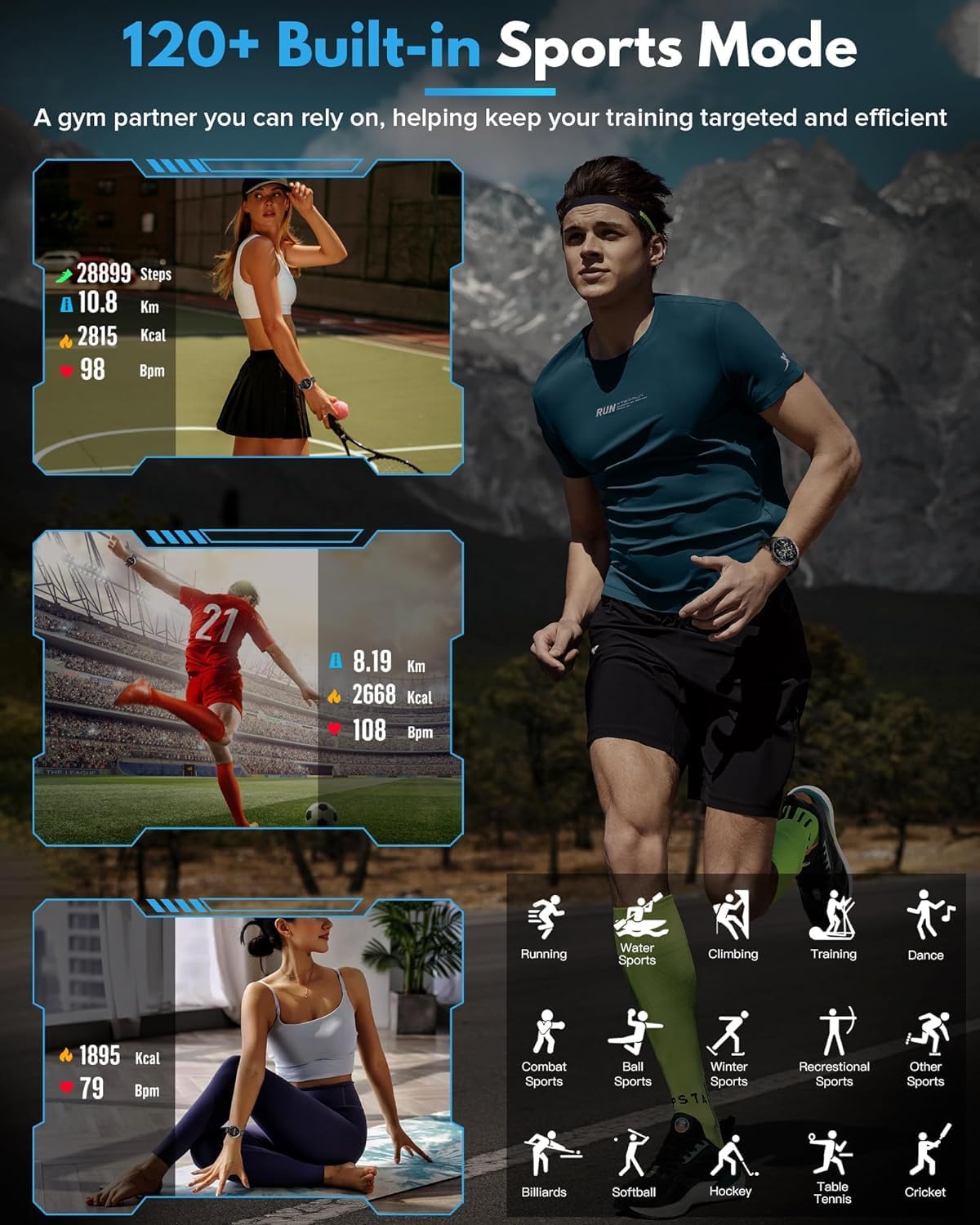
Figure 6: Displays the variety of over 120 built-in sports modes available on the smart watch, tracking metrics like steps, distance, and calories for different activities.
Maintenance
1. Water Resistance (IP67)
The Fitonus Smart Watch is rated IP67 for water resistance, designed for professional outdoor sports. This means it is protected against dust ingress and can withstand immersion in water up to 1 meter for 30 minutes. However, it is not recommended to submerge the watch in water or expose it to steam (e.g., hot showers, saunas) as this can compromise the seals and cause damage.
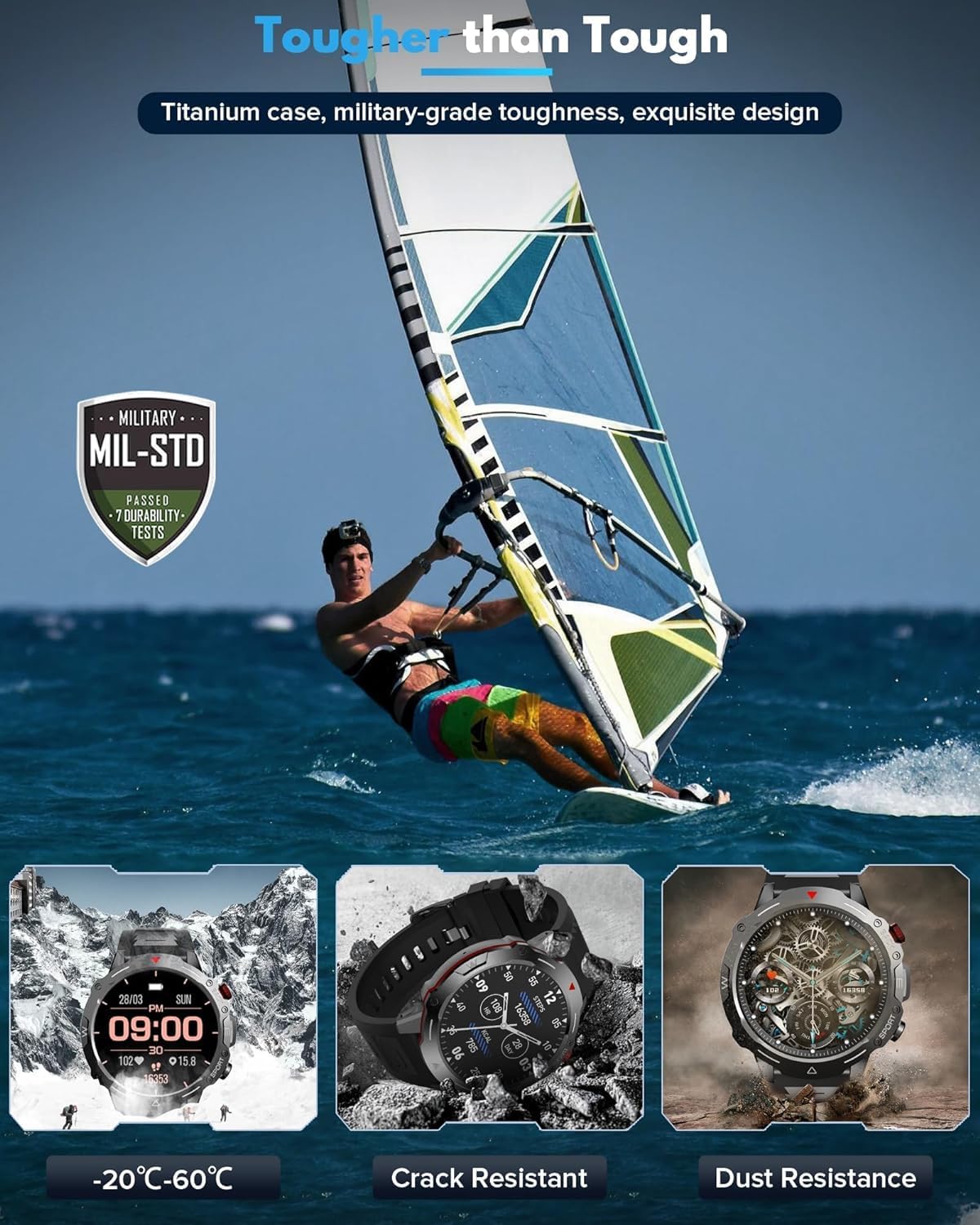
Figure 7: Highlights the military-grade toughness of the Fitonus Smart Watch, including its resistance to extreme temperatures, cracks, and dust, reinforcing its robust build.
2. Cleaning and Care
Regularly clean your smart watch and strap with a soft, damp cloth. Avoid using harsh chemicals or abrasive materials. Ensure the charging contacts are clean and dry before charging.
3. Battery Care
To prolong battery life, avoid extreme temperatures. Do not leave the watch fully discharged for extended periods. Charge the watch regularly, even if not in daily use.
Troubleshooting
| Problem | Possible Cause | Solution |
|---|---|---|
| Watch not turning on or charging. | Low battery; faulty charger/cable; charging contacts dirty. | Ensure watch is fully charged. Try a different USB port or power adapter. Clean charging contacts on watch and cable. |
| Watch freezes or hangs. | Software glitch; excessive background processes. | Restart the watch by pressing and holding the power button. If issue persists, perform a factory reset via the app (data will be lost). |
| Cannot pair with phone. | Bluetooth off; app not running; watch not in pairing mode. | Ensure Bluetooth is on for both devices. Restart both watch and phone. Reinstall the app. |
| Health data seems inaccurate. | Improper fit; sensor obstruction; not a medical device. | Ensure the watch is snug but comfortable on your wrist. Clean the sensor area. Remember, data is for reference, not medical use. |
| Watch stopped working after water exposure. | Exposure beyond IP67 limits (e.g., hot water, prolonged submersion). | While IP67 rated, avoid submerging or exposing to steam/hot water. If water damage is suspected, contact customer support. Do not attempt to dry with heat. |
Specifications
| Feature | Detail |
|---|---|
| Brand | Fitonus |
| Model Number | Jjnxm-0240 |
| Screen Size | 1.39 inches |
| Screen Resolution | 360 x 360 HD |
| Item Shape | Square Shape |
| Connectivity Technology | Bluetooth |
| Wireless Communication Standard | Bluetooth |
| Battery Capacity | 300 mAh |
| Battery Cell Composition | Lithium Polymer |
| Operating System | Android Wear 2.0 |
| Special Features | Heart Rate Monitor |
| Water Resistance Rating | IP67 |
| Product Dimensions | 8.7 x 5.3 x 2.5 cm; 130 grams |
Warranty and Support
Fitonus is committed to providing quality products and customer satisfaction. While specific warranty details are not provided in this manual, customers have reported positive experiences with Fitonus customer service, including assistance with product issues and refunds when applicable.
For any product-related inquiries, technical support, or warranty claims, please contact Fitonus customer service through the retailer where you purchased the product or visit the official Fitonus website for contact information.
Please retain your proof of purchase for warranty purposes.


