
TOSING V2R
TOSING V2R Karaoke Microphone User Manual
Model: V2R
Introduction
Thank you for choosing the TOSING V2R Karaoke Microphone. This portable wireless PA system speaker is designed to provide an enjoyable karaoke experience for all ages. With advanced features like AI smart voice control, Bluetooth connectivity, and a robust design, the V2R is perfect for various occasions, from home parties to outdoor gatherings.
This manual provides detailed instructions on setting up, operating, maintaining, and troubleshooting your TOSING V2R microphone to ensure optimal performance and longevity.

Image: The TOSING V2R Karaoke Microphone, showcasing its gold finish and integrated speaker design.
Package Contents
Before you begin, please ensure all items are present in the package:
- 1 x TOSING V2R Karaoke Microphone
- 1 x Charger cable & audio cable
- 1 x User manual
- 1 x PUV packing box
Setup
1. Charging the Microphone
The TOSING V2R is equipped with a 2600mAh Lithium-ion polymer battery. For first-time use, fully charge the microphone.
- Connect the included USB-C charging cable to the charging port on the microphone.
- Connect the other end of the cable to a compatible USB power adapter (not included) or a computer's USB port.
- The charging indicator light will illuminate during charging and turn off when fully charged.
2. Power On/Off
To power on the microphone, press and hold the Power button until the indicator lights illuminate. To power off, press and hold the Power button again until the lights turn off.
3. Bluetooth Pairing
The TOSING V2R features Bluetooth 4.2 for wireless connectivity.
- Ensure the microphone is powered on. It will automatically enter Bluetooth pairing mode.
- On your device (smartphone, tablet, laptop, Mac, MP3/MP4 player), enable Bluetooth and search for available devices.
- Select "TOSING V2R" from the list of devices to pair. A confirmation sound will indicate successful pairing.
The microphone is compatible with various Bluetooth devices, including Mac, smartphones, tablets, MP3, MP4, and laptops running Windows 7, 8, or 10.
4. Wired Connection (AUX-IN)
For non-Bluetooth devices or TVs, use the included 3.5mm audio cable.
- Connect one end of the 3.5mm audio cable to the AUX-IN jack on the microphone.
- Connect the other end to the audio output port of your device.

Image: Detailed view of the TOSING V2R microphone's control panel, showing buttons for Treble, Bass, Volume, Echo, Music controls, Power, Smart Voice, and the 3.5mm earphone port, TF Card slot, and Line in/Charge port.
Operating Instructions
Key Functions
The TOSING V2R offers 9 major functions to enhance your singing experience:
- Sing: Standard karaoke function.
- Recording Song: Record your performances.
- Double Sing: Connect two microphones for duets (additional microphone sold separately).
- Chorus: Enhance vocal harmonies.
- Eliminate Original Voice: Remove vocals from songs, allowing you to sing along to instrumental tracks. This function works independently of your mobile phone's music software.
- Bluetooth 4.2 Function: Wireless audio streaming.
- Lead Singer: Optimize vocal output for a lead performance.
- Car Singing: Connect to your car's audio system for in-car karaoke.
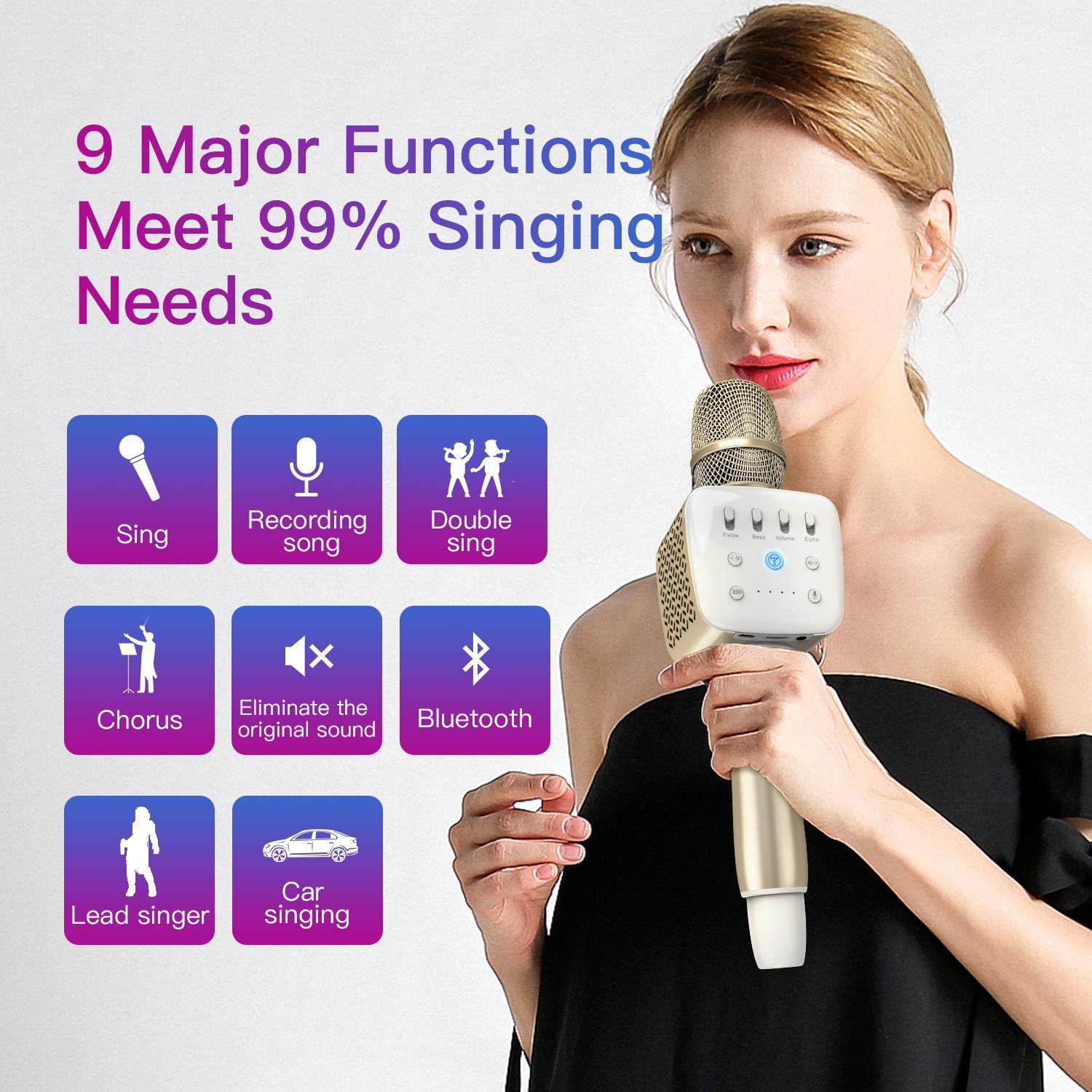
Image: Visual representation of the 9 major functions of the TOSING V2R, including Sing, Recording song, Double sing, Chorus, Eliminate the original sound, Bluetooth, Lead singer, and Car singing.
Control Panel Overview
The microphone features intuitive controls for sound adjustment:
- Treble: Adjust the high-frequency sound.
- Bass: Adjust the low-frequency sound.
- Volume: Control the overall microphone and speaker volume.
- Echo: Adjust the echo effect for vocals.
- Music -/Prev: Skip to the previous track.
- Music +/Next: Skip to the next track.
- Smart Voice Conversation: Activate AI smart voice control for easy search and commands.
- Speaker On/Off / EOV (Eliminate Original Voice): Toggle speaker output or activate the original voice elimination feature.
AI Smart Voice Control
The TOSING V2R incorporates an advanced AI smart voice control DSP chipset. This allows for 3D surround sound effects and enables smart search and control through voice commands, providing a hands-free operating experience.

Image: A visual representation of the AI Smart Voice Control DSP chipset, highlighting its role in digital audio processing for enhanced sound effects and smart control.
Audio Output
The microphone features two 58mm high-definition speakers with 10 watts output, providing 2-channel stereo sound. The symmetric design offers stronger 3D bass, treble, and echo effects for a rich audio experience.

Image: An internal diagram illustrating the 58mm, 10W high-definition speakers within the TOSING V2R, designed for strong 3D bass, treble, and echo.
Maintenance
Cleaning
- Wipe the microphone's exterior with a soft, dry cloth.
- Do not use abrasive cleaners or solvents, as they may damage the finish.
- Keep the microphone dry and away from excessive moisture.
Battery Care
The built-in Lithium-ion polymer battery is designed for durability, supporting over 10,000 recharge cycles. To prolong battery life:
- Avoid fully discharging the battery frequently.
- Store the microphone in a cool, dry place when not in use for extended periods.
- Charge the microphone regularly, even if not in frequent use, to maintain battery health.
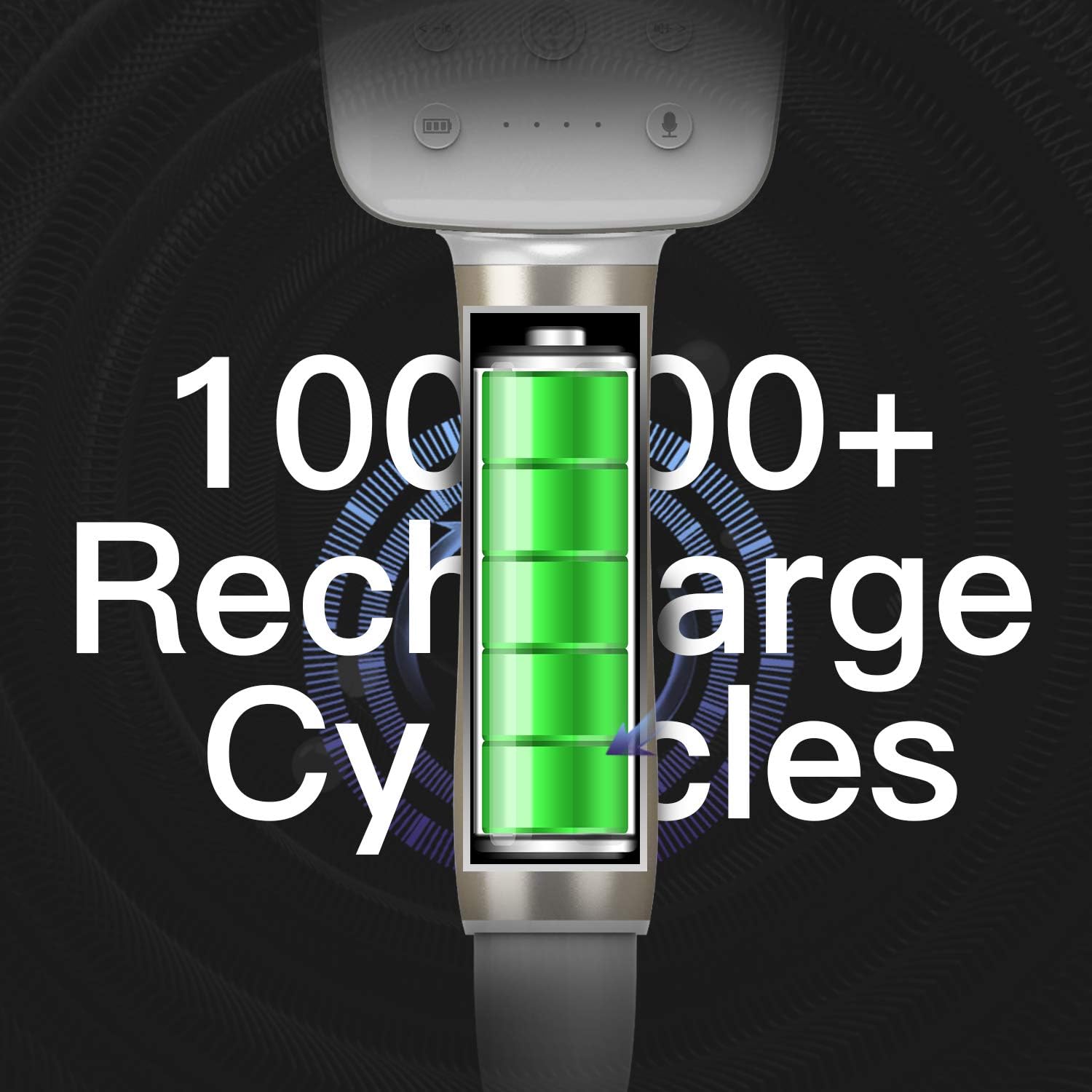
Image: An illustration highlighting the TOSING V2R's battery, emphasizing its capacity for over 10,000 recharge cycles.
Troubleshooting
If you encounter issues with your TOSING V2R microphone, please refer to the following common solutions:
| Problem | Possible Cause | Solution |
|---|---|---|
| Microphone does not power on. | Low battery. | Charge the microphone fully. |
| Cannot connect via Bluetooth. | Bluetooth not enabled on device, microphone not in pairing mode, or too far from device. | Ensure Bluetooth is on, microphone is powered on and in pairing mode. Move closer to the microphone. Try re-pairing. |
| No sound from speakers. | Volume too low, microphone muted, or incorrect connection. | Increase volume. Check if speaker is enabled. Verify wired connection or Bluetooth pairing. |
| Sound distortion or poor quality. | Interference, incorrect settings, or microphone too close to speakers. | Move away from other electronic devices. Adjust Treble, Bass, and Echo settings. Maintain appropriate distance from speakers. |
If the problem persists after trying these solutions, please refer to the support information provided in this manual.
Specifications
| Feature | Detail |
|---|---|
| Model Number | V2R |
| Power Source | Battery Powered |
| Battery Type | 1 Lithium Ion (included), 2600mAh |
| Material | Acrylonitrile Butadiene Styrene, Metal |
| Hardware Platform | Karaoke Machine |
| Number of Channels | 2 |
| Frequency Response | 10 KHz |
| Item Weight | 1.7 pounds |
| Package Dimensions | 12.8 x 4.9 x 3.7 inches |
| Speaker Count | 2 |
| Output Wattage | 10 Watts |
| Connectivity Technology | Auxiliary, Bluetooth |
| Connector Type | 3.5 mm Jack, USB Type-C |
| Special Features | 2 PA 10 watts louder speakers, 32mm dynamic sensitive pickup, DIY Bass Treble Echo Volume, AI Smart Voice Control |
| Compatible Devices | Bluetooth speaker/stage speaker/amplifier, Car audio/audio mixer/mp3, TV/Phone/PC/Laptop/Tablet |
| Polar Pattern | Unidirectional |
| Microphone Form Factor | Handheld |
Support Information
TOSING is committed to providing high-quality products and customer satisfaction. If you encounter any issues or have questions regarding your TOSING V2R Karaoke Microphone, please contact our customer support.
We ensure 100% exchange for a new product or a money refund without asking questions if you experience any issues during use.
For further assistance, please visit the official TOSING store on Amazon or contact their customer service directly.
Visit the TOSING Store
Ask a question about this manual
Ask about setup, troubleshooting, compatibility, parts, safety, or missing instructions. Manuals+ will review the question and use this page’s manual context to help answer it.