
1. Introduction
Thank you for choosing the itel T31 Truly Wireless Earbuds. This manual provides essential information for setting up, operating, maintaining, and troubleshooting your earbuds to ensure an optimal audio experience. Please read this manual carefully before using the product.
2. What's in the Box
The itel T31 package includes the following items:
- itel T31 Truly Wireless Earbuds (Left and Right)
- Charging Case
- USB Type-C Charging Cable
- Eartips (various sizes)
- User Manual (this document)
3. Setup
3.1 Initial Charging
Before first use, fully charge the earbuds and the charging case. Connect the provided USB Type-C cable to the charging port on the case and a compatible power source. The indicator lights on the case will show the charging status. A full charge typically takes approximately 1.5 to 2 hours.

Figure 1: Earbuds and charging case with Type-C fast charging.
3.2 Pairing with a Device
- Ensure the earbuds are charged.
- Open the charging case. The earbuds will automatically enter pairing mode, indicated by a flashing LED light on one or both earbuds.
- On your smartphone, tablet, or laptop, enable Bluetooth.
- Search for available Bluetooth devices and select "itel T31" from the list.
- Once connected, the LED indicator on the earbuds will stop flashing, and you will hear a confirmation tone.
The earbuds will automatically reconnect to the last paired device when taken out of the case, provided Bluetooth is enabled on the device.
3.3 Comfortable Fit
Select the eartips that provide the best seal and comfort for your ears. A proper fit is crucial for optimal sound quality and effective Active Noise Cancellation (ANC).
4. Operating Instructions
4.1 Touch Controls
The itel T31 earbuds feature intuitive touch controls for managing music, calls, and sound modes.
| Action | Left Earbud | Right Earbud |
|---|---|---|
| Play/Pause Music | Single Tap | Single Tap |
| Next Track | Double Tap | Double Tap |
| Previous Track | Triple Tap | Triple Tap |
| Answer/End Call | Single Tap | Single Tap |
| Reject Call | Long Press (2s) | Long Press (2s) |
| Activate Voice Assistant | Long Press (2s) | Long Press (2s) |
| Switch ANC/Transparency Mode | Long Press (2s) | Long Press (2s) |
| Game Mode | Quad Tap | Quad Tap |
5. Active Noise Cancellation (ANC) and Transparency Mode
The itel T31 earbuds offer versatile listening modes:
- Active Noise Cancellation (ANC): Reduces ambient noise by up to -25dB, providing an immersive audio experience ideal for travel or noisy environments.
- Transparency Mode: Allows you to hear your surroundings clearly without removing the earbuds, enhancing awareness in situations requiring attention to external sounds.
To switch between ANC and Transparency modes, use the touch controls as described in Section 4.1.
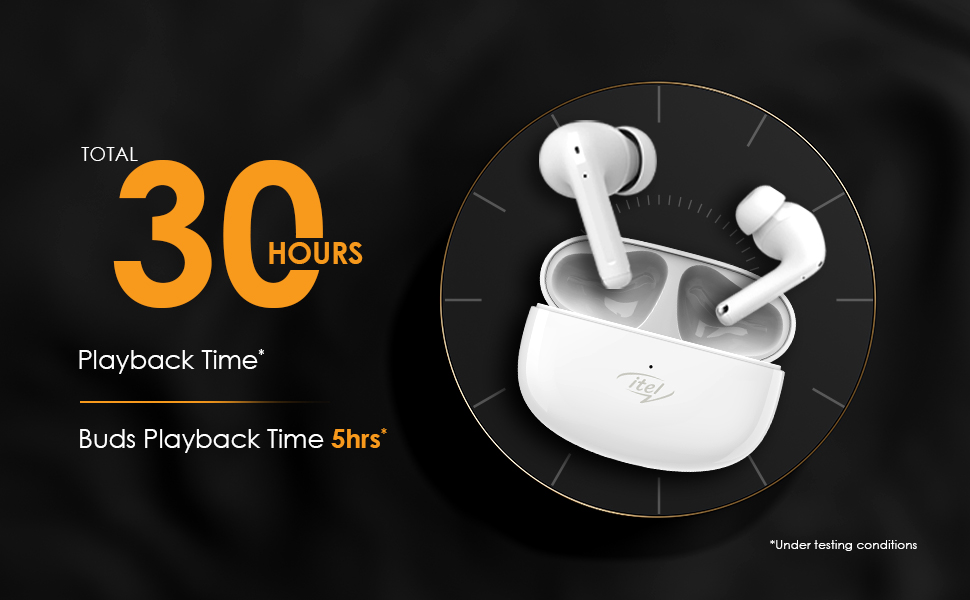
Figure 2: Active Noise Cancellation (ANC) feature.
6. Calling Features
The itel T31 earbuds are equipped with Quad Mic Environmental Noise Cancellation (ENC) technology. Four microphones work together to filter out background noise, ensuring your voice is clear and audible during calls, even in noisy environments.
7. Charging
7.1 Earbuds Charging
Place the earbuds back into the charging case. They will automatically begin charging. The case's indicator lights will show the charging status of the earbuds.
7.2 Case Charging
Connect the charging case to a power source using the provided USB Type-C cable. The fast charging capability ensures quick power replenishment. A fully charged case provides multiple charges for the earbuds, extending the total playtime up to 30 hours.
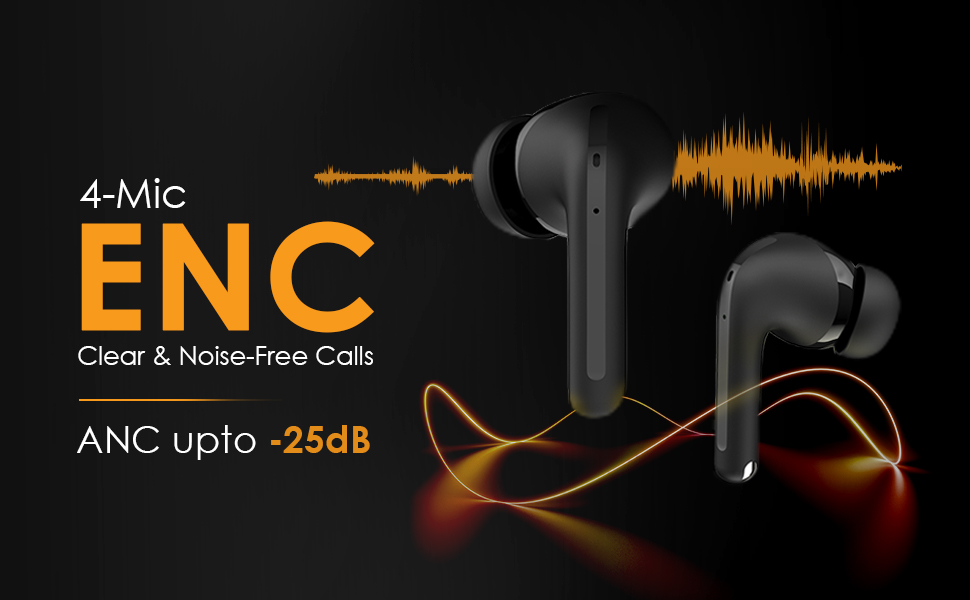
Figure 3: Earbuds in charging case, illustrating 30 hours of total playback.
8. Water Resistance (IPX5)
The itel T31 earbuds are rated IPX5 water-resistant. This means they are protected against low-pressure water jets from any direction. They are suitable for workouts and light rain but should not be submerged in water or exposed to heavy downpours.
9. Maintenance
9.1 Cleaning
Regularly clean your earbuds and charging case to maintain optimal performance and hygiene. Use a soft, dry, lint-free cloth. For stubborn dirt, slightly dampen the cloth with water. Do not use abrasive cleaners or solvents.
9.2 Storage
When not in use, store the earbuds in their charging case to protect them from dust, damage, and to keep them charged. Avoid storing them in extreme temperatures or high humidity.
10. Troubleshooting
If you encounter issues with your itel T31 earbuds, refer to the following common solutions:
- Earbuds not pairing: Ensure both earbuds are charged and in pairing mode. Turn off and on Bluetooth on your device. Try forgetting the device in your Bluetooth settings and re-pairing.
- No sound from one earbud: Place both earbuds back in the case, close it, then open it again. Ensure both earbuds are charged.
- Charging issues: Check the charging cable and adapter. Ensure the charging contacts on the earbuds and case are clean and free of debris.
- Low volume or poor sound quality: Adjust the volume on your device. Ensure the eartips provide a good seal. Clean any earwax or debris from the earbud nozzles.
- Touch controls not responding: Ensure your fingers are clean and dry. Try restarting the earbuds by placing them in the case and taking them out again.
If the problem persists, please contact customer support.
11. Specifications
Key technical specifications for the itel T31 Truly Wireless Earbuds:
| Feature | Detail |
|---|---|
| Model Name | T31 |
| Connectivity Technology | Bluetooth 5.3 |
| Noise Control | Active Noise Cancellation (ANC up to -25dB), Environmental Noise Cancellation (ENC) |
| Audio Driver Size | 10mm Bass Boost Drivers |
| Battery Life | Up to 30 Hours (with charging case) |
| Charging Port | USB Type-C (Fast Charging) |
| Water Resistance Rating | IPX5 |
| Control Method | Touch Control |
| Compatible Devices | Laptops, Smartphones, Tablets |
| Item Weight | 36 Grams |
| Product Dimensions | 6.3 x 4.9 x 2.5 cm |
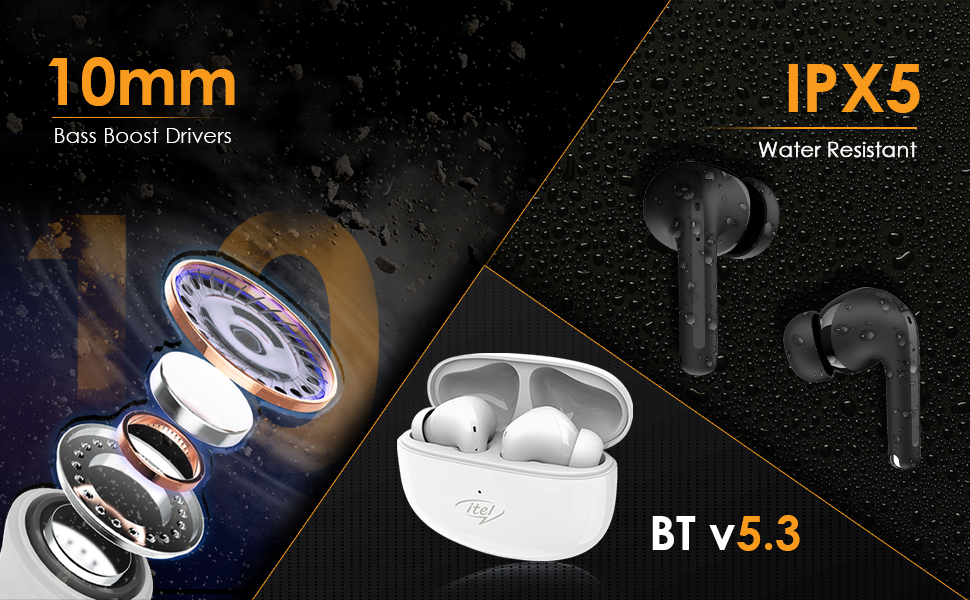
Figure 4: Illustration of 10mm Bass Boost Drivers.
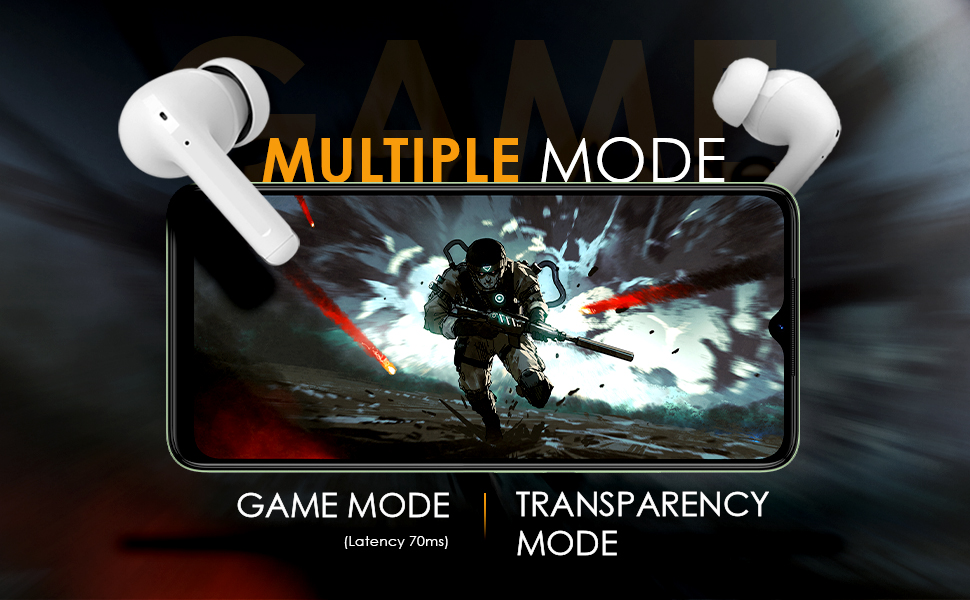
Figure 5: Earbuds in Game Mode.
12. Warranty and Support
12.1 Warranty Information
The itel T31 Truly Wireless Earbuds come with a standard manufacturer's warranty. Please refer to the warranty card included in your product packaging for specific terms, conditions, and duration of coverage. Keep your purchase receipt as proof of purchase for warranty claims.
12.2 Customer Support
For technical assistance, troubleshooting beyond this manual, or warranty inquiries, please contact itel customer support. Contact details can typically be found on the official itel website or on the warranty card.

