
Introduction
The Joyroom JR-T03S 2nd Generation TWS Wireless Bluetooth Headset offers a combination of features and sound quality for an enhanced audio experience. This manual provides detailed instructions for setting up and operating your headset.
Key Features:
- Stable Bluetooth 5.0 Connection for seamless pairing.
- Supports Wireless Charging for convenient power-ups.
- Noise Reduction Microphone for clearer conversations.
- Instant Pairing Pop-up for iOS devices enhances usability.
- Reliable Battery Life for extended use.
- Compact Charging Case with magnetic design for portability.
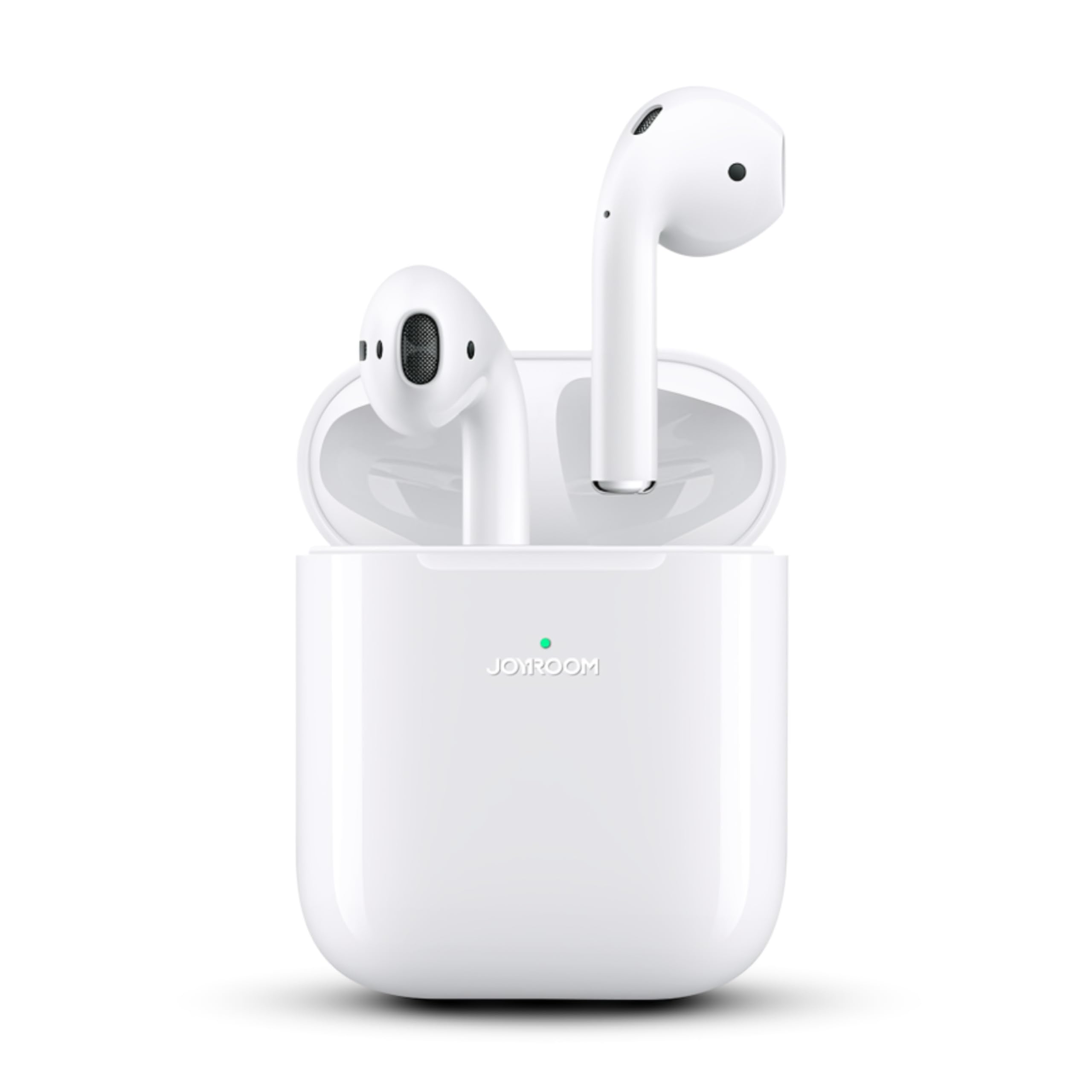
Image: Joyroom JR-T03S 2nd Generation TWS Bluetooth Headset in its charging case.
Package Contents
Please ensure all items are present in the package:
- Joyroom JR-T03S Earbuds (Left and Right)
- Charging Case
- USB Charging Cable
- Silicone Protective Cover (may vary by package)
- User Manual

Image: Contents of the Joyroom JR-T03S package.
Setup
1. Charging the Headset
Before first use, fully charge the earbuds and the charging case. The charging case has a 400mAh battery capacity.
- Wired Charging: Connect the provided USB cable to the charging port on the case and to a power source.
- Wireless Charging: Place the charging case on a compatible Qi wireless charging pad.
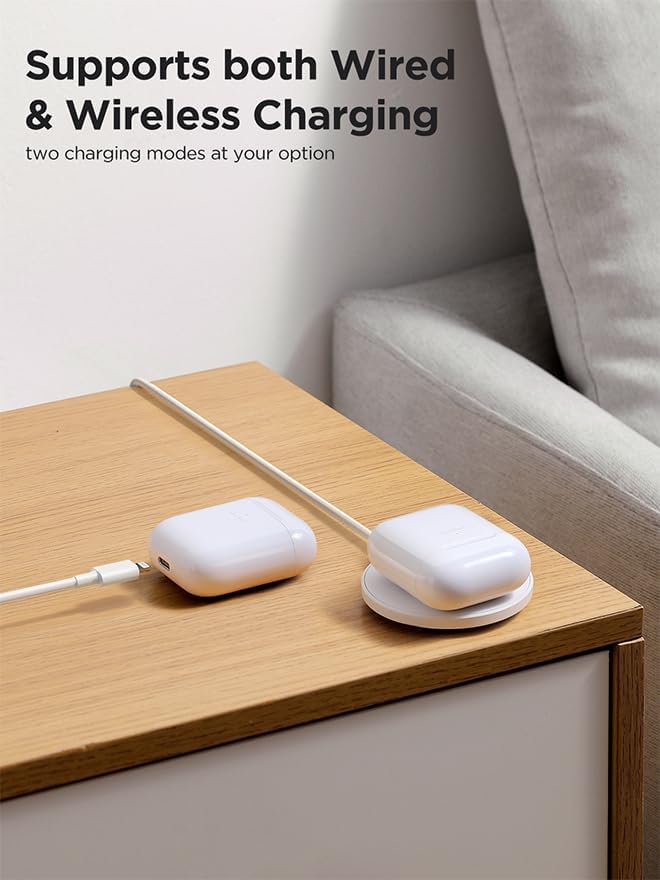
Image: The charging case supports both wired and wireless charging.
The following video demonstrates the charging case battery and the optional silicon cover:
Video: Demonstrates the charging case battery capacity and the use of the silicon cover.
2. Pairing with a Device
The JR-T03S headset features instant pop-up pairing for iOS devices, simplifying the connection process.
- Ensure Bluetooth is enabled on your device.
- Open the charging case with the earbuds inside, and place it near your device.
- For iOS devices, a pop-up window will appear on your screen. Follow the on-screen prompts to connect.
- For other devices, search for "JR-T03S" in your device's Bluetooth settings and select it to pair.
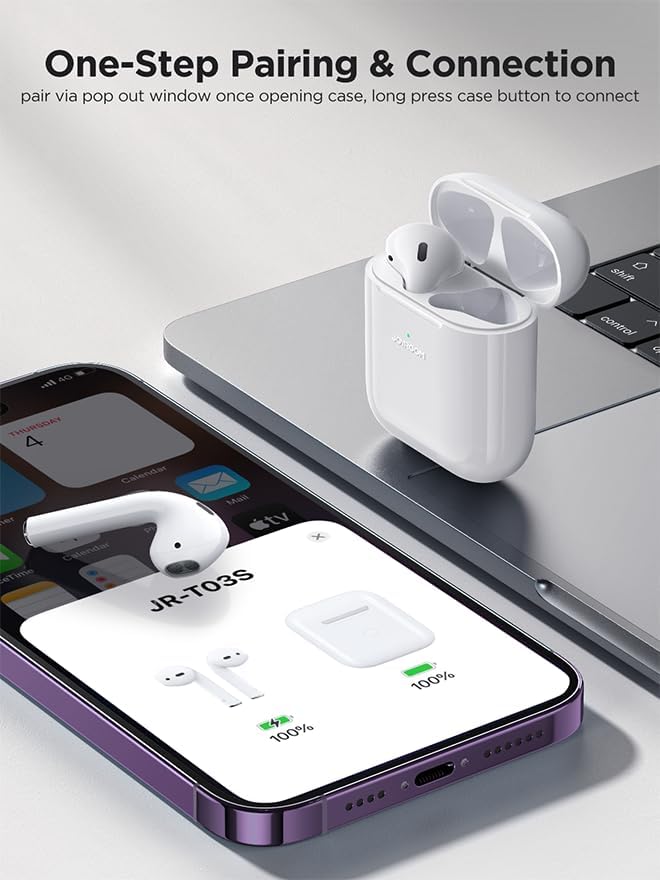
Image: One-step pairing and connection via pop-up window.
Operation
The JR-T03S earbuds are designed for intuitive touch control and smart features.
In-Ear Detection
The earbuds automatically detect when they are in your ears. Audio playback will start when inserted and pause when removed.

Image: In-Ear Detection feature for automatic audio control.
Touch Controls
The earbuds feature touch-sensitive areas for controlling music, calls, and voice assistants.
- Play/Pause Music: Single tap on either earbud.
- Next Track: Triple tap on the right earbud.
- Previous Track: Triple tap on the left earbud.
- Answer/End Call: Single tap on either earbud.
- Reject Call: Press and hold either earbud for 2 seconds.
- Activate Voice Assistant (Siri): Press and hold either earbud for 3 seconds.
Single Earbud Use
You can use either the left or right earbud independently for music or calls.
The following video demonstrates pairing, in-ear detection, music controls, call handling, and voice assistant activation:
Video: Demonstrates various operational features including pairing, in-ear detection, music control, call management, and voice assistant.
Audio Quality and Calling
The JR-T03S features HiFi audio quality with a 13mm large dynamic speaker and a PU composite diaphragm for rich sound and details. The DNS enhanced calling technology helps filter background noise for clearer conversations.

Image: Illustration of the earbud's speaker for HiFi audio quality.

Image: DNS Enhanced Calling for clear communication.
Battery Life
The earbuds provide approximately 5 hours of music playback on a single charge, with an additional 22.5 hours provided by the charging case, totaling up to 28 hours of use.
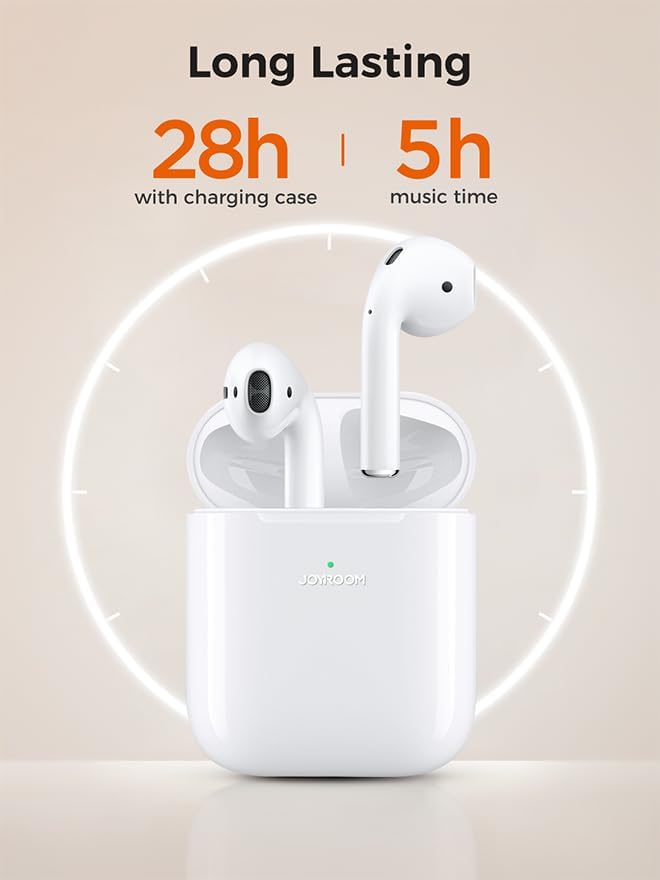
Image: Battery life indication for earbuds and charging case.
Specifications
| Feature | Detail |
|---|---|
| Model Name | JR-T03S |
| Brand | Joyroom |
| Connectivity Technology | Wireless (Bluetooth 5.0) |
| Headphones Form Factor | In Ear |
| Headphones Ear Placement | In Ear |
| Control Type | Touch Control |
| Noise Control | None (Noise Reduction Mic for calls) |
| Sensitivity | 103 dB |
| Charging Case Battery | 400mAh (with lithium protection plate) |
| Battery Life (Earbuds) | 5 hours (music time) |
| Total Battery Life (with case) | Up to 28 hours |
| Battery Charge Time | 1 Hour |
| Material | Plastic |
| Color | White |
| Item Weight | 220 Grams |
| Product Dimensions | 4.4 x 2.2 x 5.38 cm |
| Water Resistance Level | Water Resistant |
| Compatible Devices | Telephones, Tablets, Desktops, Laptops, Smart Speaker, Television, Cellphones |
Maintenance
To ensure the longevity and optimal performance of your Joyroom JR-T03S headset, follow these maintenance guidelines:
- Cleaning: Regularly clean the earbuds and charging case with a soft, dry, lint-free cloth. Avoid using abrasive materials or harsh chemicals.
- Storage: When not in use, store the earbuds in their charging case to protect them from dust and damage.
- Avoid Moisture: While the earbuds are water-resistant, avoid prolonged exposure to water or extreme humidity. Ensure they are dry before placing them back in the charging case.
- Charging: Use only the provided charging cable or a certified wireless charger. Do not overcharge the device.
Troubleshooting
If you encounter any issues with your Joyroom JR-T03S headset, please refer to the following common solutions:
- Earbuds not pairing: Ensure both earbuds are in the charging case, close the lid, then open it again. Check that Bluetooth is enabled on your device and try pairing again. If issues persist, try resetting the earbuds (refer to manufacturer's specific reset instructions if available, otherwise, forget the device on your phone and re-pair).
- No sound from one earbud: Place both earbuds back in the charging case, close the lid, and then take them out again. Ensure they are both charged.
- Charging issues: Check the charging cable and power adapter. Ensure the charging case and earbuds are clean and free of debris that might obstruct charging contacts. Try a different charging method (wired/wireless) if available.
- Poor sound quality: Ensure the earbuds are properly seated in your ears. Check the audio source device for any volume or equalizer settings.
If these steps do not resolve your issue, please contact Joyroom customer support for further assistance.
Warranty and Support
Your Joyroom JR-T03S headset is covered by a manufacturer's warranty. Please refer to the warranty card included in your package for specific terms and conditions.
For technical support, warranty claims, or additional product information, please visit the official Joyroom website or contact their customer service department.
Online Resources:
- Joyroom Official Website: Visit the Joyroom Store