
PTHTECHUS A22
PTHTECHUS Smartwatch for Kids User Manual
Model: A22 | Brand: PTHTECHUS
1. Introduction
The PTHTECHUS Smartwatch for Kids is designed to combine learning and entertainment, making education more engaging for children. This smartwatch is an all-in-one device with integrated functions, requiring no SIM card, mobile phone connection, or app downloads. It does not support call functions or GPS tracking, ensuring ease of use and a focused experience for children.
This manual provides detailed instructions on setting up, operating, and maintaining your PTHTECHUS Smartwatch, along with troubleshooting tips and product specifications.
2. Package Contents
- 1 x PTHTECHUS Smartwatch (with integrated memory card)
- 1 x USB Data Cable
- 1 x User Manual

Image: The PTHTECHUS Smartwatch in blue, showcasing its design and default jellyfish watch face.
3. Setup
3.1 Initial Charging
Before first use, fully charge the smartwatch. Connect the included USB data cable to the watch's charging port and plug the other end into a standard USB power adapter (not included) or a computer's USB port.
- Charging Time: Approximately 1 to 3 hours.
- The screen will indicate charging status.
3.2 Powering On/Off
- To Power On: Press and hold the power button (usually on the side of the watch) until the screen lights up.
- To Power Off: Press and hold the power button until a power-off option appears on the screen, then confirm.
4. Operating Instructions
The smartwatch features a full touch screen for easy navigation. Swipe left/right or up/down to access different functions and menus.
4.1 Camera and Video Recording
The watch is equipped with an HD camera. Children can capture photos and record videos of their surroundings.
- Access the "Camera" application from the main menu.
- Tap the screen to take a photo or switch to video recording mode.
- Magic Stickers: The camera includes 10 cute magic sticker effects to enhance photos.

Image: The smartwatch camera function, illustrating photo and video capabilities along with fun sticker options.
4.2 MP3 Music Player
The smartwatch supports MP3 music playback. You can transfer songs from your computer to the watch.
- Connect the smartwatch to a PC using the USB data cable.
- The watch will appear as a removable storage device.
- Transfer MP3 format songs into the "My Music" folder on the watch.
- Access the "Music Player" application on the watch to play your songs.
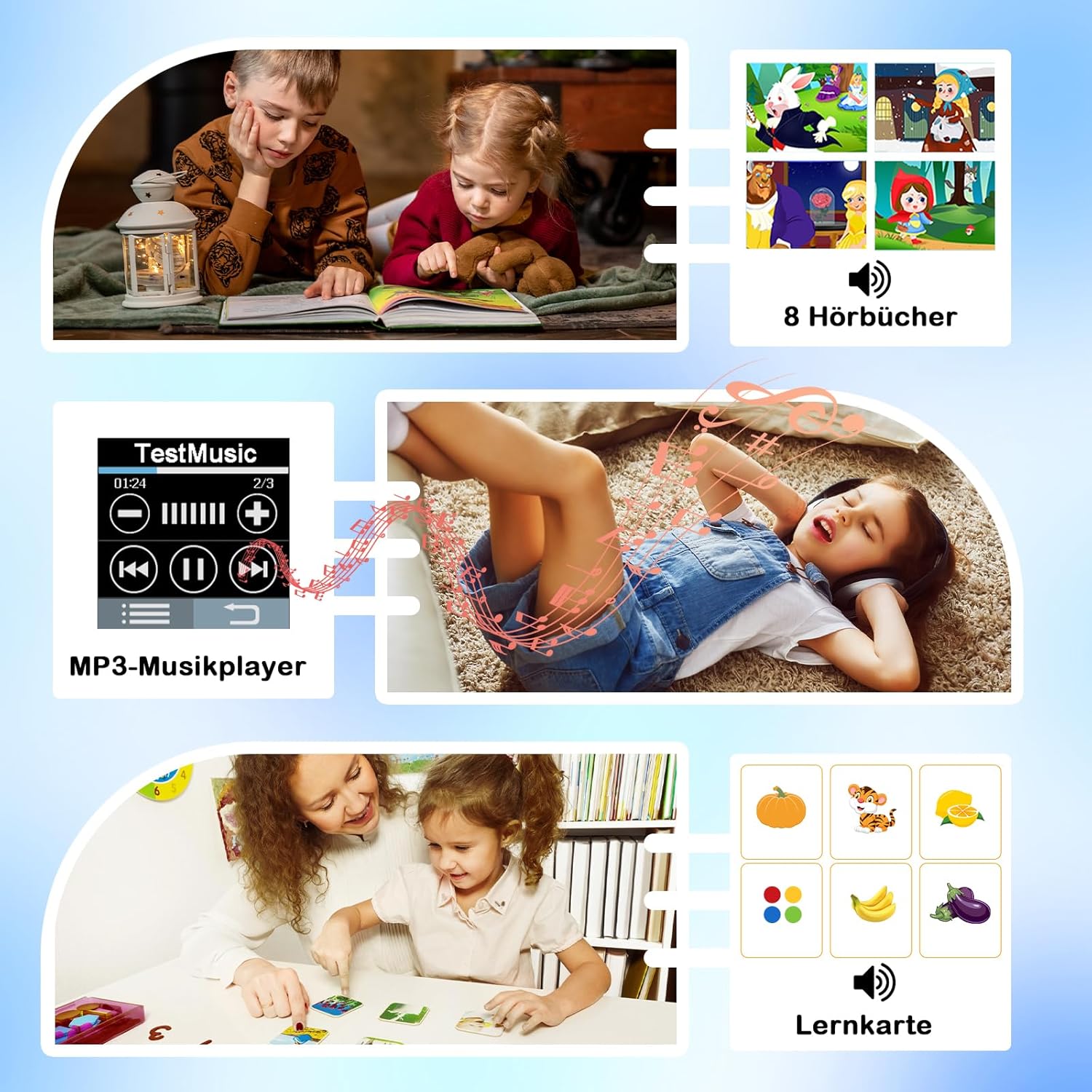
Image: The smartwatch's MP3 music player interface, demonstrating its audio capabilities including audiobooks and learning cards.
4.3 Learning Functions (Learning Cards & Audiobooks)
The watch includes features to aid in learning and vocabulary development.
- Learning Cards: Help children learn vocabulary related to vegetables, fruits, animals, and colors.
- Audiobooks: 8 English audiobooks are included to assist children with speaking and listening skills.
4.4 Habit Tracking
The habit tracking function allows setting reminders for daily activities, helping children develop good habits.
- Access the "Habit Tracker" application.
- Set reminders for activities such as "Get Up," "Brush Your Teeth," "Breakfast," "Go to School," etc.

Image: The smartwatch's habit tracking feature, displaying icons for various daily routines to help children build good habits.
4.5 Educational Games & Parental Control
The watch includes 22 interesting educational games designed to foster intelligence, reaction ability, and thinking skills.
- Access the "Games" application from the menu.
- Parental Control: This feature allows parents to lock the watch during specific times, such as school hours, to prevent distractions.

Image: The smartwatch's parental control feature, indicating the ability to manage game access and screen time.
4.6 Other Functions
The smartwatch offers a variety of other useful tools:
- Alarm Clock: Set multiple alarms for reminders.
- Timer: A countdown timer for various activities.
- Calculator: Basic arithmetic functions.
- Pedometer: Tracks steps taken.
- Flashlight: A small light for convenience.
- Calendar: View dates and schedule.
- Display Themes: 12 different display themes to personalize the watch face.
- Languages: Supports English, French, Spanish, German, Italian, Dutch, Swedish, Polish, and more.
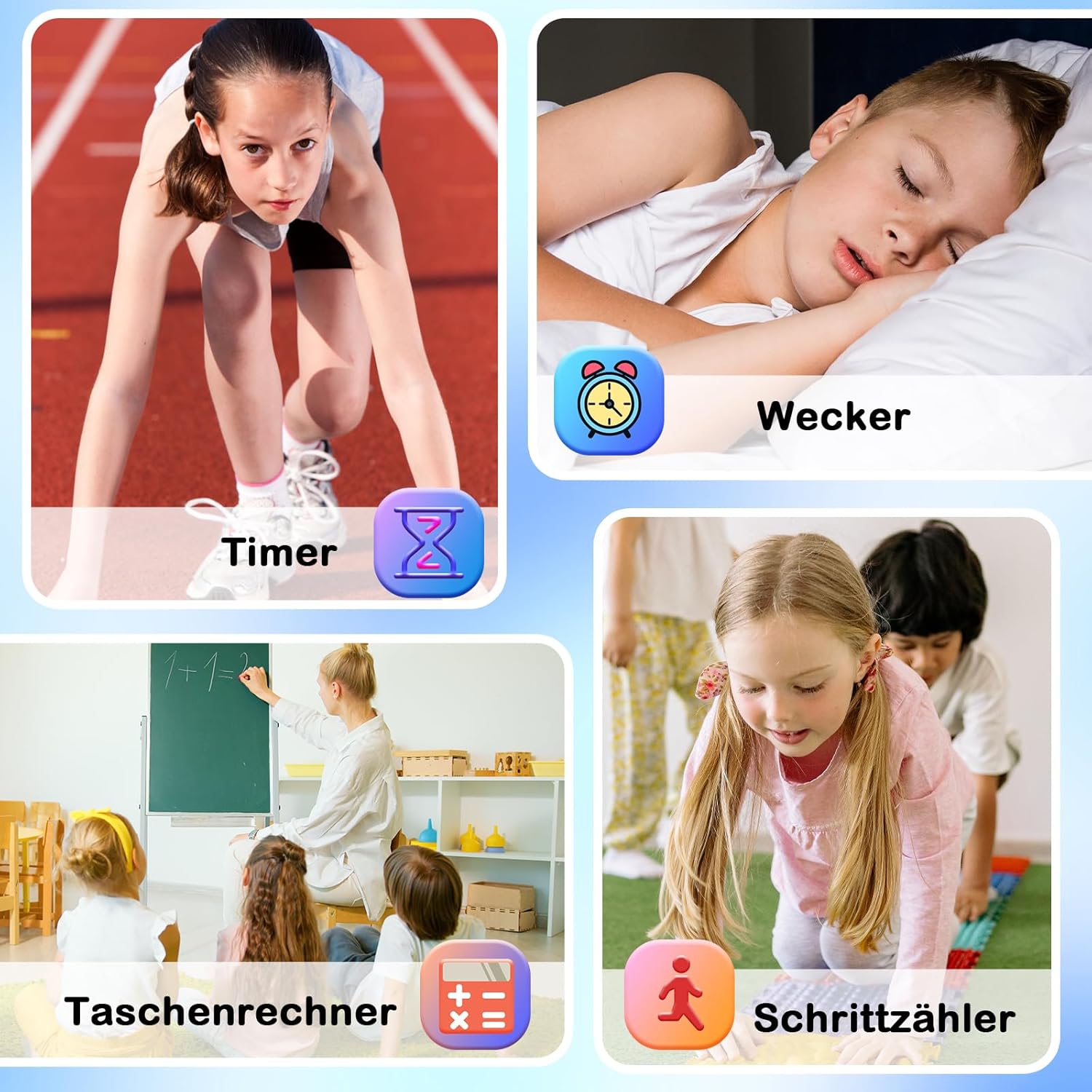
Image: Examples of additional smartwatch functions including Timer, Alarm, Calculator, and Pedometer.

Image: An overview of the smartwatch's comprehensive suite of applications and features.
5. Maintenance
5.1 Cleaning
To clean the smartwatch, gently wipe the screen and body with a soft, dry, or slightly damp cloth. Avoid using harsh chemicals or abrasive materials.
5.2 Water Resistance
Important: This children's watch is not waterproof. Do not immerse it in water, and avoid wearing it while swimming or bathing. Exposure to water can cause damage not covered by warranty.
6. Troubleshooting
| Problem | Possible Cause / Solution |
|---|---|
| Watch does not turn on. | Battery may be depleted. Charge the watch for 1-3 hours. If the issue persists, contact customer support. |
| Music files are not recognized. | Ensure music files are in MP3 format and have been transferred to the "My Music" folder on the watch. Files in other formats or locations will not be recognized. |
| Screen is unresponsive. | Try restarting the watch by holding the power button. If unresponsive, allow the battery to fully drain and then recharge. |
| Short battery life. | Ensure the watch is fully charged. Frequent use of games, camera, or music playback can drain the battery faster. Reduce screen brightness if possible. |
7. Specifications
| Feature | Detail |
|---|---|
| Model Number | A22 |
| Screen Size | 1.68 inches |
| Screen Resolution | 240 x 240 pixels |
| Touch Method | Full Touch |
| Case Material | Aluminum Alloy |
| Strap Material | Silicone |
| Battery Capacity | 500 mAh (Lithium-polymer) |
| Charging Time | Approx. 1-3 hours |
| Charging Type | USB Cable Charging |
| Connectivity | USB (for data transfer/charging) |
| Special Features | Time display, HD Camera, Audio/Video recording, MP3 Player, Pedometer, Alarm, Calculator, Flashlight, Learning Cards, Habit Tracker, 22 Educational Games, Parental Control, Audiobooks, Calendar, Multiple Languages. |
| Languages Supported | English, French, Spanish, German, Italian, Dutch, Swedish, Polish, etc. |
8. Important Notes & Safety Information
- This children's watch does not have call functions or GPS tracking. It does not require connection to a mobile phone application.
- The watch is not waterproof. Do not submerge it in water or wear it during swimming or bathing.
- Ensure MP3 music files are placed in the designated "My Music" folder for the watch to recognize them.
- No additional fees or SIM card insertion are required for the watch's operation.
9. Warranty and Support
The PTHTECHUS Smartwatch for Kids comes with a one-year warranty from the date of purchase.
If you encounter any problems or have questions regarding your smartwatch, please contact PTHTECHUS customer support for assistance. We are committed to helping you resolve any issues.
Please refer to your purchase documentation for specific contact details or visit the official PTHTECHUS website.
Related documentsA22


Ask a question about this manual
Ask about setup, troubleshooting, compatibility, parts, safety, or missing instructions. Manuals+ will review the question and use this page’s manual context to help answer it.