
1. Introduction
Welcome to the TOSING G7 Portable Bluetooth Karaoke Machine user manual. This guide provides detailed instructions on how to set up, operate, and maintain your new karaoke microphone and speaker system. Please read this manual thoroughly before using the product to ensure optimal performance and longevity.

Image: The TOSING G7 Portable Bluetooth Karaoke Machine, shown alongside its protective aluminum carrying case.
2. What's Included
Upon unboxing your TOSING G7 Karaoke Machine, please verify that all the following components are present:
- 1 x TOSING G7PRO Karaoke Microphone
- 1 x Charge Cable & Audio Cable
- 1 x User Manual (this document)
- 1 x Aluminium Package Box

Image: The TOSING G7 Karaoke Machine presented in its high-quality aluminum gift packaging, highlighting its premium presentation.
3. Product Features
The TOSING G7 is engineered with advanced technology to deliver a superior audio experience. Key features include:
3.1. Superb HD Stereo Sound Quality
Equipped with a high-performance audio driver and an advanced digital signal processor, the G7 ensures clear sound, strong bass, and balanced volume while minimizing noise. It features a built-in 2.82-inch subwoofer and two diaphragms to amplify and enhance your voice, providing a strong, loud, and transparent 70Hz bass with 3D HD stereo and treble.

Image: A detailed view of the internal speaker components, showing the bass diaphragm and medium to high-pitched horn, illustrating the integrated sound technology.
3.2. Advanced 20W Peak Power Pro Sound
The G7 is designed to replicate the acoustics of a professional recording studio and a live concert. Its symmetric hearing design incorporates two speakers. When two TOSING G7 units are paired together (TWS mode), the powerful stereo sound synchronizes across all four speakers, creating an immersive audio environment.

Image: An illustration of the two 58mm large caliber, 20W high-power speakers, emphasizing their full-frequency sound and custom subwoofer unit for thrilling low-frequency experiences.
3.3. Non-Shift Frequency Technology
This technology ensures accurate vocal pronunciation and in-tune singing, making it suitable for vocal training and professional use. The portable design allows you to bring your music and karaoke experience to any event, from family game nights to outdoor gatherings.
3.4. Unique Leather Pattern Design
The G7 features a delicate leather texture blended with a white background, offering a luxurious and fashionable aesthetic. The seamless metal horn grid net further enhances its premium craftsmanship.

Image: A close-up shot of the TOSING G7's white leather pattern design, highlighting the intricate texture and the TOSING brand logo, along with a QR code for product verification or information. For more information, visit www.mytosing.com.
4. Setup Guide
4.1. Charging the Device
- Connect the provided USB-C charging cable to the charging port on the TOSING G7.
- Connect the other end of the cable to a standard USB power adapter (not included) or a computer USB port.
- The charging indicator will illuminate. A full charge typically takes approximately 3-4 hours.
- Once fully charged, the indicator light may change or turn off, depending on the model.
4.2. Powering On/Off
- To power on: Press and hold the power button (usually marked with ①) for a few seconds until the device powers on.
- To power off: Press and hold the power button again for a few seconds until the device powers off.
4.3. Bluetooth Pairing
- Ensure the TOSING G7 is powered on. It will automatically enter Bluetooth pairing mode, indicated by a flashing LED light.
- On your smartphone, tablet, or other Bluetooth-enabled device, go to the Bluetooth settings.
- Search for available devices and select "TOSING G7" from the list.
- Once connected, a confirmation sound or steady LED light will indicate successful pairing.
4.4. TWS (True Wireless Stereo) Pairing (for two G7 units)
To achieve a true stereo sound experience, you can pair two TOSING G7 units together:
- Ensure both TOSING G7 units are powered on and not connected to any other Bluetooth device.
- On one of the units (this will be the primary unit), press the TWS button. The unit will enter TWS pairing mode.
- The primary unit will automatically search for and connect to the secondary unit.
- Once connected, both units will play audio in stereo. You can then connect your phone to the primary unit via Bluetooth as described in section 4.3.

Image: Two people singing into separate TOSING G7 microphones, demonstrating the True Wireless Stereo (TWS) pairing capability for a combined audio experience.
5. Operating Instructions
The TOSING G7 offers multiple modes of operation for various uses:
5.1. Adjusting Volume and Effects
- Microphone Volume: Use the 'Vol+' and 'Vol-' buttons to adjust your singing volume.
- Music Volume: Adjust the music volume directly from your connected Bluetooth device.
- Sound Effects: Press the 'Effect' button to cycle through various vocal effects (e.g., echo, reverb).
5.2. Using Bluetooth for Music Playback
After successful Bluetooth pairing (see section 4.3), you can play music from your connected device. The audio will be output through the G7's speakers, allowing you to sing along.
5.3. AUX Input Mode
Connect an external audio source (e.g., MP3 player, computer) to the G7 using the provided 3.5mm audio cable. The G7 will automatically switch to AUX input mode, playing audio from the connected device.
5.4. Live Streaming / Recording
The TOSING G7 can be used for live streaming or recording your vocals. Connect the G7 to your smartphone or computer using the appropriate cable (often the audio cable or a specific recording cable, not always included). Refer to your streaming/recording application's instructions for setup.
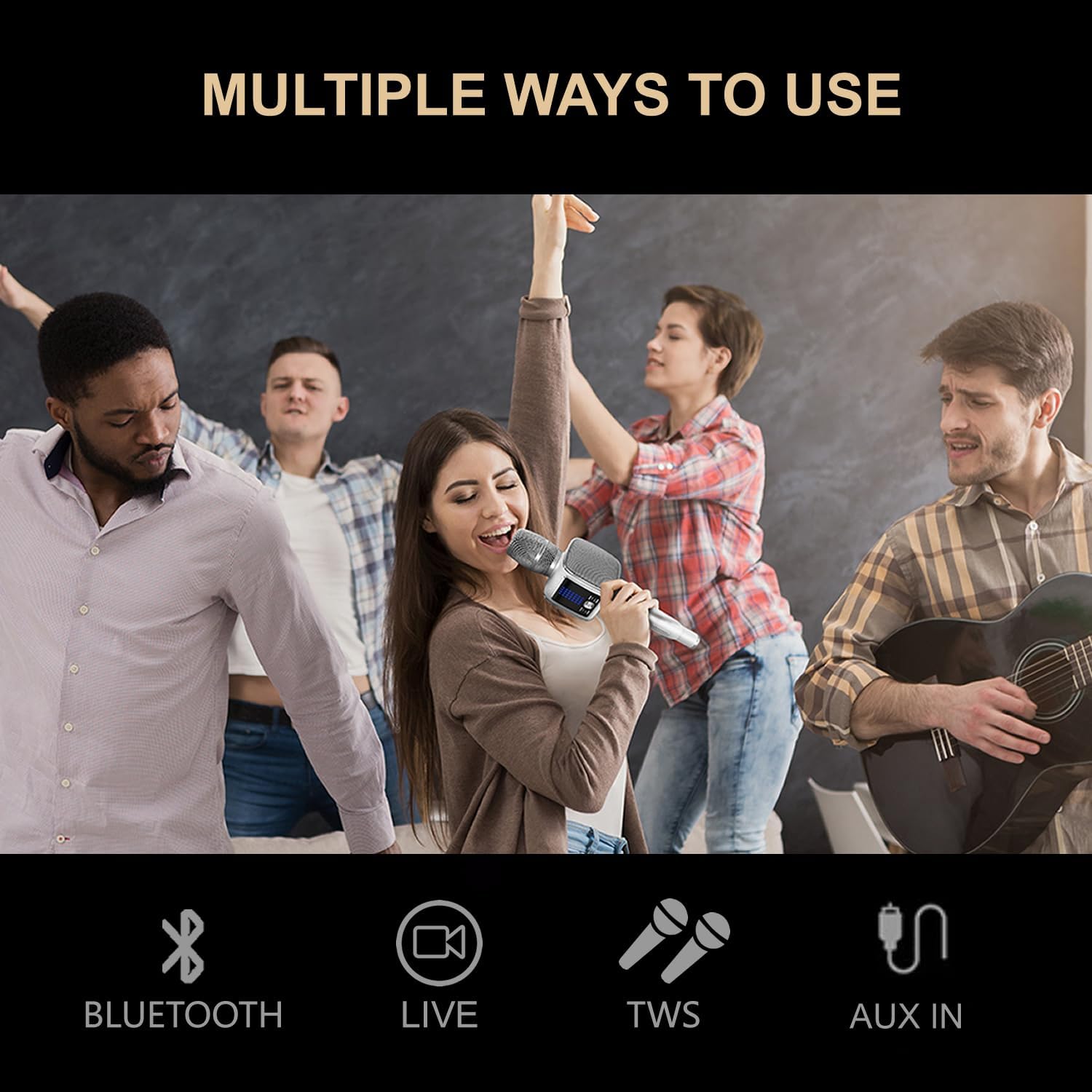
Image: An infographic illustrating the versatile connectivity options of the TOSING G7, including Bluetooth, Live streaming, TWS (True Wireless Stereo) pairing, and AUX In for various audio sources.

Image: A visual representation of the TOSING G7's connectivity, showing its compatibility with various devices such as smartphones, PCs, TVs, speakers, projectors, power amplifiers, and car audio systems via Bluetooth, USB-C, and TWS.
6. Maintenance
6.1. Cleaning
- Wipe the exterior of the device with a soft, dry, or slightly damp cloth.
- Do not use harsh chemicals, abrasive cleaners, or solvents, as these can damage the finish.
- Avoid getting moisture into the microphone grille or charging ports.
6.2. Storage
- Store the TOSING G7 in a cool, dry place, away from direct sunlight and extreme temperatures.
- When not in use for extended periods, store it in its original aluminum package box to protect it from dust and physical damage.
6.3. Battery Care
- To prolong battery life, avoid fully discharging the battery frequently.
- Charge the device regularly, even if not in use, to maintain battery health.
- Do not expose the device to temperatures above 60°C (140°F) as this can damage the battery.
7. Troubleshooting
If you encounter any issues with your TOSING G7, please refer to the following common problems and solutions:
| Problem | Possible Cause | Solution |
|---|---|---|
| Device does not power on. | Low battery. | Charge the device for at least 30 minutes. |
| No sound from speakers. | Volume too low; Device not connected; Muted. | Increase volume on G7 and connected device; Re-pair Bluetooth; Check if microphone is muted. |
| Bluetooth connection fails. | Device too far; Interference; G7 already connected to another device. | Ensure devices are within 10 meters; Turn off other Bluetooth devices; Disconnect G7 from previous device. |
| Poor sound quality / Distortion. | Volume too high; Weak signal; Microphone too close to speakers. | Lower volume; Ensure clear line of sight for Bluetooth; Maintain distance between microphone and speakers to prevent feedback. |
| TWS pairing unsuccessful. | One or both units already paired; Units too far apart. | Ensure both G7 units are unpaired from other devices before initiating TWS pairing. Place units close together. |
8. Specifications
Below are the technical specifications for the TOSING G7 Portable Bluetooth Karaoke Machine:
| Feature | Detail |
|---|---|
| Item Weight | 2.79 pounds |
| Product Dimensions | 25.2 x 12.2 x 15.4 inches |
| Batteries | 1 Lithium Ion battery required (included) |
| Color | White |
| Compatible Devices | Bluetooth speaker/stage speaker/audio mixers, car audio/amplifier/mp3, phone/TV/PC/laptop/notebook/monitor |
| Connector Type | 3.5 mm Jack, USB Type C |
| Speaker Amplification Type | Active |
| Material Type | Aluminum |
| Speaker Count | 2 |
| Output Wattage | 20 Watts |
| Battery Type | Lithium |
| Media Format | Karaoke |
| Power Source | Battery Powered |
| Special Feature | 70Hz Bass, Levitation speaker with diaphragms |
| Recommended Uses | Karaoke, Podcast/Streaming, Recording, Singing |
9. Warranty & Support
TOSING products are manufactured with high-quality materials and undergo strict quality control. For information regarding warranty coverage, returns, or technical support, please refer to the documentation included with your purchase or visit the official TOSING store online.
For further assistance, you may visit the TOSING Store on Amazon.