
Introduction
This manual provides comprehensive instructions for the setup, operation, and maintenance of your realme Earbud T300 wireless earbuds. Please read this manual carefully before using the product to ensure optimal performance and longevity. Keep this manual for future reference.
Package Contents
Verify that all items are present in your product packaging:
- realme Earbud T300 (Left and Right Earbuds)
- Wireless Charging Case
- USB Charging Cable
- Eartips (various sizes)
- User Manual (this document)
Product Overview
The realme Earbud T300 offers a premium audio experience with advanced features. Familiarize yourself with the components and key functionalities.

Figure 1: realme Earbud T300 earbuds and charging case.

Figure 2: Key features of the realme Buds T300, including 360° Spatial Audio, 30dB ANC, 12.4mm Dynamic Bass Driver, Dolby Atmos, 40 Hours Playback, IP55, and 50ms Ultra-low Latency.

Figure 3: Detailed view of the realme Earbud T300 design.

Figure 4: The realme Earbud T300 charging case.
Setup
1. Charging the Earbuds and Case
- Initial Charge: Before first use, place both earbuds into the charging case and connect the case to a power source using the provided USB cable. Ensure the charging indicator light on the case illuminates.
- Full Charge: Allow approximately 2 hours for a full charge of both the earbuds and the charging case.
- Quick Charge: A 10-minute charge can provide up to 7 hours of playback time.
- Battery Life: The earbuds offer up to 40 hours of total playback with the charging case.
2. Bluetooth Pairing
- First-time Pairing: Open the charging case. The earbuds will automatically enter pairing mode, indicated by a flashing light on the case.
- Enable Bluetooth: On your device (smartphone, tablet, etc.), enable Bluetooth and search for available devices.
- Connect: Select "realme Buds T300" from the list of available devices. Once connected, the indicator light on the case will turn off or show a steady color.
- Re-pairing: If the earbuds do not connect automatically, place them back in the case, close the lid, then open it again to re-enter pairing mode.
3. realme Link App
For enhanced customization and features, download the realme Link app from your device's app store. The app allows you to:
- Customize touch controls.
- Adjust EQ modes and sound profiles.
- Enable/disable 360° Spatial Audio Effect.
- Update firmware.
- Check battery status.
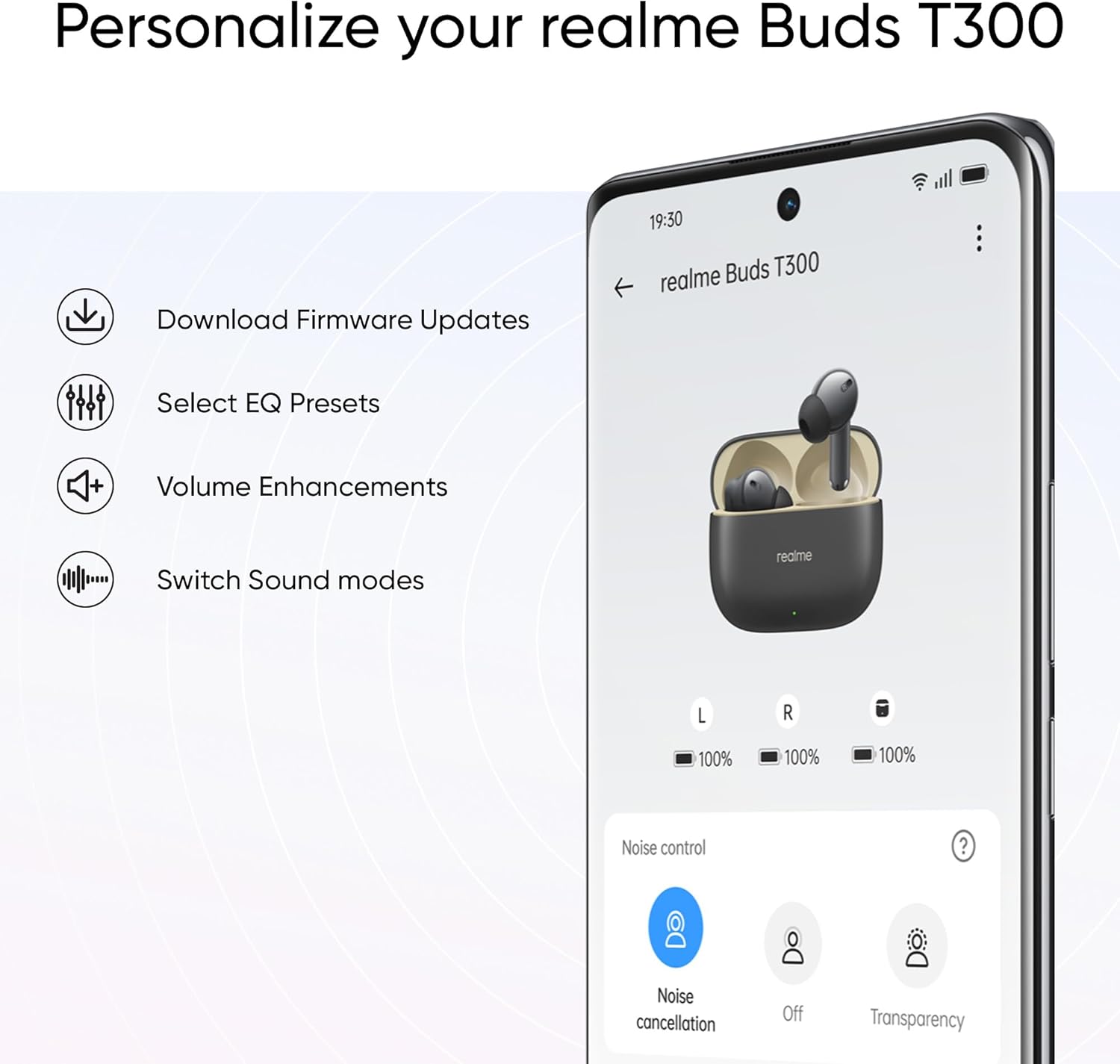
Figure 5: The realme Link App interface for personalizing your earbuds.
Operating Instructions
1. Touch Controls
The realme Earbud T300 features intuitive touch controls on each earbud. Default controls typically include:
- Single Tap: Play/Pause music, Answer/End call.
- Double Tap: Skip to next track.
- Triple Tap: Go to previous track.
- Touch and Hold (Left/Right Earbud): Switch between Active Noise Cancellation, Transparency Mode, and Normal Mode.
- Touch and Hold (Both Earbuds): Activate voice assistant.
Note: Specific touch controls can be customized via the realme Link App.
2. Active Noise Cancellation (ANC) and Transparency Mode
The earbuds feature 30dB Active Noise Cancellation to reduce ambient noise and a Transparency Mode to allow you to hear your surroundings.
- Switching Modes: Touch and hold either earbud to cycle through ANC, Transparency, and Normal modes.
- ANC Function: The feed-forward microphone intelligently detects external noise and generates reverse noise-cancelling acoustic waves.
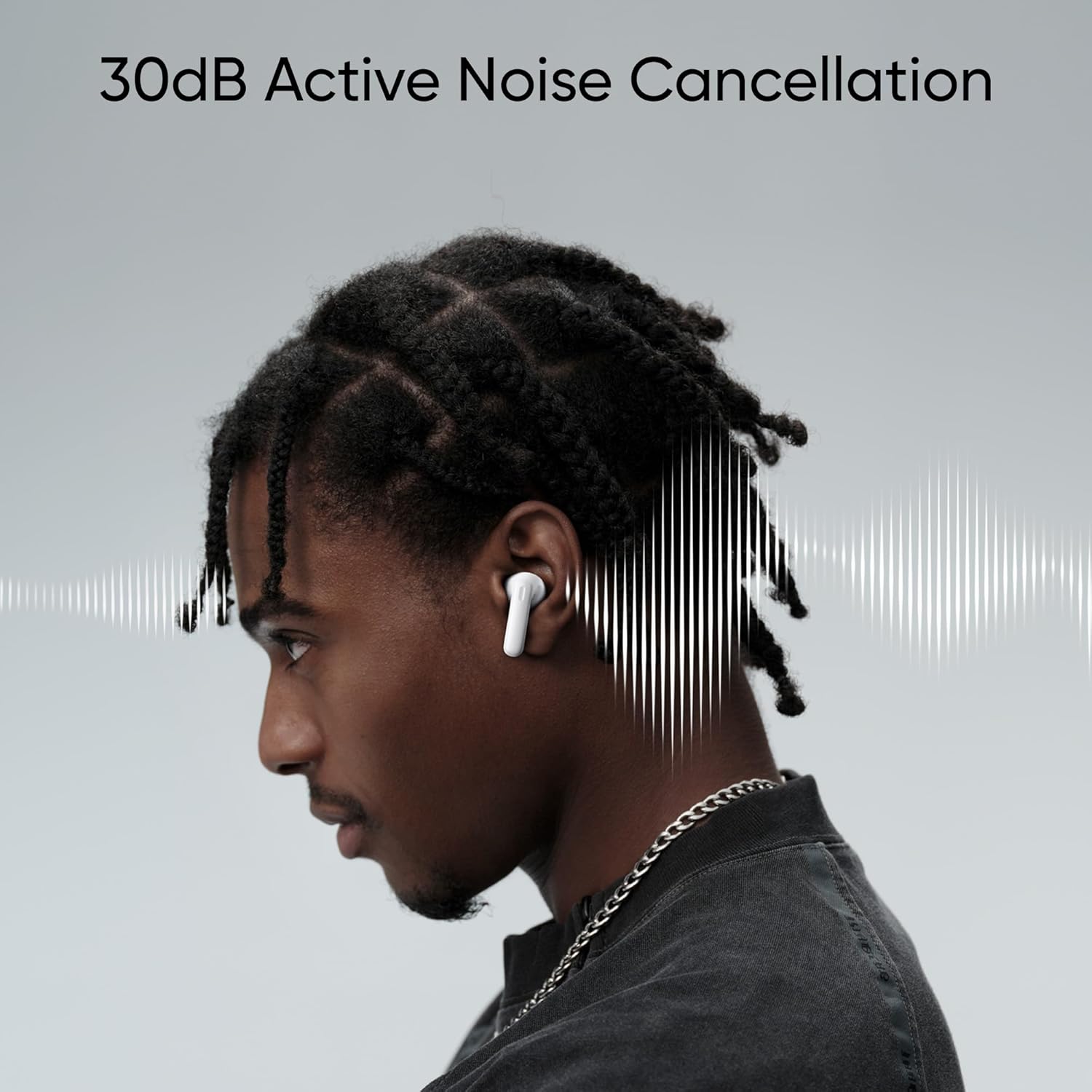
Figure 6: Illustration of 30dB Active Noise Cancellation in action.
3. 360° Spatial Audio Effect
Experience immersive sound with the 360° Spatial Audio Effect.
- Activation: This feature needs to be enabled within the realme Link App.
- Dolby Atmos: The earbuds support Dolby Atmos for an enhanced audio experience, provided your connected device also supports Dolby Atmos.

Figure 7: Visual representation of the 360° Spatial Audio Effect.

Figure 8: The realme Earbud T300 supports Dolby Atmos.
4. Ultra-low Latency Gaming Mode
For a seamless gaming experience, activate the 50ms Ultra-low Latency Gaming Mode.
- Activation: This mode needs to be turned on, typically through the realme Link App or a specific touch gesture (refer to app for details).
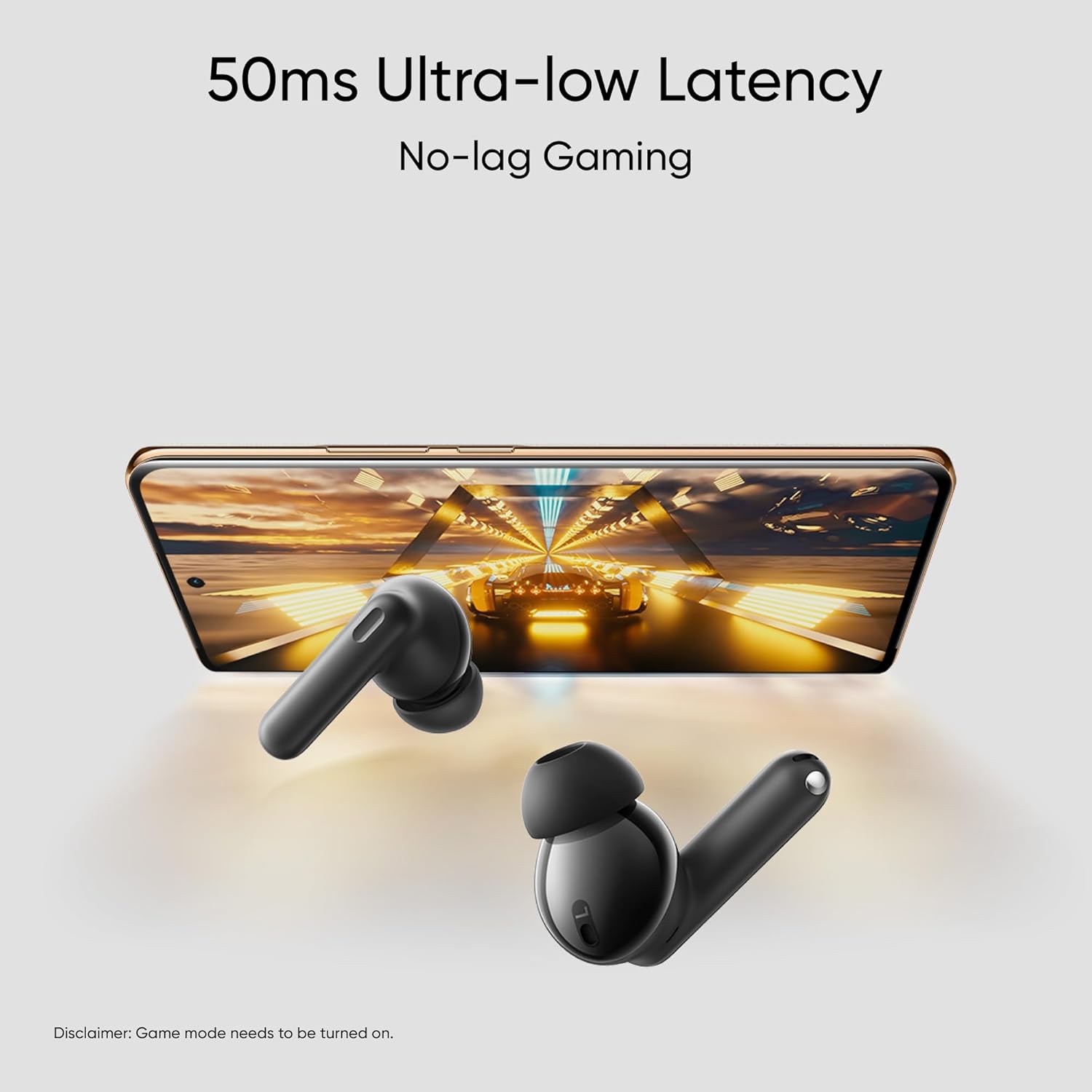
Figure 9: The 50ms Ultra-low Latency feature for gaming.
Maintenance
1. Cleaning
- Regularly clean the earbuds and charging case with a soft, dry, lint-free cloth.
- Use a cotton swab to gently clean the charging contacts on both the earbuds and inside the case.
- Remove eartips and clean them with water and mild soap if necessary, ensuring they are completely dry before reattaching.
- Avoid using abrasive materials, alcohol, or chemical cleaners.
2. Storage
- When not in use, always store the earbuds in their charging case to protect them and ensure they remain charged.
- Store the device in a cool, dry place, away from extreme temperatures and direct sunlight.
3. Water and Dust Resistance (IP55)
The realme Earbud T300 has an IP55 rating, meaning it is protected against limited dust ingress and low-pressure water jets from any direction.
- This rating applies to the earbuds only, not the charging case.
- Avoid submerging the earbuds in water or exposing them to high-pressure water.
- Dry the earbuds thoroughly before placing them back in the charging case if they become wet.
- The IP55 rating is not a permanent condition and resistance might decrease as a result of normal wear.

Figure 10: The IP55 Water & Dust Resistance of the earbuds.
Troubleshooting
If you encounter issues with your realme Earbud T300, refer to the following common solutions:
- No Sound: Ensure earbuds are charged, connected to your device, and volume is up. Check if the correct audio output is selected on your device.
- Pairing Issues: Make sure Bluetooth is enabled on your device. Place earbuds back in the case, close, then open to re-enter pairing mode. Try forgetting the device on your phone and re-pairing.
- One Earbud Not Working: Ensure both earbuds are charged. Try resetting the earbuds (refer to realme Link App or online support for specific reset instructions).
- Charging Problems: Check the USB cable and power adapter. Ensure charging contacts on earbuds and case are clean and free of debris.
- Poor Audio Quality: Ensure earbuds are properly seated in your ears. Try different eartip sizes for a better seal. Check for interference from other wireless devices.
For more detailed troubleshooting or persistent issues, please visit the official realme support website.
Specifications
| Feature | Specification |
|---|---|
| Model Name | realme T300 |
| Item Model Number | RMA2302 |
| Connectivity Technology | Wireless (Bluetooth 5.3) |
| Noise Control | Active Noise Cancellation (30dB) |
| Audio Driver Size | 12.4 Millimeters Dynamic Bass Driver |
| Battery Life (Total with Case) | Up to 40 Hours |
| Quick Charge | 10 minutes for 7 hours playback |
| Water & Dust Resistance | IP55 (Earbuds only) |
| Audio Latency | 50 Milliseconds (Gaming Mode) |
| Special Features | Noise Cancellation, Surround Sound (360° Spatial Audio), Sweatproof, Touch Control, Dolby Atmos Support |
| Frequency Range | 20Hz - 40kHz |
| Control Method | App (realme Link), Media Control |
| Material | Plastic, Silicone |
| Item Weight | 45 Grams (approx. total) |
| Product Dimensions | 2.44 x 1.85 x 0.94 inches |
Warranty and Support
Your realme Earbud T300 is covered by a limited warranty. For specific warranty terms and conditions, please refer to the warranty card included in your package or visit the official realme website.
For technical support, frequently asked questions, or to contact customer service, please visit the official realme support page:


