
Vocal-Star VS-VOCALBAR
Vocal-Star VS-VOCALBAR Karaoke Soundbar System User Manual
Model: VS-VOCALBAR | Brand: Vocal-Star
1. Introduction
Welcome to the Vocal-Star VS-VOCALBAR Karaoke Soundbar System. This all-in-one entertainment system combines a powerful 300W soundbar with deep bass and crisp treble, two professional wireless UHF microphones, and integrated RGB light effects to create an immersive karaoke and audio experience. This manual provides detailed instructions for setup, operation, maintenance, and troubleshooting to ensure you get the most out of your new system.
2. Important Safety Information
Please read all safety warnings and instructions carefully before using this product. Keep this manual for future reference.
- Do not expose the unit to rain or moisture to prevent fire or electric shock.
- Do not block any ventilation openings. Install in accordance with the manufacturer's instructions.
- Do not install near any heat sources such as radiators, heat registers, stoves, or other apparatus (including amplifiers) that produce heat.
- Protect the power cord from being walked on or pinched, particularly at plugs, convenience receptacles, and the point where they exit from the apparatus.
- Only use attachments/accessories specified by the manufacturer.
- Unplug this apparatus during lightning storms or when unused for long periods of time.
- Refer all servicing to qualified service personnel. Servicing is required when the apparatus has been damaged in any way.
3. Package Contents
Ensure all items listed below are included in your package:
- Vocal-Star VS-VOCALBAR Soundbar Unit
- 2 x Wireless UHF Microphones
- Remote Control
- Optical Cable
- AUX-RCA Cable
- Power Adapter
- User Manual (this document)

Image 1: Vocal-Star VS-VOCALBAR system components.
4. Setup Guide
Follow these steps to set up your Vocal-Star Karaoke Soundbar System.
4.1 Placement
The soundbar can be placed on a TV stand or mounted on a wall. Ensure it is placed in a stable location with adequate ventilation.

Image 2: Soundbar placement example.
4.2 Power Connection
- Connect the power adapter to the DC IN port on the back of the soundbar.
- Plug the other end of the power adapter into a wall outlet.
- The soundbar will enter standby mode.
4.3 Connecting to a TV or Audio Source
The Vocal-Star soundbar offers multiple connection options:
- HDMI ARC (Recommended for Smart TVs):
Connect one end of an HDMI cable (not included) to the HDMI ARC port on the soundbar and the other end to the HDMI ARC port on your Smart TV. This allows audio from your TV to play through the soundbar and enables control of the soundbar with your TV remote.
- Optical (Digital Audio):
Connect the included Optical Cable from the OPTICAL IN port on the soundbar to the Optical Digital Audio Out port on your TV or other audio source. Ensure your TV's audio output is set to "PCM" if you experience no sound.
- AUX (Analog Audio):
Use the included AUX-RCA cable to connect the AUX IN port on the soundbar to the audio output (RCA L/R or 3.5mm headphone jack with adapter, not included) of your TV, DVD player, or other audio device.
- Bluetooth (Wireless):
For wireless connection from a smartphone, tablet, or other Bluetooth-enabled device. Select "BT" input on the soundbar, then pair with "Vocal-Star" on your device's Bluetooth settings.
- USB:
Insert a USB drive with MP3 audio files into the USB port on the soundbar to play music directly.

Image 3: Rear panel connections of the soundbar.
5. Operating Instructions
5.1 Basic Operation
- Power On/Off: Press the Power button on the soundbar or remote control.
- Input Selection: Press the "Input" button on the remote or soundbar to cycle through HDMI ARC, Optical, AUX, Bluetooth, and USB modes.
- Volume Control: Use the Volume Up/Down buttons on the soundbar or remote.
- Mute: Press the Mute button on the remote to temporarily silence the sound.
5.2 Microphone Usage
The system includes two wireless UHF microphones for karaoke.
- Insert 2x AA batteries (not included) into each microphone.
- Turn on the microphones using the power switch on the microphone body. The display on the microphone will light up.
- The microphones will automatically connect to the soundbar.
- Use the "Mic Vol" buttons on the remote to adjust microphone volume.
- Use the "Echo" button on the remote to adjust the echo effect for vocals.
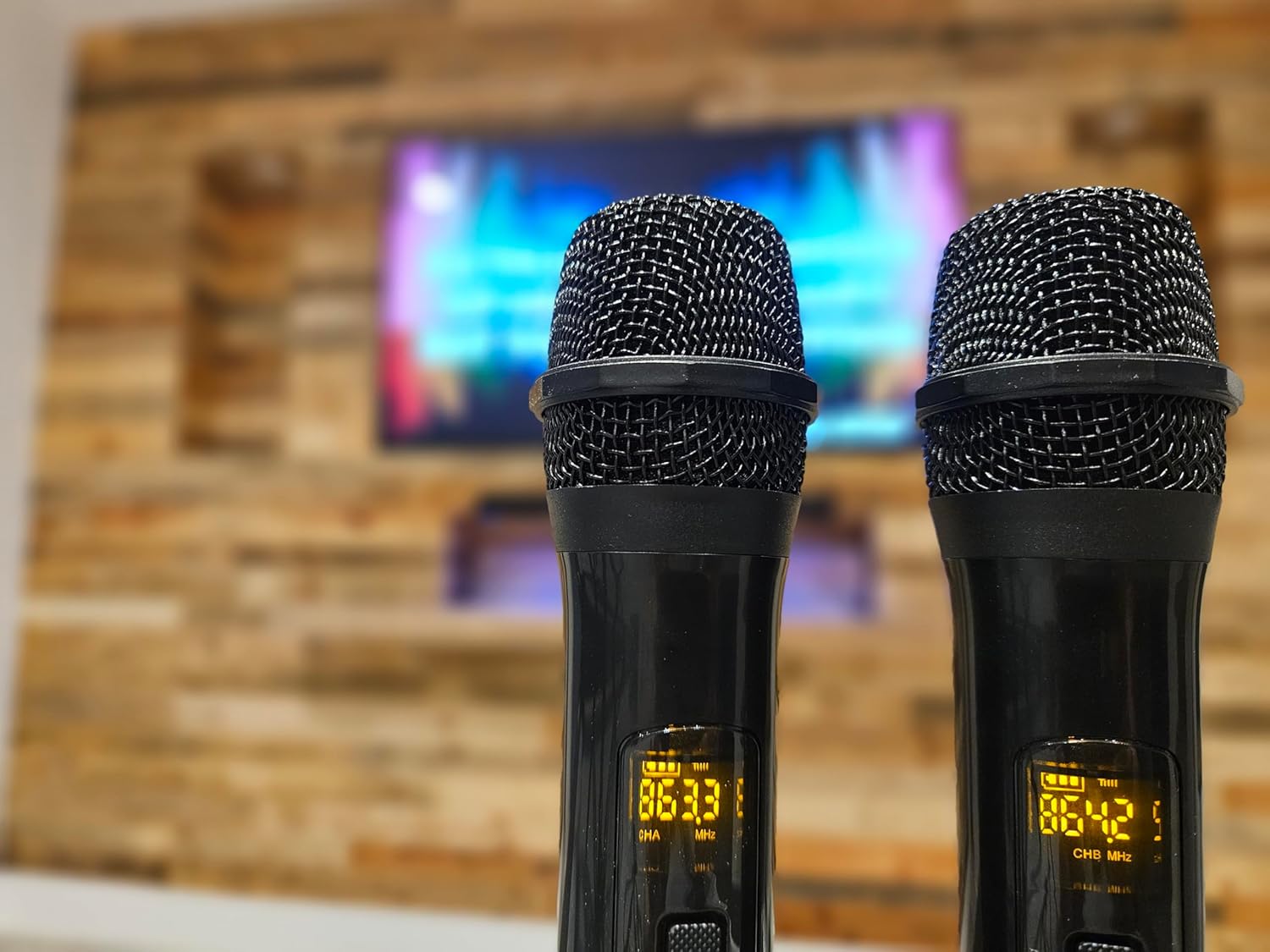
Image 4: Wireless UHF Microphones.
5.3 Sound Modes and Light Effects
- Sound Modes: Use the "Movie", "Music", "News", "Game", and "3D" buttons on the remote to select optimized sound profiles for different content.
- RGB Light Effects: The soundbar features integrated RGB lights. Press the "Light" button on the remote to cycle through 9 different light effects (Red, Green, Blue, and various combinations/patterns).
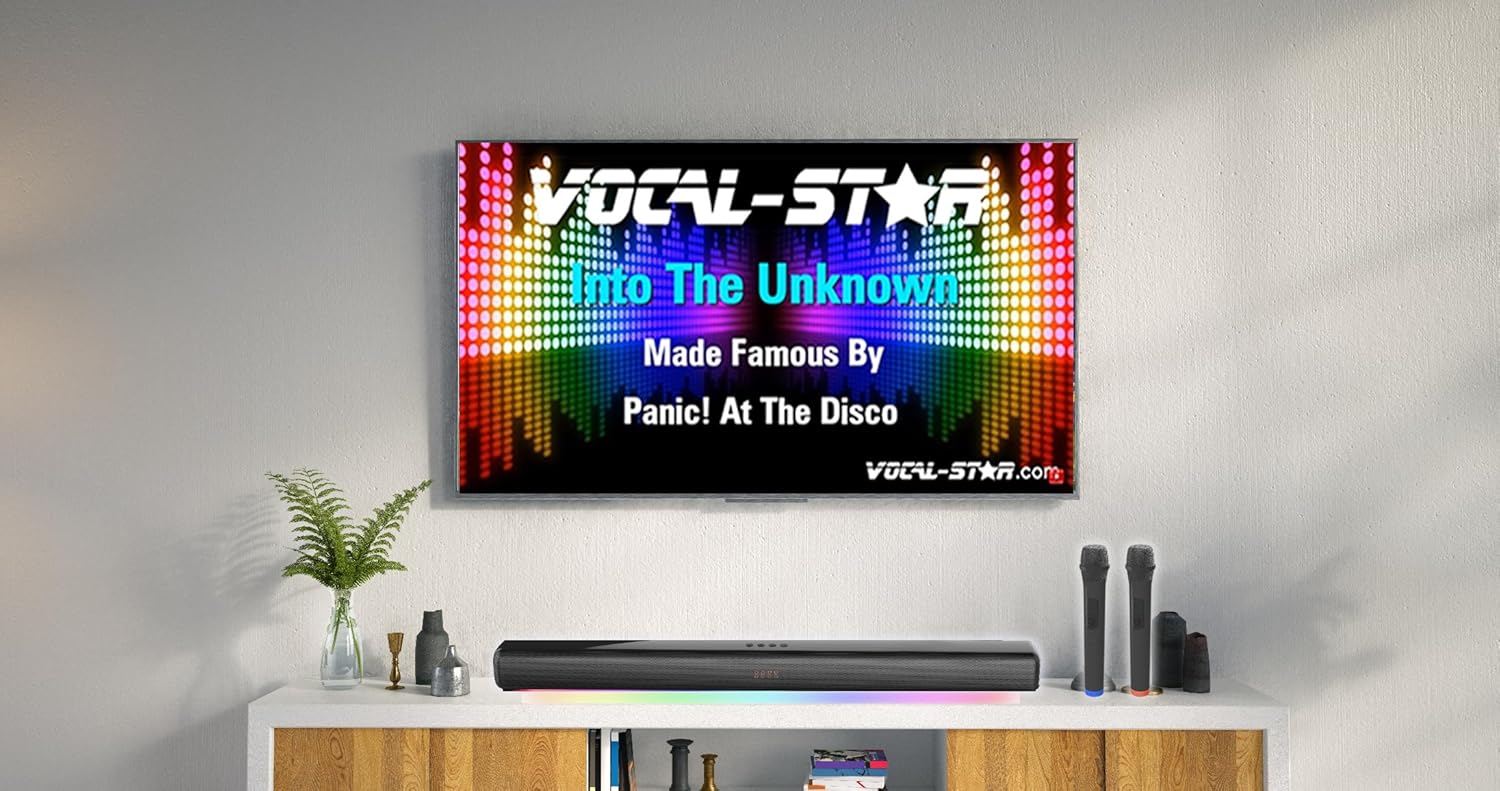
Image 5: Soundbar with active RGB light effects.
6. Maintenance
Proper care and maintenance will ensure the longevity of your Vocal-Star system.
- Cleaning: Use a soft, dry cloth to clean the surface of the soundbar and microphones. Do not use liquid cleaners or aerosol sprays.
- Storage: If storing the unit for an extended period, unplug it from the power outlet and remove batteries from the microphones. Store in a cool, dry place.
- Ventilation: Ensure ventilation openings are not blocked to prevent overheating.
7. Troubleshooting
If you encounter issues with your Vocal-Star system, refer to the following common problems and solutions.
| Problem | Possible Cause | Solution |
|---|---|---|
| No power | Power cord not connected; power outlet not active. | Ensure power cord is securely plugged in. Test the outlet with another device. |
| No sound from soundbar | Incorrect input selected; volume too low; TV audio output settings. | Select the correct input mode (HDMI ARC, Optical, AUX, BT). Increase volume. Check TV audio settings (e.g., set to PCM for Optical). |
| Microphones not working | Microphones not turned on; low batteries; microphone volume too low. | Ensure microphones are switched on. Replace batteries. Increase microphone volume using the remote. |
| Bluetooth pairing issues | Soundbar not in BT mode; device too far; interference. | Switch soundbar to BT mode. Ensure device is within range (10m). Disconnect other Bluetooth devices. |
| Echo effect not working | Echo level set to minimum. | Increase the echo level using the "Echo" button on the remote. |
8. Specifications
Key technical specifications for the Vocal-Star VS-VOCALBAR Karaoke Soundbar System:
| Feature | Detail |
|---|---|
| Brand | Vocal-Star |
| Model Number | VS-VOCALBAR |
| Color | Black |
| Output Power | 300W |
| Connectivity Technology | Bluetooth, HDMI ARC, Optical, AUX, USB |
| Microphones | 2 x Wireless UHF Microphones |
| Special Features | Echo Effect, RGB Light Effects (9 modes) |
| Recommended Use | Home Entertainment |
| Power Source | Corded Electric |
9. Warranty and Support
Vocal-Star products are designed and manufactured to the highest quality standards.
9.1 Warranty Information
This product comes with a standard manufacturer's warranty. Please refer to the warranty card included in your package or visit the official Vocal-Star website for detailed warranty terms and conditions. Keep your purchase receipt as proof of purchase.
9.2 Customer Support
For technical assistance, troubleshooting, or any questions regarding your Vocal-Star VS-VOCALBAR system, please contact Vocal-Star customer support.
- Website: Visit the official Vocal-Star website for FAQs, support resources, and contact information.
- Email/Phone: Refer to the contact details provided on the Vocal-Star website or in your product packaging.
Related documentsVS-VOCALBAR


Ask a question about this manual
Ask about setup, troubleshooting, compatibility, parts, safety, or missing instructions. Manuals+ will review the question and use this page’s manual context to help answer it.