
oviitech OVTE-52
oviitech 24 Hour Indoor Mechanical Timer (Model OVTE-52) Instruction Manual
Comprehensive guide for setting up and operating your oviitech mechanical timer.
Introduction
Thank you for choosing the oviitech 24 Hour Indoor Mechanical Timer. This device is designed to automate the on/off cycles of your electrical appliances, providing convenience and energy efficiency. Please read this manual carefully before use to ensure proper operation and safety.

Image: Two oviitech 24 Hour Indoor Mechanical Timers, white in color, featuring a circular dial for setting times and two grounded outlets on the side.
Important Safety Information
- For indoor use only. Do not expose to water or moisture.
- Do not exceed the maximum load rating of 15 Amps, 125 Volts, 1875 Watts.
- Ensure the timer is securely plugged into a grounded outlet.
- Keep out of reach of children.
- Do not disassemble or attempt to repair the timer. Refer to qualified service personnel.
- This product features fireproof housing and overload protection for safety.
Product Features
- 24-Hour Cycle: Allows for daily on/off cycles without resetting.
- 30-Minute Intervals: Set on/off times in minimum 30-minute increments.
- 48 Pin Set Dial: Up to 48 on/off events per day.
- Dual Grounded Outlets: Features two 3-prong grounded sockets.
- Master Switch: Includes a manual override switch for continuous power or timer mode.
- ETL Certified: Ensures compliance with North American safety standards.
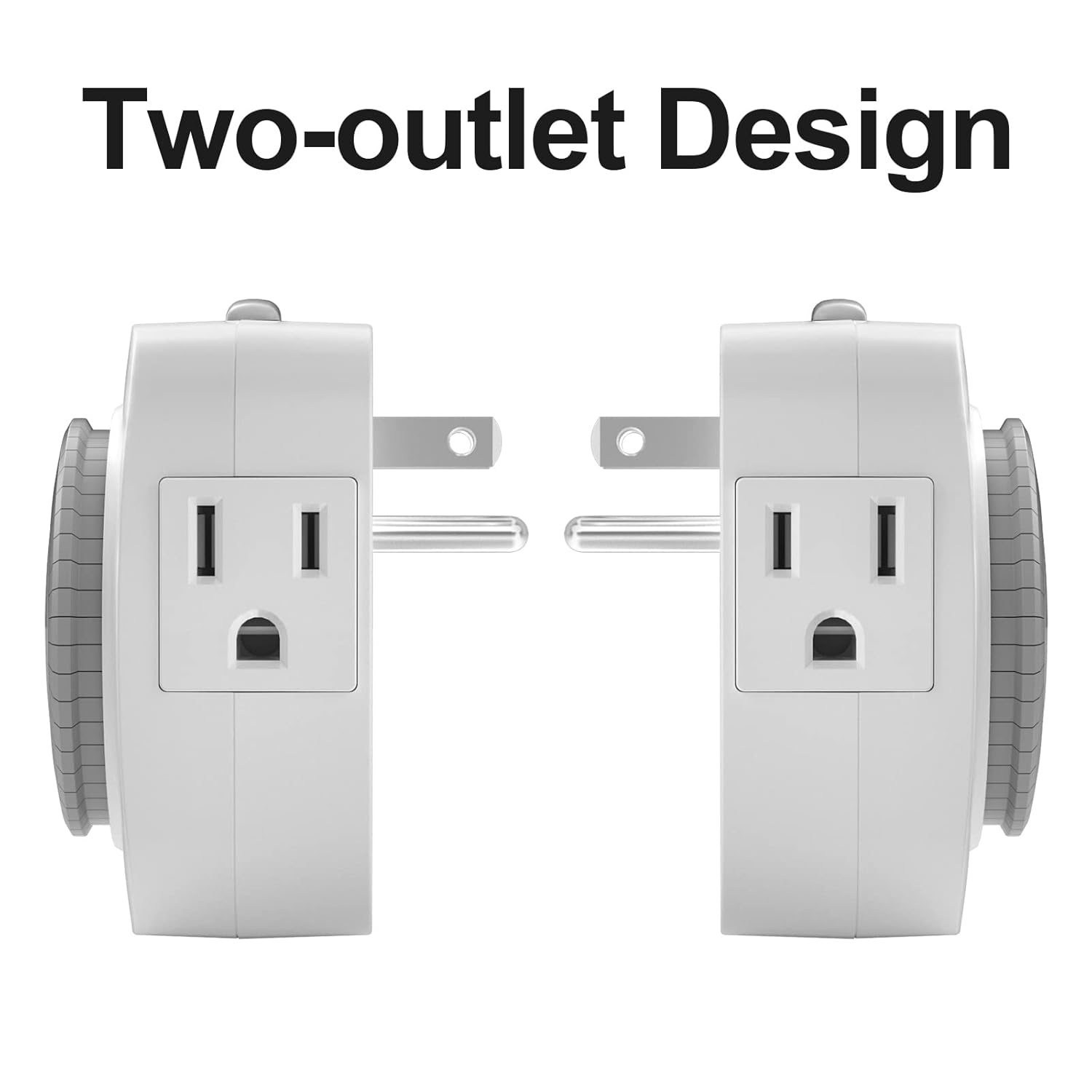
Image: A side-by-side view of two oviitech mechanical timers, highlighting their two-outlet design with standard three-prong grounded receptacles.
Setup and Programming
Follow these steps to set up and program your oviitech mechanical timer:
- Prepare the Timer: Ensure all pins on the timer dial are in the "up" position before programming. Each pin represents a 30-minute interval.
- Set "ON" Times: Press down the pins corresponding to the desired "ON" periods. Each pressed-down pin will activate the connected appliance for 30 minutes.
- Set Current Time: Rotate the entire dial clockwise until the current time aligns with the arrow indicator on the timer. The dial is marked with 24 hours (1-12 for AM, 1-12 for PM).
- Activate Timer Mode: Slide the manual override switch on the side of the timer to the "TIMER ON" position. This engages the timer function. The "OUTLET ON" position provides continuous power, bypassing the timer settings.

Image: A visual guide demonstrating how to set the timer. One view shows the timer dial with pins, and another view shows the pins being pushed down for "ON" and up for "OFF" settings.

Image: A four-panel image illustrating the setup process: 1. Lifting all pins up. 2. Pressing down pins for desired "ON" times. 3. Turning the dial to the current time. 4. Sliding the switch to "TIMER ON" mode.
Operation
Once programmed and set to "TIMER ON" mode, the timer will automatically activate and deactivate connected appliances according to your set schedule. The dial will continuously rotate, indicating the current time and progressing through the programmed cycles.
- Manual Override: To temporarily bypass the timer settings and provide continuous power to the connected appliance, slide the switch to the "OUTLET ON" position. To resume timed operation, slide the switch back to "TIMER ON".
- Applications: This timer is suitable for various indoor applications such as lamps, hydroponics systems, coffee makers, Christmas tree lights, and other small household appliances.

Image: A collage showcasing the timer's versatility, with examples including a bedside lamp, an aquarium, Christmas tree lights, and a microwave, all implying automated control.
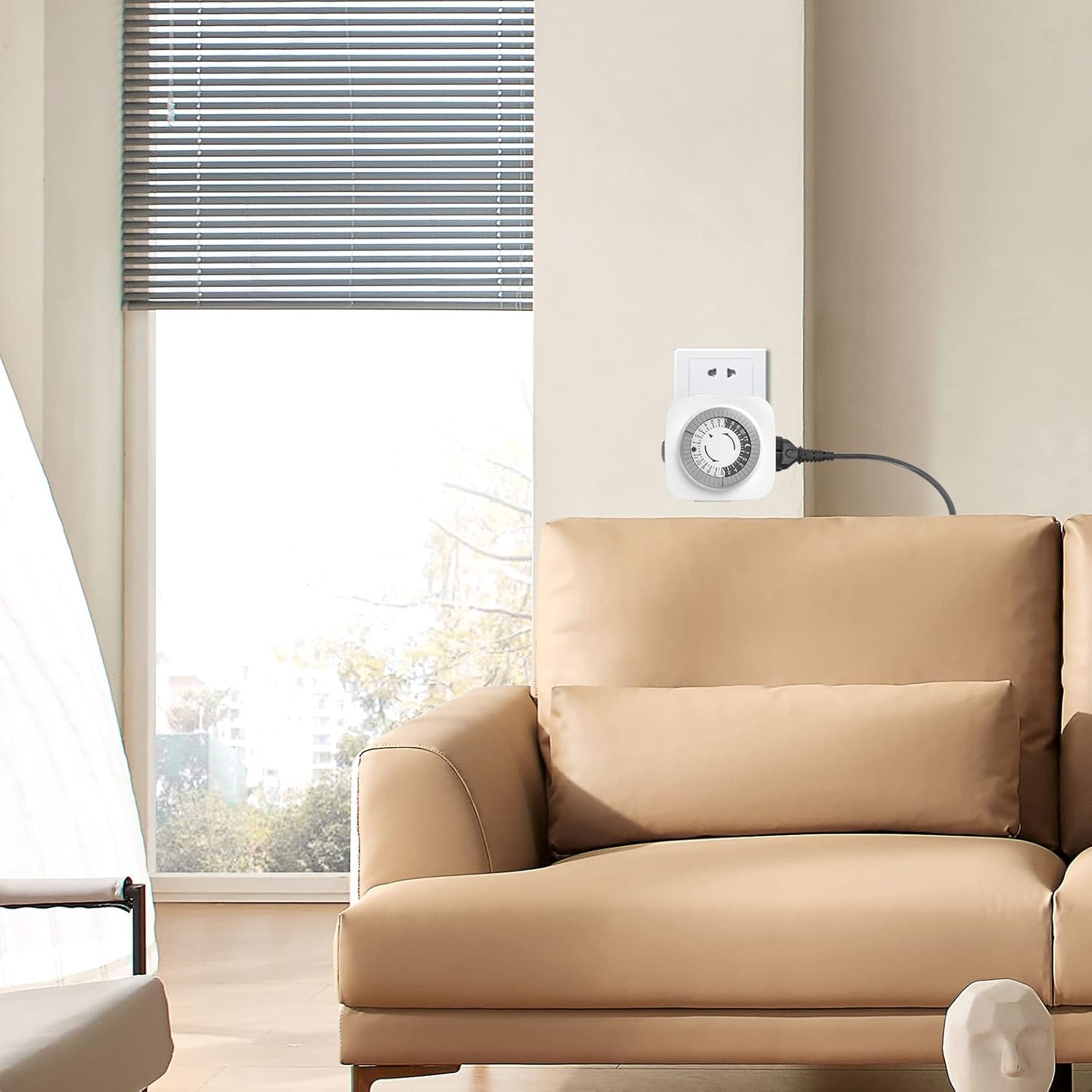
Image: An oviitech timer plugged into a wall outlet, positioned above a light brown couch, demonstrating its discreet integration into a living space.
Maintenance
The oviitech mechanical timer requires minimal maintenance. To clean, unplug the timer from the wall outlet and wipe the exterior with a dry, soft cloth. Do not use liquid cleaners or immerse the timer in water.
Troubleshooting
- Appliance not turning on/off:
- Ensure the timer is securely plugged into a live outlet.
- Verify the appliance is properly plugged into the timer.
- Check that the manual override switch is in the "TIMER ON" position.
- Confirm that the pins for the desired "ON" period are pressed down.
- Ensure the current time on the dial is correctly set.
- Timer dial not rotating:
- Ensure the timer is plugged into a live power source.
- If the timer is making a slight humming noise but not rotating, contact customer support.
- Timer is noisy: Mechanical timers may produce a slight audible hum or ticking sound during operation. This is normal.
Specifications
| Model Number | OVTE-52 |
| Voltage | 125V AC |
| Current Rating | 15A |
| Power Rating | 1875W |
| Minimum ON/OFF Time | 30 minutes |
| Number of Settings | 48 (30-minute intervals) |
| Outlets | 2 Grounded 3-Prong Sockets |
| Material | Plastic |
| Color | White |
| Product Dimensions | 4.9 x 1.96 x 11.8 inches |
| Weight | 10.58 ounces |
| Certifications | ETL Certified |
Warranty and Support
Warranty: Specific warranty details are not provided in the product information. Please retain your proof of purchase for any warranty claims.
Support: For any questions or assistance with your oviitech mechanical timer, please contact our customer support. We aim to reply within 24 hours.
Contact information can typically be found on the product packaging or the official oviitech website.
Ask a question about this manual
Ask about setup, troubleshooting, compatibility, parts, safety, or missing instructions. Manuals+ will review the question and use this page’s manual context to help answer it.