Introduction
The Belkin SoundForm Adapt Wireless Over-Ear Headset is designed for versatile use, providing comfort and clear audio for work, casual gaming, and general listening. It features a built-in boom microphone with Environmental Noise Cancellation (ENC) and offers both wireless Bluetooth and wired connectivity options. The headset is constructed with post-consumer recycled content and comes in plastic-free packaging, reflecting a commitment to sustainability.
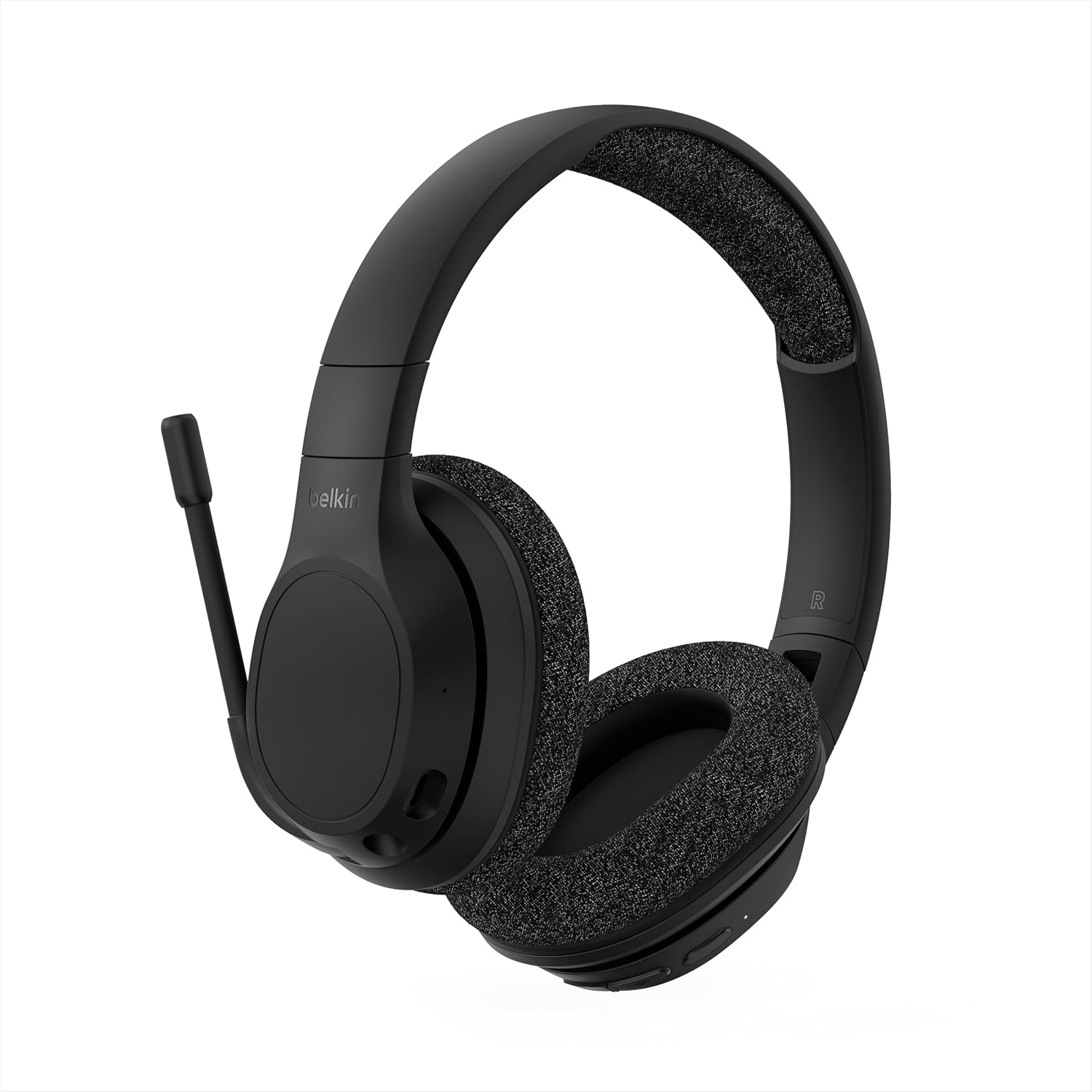
The Belkin SoundForm Adapt Wireless Over-Ear Headset, showcasing its sleek black design and adjustable boom microphone.
What's in the Box
Your Belkin SoundForm Adapt Wireless Over-Ear Headset package includes the following items:
- 1 x SoundForm Adapt Wireless Over-Ear Headset
- 1 x USB-C to USB-C cable (for charging)
- 1 x Audio cable with 3.5mm connectors (for wired listening)
Setup
1. Charging the Headset
Before initial use, fully charge your headset. Connect the provided USB-C to USB-C cable to the headset's USB-C port and a compatible power source. A full charge provides approximately 45 hours of playtime.
2. Bluetooth Pairing
- Ensure the headset is powered off.
- Press and hold the power button for 2 seconds until the LED indicator flashes blue, indicating pairing mode.
- On your device (phone, tablet, or laptop), go to Bluetooth settings and select "Belkin SoundForm Adapt" from the list of available devices.
- Once connected, the LED indicator will turn solid blue.
The headset supports Bluetooth 5.2 and multipoint technology, allowing connection to two devices simultaneously for seamless switching.

Enjoy wireless freedom and compatibility with various devices via Bluetooth 5.2.
3. Wired Connection
For wired listening, connect the provided 3.5mm audio cable to the headset's 3.5mm audio input and your device's audio jack. The 3.5mm cable includes inline controls for convenience.
Operating Instructions
Controls
The headset features intuitive touch controls located on the earcups:
- Power On/Off: Press and hold the power button.
- Volume Control: Use the dedicated volume buttons (+/-).
- Play/Pause: Tap the multi-function button.
- Call Management: Answer/end calls using the multi-function button.
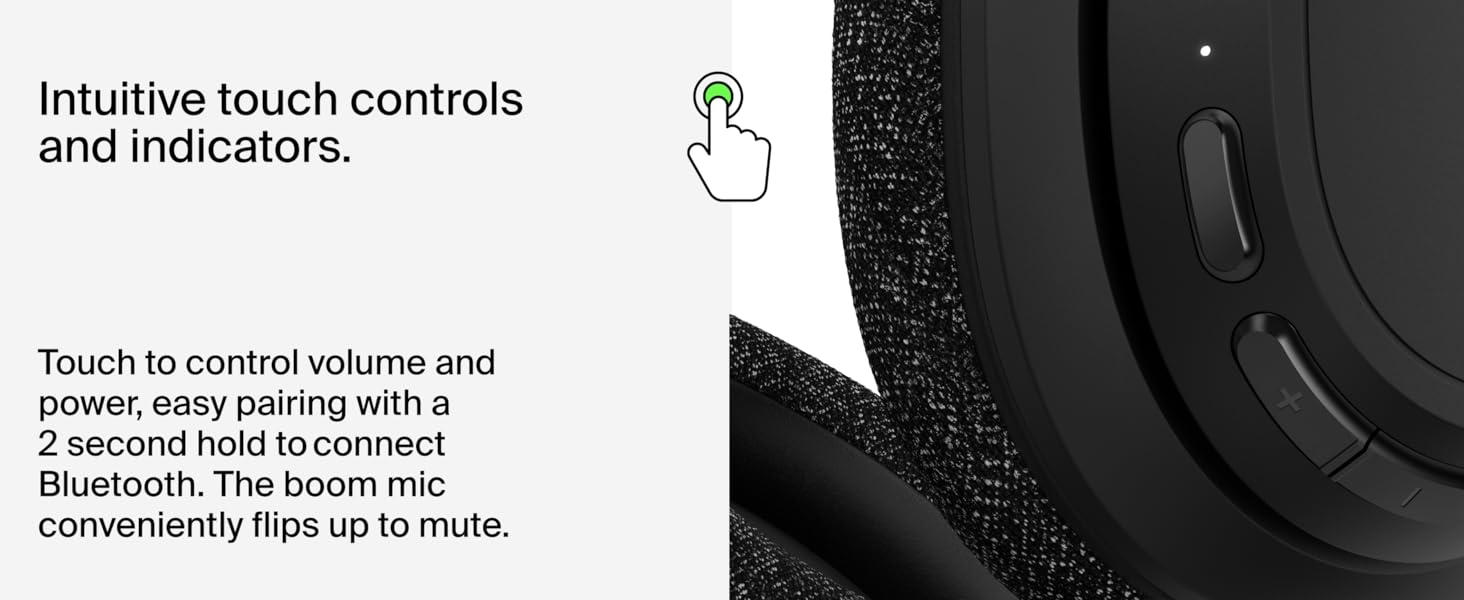
Detailed view of the intuitive touch controls for easy operation.
Microphone Usage
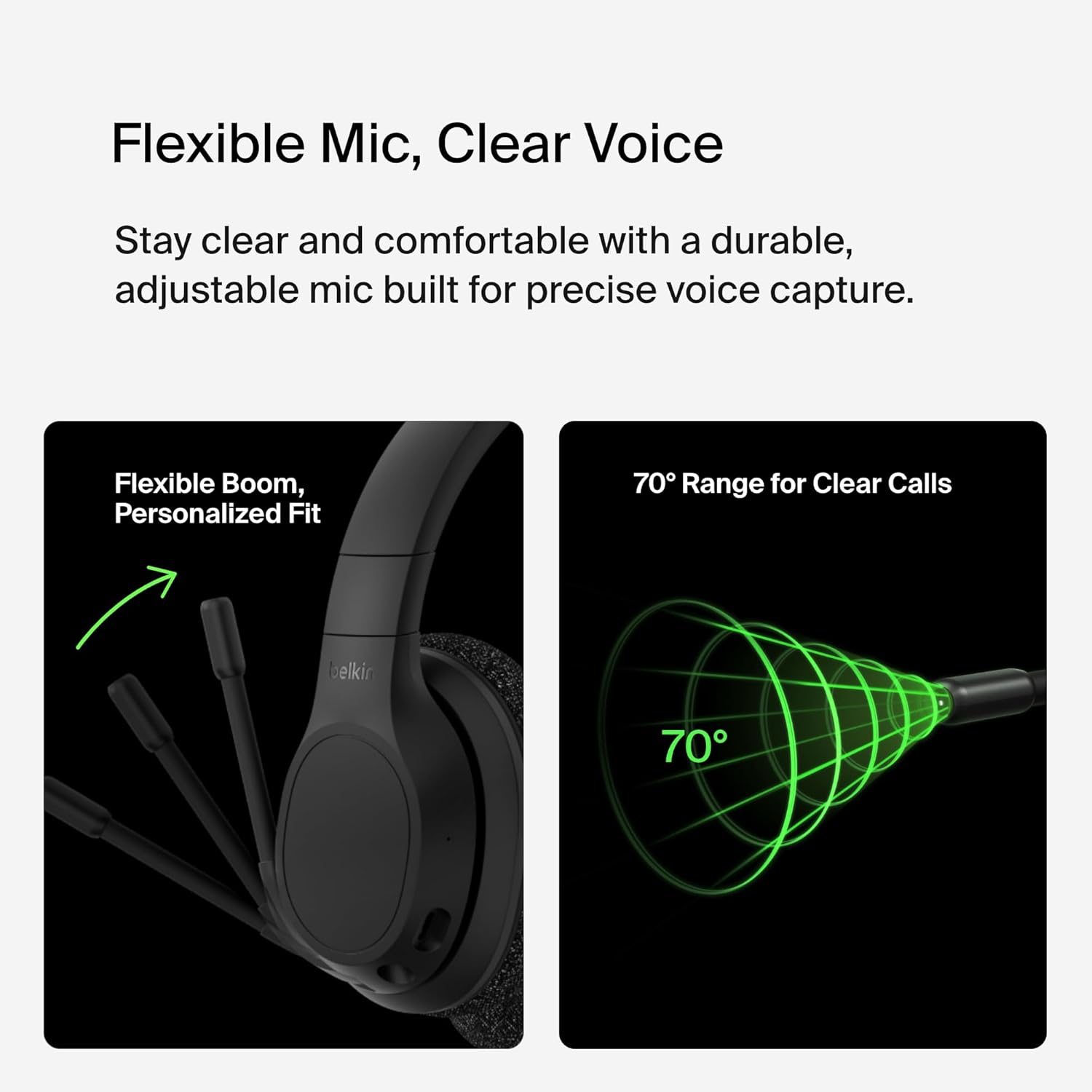
The integrated boom microphone provides clear voice capture for calls and gaming. It features a convenient flip-to-mute function:
- To mute the microphone, flip the boom arm upwards.
- To unmute the microphone, flip the boom arm downwards.
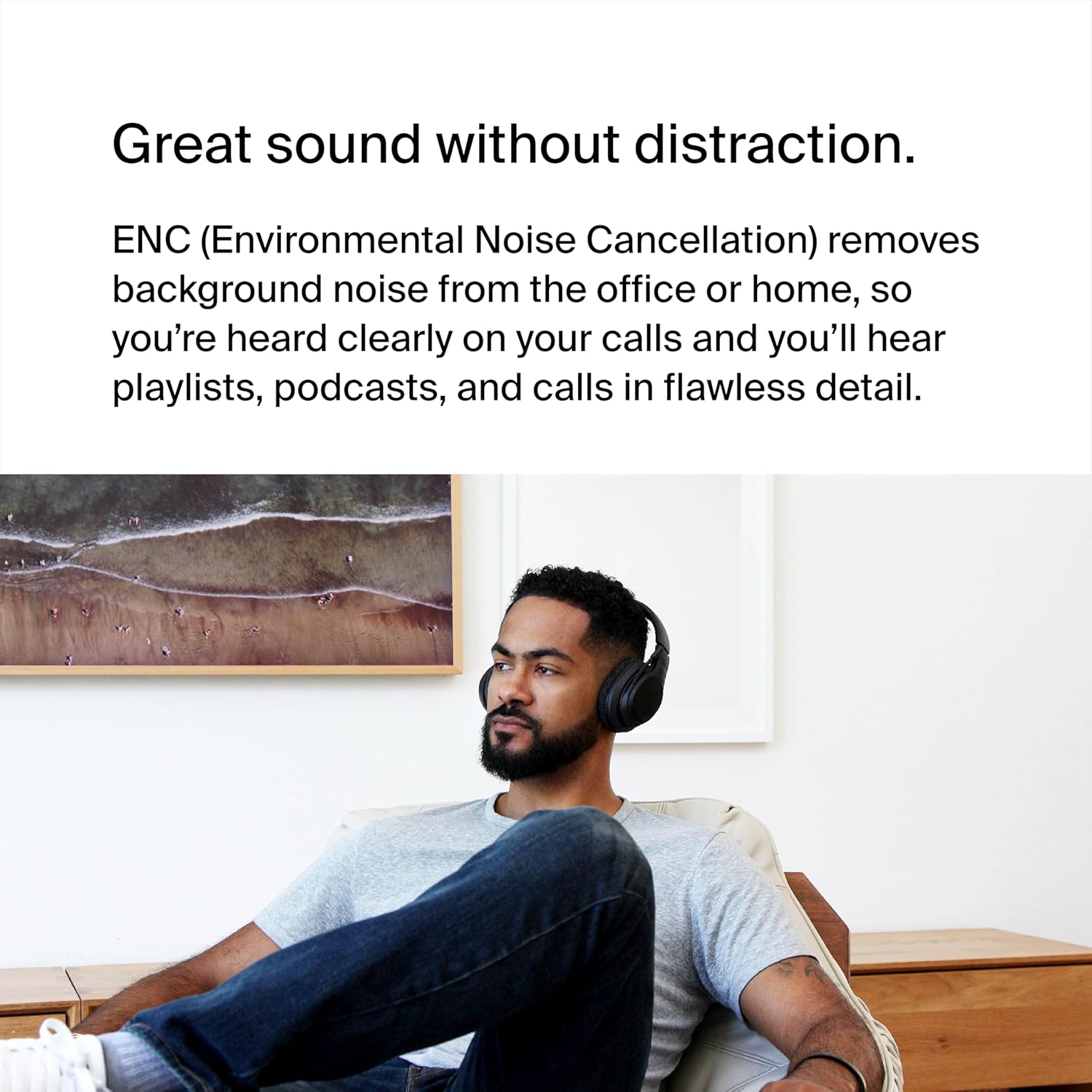
Environmental Noise Cancellation (ENC) technology helps reduce background noise, ensuring your voice is heard clearly by others.

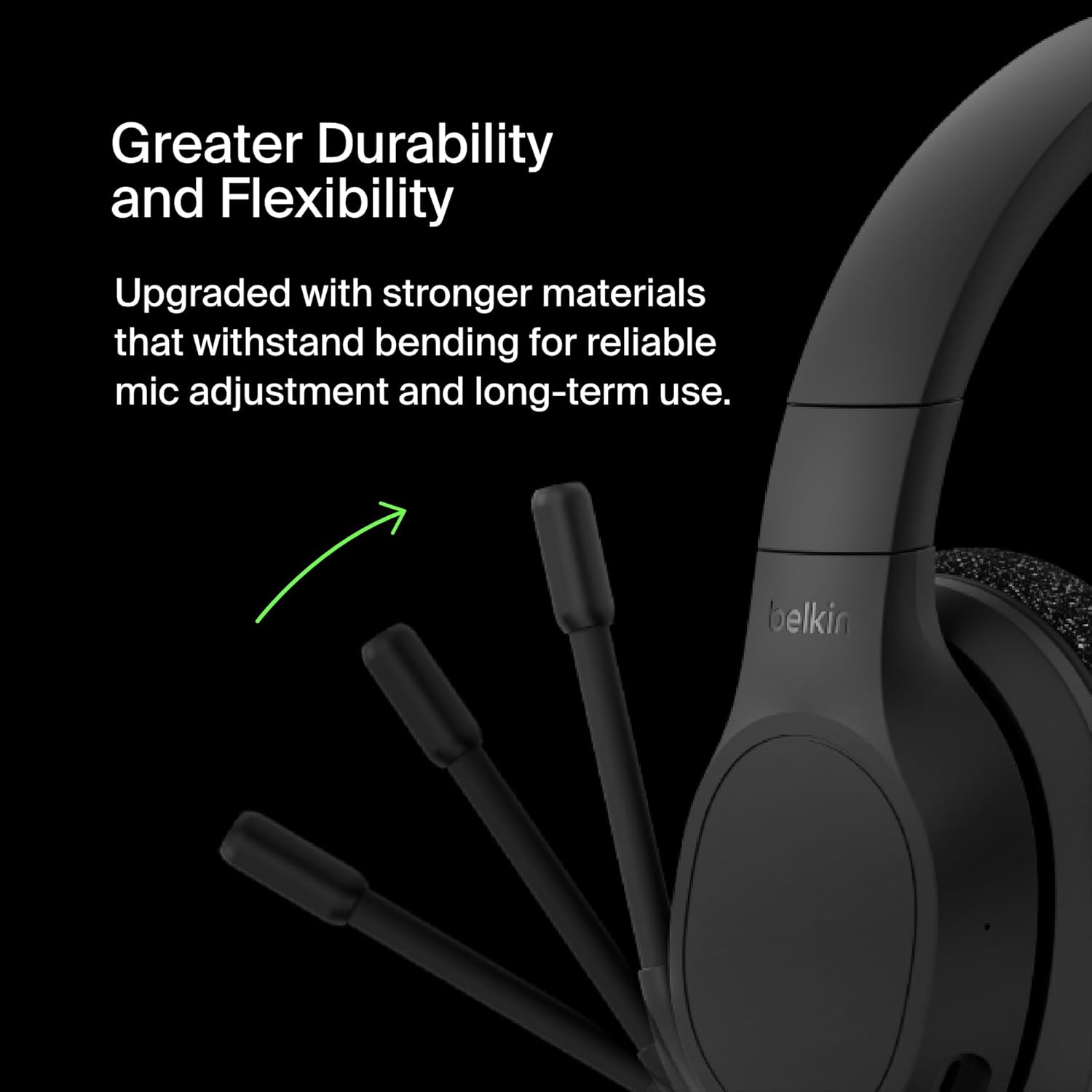
The flexible boom microphone offers personalized fit and a 70-degree range for clear voice capture.
The headset is ideal for all-day listening and quality calls, even in busy environments.
Maintenance
Cleaning
To maintain the headset's condition, wipe the earcups and headband with a soft, dry cloth. Avoid using harsh chemicals or abrasive materials. Do not submerge the headset in water.
Storage
When not in use, store the headset in a cool, dry place away from direct sunlight and extreme temperatures. The headset features a foldable design for easy storage and portability.
The headset's foldable design makes it easy to store and transport.
Troubleshooting
If you encounter issues with your Belkin SoundForm Adapt headset, please refer to the following common solutions:
| Problem | Solution |
|---|---|
| No sound from headset |
|
| Cannot pair via Bluetooth |
|
| Microphone not working or unclear |
|
If the issue persists, please contact Belkin customer support for further assistance.
Specifications
| Model Name | Belkin SoundForm Adapt Wireless Over-Ear Headset |
| Model Number | AUD005btBLK |
| Connectivity | Bluetooth 5.2, 3.5mm Audio Jack, USB-C (for charging) |
| Bluetooth Range | Up to 10 meters (33 feet) |
| Battery Life | Up to 45 hours |
| Audio Drivers | 40mm Dynamic Drivers |
| Microphone | Boom Microphone with Environmental Noise Cancellation (ENC) and flip-to-mute function |
| Controls | Touch controls for power, volume, play/pause, call management |
| Dimensions (L x W x H) | 6.7 x 5.2 x 3 inches |
| Weight | 0.011 ounces (approx. 0.31 grams) |
| Material | Housing made with post-consumer recycled content |
| Color | Black |
| UPC | 745883857692 |
Warranty and Support
Warranty Information
The Belkin SoundForm Adapt Wireless Over-Ear Headset comes with a 2-year limited warranty. This warranty covers defects in materials and workmanship under normal use. Please retain your proof of purchase for warranty claims.
Belkin provides a standard 2-year coverage for this product.
Customer Support
For technical support, warranty claims, or additional information, please visit the official Belkin support website or contact their customer service. You can find contact details and FAQs on the Belkin Support Page.


