Introduction
This manual provides instructions for the installation, operation, and maintenance of your Generic phone case and tempered glass screen protector for the Casper VIA X30 Plus. This product is designed to offer comprehensive protection and enhanced functionality for your device.
Setup and Installation
1. Phone Case Installation
- Clean Your Device: Ensure your Casper VIA X30 Plus phone is clean and free of dust or debris before installing the case.
- Insert Phone: Gently place your phone into the case, starting with one side and then pressing the other side into place. Ensure all corners are securely fitted.
- Check Fit: Verify that the case fits snugly around your phone and that all cutouts for ports, buttons, and speakers align correctly.

Image: The phone case features a soft silicone frame and hard PC backplane with thickened four corners and a silicone buffer layer for shock absorption.
2. Tempered Glass Screen Protector Installation
- Prepare Screen: Use the provided cleaning wipes (if included) to thoroughly clean your phone screen. Remove all dust, smudges, and fingerprints.
- Align Protector: Carefully peel off the protective film from the adhesive side of the tempered glass. Align the screen protector with your phone's screen, ensuring it matches the edges and cutouts.
- Apply and Smooth: Once aligned, gently lower the protector onto the screen. The adhesive will begin to spread. Use a clean cloth or squeegee to gently push out any air bubbles towards the edges.

Image: Features of the tempered glass screen protector, including 9H high hardness, shatterproof design, and anti-fingerprint properties.

Image: The screen protector is designed to be scratch-proof, effectively preventing damage from sharp objects.
Operating Instructions
1. Using the 360 Rotatable Ring Holder
- Enhanced Grip: Insert your finger through the ring to secure a better grip on your phone, reducing the risk of accidental drops, especially during one-hand operation.
- Kickstand Function: Rotate the ring to your desired angle to use it as a convenient kickstand for hands-free viewing of videos or video calls in both portrait and landscape orientations.
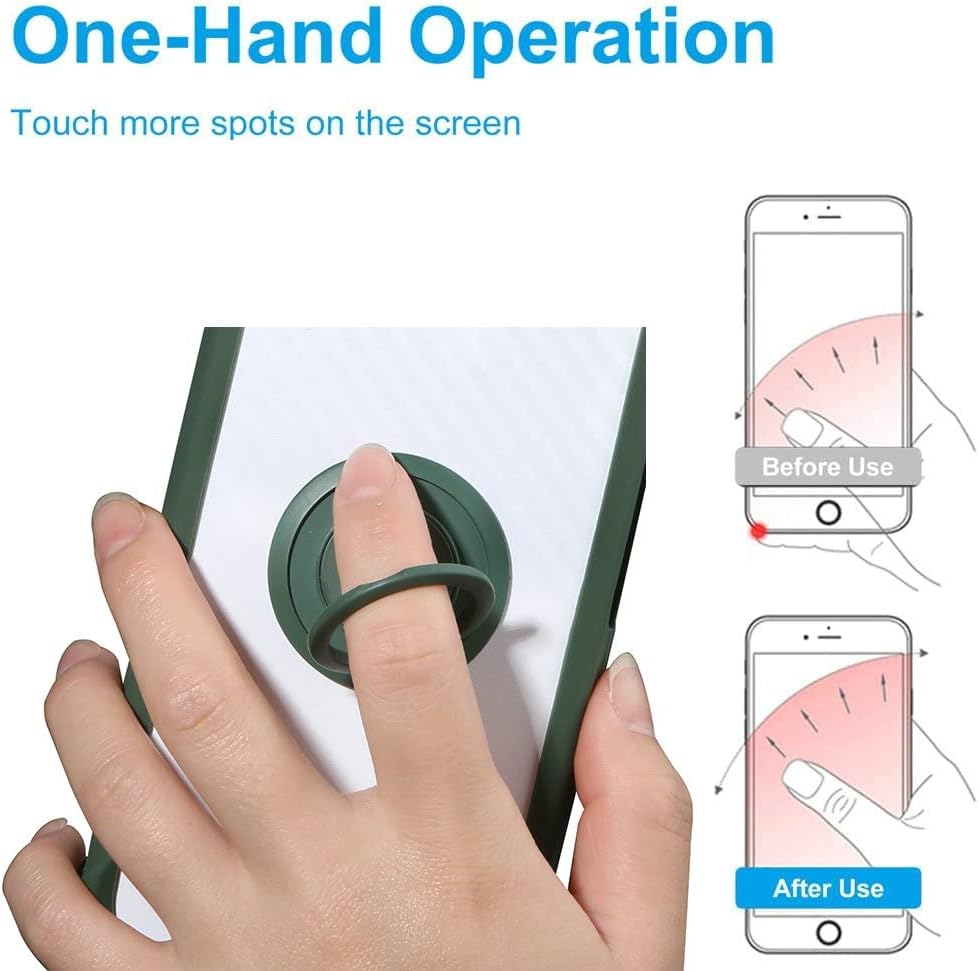
Image: The ring holder facilitates one-hand operation, allowing easier access to all areas of the screen.
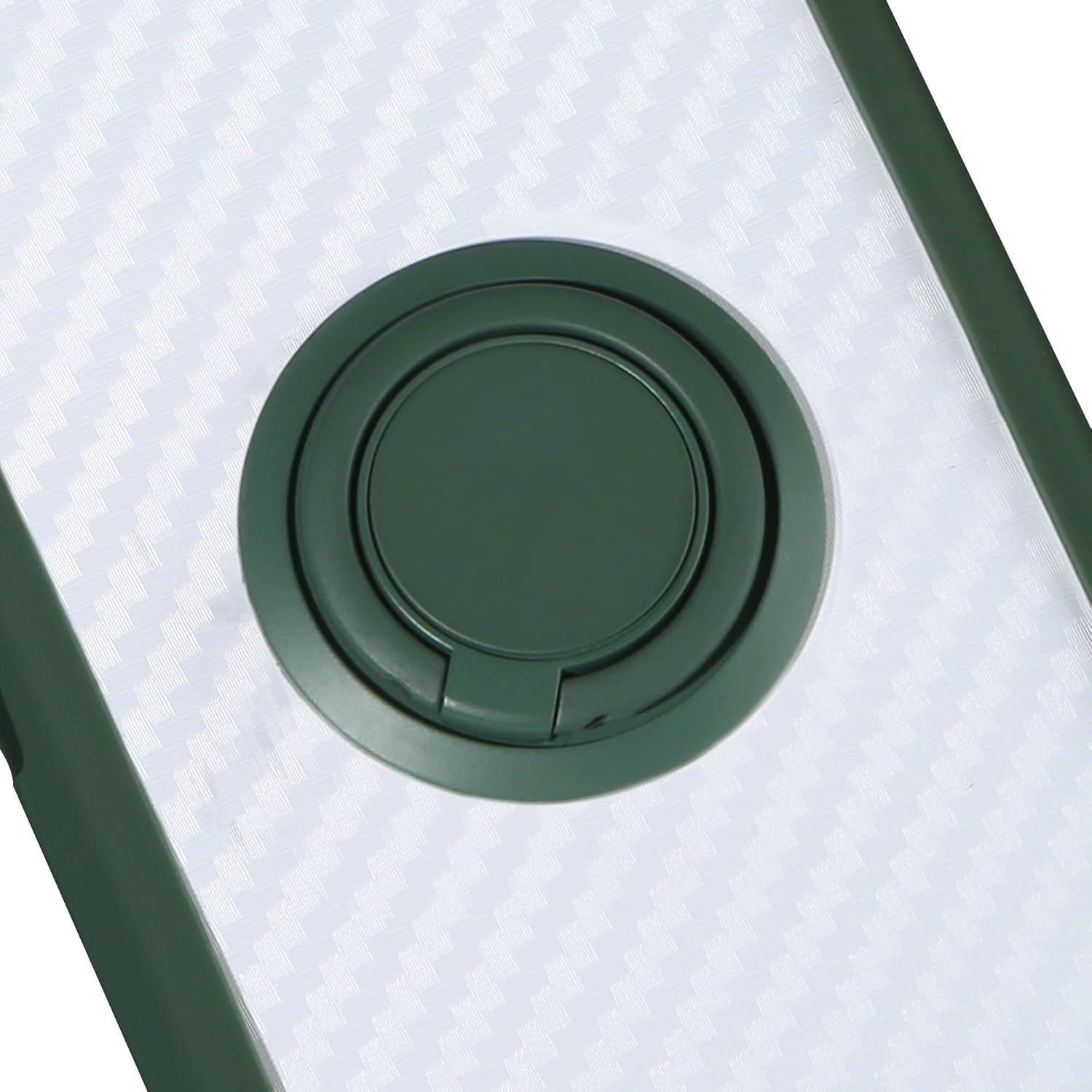
Image: Detailed view of the 360-degree rotatable ring holder, which can also function as a kickstand.
2. Magnetic Car Mount Compatibility
- Direct Adsorption: The integrated metal plate within the ring holder allows the case to be directly adsorbed onto magnetic car mount holders. No additional patches are required.
- Optimal Viewing: Position your phone securely on a magnetic car mount for easy navigation or hands-free media consumption while driving.
- Important Note: A magnetic car mount holder is not included with this product. This case does not support wireless charging due to the metal component for magnetic mounting.

Image: The case is compatible with magnetic car mounts for convenient in-car use.
Maintenance
- Cleaning the Case: The phone case is made of TPU material, which is scratch-proof and fingerprint-resistant. To clean, gently wipe with a soft, damp cloth. Avoid harsh chemicals or abrasive materials.
- Cleaning the Screen Protector: Use a microfiber cloth to wipe the screen protector clean. For stubborn smudges, a screen cleaner spray designed for electronics can be used sparingly.
- Regular Inspection: Periodically inspect the case and screen protector for any signs of wear or damage. Replace if significant damage occurs to ensure continued protection.
Troubleshooting
- Case Not Fitting: Ensure you have the correct model case for your Casper VIA X30 Plus. Remove and re-install the phone, ensuring all edges snap into place.
- Bubbles Under Screen Protector: Small bubbles can often be smoothed out by gently pushing them towards the edge with a soft cloth or squeegee. If large bubbles persist after initial installation, it may indicate dust particles. Carefully lift a corner of the protector, remove dust with a dust absorber, and reapply.
- Ring Holder Stiffness: The ring holder is designed to be firm to act as a stable kickstand. If it becomes too loose or too stiff, ensure it is clean and free of debris.
Specifications
| Product Name | Phone Case with Tempered Glass Screen Protector |
| Compatible Model | Casper VIA X30 Plus |
| Material | Hard PC (Polycarbonate) + Soft Silicone (TPU) |
| Product Dimensions | 0.39 x 0.39 x 0.39 inches |
| Item Weight | 2.46 ounces |
| Special Features | 360 Rotatable Ring Holder, Magnetic Car Mount Compatibility, Shockproof Design, Scratch-proof, Anti-fingerprint |
| Screen Protector Hardness | 9H High Hardness |
| Included in Box | 1*Phone Case, 1*Tempered Glass Screen Protector |
Warranty and Support
This product is manufactured by Generic. For any questions regarding product defects, installation issues, or general support, please contact the seller directly through your purchase platform. Please retain your proof of purchase for any warranty claims.


