
1. Product Overview
The typecase Edge Keyboard Case transforms your compatible iPad into a versatile workstation, offering a full-featured keyboard with a multi-touch trackpad and adjustable viewing angles. Designed for productivity and protection, it enhances your iPad experience.

Image: The typecase Edge Keyboard Case in use, showcasing the iPad in an elevated typing position with illuminated keys.
2. Compatibility
This keyboard case is specifically designed for the following iPad models:
- iPad Air 13-inch (M3 2025 / M2 2024) - Models: A3268, A3269, A3271, A2898, A2899, A2900
- iPad Pro 12.9-inch (6th Gen 2022) - Models: A2436, A2437, A2764, A2766
- iPad Pro 12.9-inch (5th Gen 2021) - Models: A2378, A2379, A2461, A2462
- iPad Pro 12.9-inch (4th Gen 2020) - Models: A2229, A2069, A2232, A2233
- iPad Pro 12.9-inch (3rd Gen 2018) - Models: A1876, A2014, A1895, A1983
Note: This case is not compatible with other iPad models due to differing magnetic layouts. Please verify your iPad model number before use.
How to Verify Your iPad Model:
- Check the back of your iPad for the model number (e.g., A2436).
- Alternatively, open the Settings app on your iPad, navigate to General > About, and tap on Model Number to display it.

Image: Visual guide on identifying your iPad's model number, either from the device's back or through the settings menu.
Video: A short guide demonstrating how to check your iPad's model for compatibility with the typecase Edge Keyboard Case.
3. What's in the Box
- 1 x typecase Edge Keyboard Case (for compatible iPad models)
- 1 x USB Charging Cable
- 1 x User Manual
4. Setup and Connection
4.1 Attaching Your iPad
The typecase Edge Keyboard Case features a sturdy magnetic design for secure attachment. Simply align your iPad with the magnetic back cover, and it will snap into place. The floating cantilever design allows for smooth angle adjustment.

Image: An iPad being attached to the magnetic back of the keyboard case, illustrating the floating cantilever design.
4.2 Bluetooth Pairing
Follow these steps to connect your keyboard case via Bluetooth:
- Switch the ON/OFF controller on the keyboard to the ON position.
- Long press the Bluetooth pairing button (often indicated by a chain link icon) for 2 seconds. The Bluetooth indicator light will start blinking.
- On your iPad, open the Settings app and ensure Bluetooth is turned ON.
- In the "MY DEVICES" section, tap "Typecase Edge" to connect. Tap "Pair" if prompted to finish the connection.

Image: A visual guide detailing the installation of the iPad into the case and the Bluetooth pairing process.
Video: Instructions on how to connect the typecase Edge Keyboard Case to your iPad via Bluetooth.
5. Operating Instructions
5.1 Keyboard Backlight
The keyboard features 11-color backlighting with 3 levels of brightness. Use the dedicated backlight key to cycle through colors and adjust brightness to suit your environment.

Image: The keyboard displaying its dynamic 11-color backlighting feature and controls.
Video: Demonstration of adjusting the brightness and changing the backlight colors on the keyboard.
5.2 Multi-Touch Trackpad
The full-area multi-touch trackpad allows for precise navigation and gesture control, similar to a laptop. Perform actions like zooming, scrolling, and switching apps with ease.

Image: The trackpad with an overlay illustrating multi-touch gestures for enhanced iPad control.
5.3 iPadOS Shortcuts
Utilize the dedicated row of iPadOS shortcut keys for quick access to common functions, improving efficiency and workflow.

Image: A close-up of the keyboard highlighting the iPadOS shortcut keys for quick access to functions.
5.4 Adjustable Viewing Angles
The floating cantilever design allows for smooth and precise adjustment of your iPad's viewing angle, up to 135 degrees, for optimal comfort in various settings.

Image: The keyboard case illustrating its ability to adjust the iPad's screen to various angles.
5.5 Pencil Holder
A sturdy magnetic clasp not only secures your iPad but also provides a dedicated and secure spot for your Apple Pencil.

Image: A close-up of the magnetic clasp and the integrated holder for the Apple Pencil.
6. Features and Design
- Lightweight and Portable: Boasting a slim, lightweight profile, the typecase Edge is designed for users seeking functionality without additional bulk.
- Comprehensive Device Protection: Full front and back coverage protects your iPad from daily wear and tear.
- Smart Power Saving: Features a 90-second auto sleep/wake function to extend battery life and improve efficiency.
- Premium Typing Experience: Keys offer 0.8mm travel, ergonomic design, laser-etched legends, and illumination for comfortable and accurate typing.
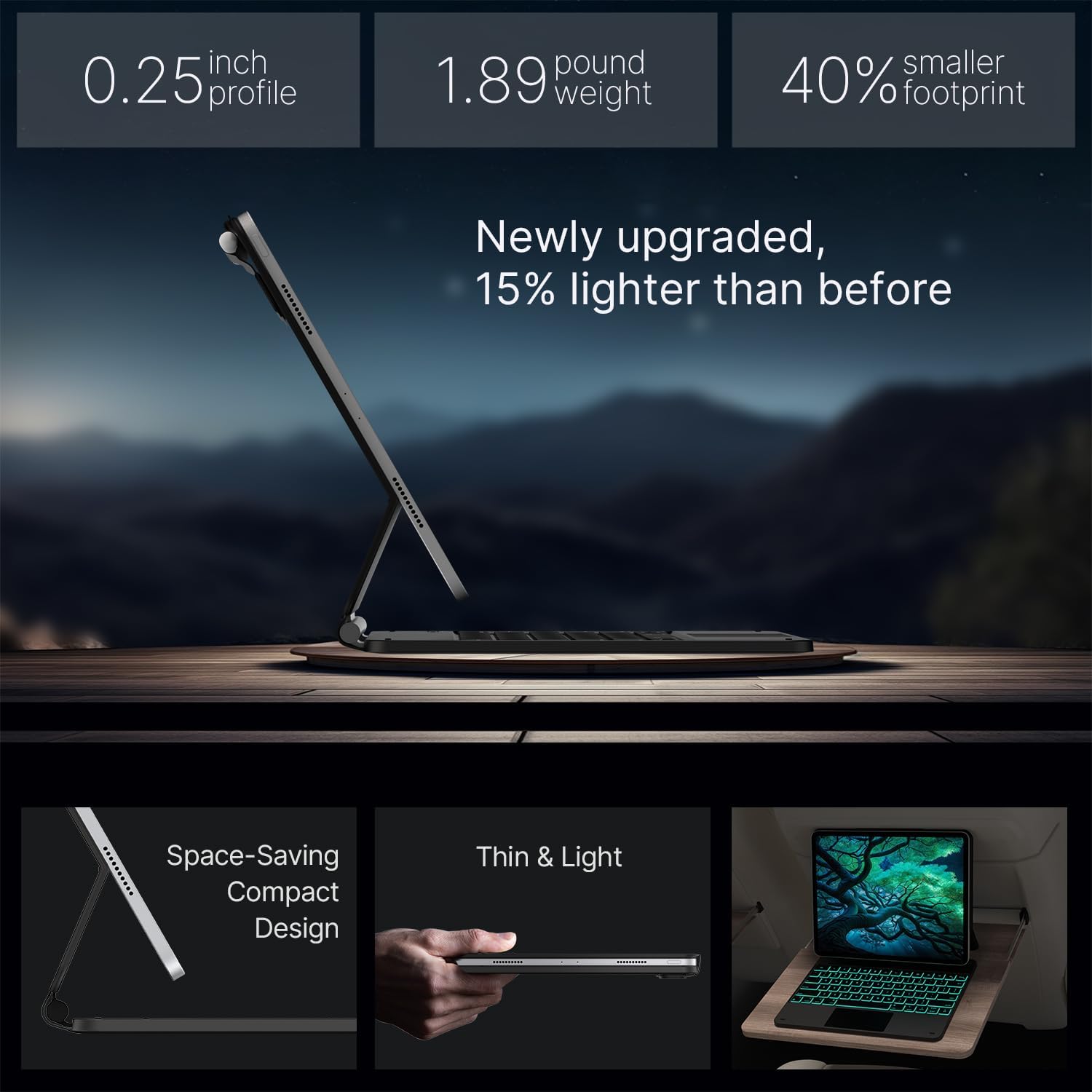
Image: The keyboard case highlighting its slim profile and lightweight nature.

Image: A close-up view of the keyboard keys, emphasizing their design for a premium typing experience.

Image: The keyboard case highlighting its extended battery life and automatic sleep/wake function for power saving.
7. Specifications
| Feature | Detail |
|---|---|
| Product Dimensions | 5.51 x 16.54 x 0.79 inches |
| Item Weight | 1.65 pounds |
| Manufacturer | typecase |
| Item Model Number | KB206129 |
| Batteries | 1 Lithium Polymer batteries required (included) |
| Connectivity Technology | Bluetooth |
| Keyboard Description | Multi Functional |
| Special Features | Backlit, Lightweight, Portable, Rechargeable, Trackpad |
| Color | Black |
| Keyboard Backlighting | RGB (11 colors, 3 brightness levels) |
| Material | Acrylonitrile Butadiene Styrene |
8. Maintenance
To ensure the longevity and optimal performance of your typecase Edge Keyboard Case, follow these maintenance guidelines:
- Keep the keyboard clean by gently wiping it with a soft, dry cloth.
- Avoid exposing the device to extreme temperatures or direct sunlight.
- Do not use harsh chemicals or abrasive cleaners on the case or keyboard.
- Ensure the USB charging port is free from dust and debris.
9. Troubleshooting
If you encounter issues with your typecase Edge Keyboard Case, consider the following:
- Keyboard not connecting: Ensure Bluetooth is enabled on your iPad and the keyboard is powered on. Try re-pairing the device.
- Keys not responding: Check the keyboard's battery level and charge if necessary. Restart both the iPad and the keyboard.
- Trackpad not working: Ensure the trackpad is enabled (if there's a dedicated toggle). Reconnect the Bluetooth connection.
- Backlight issues: Use the backlight control key to adjust brightness and color. Ensure the keyboard has sufficient charge.
For further assistance, please refer to the warranty and support information below.
10. Warranty and Support
The typecase Edge Keyboard Case comes with a 12-month warranty. For any product-related inquiries or support, please contact typecase customer service. They offer 24/7 customer service and support for replacements within 1 year and refunds within 30 days of purchase.
For more information, visit the typecase Store on Amazon.


