
Pulsar Axion 2 XG35
Contents
Pulsar Axion 2 Thermal Monocular XG35 User Manual
Model: Axion 2 XG35
Product Overview
The Pulsar Axion 2 Thermal Monocular XG35 is a compact and powerful thermal imaging device designed for observation in various conditions, including low light and complete darkness. It features advanced thermal sensor technology and a robust design for reliable performance.

Figure 1: The Pulsar Axion 2 Thermal Monocular XG35, a compact thermal imaging device.
Key Features
- High Sensitivity Thermal Sensor: Equipped with a 640x480 resolution, 12 µm uncooled sensor with a NETD of less than 20 mK for detailed thermal imagery.

Figure 2: Detail of the 640x480, <20mK Uncooled 12 µm Sensor, highlighting the advanced thermal imaging capabilities.
- Variable Magnification: Offers a magnification range from 2.5x to 20x for versatile observation distances.
- AMOLED HD Display: Features a 1024x768 AMOLED HD display for clear and crisp thermal images.
- Long Detection Range: Capable of detecting objects up to 1750 yards away.

Figure 3: The Axion 2 XG35 provides a detection range of up to 1750 yards, enabling long-distance observation.
- Rugged Magnesium Alloy Housing: Ensures durability and effective heat dissipation.
- IPX7 Waterproof Rated: Provides protection against water submersion.
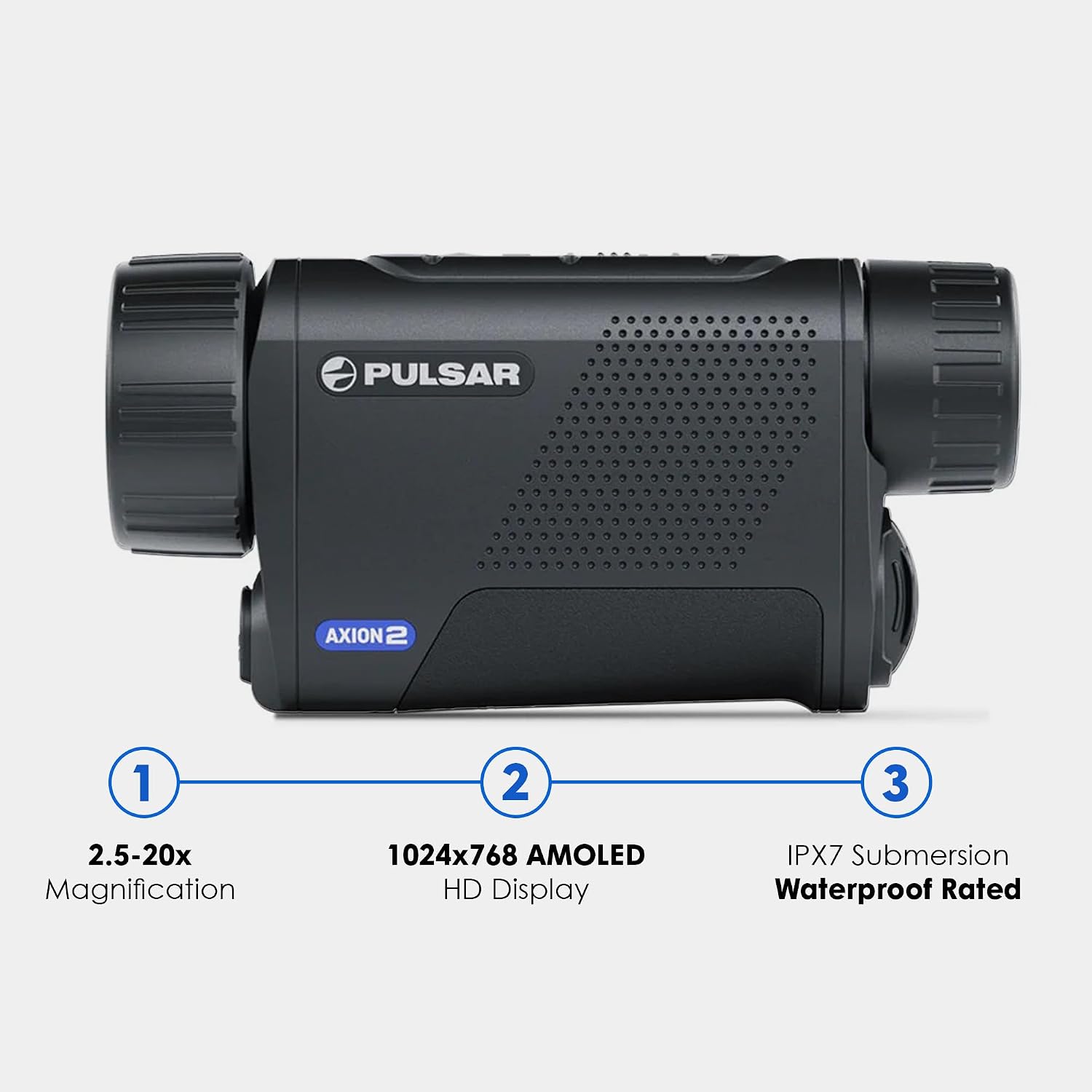
Figure 4: Key features of the Axion 2 XG35, including 2.5-20x magnification, 1024x768 AMOLED HD display, and IPX7 waterproof rating.
- Compact and Ergonomic Design: Designed for easy handling and portability.

Figure 5: The compact and ergonomic design of the Axion 2 XG35 allows it to fit easily into a pocket for convenient transport.
- Stream Vision 2 with Wi-Fi: Allows connection to smartphones for software updates, real-time image transfer, and remote control.
- Extended Battery Life: Up to 7 hours of continuous operation with the APS5 rechargeable battery.
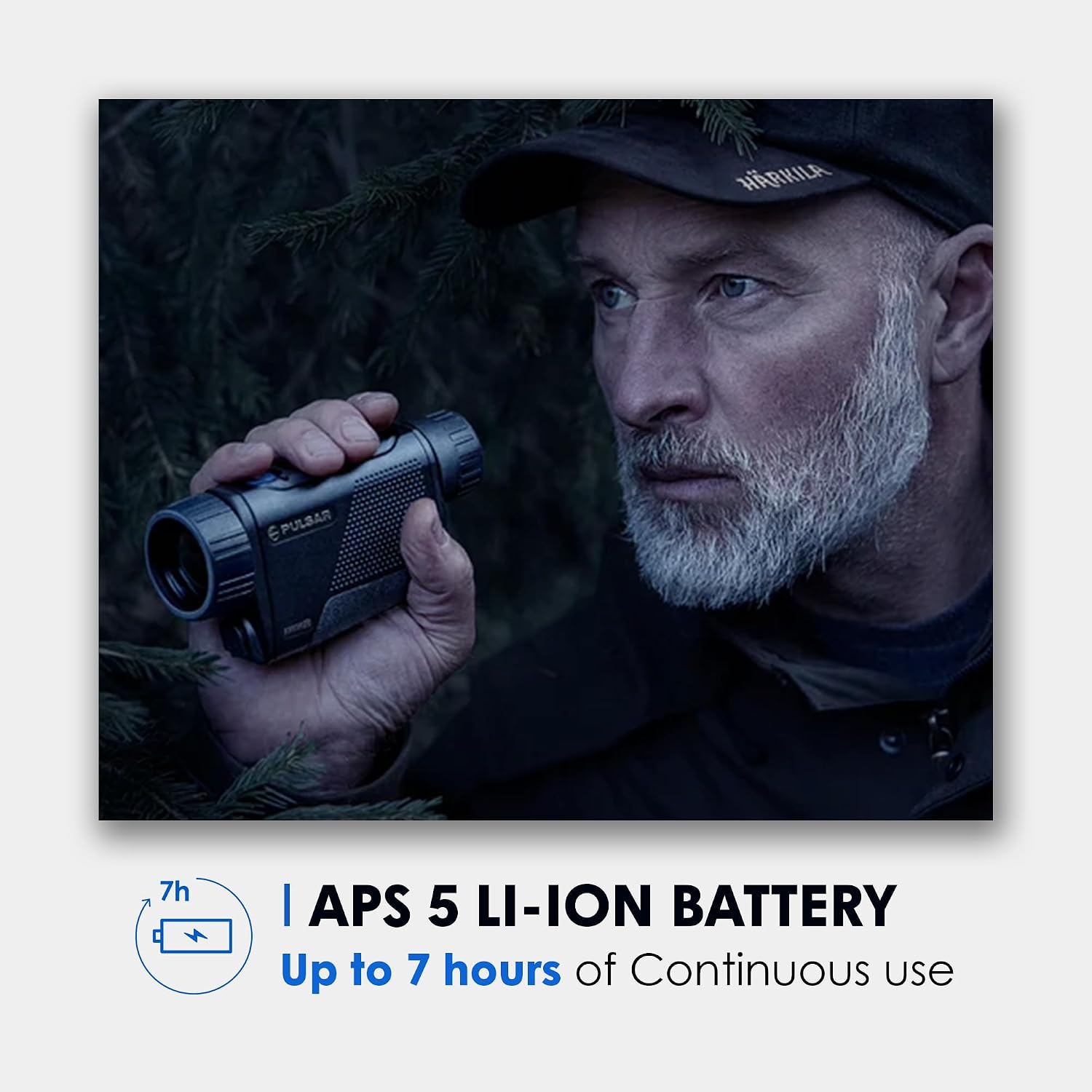
Figure 6: The Axion 2 XG35 is powered by an APS 5 Li-Ion battery, providing up to 7 hours of continuous use.
- 3 Sensitivity Levels: Optimizes images for various environmental conditions.
- Wide Field of View: A 12.5° wide field of view for efficient scanning.

Figure 7: The 12.5° wide field of view of the Axion 2 XG35 facilitates easy and broad area scanning.
Setup
1. Charging the Battery
The Axion 2 XG35 uses an APS5 rechargeable battery. Before first use, fully charge the battery. The battery can be charged using the provided special charger, via a PC, household power, or a power bank through the USB-C port. The device also supports external power supply.
2. Inserting the Battery
Locate the battery compartment on the device. Insert the fully charged APS5 battery, ensuring correct orientation. Close the compartment securely.
3. Initial Power On
Press and hold the power button (usually located on the top of the device) until the display illuminates. The device will perform a self-test and then display the thermal image.
4. Focus Adjustment
The Axion 2 XG35 features manual focus. Rotate the objective lens focus ring until the image appears sharp and clear for the observed distance.
Operating Instructions
1. Basic Operation
- Power On/Off: Press and hold the power button.
- Magnification Adjustment: Use the zoom buttons to adjust the digital magnification from 2.5x to 20x.
- Palette Selection: Cycle through available thermal color palettes (e.g., White Hot, Black Hot, Red Hot, Rainbow) using the dedicated palette button.
- Brightness/Contrast: Access the menu to adjust display brightness and contrast for optimal viewing.
2. Sensitivity Levels
The Axion 2 XG35 offers 3 sensitivity levels to optimize image quality based on environmental conditions. Adjusting these levels (e.g., for fog, rain, or clear conditions) helps in better target detection and background rendering. Refer to the on-screen menu for specific adjustments.
3. Stream Vision 2 Connectivity
To connect your Axion 2 XG35 to a smartphone:
- Download the Stream Vision 2 app from your device's app store (Android/iOS).
- Enable Wi-Fi on your Axion 2 XG35 via the device menu.
- Connect your smartphone to the Wi-Fi network broadcast by the Axion 2 XG35.
- Open the Stream Vision 2 app to access features like live streaming, remote control, and firmware updates.
Maintenance
1. Cleaning the Device
- Use a soft, lint-free cloth to clean the exterior of the monocular.
- For the objective lens and display, use a specialized optical cleaning cloth and solution. Avoid abrasive materials.
- Do not use harsh chemicals or solvents.
2. Battery Care
- Store batteries in a cool, dry place.
- Avoid fully discharging the battery for extended periods.
- If storing the device for a long time, charge the battery to approximately 50% capacity.
3. Storage
When not in use, store the Axion 2 XG35 in its protective case in a dry environment, away from direct sunlight and extreme temperatures.
Troubleshooting
| Problem | Possible Cause | Solution |
|---|---|---|
| Device does not power on. | Battery is discharged or incorrectly inserted. | Charge the battery. Ensure battery is inserted with correct polarity. |
| Image is blurry. | Focus not adjusted correctly. | Rotate the objective lens focus ring to sharpen the image. |
| Wi-Fi connection issues. | Wi-Fi not enabled on device; incorrect password; app issues. | Ensure Wi-Fi is enabled. Re-enter password. Restart device and app. |
| Short battery life. | Battery not fully charged; extreme temperatures; old battery. | Fully charge battery. Operate within recommended temperature range. Consider replacing battery if old. |
Specifications
| Feature | Detail |
|---|---|
| Brand | Pulsar |
| Model Name | Axion 2 XG35 |
| Sensor Resolution | 640x480 (12 µm, <20mK NETD) |
| Display Resolution | 1024x768 AMOLED HD |
| Magnification | 2.5x - 20x |
| Detection Range | 1750 yards |
| Field of View | 12.5° |
| Power Source | APS5 Li-Ion Battery (7 hours continuous operation) |
| Waterproof Rating | IPX7 (Submersible) |
| Product Dimensions | 6.6"D x 1.9"W x 2.9"H |
| Item Weight | 12.8 ounces |
| Focus Type | Manual Focus |
| Compatible Devices | Smartphone (via Stream Vision 2 app) |
| Telescope Mount | 1/4-20 Tripod Mount |
Important Information & Disclaimer
EXPORT CONTROL NOTICE: This product is controlled for export and in-country transfer under the Export Administration Regulations (EAR). Diversion contrary to U.S. law prohibited.
Warranty and Support
For warranty information and technical support, please refer to the official Pulsar website or contact Pulsar customer service directly. Keep your purchase receipt as proof of purchase for warranty claims.
Pulsar Official Website: www.pulsar-nv.com
Documents and downloads
Ask a question about this manual
Ask about setup, troubleshooting, compatibility, parts, safety, or missing instructions. Manuals+ will review the question and use this page’s manual context to help answer it.