
Armitron 40/8284
Armitron Sport Digital Chronograph Watch Model 40/8284 User Manual
Model: 40/8284
Introduction
This manual provides comprehensive instructions for the Armitron Sport Digital Chronograph Watch, Model 40/8284. Please read this manual carefully to understand the functions and proper operation of your watch. Keep this manual for future reference.
Key Features
- Rainbow lens with a black resin case and textured top ring.
- LCD display showing time, seconds, day, and date.
- Functions include: chronograph, lap time, alarm, dual time, military time, and backlight.
- Black resin strap with a stainless steel buckle closure.
- Water resistant up to 330 feet (100 meters).
Watch Components
Familiarize yourself with the buttons and display areas of your Armitron Sport watch.

Image 1: Front View of Watch. This image displays the front of the Armitron Sport Digital Chronograph Watch, Model 40/8284. Visible elements include the digital display, the rainbow-tinted lens, and the four control buttons located on the sides of the watch case. The buttons are labeled 'RESET' (top left), 'MODE' (bottom left), 'ST/STP' (top right), and 'EL' (bottom right). The watch face also shows 'ARMITRON' at the top, 'CHRONO-ALARM' below the main time display, and 'WATER RESIST 330FT' at the bottom.
- RESET Button (Top Left): Used to reset the chronograph, clear alarm settings, or adjust values during setting modes.
- MODE Button (Bottom Left): Cycles through different watch modes (Time, Chronograph, Alarm, Dual Time).
- ST/STP Button (Top Right): Starts and stops the chronograph, or confirms settings in various modes.
- EL Button (Bottom Right): Activates the Electro-Luminescent backlight for improved visibility in low light conditions.
- LCD Display: Shows time, date, day, and other function-specific information.
Initial Setup: Time and Date Setting
- Enter Time Setting Mode: From the normal time display, press and hold the MODE button until the seconds begin to flash. This indicates you are in setting mode.
- Select Item to Adjust: Press the MODE button repeatedly to cycle through the settings: Seconds → Hours → Minutes → Year → Month → Day. The currently selected item will flash.
- Adjust Value: Use the ST/STP button to increase the flashing value. Use the RESET button to decrease the flashing value (if applicable, or to reset seconds to zero).
- Confirm and Exit: Once all settings are correct, press the MODE button until no digits are flashing to exit the setting mode and return to the normal time display.
Note: The watch supports 12-hour and 24-hour (military) time formats. This setting is usually adjusted within the hour setting cycle. Press ST/STP to toggle between AM/PM (12-hour) and H (24-hour).
Operating Modes
Your watch features several operational modes accessible via the MODE button.
1. Time Display Mode
This is the default mode, displaying the current time, seconds, day, and date.
- Press the EL button to activate the backlight.
2. Chronograph (Stopwatch) Mode
Used for measuring elapsed time.
- Press MODE until "CHRONO" or "STW" appears on the display.
- Press ST/STP to start the stopwatch.
- Press ST/STP again to stop the stopwatch.
- To record a lap time while the stopwatch is running, press RESET. The lap time will display briefly, and the stopwatch will continue running in the background.
- With the stopwatch stopped, press RESET to clear the time to zero.
3. Alarm Mode
Set an audible alarm for a specific time.
- Press MODE until "ALARM" or "AL" appears.
- Press and hold RESET until the alarm hours begin to flash.
- Press ST/STP to adjust the hours.
- Press MODE to move to minutes, then use ST/STP to adjust.
- Press RESET to exit the alarm setting mode.
- To activate/deactivate the alarm, press ST/STP while in Alarm Mode (without holding RESET). An alarm icon will appear/disappear.
4. Dual Time Mode
Display a second time zone.
- Press MODE until "DUAL TIME" or "DT" appears.
- Press and hold RESET until the hours begin to flash.
- Press ST/STP to adjust the hours.
- Press MODE to move to minutes, then use ST/STP to adjust.
- Press RESET to exit the dual time setting mode.
Care and Maintenance
- Water Resistance: This watch is water resistant to 330 feet (100 meters). It is suitable for showering, swimming, and snorkeling. Do not press any buttons while the watch is submerged in water. Avoid exposure to hot water or steam, as this can compromise the water resistance seals.
- Cleaning: Clean your watch regularly with a soft, damp cloth. For resin straps, mild soap and water can be used. Ensure the watch is completely dry before storage.
- Temperature: Avoid exposing your watch to extreme temperatures (hot or cold) for extended periods, as this can affect battery life and watch accuracy.
- Chemicals: Keep the watch away from solvents, detergents, perfumes, and cosmetics, as these can damage the resin case and strap.
- Battery Replacement: When the display becomes dim or functions become erratic, the battery may need replacement. Battery replacement should be performed by a qualified watch technician to ensure water resistance is maintained.
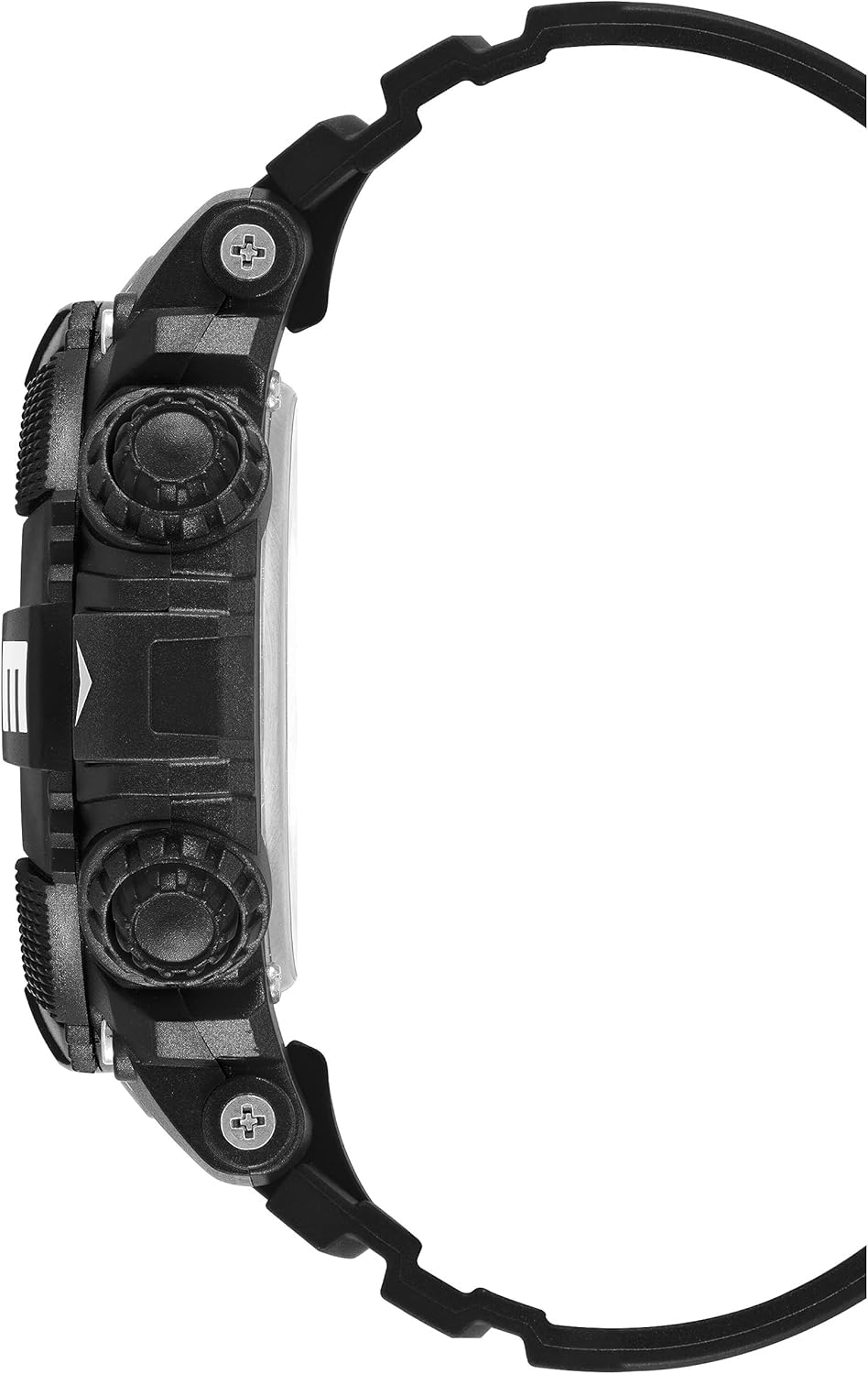
Image 2: Side View of Watch. This image shows the side profile of the Armitron Sport Digital Chronograph Watch, Model 40/8284, highlighting the thickness of the case and the design of the resin strap. The side buttons are visible, demonstrating their ergonomic placement.

Image 3: Back View of Watch. This image displays the back of the Armitron Sport Digital Chronograph Watch, Model 40/8284. It shows the stainless steel case back, which typically contains model information and water resistance ratings, and the buckle closure of the resin strap.
Troubleshooting
| Problem | Possible Cause | Solution |
|---|---|---|
| Display is blank or dim. | Low battery. | Replace the battery. Consult a professional watch technician. |
| Time is incorrect. | Time not set correctly or accidental button press. | Refer to the "Initial Setup: Time and Date Setting" section to reset the time. |
| Buttons are unresponsive. | Watch may be in a frozen state or battery is very low. | Try a soft reset by pressing all four buttons simultaneously for a few seconds (if applicable for this model). If not, replace battery. |
| Water appears inside the watch. | Water resistance compromised. | Immediately take the watch to a professional watch repair service. Do not attempt to open it yourself. |
Specifications
- Model Number: 40/8284
- Display Type: Digital LCD
- Case Material: Resin
- Strap Material: Resin
- Lens: Rainbow-tinted
- Water Resistance: 100 meters (330 feet)
- Functions: Time, Seconds, Day, Date, Chronograph, Lap Time, Alarm, Dual Time, Military Time, Backlight
- Battery: 1 Product Specific battery (included)
- Package Dimensions: 4.25 x 3.9 x 2.91 inches
- Item Weight: 4.97 ounces
Warranty and Support
Armitron watches are manufactured to high-quality standards. For specific warranty information, please refer to the warranty card included with your purchase or visit the official Armitron website. For technical support or service inquiries, please contact Armitron customer service directly.
You can find more information and contact details on the Armitron Store on Amazon.
Related documents40/8284


Ask a question about this manual
Ask about setup, troubleshooting, compatibility, parts, safety, or missing instructions. Manuals+ will review the question and use this page’s manual context to help answer it.