Introduction
This manual provides comprehensive instructions for the safe and effective use of your Aresrora C20 Plus Mini Karaoke Machine. Please read this manual thoroughly before operating the device and retain it for future reference.
What's in the Box
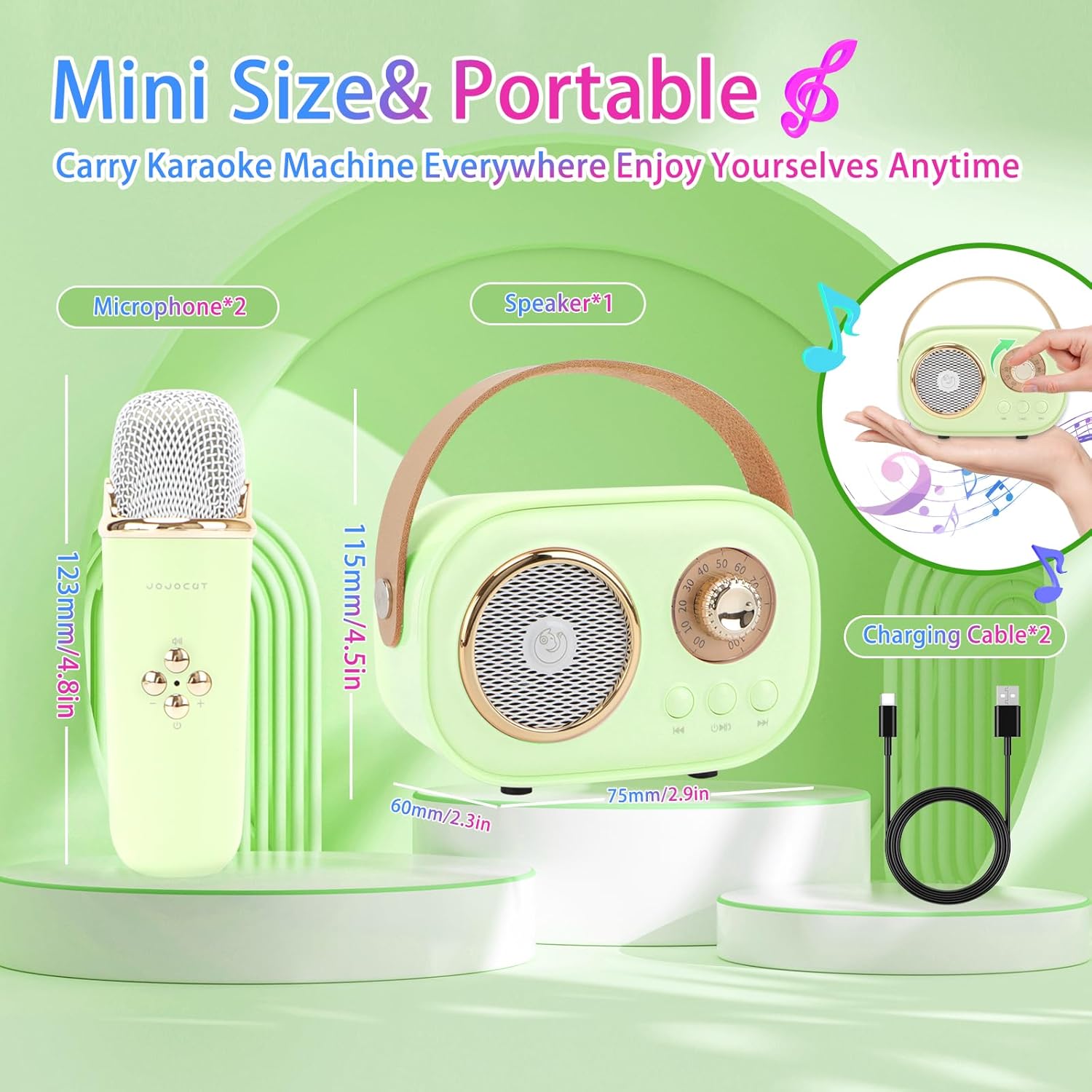
- Karaoke Speaker × 1
- Wireless Microphone × 2
- User Manual × 1
- USB-C Charging Cable × 1
Product Overview
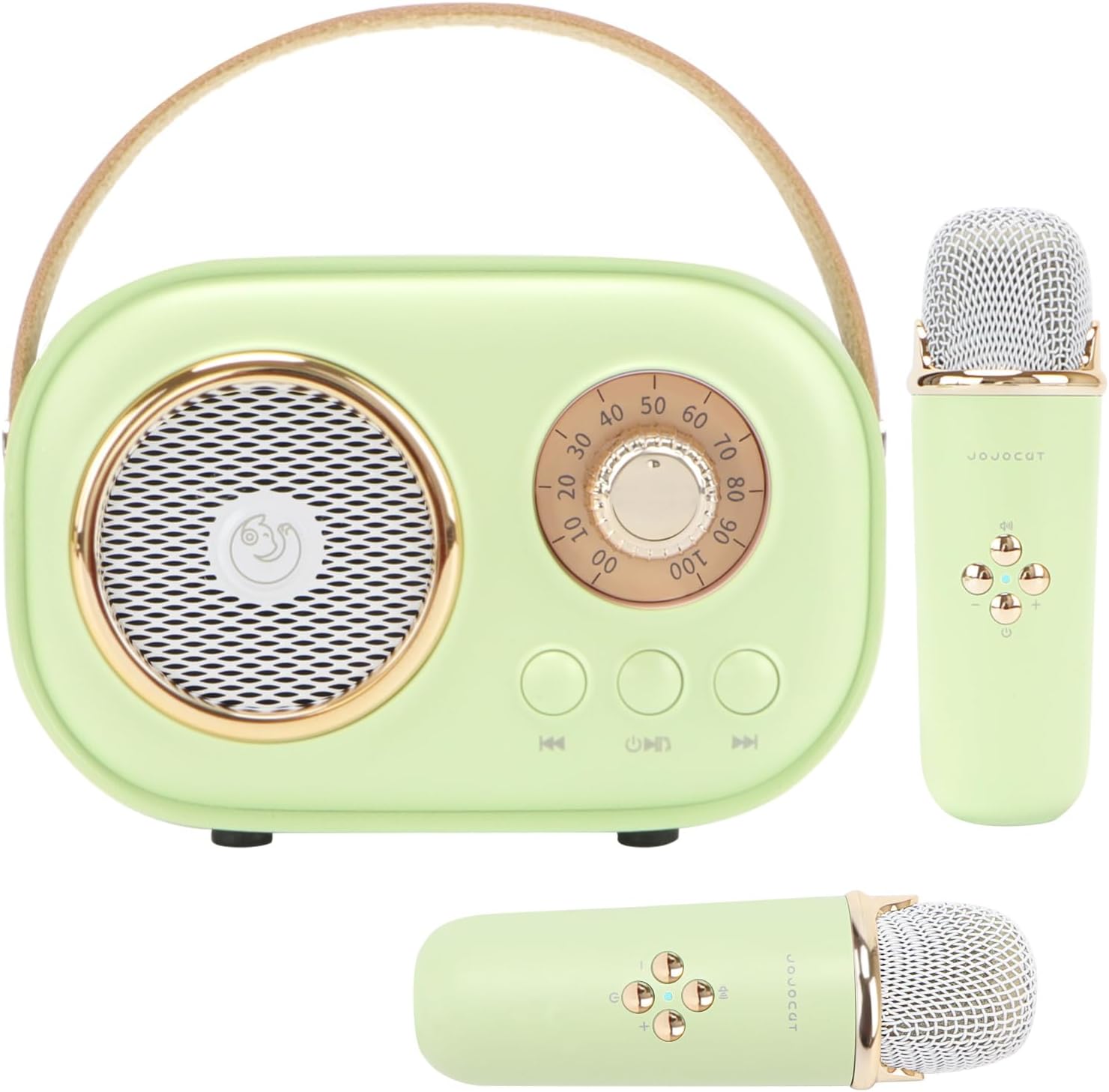
The Aresrora C20 Plus is a portable Bluetooth karaoke machine featuring a compact design and two wireless microphones. It offers various connectivity options and voice effects for an enhanced audio experience.

Setup
Charging the Device
Before first use, fully charge the karaoke speaker and both microphones using the provided USB-C charging cable. The charging port for the speaker is located on the back, and for the microphones, it is at the bottom.
Powering On/Off
- Speaker: Press and hold the power button on the speaker until the indicator light illuminates.
- Microphones: Press and hold the power button on each microphone until the blue indicator light turns on.
Bluetooth Pairing
- Ensure the speaker is powered on and in Bluetooth pairing mode (indicator light will blink).
- On your mobile device (phone, tablet, PC), enable Bluetooth and search for available devices.
- Select "C20 Plus" from the list to pair. A confirmation sound will indicate successful pairing.
- The microphones will automatically connect to the speaker once both are powered on.

Operating Instructions
Speaker Controls
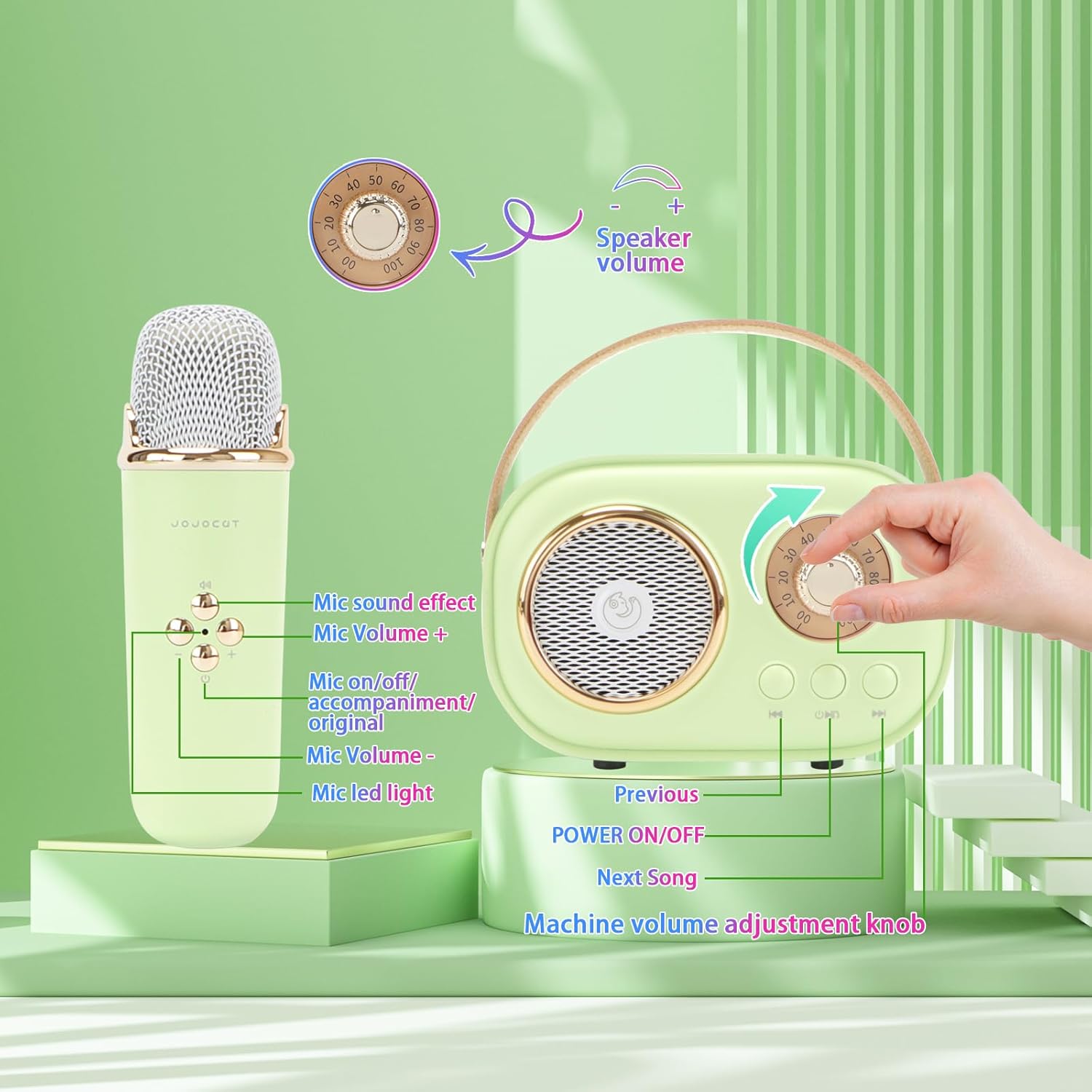
- Volume Knob: Rotate to adjust the overall speaker volume.
- Power ON/OFF Button: Press and hold to power the speaker on or off. Short press to switch between modes (Bluetooth, TF card, USB).
- Previous/Next Song Buttons: Short press to skip to the previous or next track when playing music via Bluetooth, TF card, or USB.
- Play/Pause Button: Short press to play or pause music.
Microphone Controls
- Power Button: Press and hold to power the microphone on or off.
- Volume Buttons (+/-): Adjust the microphone's vocal volume.
- MIC On/Off / Vocal Cut Button: Short press to alternately switch between original sound or accompaniment mode for the microphone.
- Voice Effect Button: Short press to cycle through the available voice effects.
Voice Effects
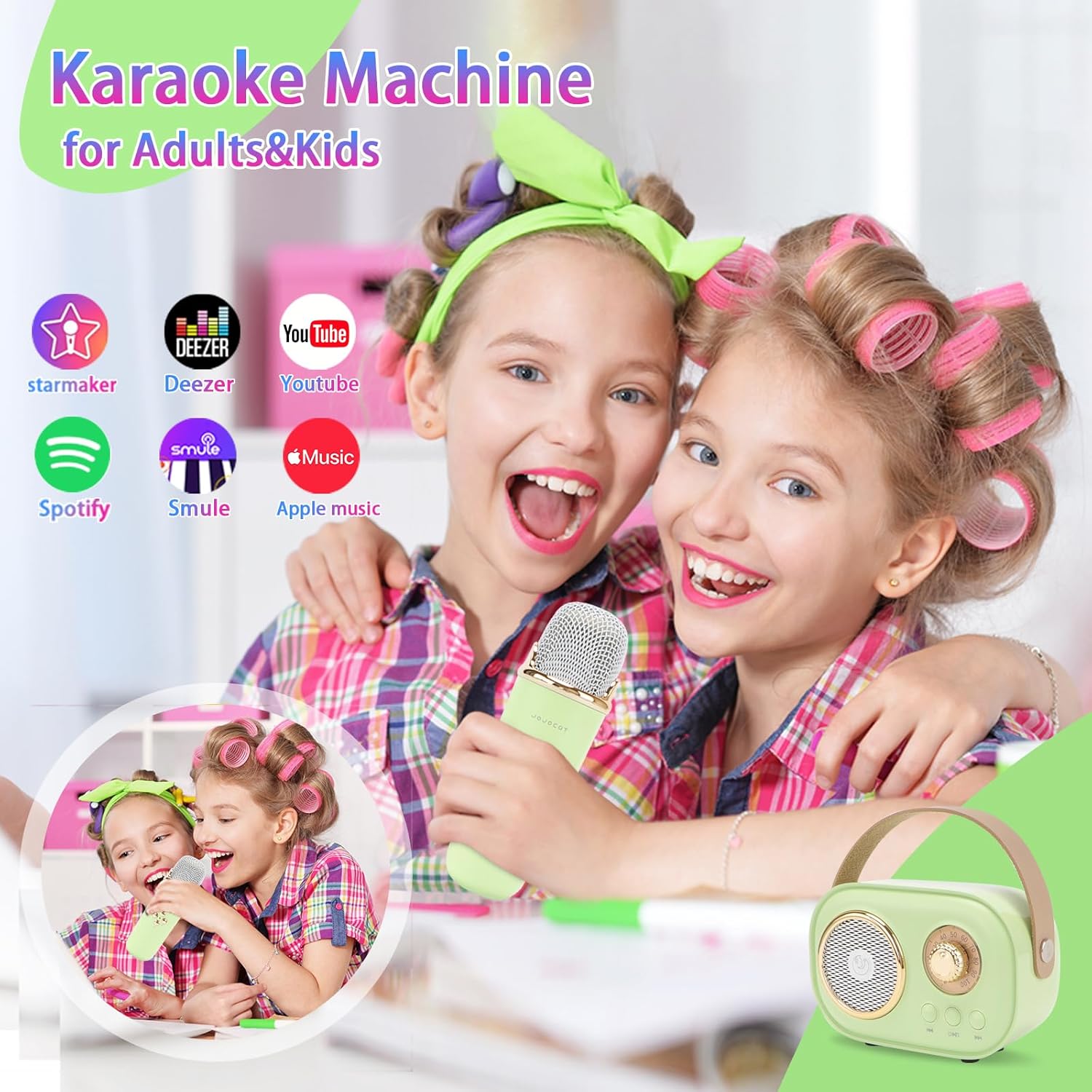
The Aresrora C20 Plus microphones offer 6 types of magic voice effects:
- Original
- KTV
- Female Voice
- Male Voice
- Magic Voice
- Baby Voice

Maintenance
- Cleaning: Use a soft, dry cloth to clean the speaker and microphones. Do not use harsh chemicals or abrasive materials.
- Storage: Store the device in a cool, dry place away from direct sunlight and extreme temperatures.
- Battery Care: To prolong battery life, avoid fully discharging the device frequently. Charge regularly, even if not in use for extended periods.
Troubleshooting
| Issue | Possible Solution |
|---|---|
| Device does not power on | Ensure the device is fully charged. Press and hold the power button for a few seconds. |
| Cannot pair via Bluetooth | Ensure the speaker is in pairing mode (blinking light). Check your device's Bluetooth settings and try reconnecting. Make sure no other devices are currently connected. |
| No sound from microphone | Ensure the microphone is powered on and its volume is turned up. Check the speaker's volume. Ensure the microphone is paired with the speaker. |
| Sound distortion | Reduce the volume of both the speaker and microphone. Ensure the microphone is not too close to the speaker. |
Specifications
| Feature | Detail |
|---|---|
| Model Number | C20 Plus |
| Brand | Aresrora |
| Product Dimensions | 4.3 x 3 x 2.3 inches |
| Item Weight | 0.208 ounces |
| Connectivity Technology | Bluetooth |
| Power Source | Battery Powered |
| Battery Type | Lithium Polymer (2 included) |
| Output Wattage | 5 Watts |
| Compatible Devices | iPhone, Laptop, Smartphone, Tablet |
| Material | Plastic |
Warranty and Support
For warranty information or technical support, please refer to the contact details provided with your product packaging or visit the official Aresrora website. Keep your purchase receipt as proof of purchase.


