
1. Introduction
The XDUOO XD05 Plus2 is a portable high-fidelity Digital-to-Analog Converter (DAC) and headphone amplifier designed to enhance your audio experience across various devices. This manual provides detailed instructions for setup, operation, maintenance, and troubleshooting to ensure optimal performance and longevity of your device.
Key features include a powerful 1200mW output, support for high-resolution audio formats like DSD256 and PCM 32bit/384KHz, Bluetooth 5.1 connectivity, and a replaceable amplifier chip for sound customization.

Image 1.1: XDUOO XD05 Plus2 highlighting its main features including 1200mW output, PCM384KHz, SN 121dB, EQ adjustment, digital volume, interchangeable amp chip, two USB systems, Bluetooth 5.1, and multiple audio inputs.
2. Safety Information
- Do not expose the device to water, moisture, or extreme temperatures.
- Avoid dropping or subjecting the device to strong impacts.
- Do not attempt to disassemble or repair the device yourself, as this will void the warranty.
- Use only approved charging cables and power adapters.
- Listen at moderate volume levels to prevent hearing damage.
- Keep the device away from children and pets.
3. Product Overview and Components
The XDUOO XD05 Plus2 features a robust design with intuitive controls and various input/output options. Familiarize yourself with the device's layout for optimal use.

Image 3.1: Front and side view of the XDUOO XD05 Plus2, displaying the volume knob, input selection buttons, headphone output, and OLED screen.
3.1 Front Panel Controls and Indicators
- OLED Display: Shows current input, sampling rate, volume level, and battery status.
- Volume Knob: Adjusts output volume. Features 99-level digital adjustment.
- Input Selection Buttons: Cycle through USB, Optical, Coaxial, and Bluetooth inputs.
- Headphone Output Jacks: Connect your headphones.
3.2 Rear Panel Ports
- USB-C Input: For connecting to computers, mobile devices, tablets, and HIFI players.
- Optical/Coaxial Input: For connecting to digital audio sources like CD players or digital turntables.
- Charging Port: For recharging the internal battery.
4. Setup
4.1 Charging the Device
Before first use, fully charge the XDUOO XD05 Plus2. Connect the provided USB charging cable to the charging port on the device and to a compatible USB power adapter (not included) or a computer's USB port. The OLED display will indicate charging status. A full charge typically takes several hours.
4.2 Connecting Audio Sources
The XD05 Plus2 supports multiple audio input methods:
4.2.1 USB Input
Connect the device to your computer, mobile phone, tablet, or dedicated HIFI player using a compatible USB cable. The device supports USB Audio Class 1.0 and 2.0. For optimal performance and high-resolution audio, ensure your source device is configured to output audio via USB.
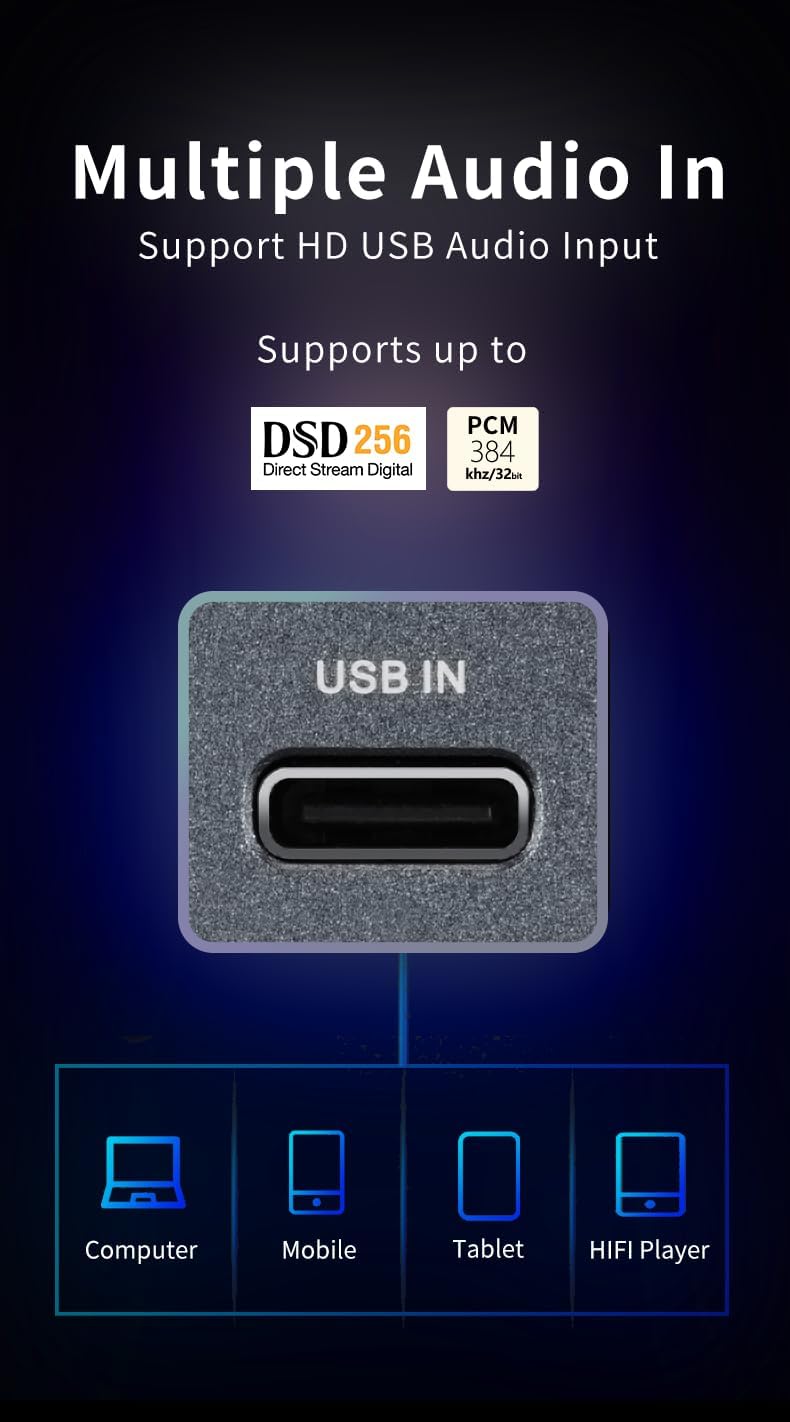
Image 4.1: The USB-C input port, illustrating connections to a computer, mobile phone, tablet, and HIFI player.
4.2.2 Optical/Coaxial Input
For connecting to traditional digital audio sources such as CD players, Hi-Fi players, or digital turntables, use an optical or coaxial cable. Select the corresponding input on the device.
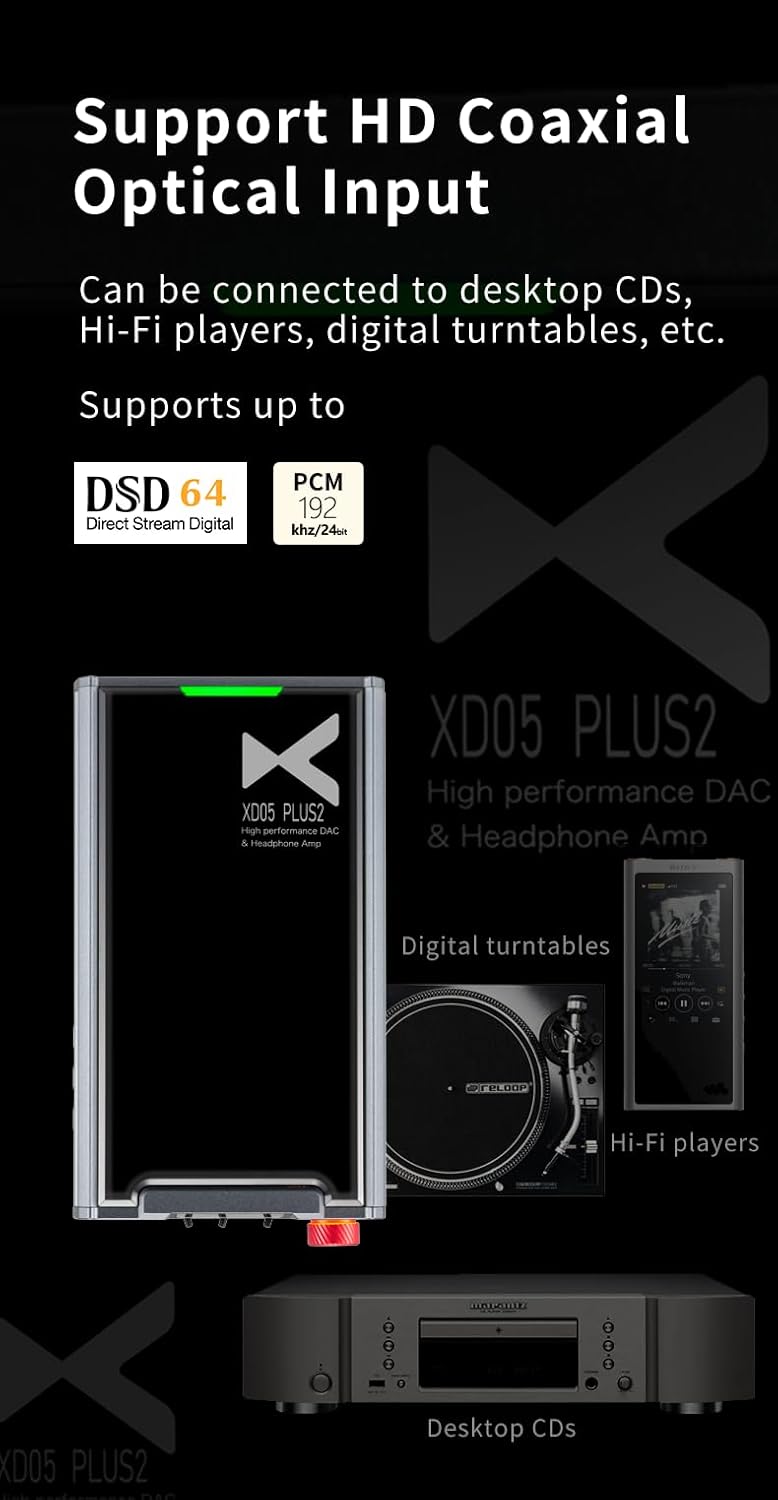
Image 4.2: The optical and coaxial input ports, demonstrating connections to desktop CD players, Hi-Fi players, and digital turntables.
4.2.3 Bluetooth Input
To connect wirelessly, activate Bluetooth on your source device (e.g., smartphone) and on the XD05 Plus2. Pair the devices. The XD05 Plus2 supports Bluetooth 5.1 and various high-quality codecs including SBC, AAC, LDAC, aptX_HD, aptX_LL, and aptX.
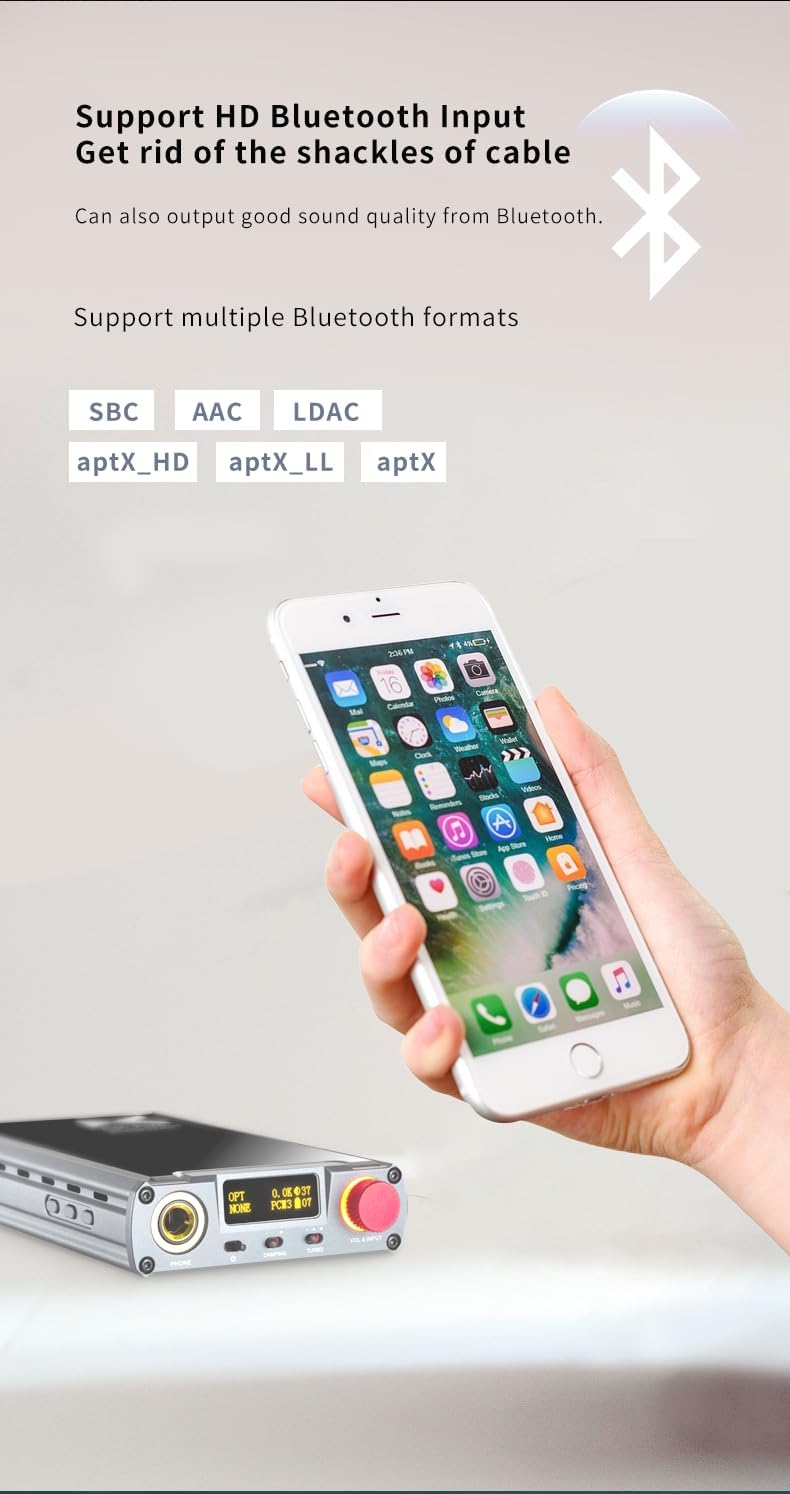
Image 4.3: The XDUOO XD05 Plus2 displaying Bluetooth connectivity, with a smartphone in the foreground, indicating support for various Bluetooth audio formats.
4.3 Connecting Headphones
Plug your headphones into the appropriate output jack on the front panel of the XD05 Plus2. Ensure the connection is secure.
5. Operating Instructions
5.1 Power On/Off
Press and hold the power button (location to be identified from images or general knowledge, assuming it's one of the side buttons) for a few seconds to turn the device on or off. The OLED display will illuminate upon power-on.
5.2 Volume Control
Rotate the volume knob on the front panel to adjust the output volume. The device features a 99-level digital volume control, ensuring precise adjustment and balanced left/right channels at any setting.

Image 5.1: Illustration of the 99-level digital volume adjustment feature, ensuring balanced audio output for various headphone sensitivities.
5.3 Input Selection
Use the input selection buttons to switch between USB, Optical, Coaxial, and Bluetooth inputs. The currently selected input will be displayed on the OLED screen.
5.4 EQ Adjustment
The XD05 Plus2 includes EQ adjustment capabilities. Refer to the on-screen menu via the OLED display and control buttons to customize sound profiles according to your preference.
5.5 Amplifier Chip Replacement
The device allows for the replacement of the amplifier chip, enabling users to customize the sound signature. This procedure should be performed with care and only by users familiar with electronic components. Consult the manufacturer's guidelines or a qualified technician for detailed instructions on chip replacement.
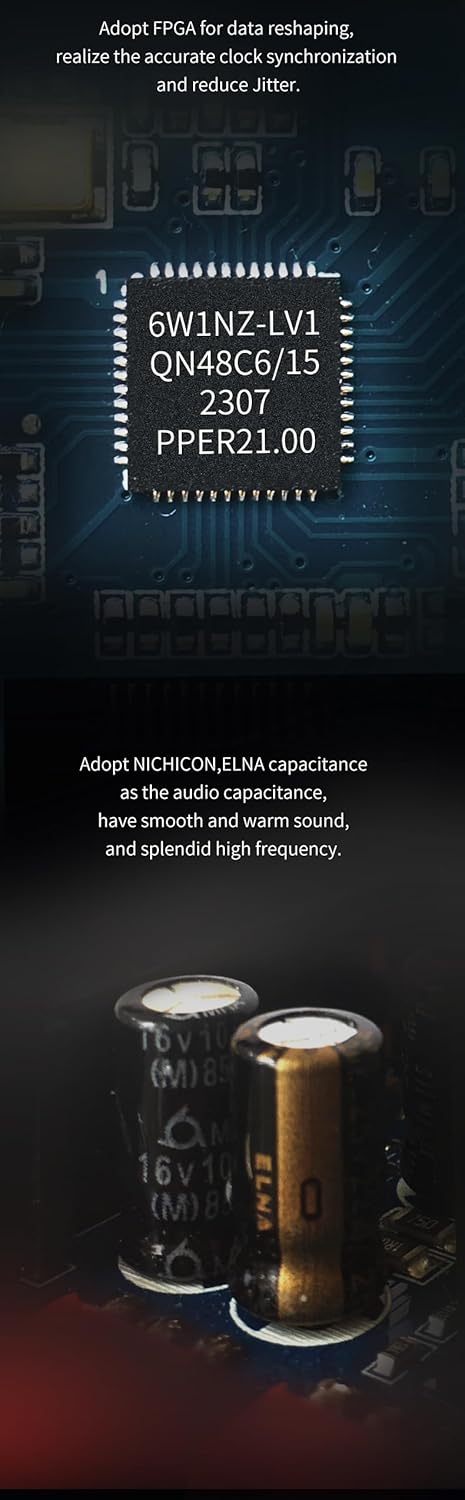
Image 5.2: Internal view of the XDUOO XD05 Plus2, highlighting the FPGA for data reshaping and NICHICON/ELNA capacitors for audio quality, indicating the device's internal architecture relevant to component replacement.
6. Maintenance
- Cleaning: Use a soft, dry cloth to clean the exterior of the device. Do not use liquid cleaners or solvents.
- Storage: When not in use for extended periods, store the device in a cool, dry place, away from direct sunlight.
- Battery Care: To prolong battery life, avoid fully discharging the battery frequently. Charge the device regularly, even if not in active use.
7. Troubleshooting
| Problem | Possible Cause | Solution |
|---|---|---|
| No sound output |
|
|
| Bluetooth connection issues |
|
|
| Poor audio quality |
|
|
8. Specifications
| Feature | Detail |
|---|---|
| Battery | 3.8V/5000mAh |
| Screen | 0.91 inch OLED |
| Compliant OS | Windows/Linux/Mac OS X/ iOS/Android |
| Frequency Response (USB/SPDIF) | 20Hz~20kHz (±0.5dB) |
| Frequency Response (AMP) | 10Hz~80kHz (±0.5dB) |
| Sampling Rate Support (USB PCM) | 16-32BIT/44.1-384KHZ |
| Sampling Rate Support (USB DSD) | DOP/NATIVE, DSD64-256 |
| Sampling Rate Support (USB MQA) | OFS |
| Sampling Rate Support (OPT/COA PCM) | 16-24BIT/44.1-192KHZ |
| Sampling Rate Support (OPT/COA DSD) | DSD64 (DOP) |
| Output Power | Up to 1200mW (32 ohms load) |
| Total Harmonic Distortion (THD) | 0.0015% |
| Signal-to-Noise Ratio (S/N) | -121dB |
| Bluetooth Version | 5.1 |
| Bluetooth Codecs | SBC, AAC, LDAC, aptX_HD, aptX_LL, aptX |
9. Warranty and Support
The XDUOO XD05 Plus2 comes with a standard manufacturer's warranty. Please refer to the warranty card included in your product packaging for specific terms and conditions, including warranty period and coverage details. For technical support, service, or warranty claims, please contact your authorized dealer or the XDUOO customer service department.
You can often find additional support resources, FAQs, and firmware updates on the official XDUOO website.