
SYDYAM Z5-128G
SYDYAM-Z5 Body Camera Instruction Manual
Model: Z5-128G
1. Introduction
The SYDYAM-Z5 is a high-definition body-worn camera designed for reliable audio and video recording in various environments. Featuring 2K/1440P resolution, IP67 waterproofing, and a long-lasting battery, it is suitable for law enforcement, security personnel, outdoor enthusiasts, and daily personal protection. This manual provides detailed instructions to help you effectively use and maintain your device.

Image: Front and back view of the SYDYAM-Z5 Body Camera, showcasing its compact design and display screen.
Video: An overview of the SYDYAM Z5-2K/1440P Body Worn Camera, highlighting its key features and design.
2. What's in the Box
Upon opening your SYDYAM-Z5 package, please verify that all the following items are included:
- SYDYAM Z5-128GB Body Worn Camera X 1
- Short Back Clip X 1
- Long Shoulder Clip X 1
- USB Cable X 1
- User Manual X 1
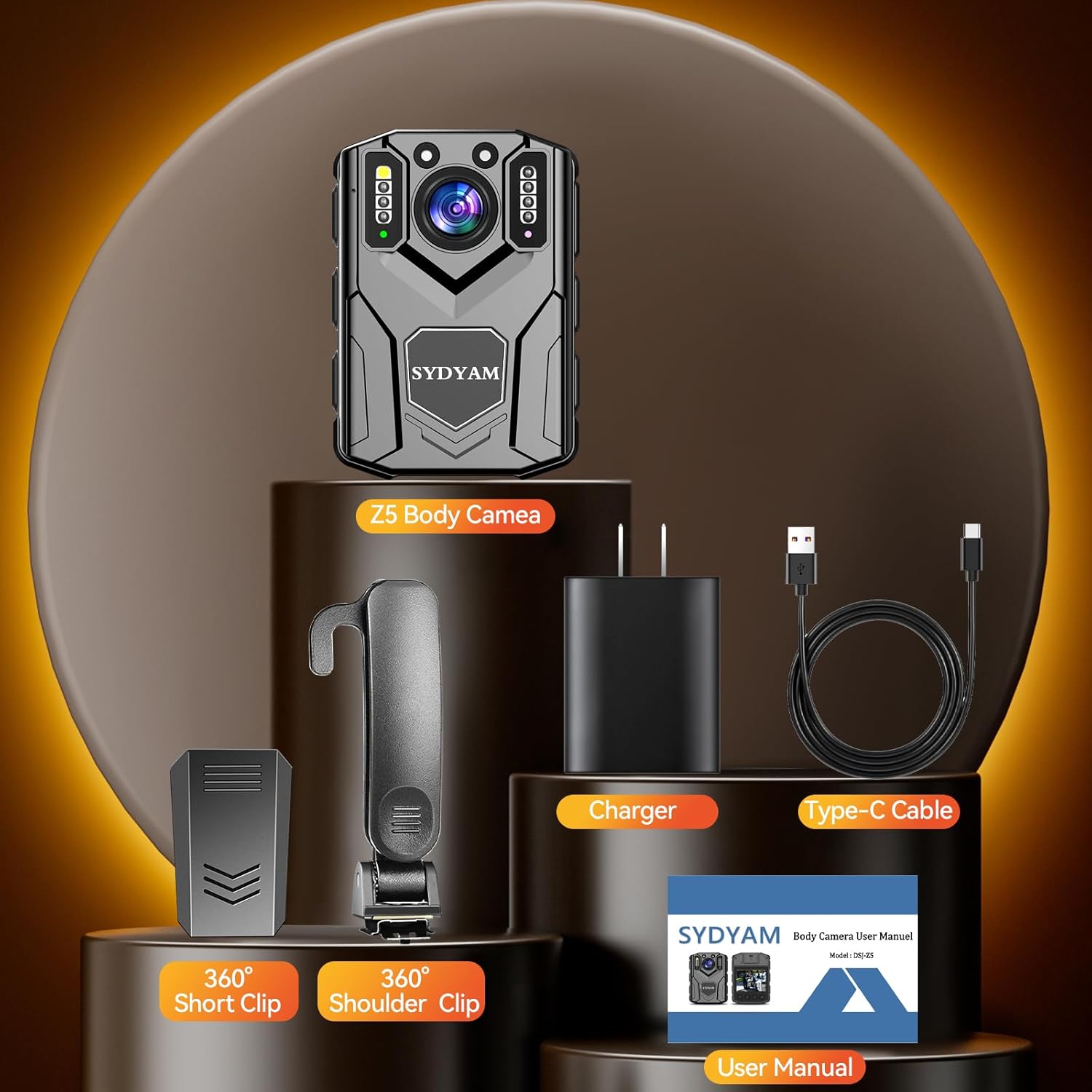
Image: All components included in the SYDYAM-Z5 Body Camera package, neatly arranged.
Video: An unboxing demonstration of the SYDYAM Z5 Body Worn Camera, showing all included accessories.
3. Key Features
- 1440P HD Quality: Supports 1440P high-resolution video recording and 42-megapixel photos for clear image quality. The 2.0-inch screen allows for local playback and file viewing. One-button operation simplifies use.
- 8-12H Video Recording: Equipped with a built-in 3000mAh lithium battery, enabling continuous recording for over 12 hours (at 1080P with night vision off). Ideal for extended use during traffic duty, travel, or other long-duration activities. Includes two 360° rotatable camera clips for flexible mounting.
- Connect To PC To View Files: The camera can be connected to a computer via a data cable for file viewing and management, compatible with Windows systems. Features include extended recording, motion detection, loop recording, and independent volume control, making it suitable for law enforcement.
- IR Night Vision & Flashing Alarm: Two high-power infrared lights enable automatic night vision switching for clear black and white images in dark environments, with visibility up to 32 feet/10 meters. LED and alarm lights can be activated as needed for police and civilian law enforcement.
- Loop Recording: The Z5 body camera can divide recorded video into shorter segments (5, 10, 15, or 20 minutes) to facilitate easier file location and prevent corruption, ensuring more secure video storage.
- Multi-functional 128GB Body Camera: Weighing only 110 grams and including a 128GB Micro SD Card, this camera is ideal for recording conflict scenes, emergencies, and crime scenes. It serves as a security camera for police, car recording, guards, walking, traveling, and crime prevention.
- Absolute Security: Password protection can be enabled to secure recorded videos, preventing unauthorized viewing or deletion of files.
- IP67 Waterproof: Resistant to drizzle weather, making it suitable for outdoor use.
- Motion Detection: When activated, the camera automatically captures moving objects and begins recording.
- Star Mark: Important videos can be marked and will not be deleted during loop recording.

Image: A police officer with a SYDYAM body camera, illustrating the 2K/30fps video capability for high-definition recording.

Image: The SYDYAM-Z5 Body Camera displaying a charging battery indicator, emphasizing its 3000mAh battery and long recording time.

Image: The SYDYAM-Z5 Body Camera with its night vision feature active, showing its capability to capture clear images in low-light conditions up to 32 feet.

Image: Demonstrations of the SYDYAM-Z5 Body Camera in various applications, including police enforcement, security use, traffic control, and as a car dash camera.
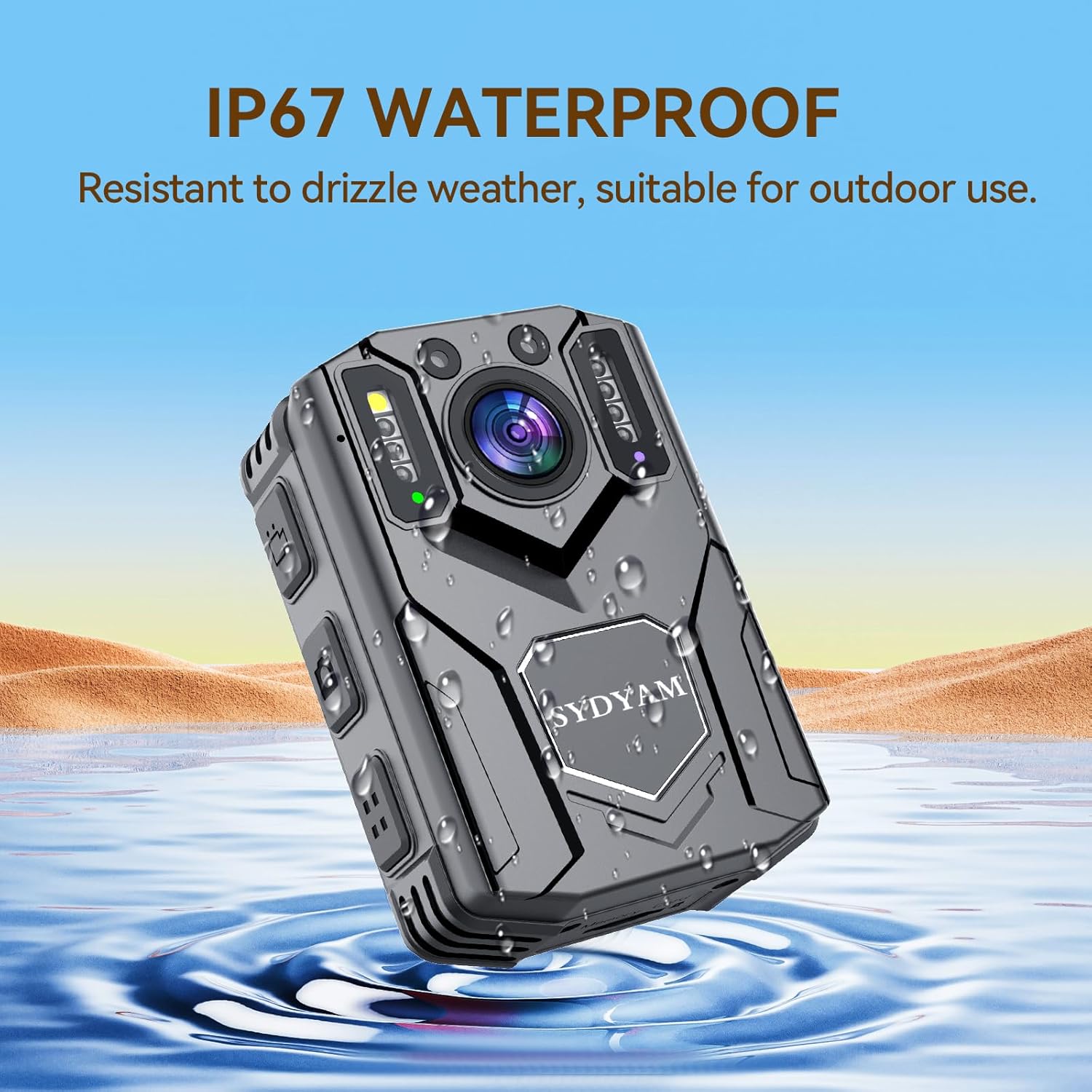
Image: The SYDYAM-Z5 Body Camera shown partially submerged in water, illustrating its IP67 waterproof rating and suitability for use in wet conditions.
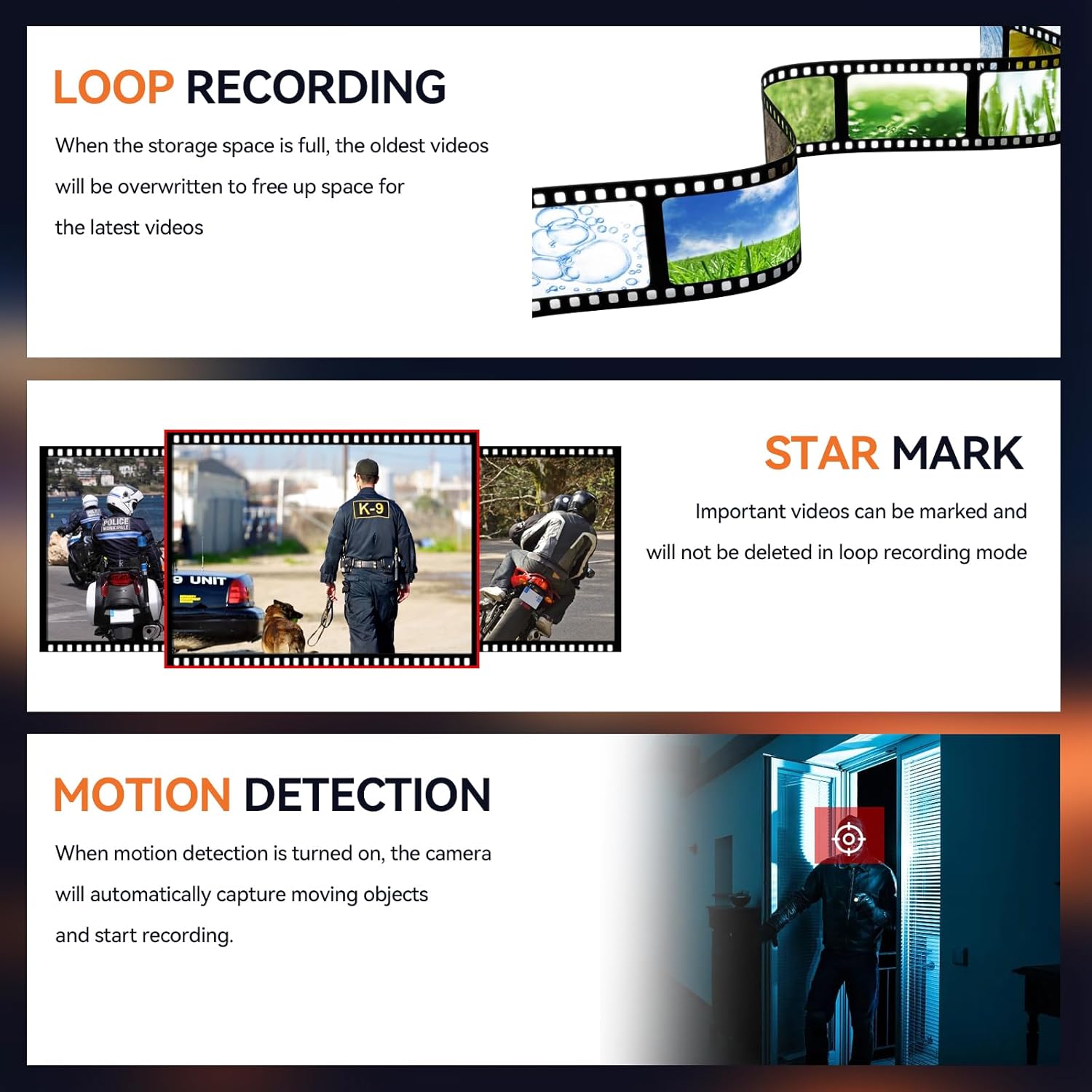
Image: Visual explanations of the camera's loop recording, star mark, and motion detection functionalities.
4. Setup Guide
4.1 Initial Charging
Before first use, fully charge the SYDYAM-Z5 body camera. Connect the included USB cable to the camera's Type-C port and the other end to a power adapter (charger included) or a computer USB port. The charging indicator will show the charging status and turn off when fully charged.
4.2 Attaching Clips
The SYDYAM-Z5 comes with two types of rotatable clips: a short back clip and a long shoulder clip. Choose the appropriate clip for your intended use (e.g., attaching to a uniform, belt, or backpack strap). To attach, align the clip with the slot on the back of the camera and slide it into place until it clicks securely. Ensure the clip is firmly attached before use.
Video: A demonstration on how to attach and use the various accessories, including the 360-degree rotatable clips, with the SYDYAM Z5 Body Camera.
5. Operating Instructions
5.1 Power On/Off
- Power On: Press and hold the Power button until the screen lights up and the device boots.
- Power Off: Press and hold the Power button until the shutdown prompt appears, then release. The device will power off.
5.2 Video Recording
- From the main interface, press the Record button to start video recording. A recording indicator (e.g., red dot or flashing icon) will appear on the screen.
- Press the Record button again to stop recording. The video file will be saved automatically.
5.3 Photo Capture
- From the main interface, press the Photo button to capture a still image. The screen may flash briefly to indicate a photo has been taken.
5.4 Night Vision Activation
- The camera features automatic IR night vision. In low-light conditions, the camera will automatically switch to night vision mode, recording in black and white.
- Refer to the on-screen menu for manual night vision control options if available.
5.5 Loop Recording Settings
- Access the camera's menu settings.
- Navigate to the 'Loop Recording' option.
- Select your desired video segment length (5, 10, 15, or 20 minutes). When the storage is full, the oldest files will be overwritten by new recordings.
5.6 Motion Detection
- In the camera's menu, locate the 'Motion Detection' setting.
- Enable this feature. The camera will automatically begin recording when motion is detected within its field of view.
5.7 Password Protection
- To protect your recorded data, access the 'Password Settings' in the camera's menu.
- Set a strong password. Once enabled, the password will be required to access or delete files from the device.
5.8 Playback and File Transfer
- On-Device Playback: Use the navigation buttons on the camera to browse and play back recorded videos and photos directly on the 2.0-inch screen.
- PC Transfer: Connect the camera to a Windows computer using the provided USB cable. The camera will appear as a removable disk. You can then copy files to your computer for storage or viewing.
6. Maintenance
- Cleaning: Use a soft, dry cloth to clean the camera body and lens. For stubborn smudges on the lens, a lens cleaning solution and microfiber cloth can be used. Avoid abrasive materials or harsh chemicals.
- Storage: Store the camera in a cool, dry place away from direct sunlight and extreme temperatures.
- Battery Care: To prolong battery life, avoid fully discharging the battery regularly. If storing for an extended period, charge the battery to about 50% every few months.
- Firmware Updates: Check the official SYDYAM website periodically for any available firmware updates to ensure optimal performance and access to new features.
7. Troubleshooting
| Problem | Possible Cause | Solution |
|---|---|---|
| Camera does not power on. | Battery is depleted. | Charge the camera fully using the provided USB cable and charger. |
| Screen does not turn on. | Device might be frozen or screen is off. | Try a soft reset by holding the power button for an extended period (e.g., 10-15 seconds). Ensure the battery is charged. |
| Video quality is poor. | Lens is dirty; incorrect resolution setting. | Clean the camera lens. Check video resolution settings in the menu and ensure it is set to 1440P or 2K. |
| Battery life is shorter than expected. | Continuous recording with night vision; extreme temperatures. | Battery life varies with usage. Night vision and higher resolutions consume more power. Operate within recommended temperature ranges. |
| Cannot transfer files to PC. | Incorrect USB cable; driver issue; password protection enabled. | Ensure you are using the correct USB cable. Try a different USB port or computer. Disable password protection if enabled. |
8. Technical Specifications
| Specification | Detail |
|---|---|
| Brand | SYDYAM |
| Model Number | Z5-128G |
| Video Capture Resolution | 2K/1440P |
| Photo Sensor Technology | CMOS |
| Screen Size | 2 Inches |
| Battery Capacity | 3000mAh (Built-in Lithium) |
| Recording Time | 8-12 hours (1080P, night vision off) |
| Storage | 128GB Micro SD Card (included) |
| Waterproof Rating | IP67 |
| Night Vision Range | Up to 32 feet/10 meters |
| Connectivity Technology | Powerline (for PC connection) |
| Item Weight | 15.5 ounces |
| Product Dimensions | 1.18 x 2.16 x 3.01 inches |
9. Warranty and Support
SYDYAM is committed to providing high-quality products and excellent customer service. For any questions, technical assistance, or support inquiries regarding your SYDYAM-Z5 Body Camera, please refer to the contact information provided in the packaging or visit the official SYDYAM website. We strive to ensure every customer has the most satisfactory experience.
Please retain your proof of purchase for any warranty claims.
Ask a question about this manual
Ask about setup, troubleshooting, compatibility, parts, safety, or missing instructions. Manuals+ will review the question and use this page’s manual context to help answer it.