
Introduction
This manual provides detailed instructions for the operation and maintenance of your SYDYAM Z5 Body Camera. Please read this manual thoroughly before using the device to ensure proper function and to maximize its capabilities. The SYDYAM Z5 is designed for reliable high-definition video and audio recording in various environments.
Video: Overview of the SYDYAM Z5-2K/1440P Body Worn Camera, showcasing its design and features.
What's in the Box
Upon unboxing your SYDYAM Z5 Body Camera, verify that all components are present:
- SYDYAM Z5 body camera
- Z5 long clip and short clip
- USB Cable
- User Manual
Video: Unboxing of the SYDYAM Z5 Body Worn Camera, showing the camera and its accessories.
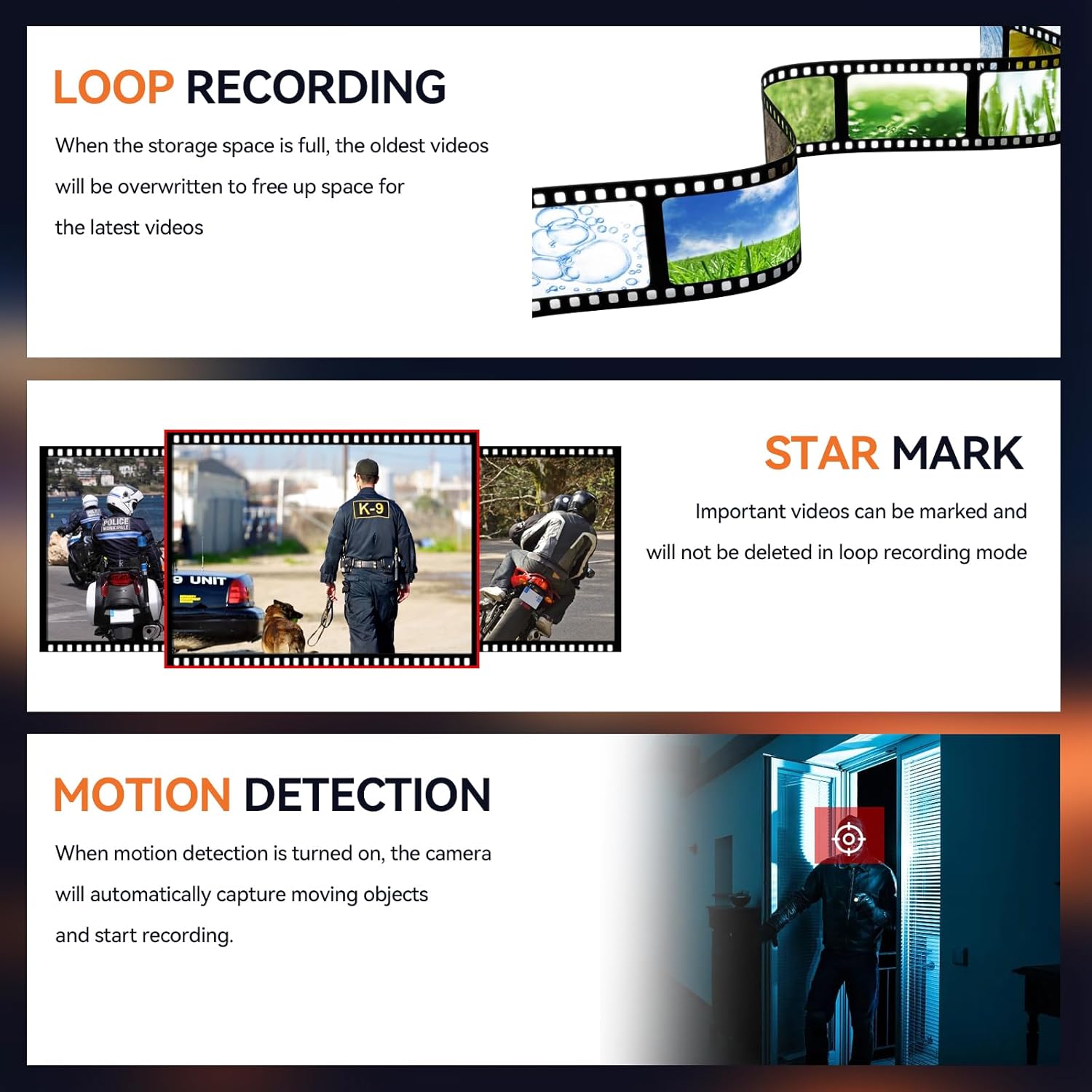
Image: Contents of the SYDYAM Z5 package, including the camera, clips, charger, USB cable, and manual.
Product Overview
Key Features
- 1440P HD Quality: Supports 1440P high-resolution video recording and 42-megapixel photos. The 2.0-inch screen allows local playback.
- Long Battery Life: Built-in 3000mAh lithium battery provides 8-12 hours of continuous recording (1080P, night vision off).
- IR Night Vision: Two high-power infrared lights enable clear black and white images up to 10 meters (32 feet) in dark environments.
- IP67 Waterproof: Resistant to drizzle, suitable for outdoor use.
- Multi-functional: Features extended recording, motion detection, loop recording, and independent volume control.
- Password Protection: Secure your recorded videos with a customizable password.
- Compact and Lightweight: Weighs approximately 110 grams (3.88 ounces), making it easy to carry.
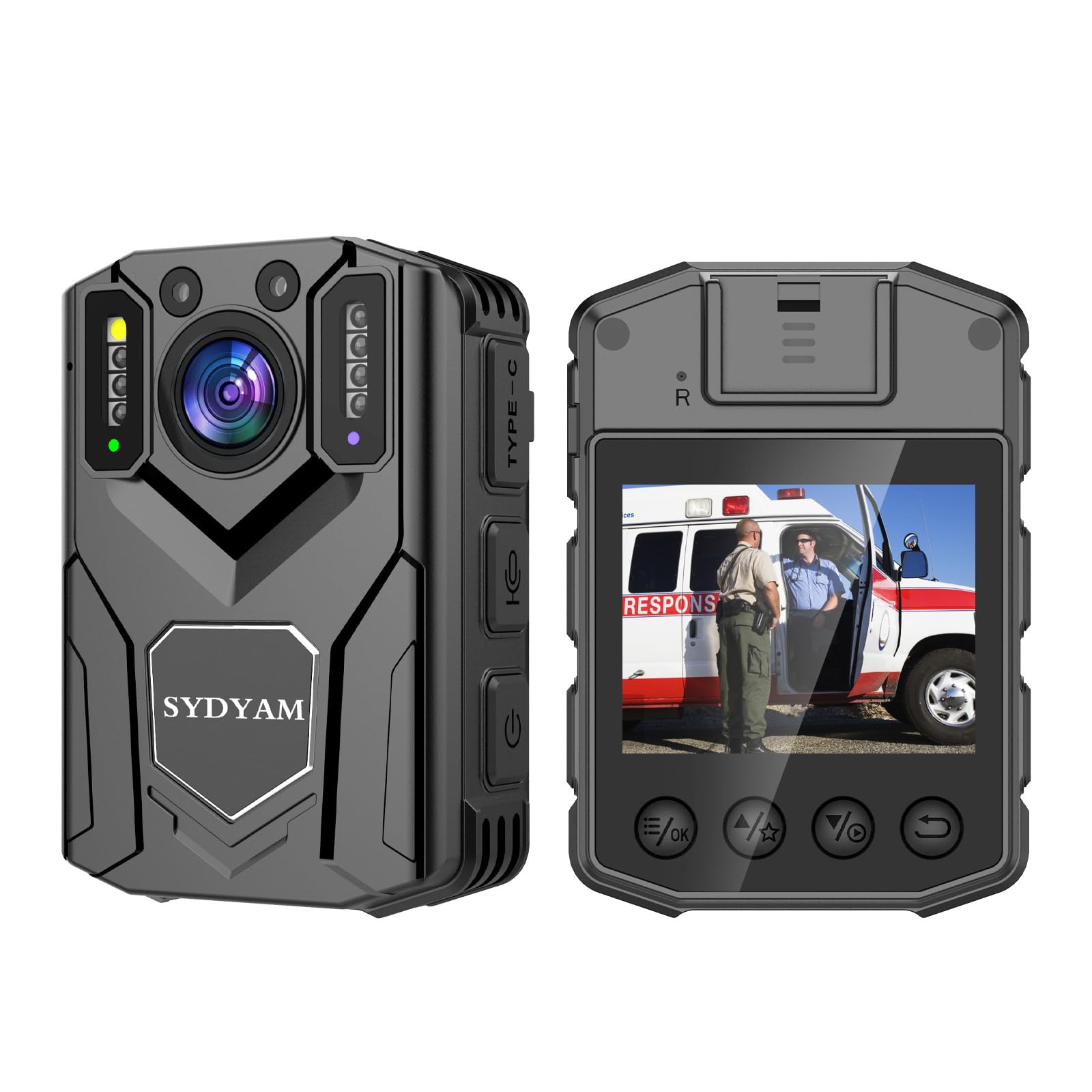
Image: Front view of the SYDYAM Z5 body camera highlighting its 2K/30fps video recording capability.
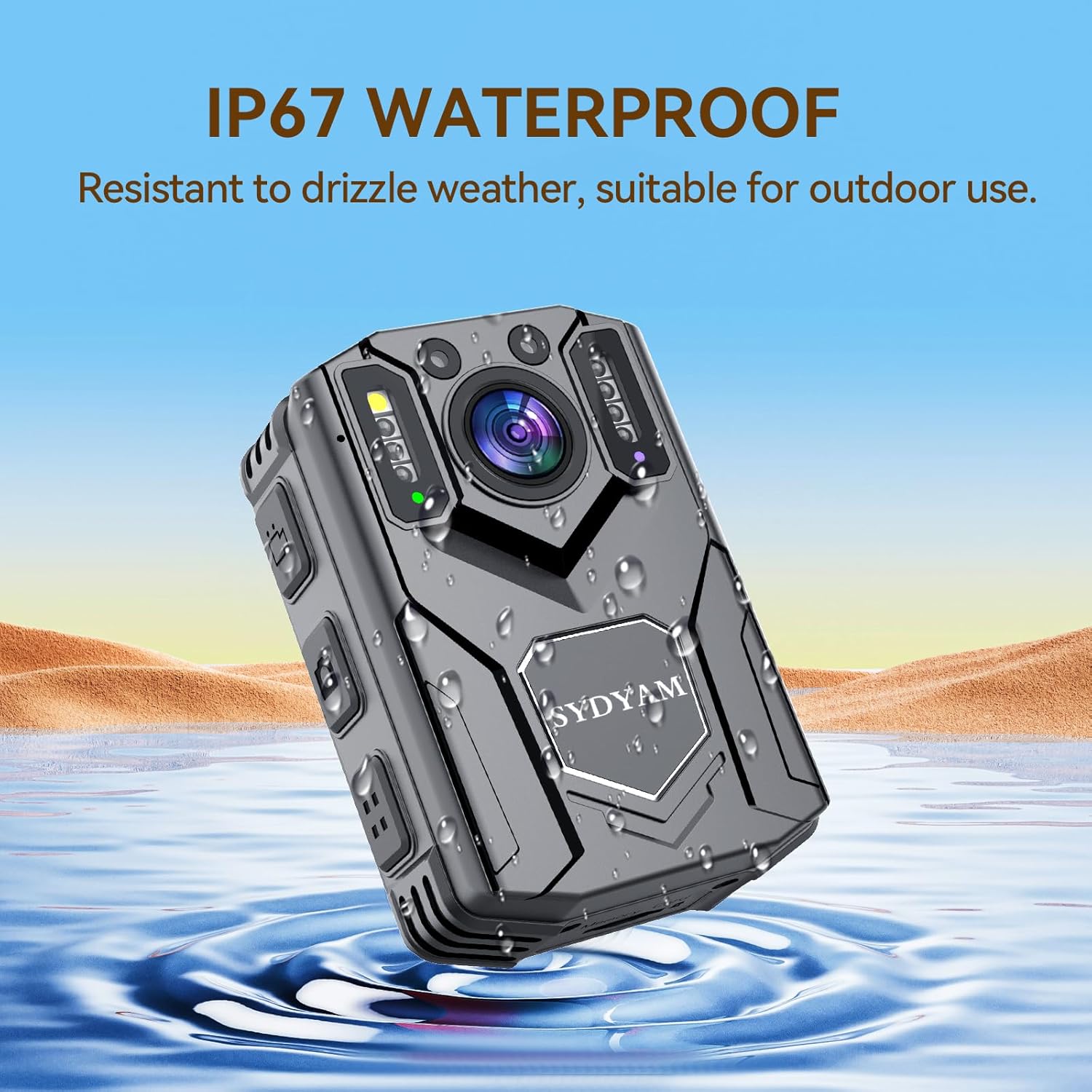
Image: The SYDYAM Z5 body camera shown in water, illustrating its IP67 waterproof feature.

Image: The SYDYAM Z5 body camera displaying its 3000mAh battery and 12-hour recording capability.

Image: The SYDYAM Z5 body camera highlighting its night vision feature, visible up to 32 feet/10 meters.
Setup
Charging the Device
- Connect the provided USB cable to the camera's charging port.
- Connect the other end of the USB cable to the charger, then plug the charger into a power outlet.
- The charging indicator light will illuminate. A full charge typically takes approximately 4 hours.
Attaching the Clips
The SYDYAM Z5 comes with both a long and a short rotatable clip for versatile mounting options. To attach a clip:
- Align the clip's attachment point with the corresponding slot on the back of the camera.
- Press firmly until you hear a click, indicating it is securely fastened.
- Ensure the clip is properly rotated to your desired angle for optimal recording.
Video: Demonstration on how to use the accessories, including attaching the rotatable clips to the SYDYAM Z5 body camera.
Operation
Power On/Off
- To power on: Press and hold the Power button until the screen illuminates.
- To power off: Press and hold the Power button until the device shuts down.
Video Recording
- To start recording: Press the dedicated Video Record button once. The recording indicator will flash.
- To stop recording: Press the Video Record button again.
Photo Capture
- To take a photo: While in standby or recording mode, press the Photo button once.
Audio Recording
- To start audio recording: Press the Audio Record button once.
- To stop audio recording: Press the Audio Record button again.
Night Vision
The camera automatically switches to night vision in low-light conditions. You can also manually activate or deactivate the IR lights as needed.
- To toggle IR lights: Refer to the on-screen menu or a dedicated button (if available) for night vision control.

Image: Comparison of normal and night vision recording modes, demonstrating the camera's ability to capture clear images in darkness.
Loop Recording
When the storage space is full, the camera will automatically overwrite the oldest videos to make space for new recordings. You can set video segment lengths (5, 10, 15, or 20 minutes) in the settings menu.

Image: Visual explanation of loop recording, star marking important videos, and motion detection functionality.
Motion Detection
Activate motion detection in the settings. When enabled, the camera will automatically begin recording when it detects movement within its field of view.
Flashing Alarm
The camera is equipped with an LED light and an alarm light that can be activated as needed for signaling or deterrence.
Connecting to a PC
To view and manage recorded files, connect your SYDYAM Z5 Body Camera to a computer:
- Ensure the camera is powered off.
- Connect the camera to your computer using the provided USB data cable.
- The camera will appear as a removable disk drive on your computer (Windows systems supported).
- You can now access, copy, or delete files from the camera's internal storage.
Security Features
Password Protection
To protect your recorded data, you can set a password for the camera. When password protection is enabled, unauthorized users will not be able to view or delete your videos directly from the device or when connected to a computer without the correct password.
- Access the camera's settings menu to set or change your password.
- Remember your password, as there may not be a recovery option.
Maintenance
- Cleaning: Use a soft, dry cloth to clean the camera lens and body. Avoid abrasive cleaners or solvents.
- Storage: Store the camera in a cool, dry place away from direct sunlight and extreme temperatures.
- Battery Care: For optimal battery life, avoid fully discharging the battery frequently. Charge the camera regularly, even if not in use, to maintain battery health.
- Firmware Updates: Check the manufacturer's website periodically for firmware updates to ensure your camera has the latest features and performance improvements.
Troubleshooting
| Problem | Possible Cause | Solution |
|---|---|---|
| Camera does not power on. | Low battery; device malfunction. | Charge the camera for at least 4 hours. If the issue persists, contact support. |
| Cannot record video/take photos. | Insufficient storage; incorrect mode. | Check available storage space. Ensure the camera is in the correct recording mode. |
| Poor video quality. | Dirty lens; low light conditions. | Clean the camera lens. Ensure adequate lighting or activate night vision. |
| Camera not recognized by PC. | Faulty USB cable; driver issue. | Try a different USB port or cable. Ensure the camera is powered off before connecting. |
Specifications
| Feature | Detail |
|---|---|
| Resolution | 1440p (Max) |
| Frame Rate | 30 FPS |
| Video Format | MOV (H.264) |
| Lens | 5MP, F/2.0, Wide Angle |
| Display | 2.0 Inch TFT Display |
| Connection Interface | Type-C (USB 2.0) |
| Storage | 64GB Micro SD Card (included) |
| Battery | Li-Polymer 3000mAh |
| Power Supply Input | DC5V/1A |
| Operating Temperature | -10°C to 60°C |
| Dimensions | 1.18 x 2.16 x 3.01 inches (approx. 54mm (L) x 25mm (W) x 78mm (H)) |
| Weight | 3.88 ounces (approx. 110g) |

Image: Detailed technical specifications and included components of the SYDYAM Z5 body camera.
Warranty and Support
The SYDYAM Z5 Body Camera comes with a one-year warranty. SYDYAM is committed to providing high-quality products and offers lifetime support for its devices. For any inquiries, technical assistance, or warranty claims, please contact SYDYAM customer service.
- Warranty Period: One year from the date of purchase.
- Support: Lifetime technical support.
- Contact: Refer to the contact information provided in the packaging or on the official SYDYAM website.

Image: Overview of SYDYAM's after-sales support, including warranty and response commitment.