Introduction
This user manual provides essential information for the proper setup, operation, and maintenance of your Vowtop ID205U Smart Watch. Please read this manual thoroughly before using the device to ensure optimal performance and longevity.
What's in the Box
Upon opening the package, please verify that all the following components are present:
- Vowtop ID205U Smart Watch
- Magnetic Charging Cable
- User Manual (this document)

Image: The Vowtop ID205U Smart Watch, showcasing its sleek design and included charging cable.
Setup
Charging the Device
Before initial use, fully charge your Vowtop ID205U Smart Watch. Connect the magnetic charging cable to the charging points on the back of the watch and plug the USB end into a standard USB power adapter (not included) or a computer USB port.
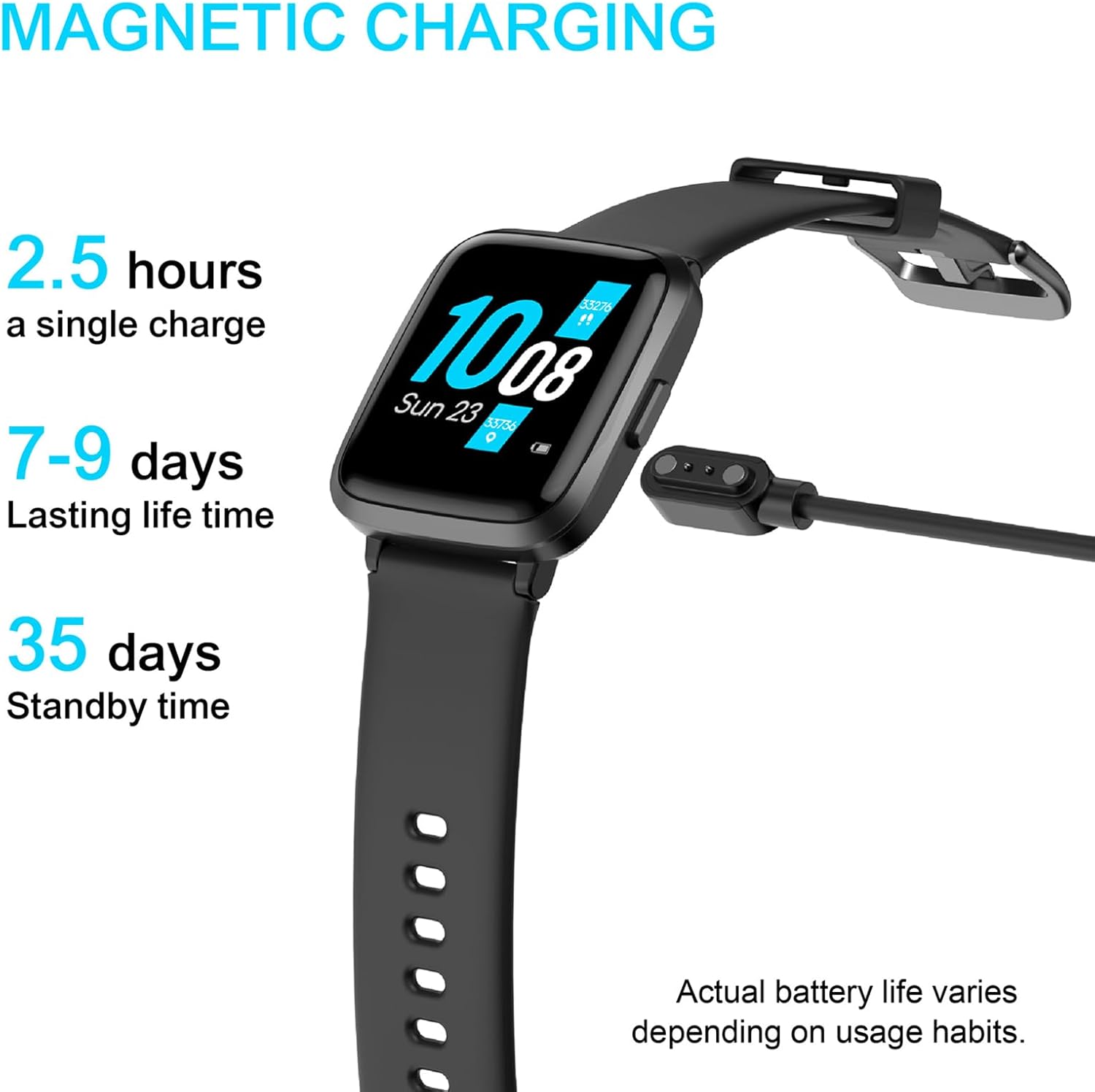
Image: The Vowtop ID205U Smart Watch connected to its magnetic charging cable, indicating battery status.
App Installation and Pairing
To unlock the full functionality of your smart watch, download and install the VeryFitPro app on your smartphone. The app is compatible with iOS 8.0 and above, and Android 4.4 and above.
- Scan the QR code in the included quick start guide or search for "VeryFitPro" in your phone's app store (App Store for iOS, Google Play Store for Android).
- Install the app and open it.
- Follow the on-screen instructions within the app to create an account and pair your Vowtop ID205U Smart Watch via Bluetooth. Ensure Bluetooth is enabled on your smartphone.

Image: A smartphone displaying the VeryFitPro app interface, which is used to manage the smart watch.
Video: An official product video demonstrating the features and usage of the Vowtop ID205U Smart Watch, including its display and various functions.
Operating Your Smart Watch
Display and Navigation
The Vowtop ID205U features a 1.3-inch TFT-LCD full touch screen. Swipe left, right, up, or down to navigate through menus and access different functions. You can customize your watch face through the VeryFitPro app.

Image: Three different watch faces displayed on the Vowtop ID205U Smart Watch, illustrating the multi-dial switch feature.
Health Monitoring
The smart watch provides comprehensive health data tracking, including heart rate, blood oxygen (SpO2), and blood pressure monitoring. These measurements can be initiated directly from the watch or through the VeryFitPro app for detailed historical data.

Image: A person running, with the Vowtop ID205U Smart Watch displaying daily activity data such as steps, calories, and distance.

Image: A person sleeping, with the Vowtop ID205U Smart Watch displaying sleep tracking data including awake time, deep sleep, and light sleep durations.
Sports Modes
The Vowtop ID205U supports 9 sports modes to track your workouts effectively. These include Cycling, Running, Fitness, Climbing, Yoga, Walking, Treadmill, Hiking, and Stationary Bike. Select the appropriate mode before starting your activity to record accurate data.

Image: An illustration showing the 9 distinct sport modes available on the Vowtop ID205U Smart Watch, such as walking, running, and climbing.
Notifications and Reminders
Stay connected with smart notifications for calls, messages, and app alerts directly on your wrist. The watch also supports sedentary reminders, alarm reminders, and goal achievement reminders to help you maintain a healthy lifestyle.

Image: A hand interacting with a smartphone, while the Vowtop ID205U Smart Watch on the wrist displays incoming notifications from various applications.
Women's Health Mode
The dedicated Women's Health Mode allows users to record menstrual cycles and predict ovulation periods, providing valuable insights for better understanding of their body's health patterns.

Image: A woman using her smartphone, with the Vowtop ID205U Smart Watch on her wrist displaying the women's health tracking interface, showing menstrual cycle information.
Maintenance
Water Resistance
The Vowtop ID205U Smart Watch has a 5ATM waterproof rating, making it suitable for daily use such as handwashing, bathing, and swimming. It is not recommended for hot water immersion or seawater exposure.
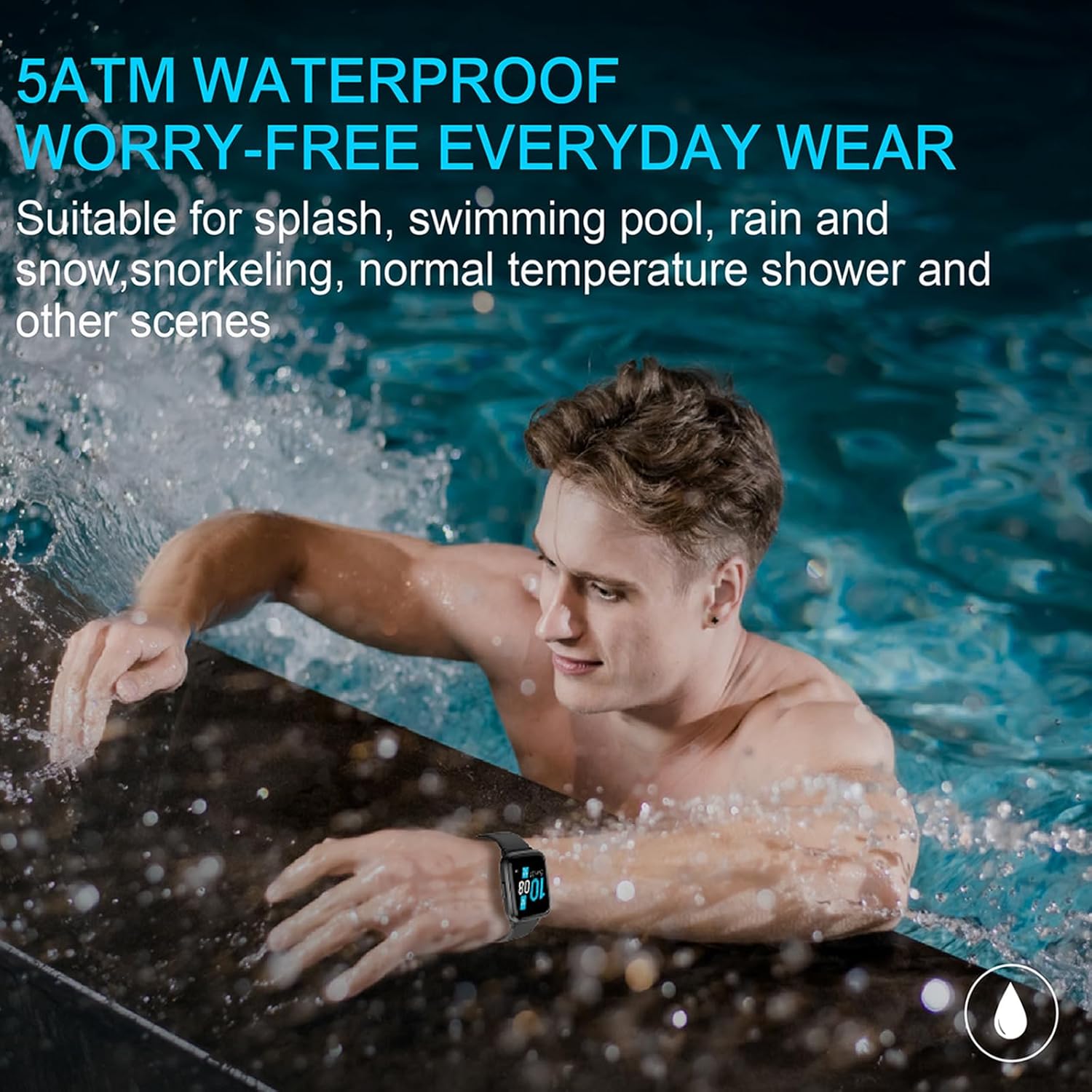
Image: A person in a swimming pool, wearing the Vowtop ID205U Smart Watch, demonstrating its 5ATM water resistance.
Cleaning and Care
To maintain your smart watch, regularly clean the device and strap with a soft, dry cloth. Avoid using harsh chemicals or abrasive materials. Ensure the charging contacts are clean and dry before charging.
Troubleshooting
| Issue | Possible Solution |
|---|---|
| Watch does not turn on | Ensure the watch is fully charged. Press and hold the side button for several seconds. |
| Cannot pair with smartphone | Ensure Bluetooth is enabled on your phone. Restart both the watch and phone. Check the VeryFitPro app for pairing instructions. Make sure the watch is not already paired with another device. |
| Inaccurate health data | Ensure the watch is worn snugly on your wrist, not too tight or too loose. Clean the sensor on the back of the watch. Avoid excessive movement during measurement. |
| Notifications not received | Check app notification settings in VeryFitPro. Ensure phone's Bluetooth is connected. Verify app permissions on your phone. |
| Short battery life | Reduce screen brightness. Turn off continuous heart rate monitoring if not needed. Limit frequent notifications. |
Specifications
| Feature | Detail |
|---|---|
| Model Number | ID205U |
| Screen Size | 1.3 Inches TFT-LCD |
| Connectivity | Bluetooth 5.0 |
| Operating System Compatibility | iOS 8.0 and above, Android 4.4 and above |
| Water Resistance | 5ATM |
| Battery Life (Typical Use) | 7-9 days |
| Standby Time | Up to 35 days |
| Charging Time | Approximately 2.5 hours |
| Item Weight | 1.38 ounces (39 Grams) |
| Product Dimensions | 10.08 x 1.46 x 0.52 inches |
Warranty and Support
Vowtop provides a 1-year warranty for the ID205U Smart Watch from the date of purchase. This warranty covers manufacturing defects under normal use. For any issues or inquiries, please contact our 24-hour customer service team.
For additional information and a downloadable PDF version of the user guide, please refer to the official product page or contact Vowtop customer support.
You can also refer to the official User Guide (PDF) for more detailed instructions.


