1. Product Overview
The SONOFF BASICR4 is a Wi-Fi Smart Switch designed to integrate traditional electrical appliances into a smart home automation system. It allows for remote control, voice control, and scheduling of connected devices, enhancing convenience and energy efficiency. This module is equipped with an ESP32 chip for enhanced performance and reliability.

Figure 1.1: Front view of the SONOFF BASICR4 Wi-Fi Smart Switch.

Figure 1.2: The SONOFF BASICR4 Smart Switch, highlighting its compatibility with Alexa and Google Home.
2. Package Contents
Upon opening the package, please verify that all components are present and in good condition:
- SONOFF BASICR4 Wi-Fi Smart Switch x 1
- Cover Plate x 2
- Screw x 4
- Quick Guide x 1
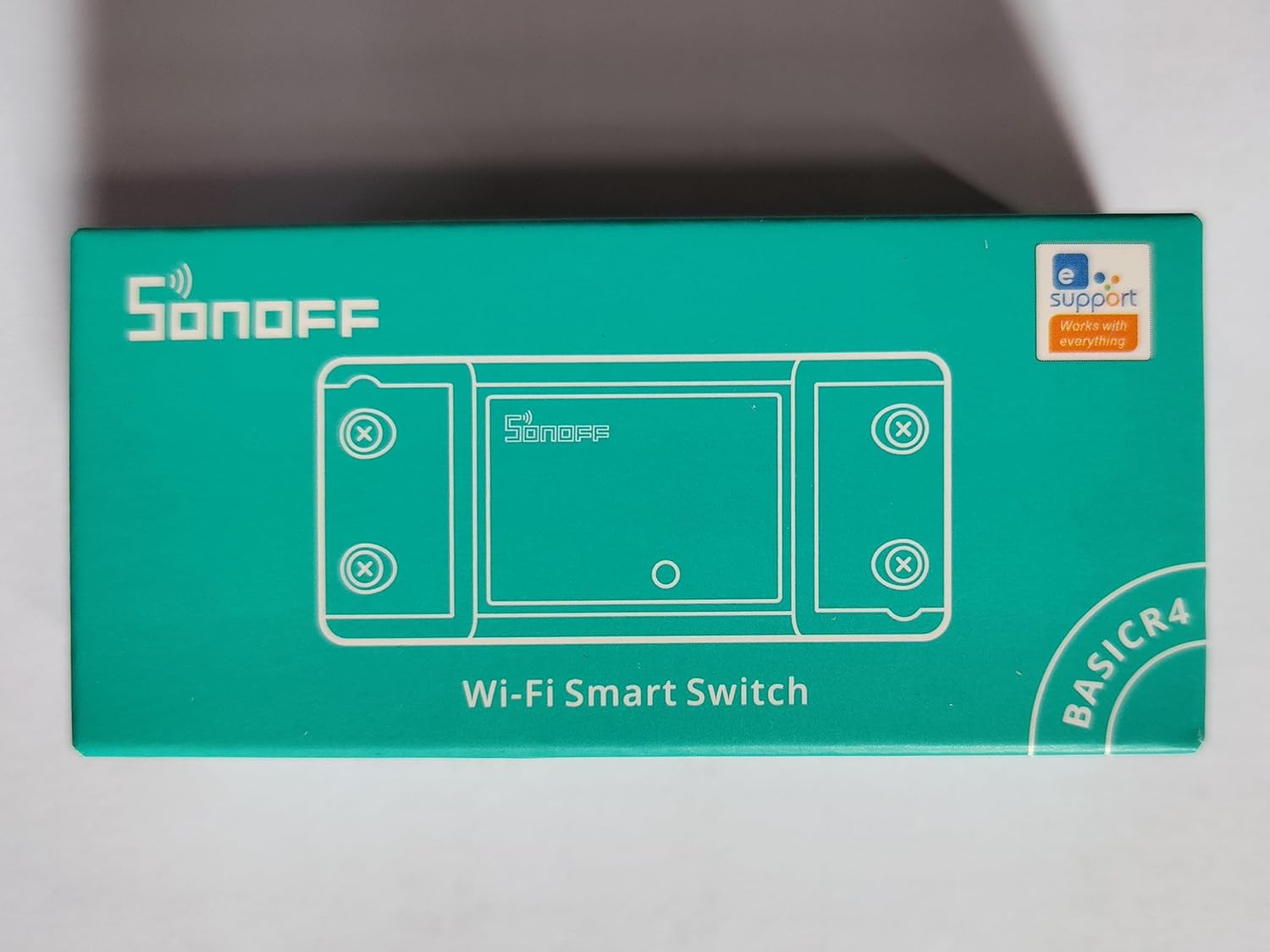
Figure 2.1: Front view of the SONOFF BASICR4 product packaging.

Figure 2.2: Back view of the SONOFF BASICR4 product packaging, showing product information and certifications.
3. Specifications
| Feature | Specification |
|---|---|
| Model | BASICR4 |
| Input | 100-240V ~ 50/60Hz |
| Output | 100-240V ~ 50/60Hz |
| Max. Load | 10A / 2400W |
| Wi-Fi Standard | IEEE 802.11 b/g/n 2.4GHz |
| Dimensions | 88 x 39 x 24 mm (3.46 x 1.54 x 0.94 inches) |
| Casing Material | PC |
| Operating Temperature | -10°C to 40°C (14°F to 104°F) |
| Chip | ESP32 |
| Control Method | App, Remote |
| Connectivity Protocol | Wi-Fi |
| International Protection Rating | IP65 |
For a detailed comparison with previous models, refer to the comparison table below:

Figure 3.1: Comparison of features between SONOFF BASICR2 and BASICR4 models.
4. Setup and Installation
Important Safety Notice: Installation should only be performed by a qualified electrician. Ensure the main power supply is disconnected before any wiring work to prevent electric shock.
4.1 Wiring Instructions
The BASICR4 is designed for in-line installation with your electrical circuit. Connect the input (L In, N In) to your power source and the output (L Out, N Out) to your appliance. Refer to the wiring diagram for correct connections.

Figure 4.1: Wiring diagram for the SONOFF BASICR4, illustrating connection for Magic Switch Mode with a traditional wall switch.
4.2 App Installation and Pairing
- Download the eWeLink App from the Google Play Store or Apple App Store.
- Register or log in to your eWeLink account.
- Power on the BASICR4. It will automatically enter pairing mode (indicated by a blinking LED).
- In the eWeLink App, tap the '+' icon to add a device and follow the on-screen instructions to connect the BASICR4 to your Wi-Fi network.
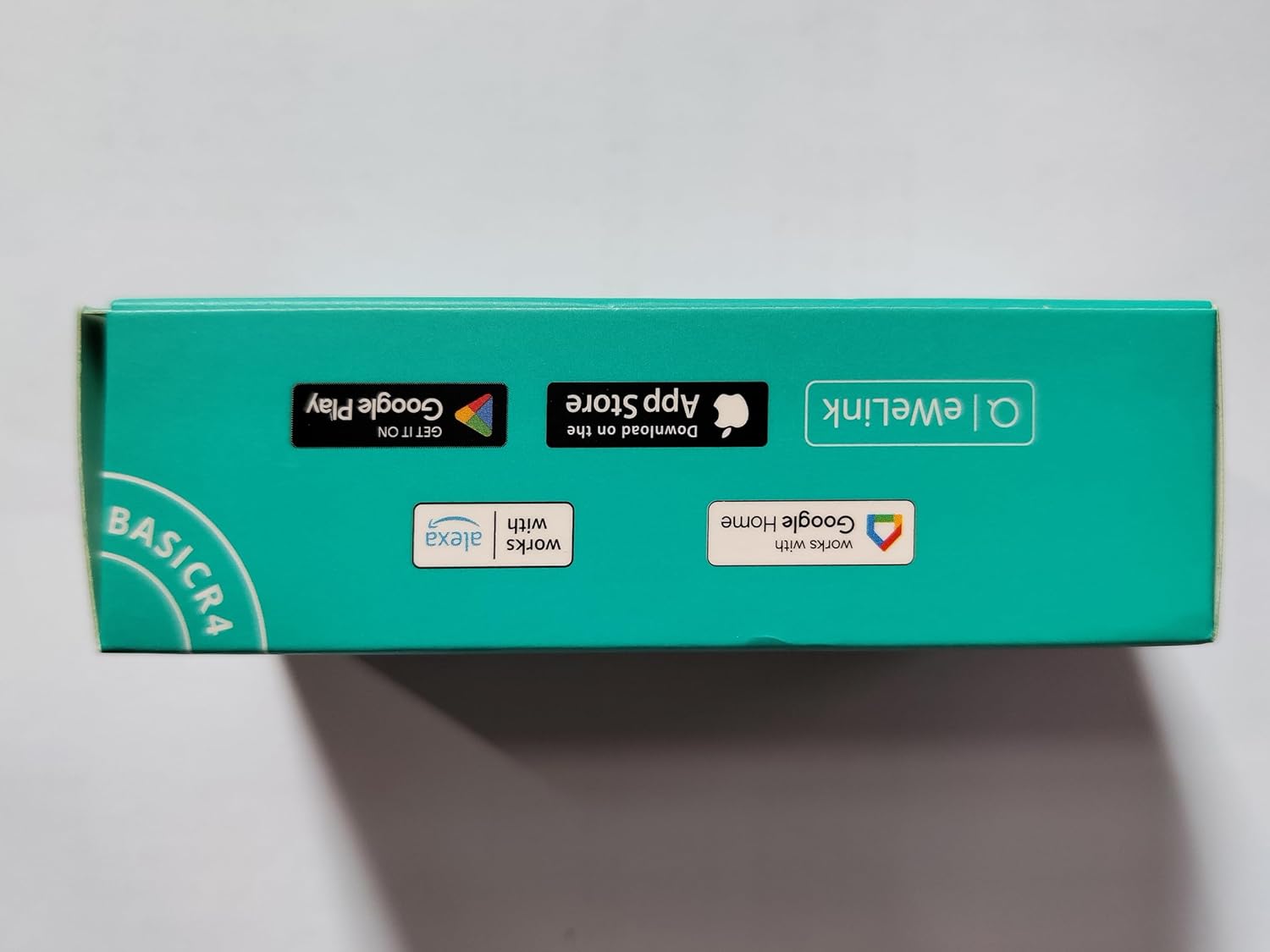
Figure 4.2: Side view of the SONOFF BASICR4 product packaging, showing eWeLink app download options.
5. Operating Instructions
5.1 Remote Control via App
Once paired, you can control the connected device from anywhere using the eWeLink app. Simply tap the power icon on the device interface to turn it on or off.

Figure 5.1: Remote control of a light fixture using the eWeLink application on a smartphone.
5.2 Voice Control
The BASICR4 is compatible with Amazon Alexa and Google Home. Link your eWeLink account to your voice assistant app and use voice commands to control your devices.
- For Alexa: "Alexa, turn on [device name]"
- For Google Home: "Hey Google, turn off [device name]"
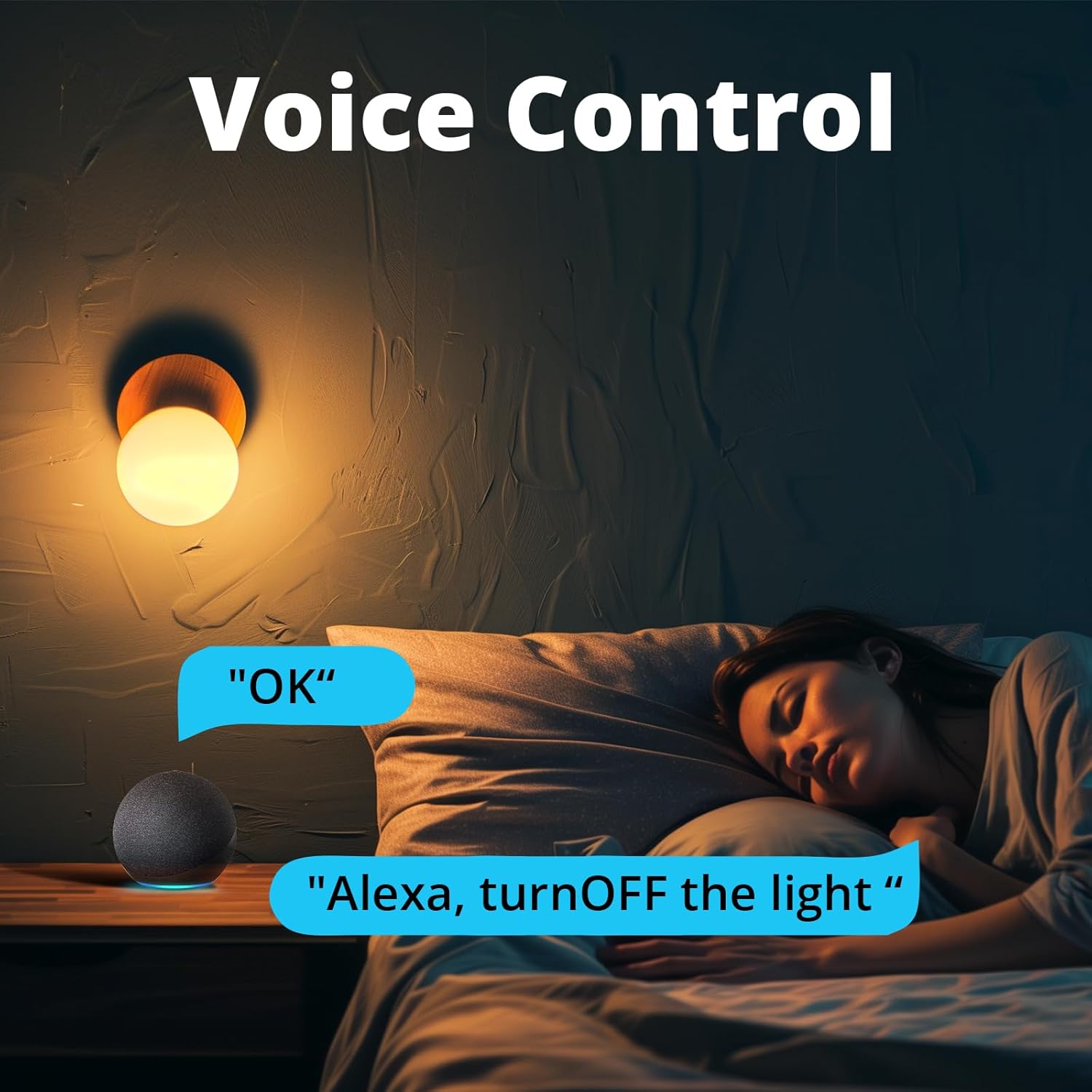
Figure 5.2: Controlling a light using voice commands through an Amazon Echo device.
5.3 Smart Schedule and Timers
Set up schedules, countdowns, or loop timers within the eWeLink app to automate your devices. This allows for automatic turning on/off at specific times or after a set duration.

Figure 5.3: Various smart scheduling options available in the eWeLink app, including scheduled on/off times, countdowns, and loop timers.
5.4 Magic Switch Mode
This unique feature allows you to maintain app control even if a traditional wall switch is turned off. It ensures continuous smart functionality regardless of the physical switch state. This mode requires specific wiring (connecting L1 with L2) and is compatible with mainstream double pole rocker switches.
5.5 eWeLink-Remote Control
The BASICR4 acts as a gateway for eWeLink-Remote sub-devices like S-Mate2 or R5. This enables two-way control and local control without relying on Wi-Fi, providing a robust and responsive smart home experience.

Figure 5.4: Illustration of the eWeLink-Remote control system, demonstrating how S-Mate2 and R5 devices can control a light through the BASICR4.
5.6 Group Control and Sharing
Organize multiple BASICR4 devices into groups for simultaneous control. You can also share control of your devices with family members through the eWeLink app.
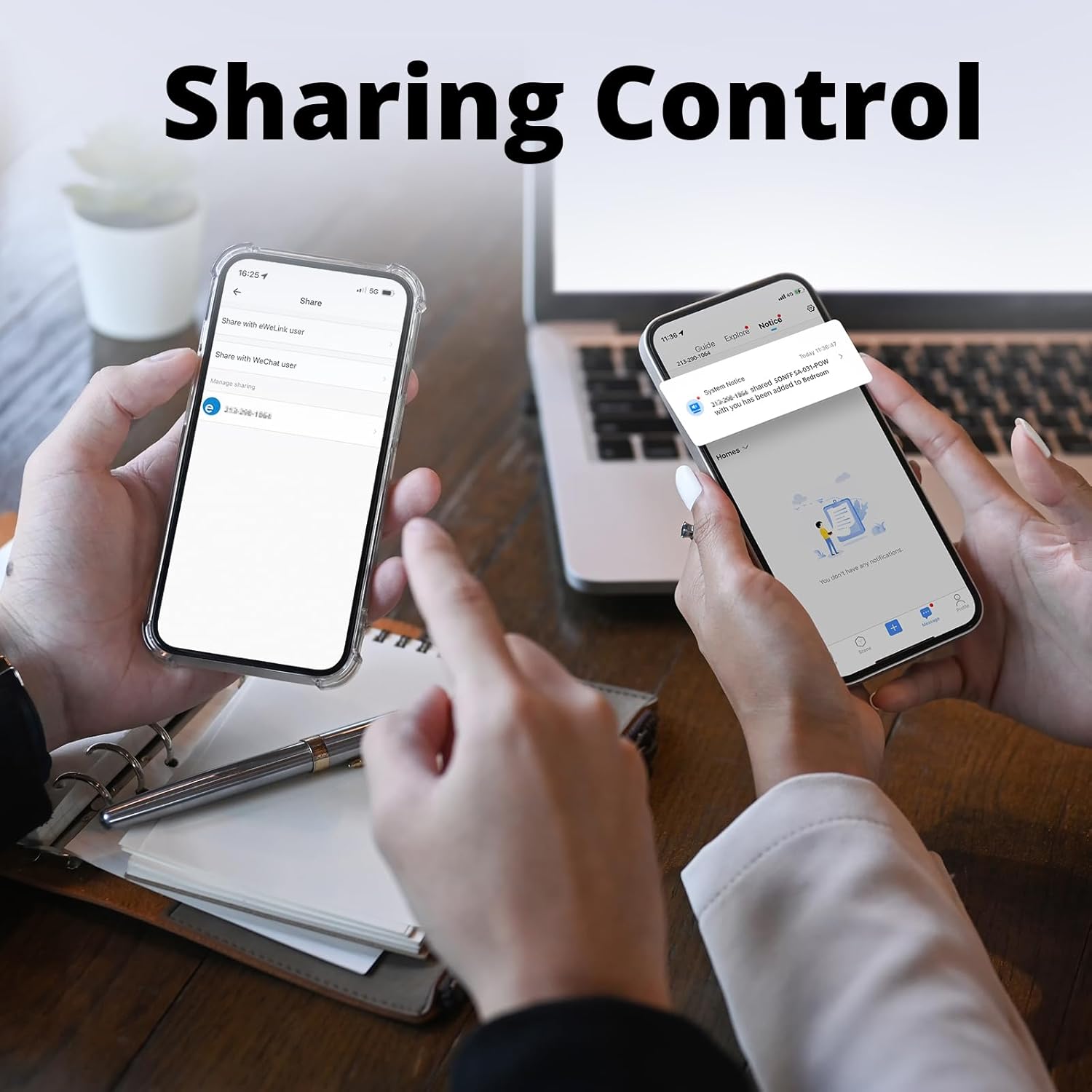
Figure 5.5: Sharing control of smart devices with other users via the eWeLink app.
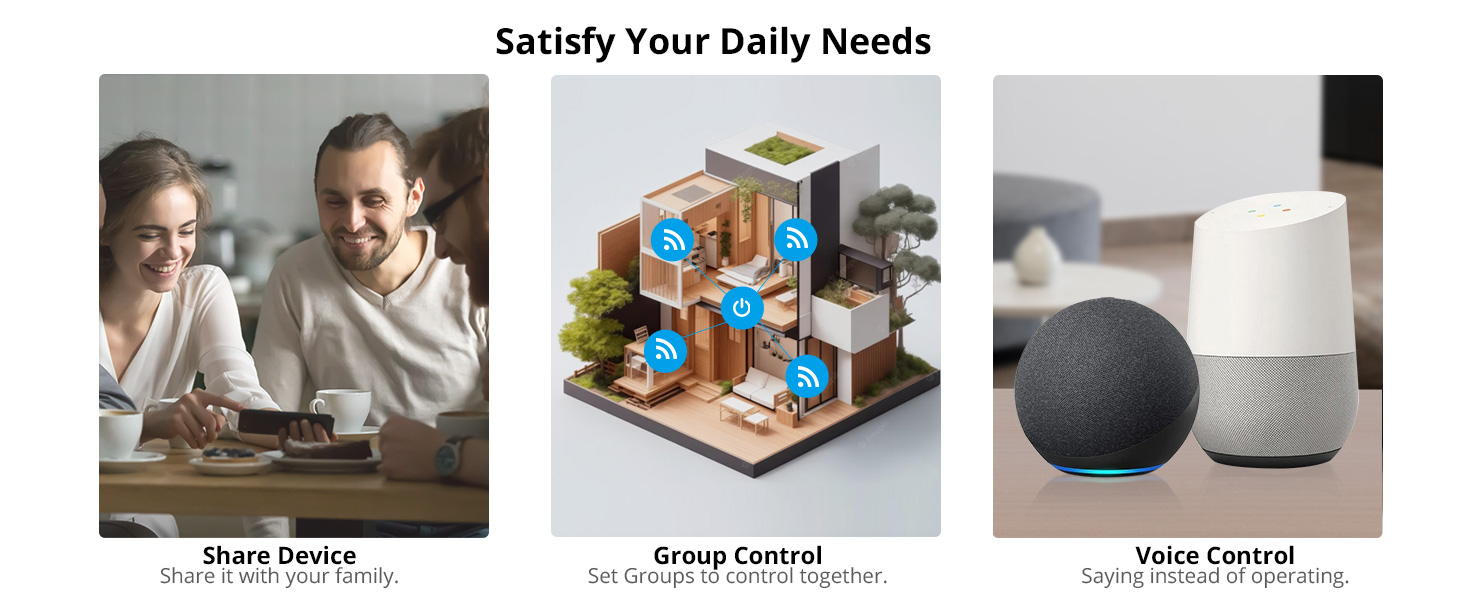
Figure 5.6: Visual representation of sharing devices, group control, and voice control capabilities.
6. Maintenance
The SONOFF BASICR4 is designed for minimal maintenance. To ensure optimal performance and longevity:
- Keep the device clean and free from dust. Use a dry, soft cloth for cleaning.
- Avoid exposing the device to excessive moisture or extreme temperatures outside its operating range (-10°C to 40°C).
- Do not attempt to disassemble or repair the device yourself. Refer to qualified personnel for any issues.
- The built-in temperature sensor provides real-time monitoring to prevent overheating, ensuring product safety and preventing deformation or fire.
7. Troubleshooting
If you encounter issues with your SONOFF BASICR4, consider the following common solutions:
- Device Offline: Check your Wi-Fi connection. Ensure the BASICR4 is within range of your router and that the Wi-Fi network is 2.4GHz. Restart the device and your router.
- Failed Pairing: Ensure your Wi-Fi password is correct and that your phone is connected to a 2.4GHz network during pairing. Try resetting the BASICR4 by holding the pairing button until the LED blinks rapidly.
- No Response from Traditional Switch (Magic Switch Mode): Verify that the L1 and L2 terminals are correctly short-circuited as per the wiring diagram for Magic Switch Mode. Ensure the wall switch is a compatible double pole rocker switch.
- Voice Control Not Working: Confirm that your eWeLink account is correctly linked to your Amazon Alexa or Google Home app. Ensure the device name in eWeLink matches the name used in voice commands.
- Device Overheating: The BASICR4 has a built-in temperature sensor for protection. If it overheats, it may temporarily shut down. Ensure proper ventilation and that the load does not exceed 10A/2400W.
If problems persist, please contact customer support.
8. Safety Information
Please read and adhere to the following safety guidelines to ensure safe operation and prevent damage:
- Electrical Safety: Always disconnect power at the circuit breaker before installing, removing, or servicing the device. Improper installation can lead to electric shock or fire.
- Indoor Use Only: This device is intended for indoor use in dry environments. Avoid exposure to water, rain, or excessive humidity.
- Load Capacity: Do not exceed the maximum load capacity of 10A / 2400W. Overloading can cause damage to the device and pose a fire hazard.
- Temperature: Operate the device within its specified temperature range (-10°C to 40°C).
- Certifications: The BASICR4 has obtained CE, FCC, and ETL certifications, indicating compliance with relevant safety standards.
9. Warranty and Support
For warranty information and technical support, please contact SONOFF directly.
- Manufacturer: Shenzhen Sonoff Technologies Co., Ltd.
- Support Email: support@itead.cc
- Official Website: sonoff.tech


