
Introduction
Thank you for purchasing the EMOOR Ozone Deodorizing Electric Slide Dustbin. This innovative dustbin combines automatic sensor operation with ozone deodorization and air purification functions to provide a clean and convenient waste disposal solution. Please read this manual thoroughly before use to ensure proper operation and maintenance.
Safety Information
- Do not immerse the product in water or other liquids.
- Keep the product away from direct sunlight, heat sources, and flammable materials.
- Ensure batteries are inserted correctly according to polarity markings. Do not mix old and new batteries or different types of batteries.
- Keep hands and fingers clear of the lid mechanism during operation to prevent injury.
- This product is intended for indoor household use only.
- Do not attempt to disassemble or repair the product yourself. Contact customer support for assistance.
Setup
1. Unpacking
Carefully remove all components from the packaging. Verify that all parts are present:
- Dustbin body
- Lid assembly
- Garbage bag hanging ring
2. Battery Installation
The dustbin requires 6 AAA alkaline batteries (not included).
- Locate the battery compartment on the underside of the lid.
- Open the battery compartment cover.
- Insert 6 AAA alkaline batteries, ensuring correct polarity (+/-).
- Close the battery compartment cover securely.
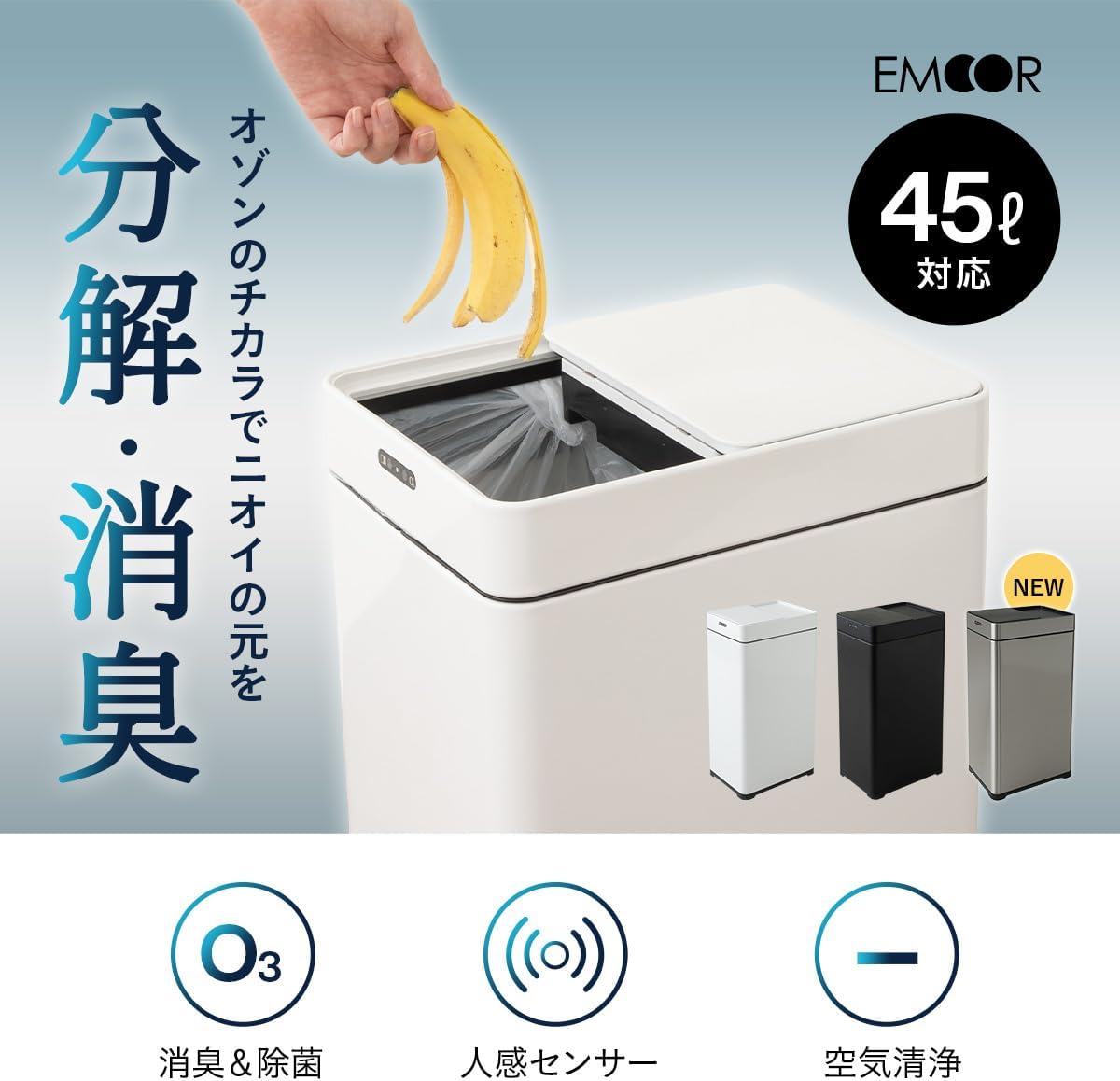
Image: The underside of the lid showing the battery compartment. Ensure batteries are inserted with correct polarity.
3. Garbage Bag Installation
This dustbin is compatible with 30-45L garbage bags.
- Place the garbage bag hanging ring inside the dustbin body.
- Secure the garbage bag by hooking its edges onto the four claws of the hanging ring.
- Tuck any excess bag material into the side holes of the ring to ensure a neat fit and prevent the bag from being visible from the outside.
- Place the lid assembly onto the dustbin body, ensuring it is securely seated.

Image: Detailed view of how to install a garbage bag using the internal hanging ring and tucking excess into side holes for a clean appearance.
Operating Instructions
1. Automatic Lid Operation (Sensor Mode)
The dustbin features a human motion sensor for hands-free operation.
- Simply wave your hand over the sensor area on the lid. The lid will automatically slide open.
- Once you move away from the sensor detection area, the lid will automatically close after approximately 5 seconds.

Image: A hand waving over the sensor, demonstrating the automatic lid opening function.
2. Manual Lid Operation (Touch Switch)
For manual control, use the touch switch on the lid.
- Lightly touch the switch to manually open or close the lid.
3. Adjusting Sensor Range
The sensor detection range can be adjusted to three levels (approximately 0-15cm, 15-25cm, 25-35cm) to suit your environment.
- Locate the sensor adjustment switch on the lid.
- Slide the switch to select the desired detection range.

Image: A diagram illustrating the three adjustable sensor detection ranges (0-15cm, 15-25cm, 25-35cm).
4. Ozone Deodorization and Air Purification
The dustbin features an ozone generator for deodorization and negative ion generation for air purification.
- Press and hold the ozone button for 3 seconds. The LED indicator will light up green.
- Ozone will be released inside the dustbin for 5 minutes. This process oxidizes and breaks down odor molecules, particularly ammonia and hydrogen sulfide, and helps inhibit mold and bacteria.
- Simultaneously, negative ions are generated, which help remove dust and debris from the air within the dustbin.
- Note: The ozone and negative ion functions operate only when the lid is closed.

Image: A close-up view of the ozone button and its green LED indicator on the dustbin lid.
Maintenance
1. Cleaning the Dustbin
- Wipe the exterior of the dustbin with a soft, damp cloth. Do not use abrasive cleaners or solvents.
- For the interior, remove the garbage bag and wipe with a damp cloth. Ensure the interior is dry before placing a new garbage bag.
- Do not rinse the lid assembly directly under water, as this may damage the electronic components.
2. Battery Replacement
When the automatic lid operation or ozone function becomes weak or stops responding, it is time to replace the batteries.
- Follow the battery installation steps in the "Setup" section to replace all 6 AAA alkaline batteries.
- Dispose of used batteries according to local regulations.
Troubleshooting
| Problem | Possible Cause | Solution |
|---|---|---|
| Lid does not open automatically. |
|
|
| Lid opens or closes unexpectedly. |
|
|
| Ozone deodorization not working. |
|
|
Specifications
| Model | B0CG8JRGY8 |
| Brand | EMOOR |
| Capacity | 42 Liters (compatible with 30-45L garbage bags) |
| Dimensions (L x W x H) | Approx. 34 cm x 25 cm x 61 cm |
| Weight | Approx. 3.9 kg |
| Material | Body: Stainless Steel / Lid & Ring: ABS Resin, Stainless Steel |
| Opening Mechanism | Sensor (Automatic Slide Open), Manual Touch Switch |
| Special Features | Ozone Deodorization, Negative Ion Air Purification, Adjustable Sensor Range |
| Power Source | 6 x AAA Alkaline Batteries (sold separately) |
| Color | Black |

Image: A diagram illustrating the key dimensions (width, depth, height) of the dustbin.
Warranty and Support
For warranty information, product support, or inquiries, please refer to the warranty card included with your purchase or visit the official EMOOR website. Please retain your proof of purchase for warranty claims.
EMOOR Official Website: www.emoor.co.jp