
Introduction
Thank you for purchasing the Holmes 31-inch Manual Tower Fan. This manual provides essential information for the safe and efficient operation of your new fan. Please read these instructions thoroughly before use and retain them for future reference.
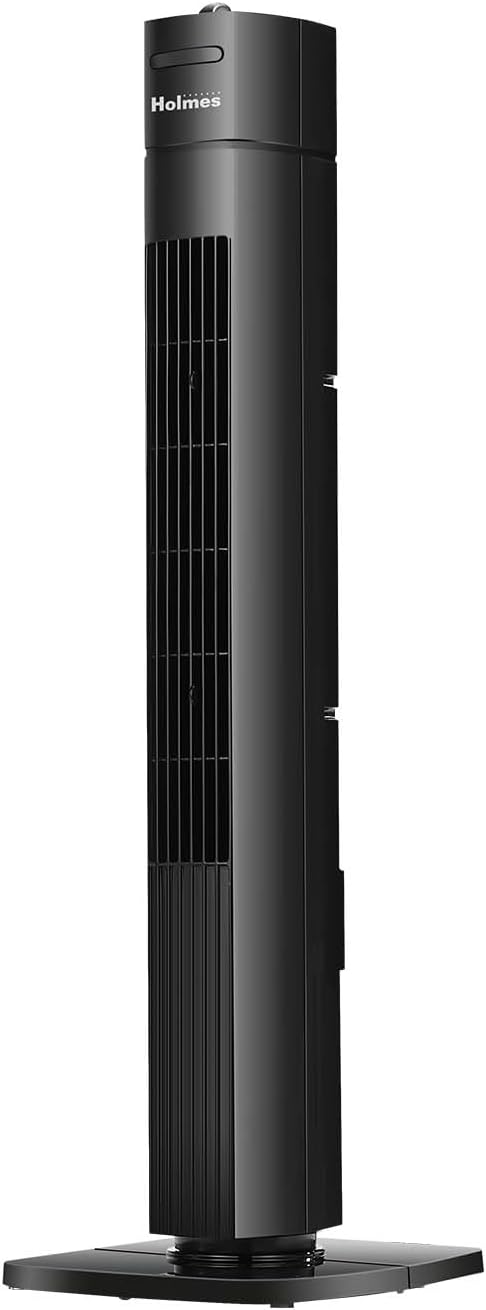
Image: The Holmes 31-inch Manual Tower Fan, a sleek black unit designed for efficient air circulation.
Important Safety Instructions
When using electrical appliances, basic safety precautions should always be followed to reduce the risk of fire, electric shock, and injury to persons. These include:
- Read all instructions before using this fan.
- Ensure the power source matches the electrical requirements of the fan.
- Do not operate any fan with a damaged cord or plug. Discard the fan or return to an authorized service facility for examination and/or repair.
- Do not run cord under carpeting. Do not cover cord with throw rugs, runners, or similar coverings. Arrange cord away from traffic area and where it will not be tripped over.
- Do not insert or allow foreign objects to enter any ventilation or exhaust opening as this may cause an electric shock or fire, or damage the fan.
- To prevent a possible fire, do not block air intakes or exhaust in any manner. Do not use on soft surfaces, like a bed, where openings may become blocked.
- This fan is intended for indoor use only. Do not use outdoors.
- Always place the fan on a stable, flat surface during operation to prevent tipping.
- Unplug the fan from the outlet when not in use, when moving it from one location to another, and before cleaning.
Assembly
The Holmes 31-inch Manual Tower Fan requires minimal assembly. The base needs to be attached to the main fan unit. This typically involves:
- Carefully remove all components from the packaging.
- Attach the two halves of the base together (if applicable).
- Align the assembled base with the bottom of the fan unit.
- Secure the base to the fan unit using the provided screws. These screws can typically be tightened by hand, no tools required.
- Ensure the base is firmly attached and the fan is stable before plugging it in.
Operating Instructions
The Holmes 31-inch Manual Tower Fan features simple manual control knobs for ease of use.
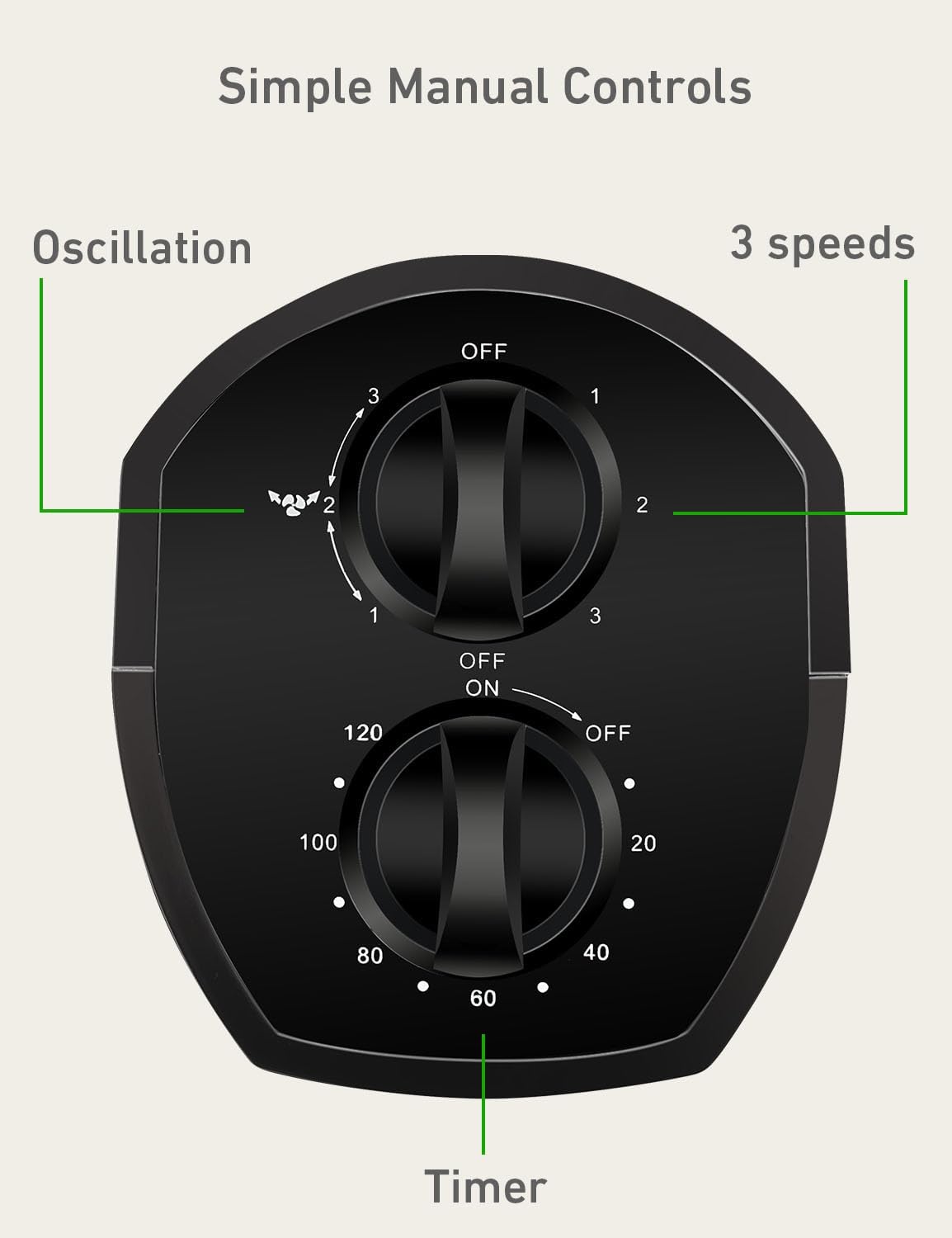
Image: Detailed view of the fan's manual controls, indicating knobs for oscillation, 3 speeds, and a timer.
Power and Speed Settings
- Plug the fan into a standard electrical outlet.
- Turn the Speed knob to select your desired airflow: 1 (Low), 2 (Medium), or 3 (High). To turn the fan off, rotate the knob to the 'OFF' position.
Oscillation Function
- Turn the Oscillation knob to the 'ON' position to activate the 70-degree motorized oscillation, which sweeps the airflow across a wider area.
- To stop oscillation, turn the knob to the 'OFF' position.
Auto Shut-Off Timer
- The fan includes an up to 2-hour auto shut-off timer. Rotate the Timer knob to set the desired operating duration (e.g., 60 minutes, 120 minutes).
- The fan will automatically turn off once the set time has elapsed. To operate continuously, set the timer to 'ON'.
Adjustable Vents
- The fan features adjustable vents. Manually move the vents up or down to direct the airflow to your preferred area.
Features
The Holmes 31-inch Manual Tower Fan is designed with several features to enhance your comfort:
- Simple Manual Controls: Easy-to-use knobs for speed, oscillation, and timer settings.
- 3 Speed Settings: Choose between low, medium, and high for customized airflow.
- 70° Wide-Angle Oscillation: Motorized movement ensures air circulates across a broad area.
- 2-Hour Auto Shut-Off Timer: Conveniently set the fan to turn off automatically after a specified duration, up to 2 hours.
- Adjustable Vents: Unique design allows manual adjustment of vents to direct airflow upwards or downwards.
- Integrated Carry Handle: A built-in handle for easy portability between rooms.
- Compact and Slim Profile: Ideal for spaces with limited floor area, such as bedrooms, kitchens, living rooms, and home offices.
- Quiet Operation: Operates at approximately 58 decibels on the highest speed setting.
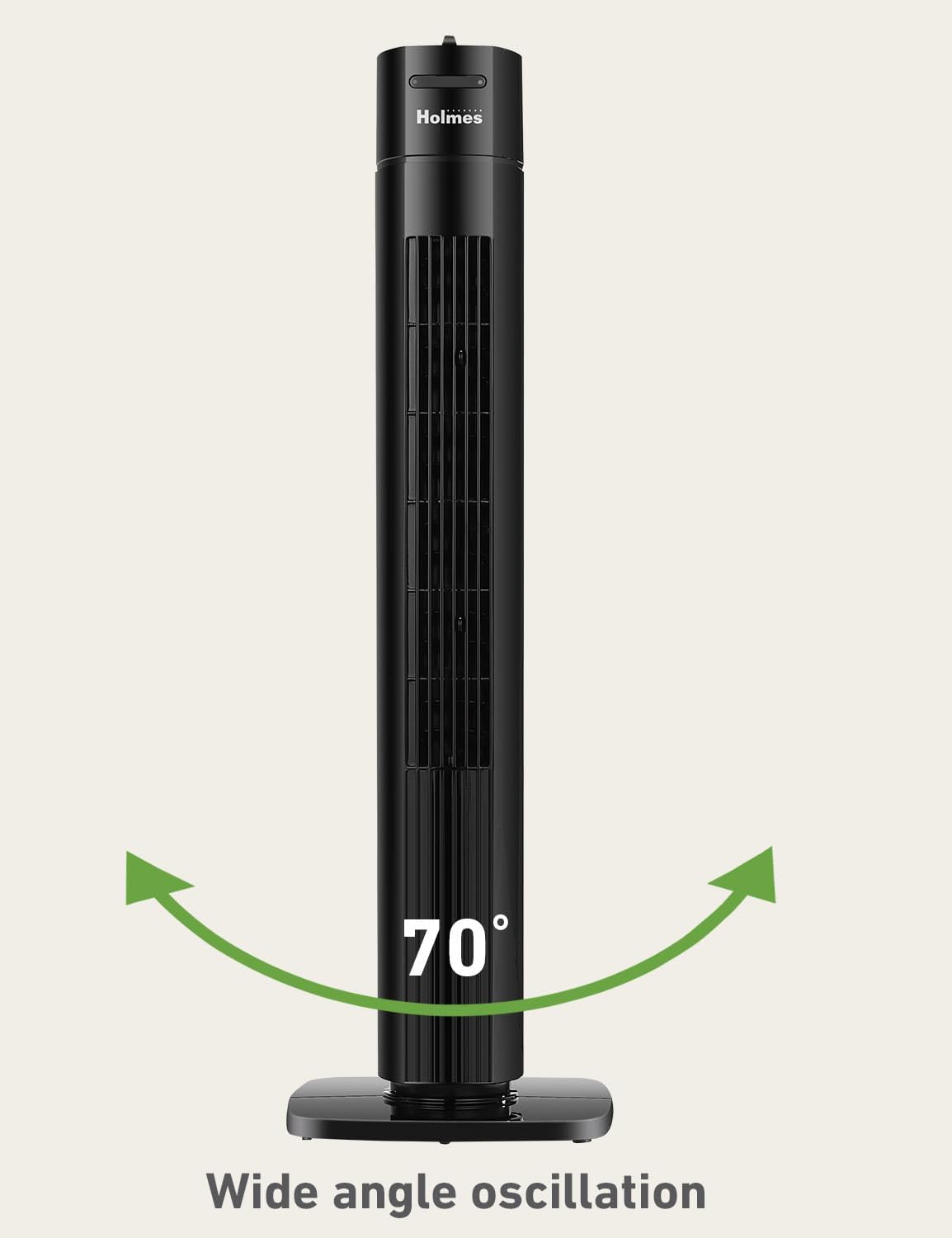
Image: The tower fan demonstrating its 70-degree wide-angle oscillation feature.

Image: A person sleeping peacefully with the fan running, highlighting the utility of the 2-hour auto shut-off timer for nighttime use.
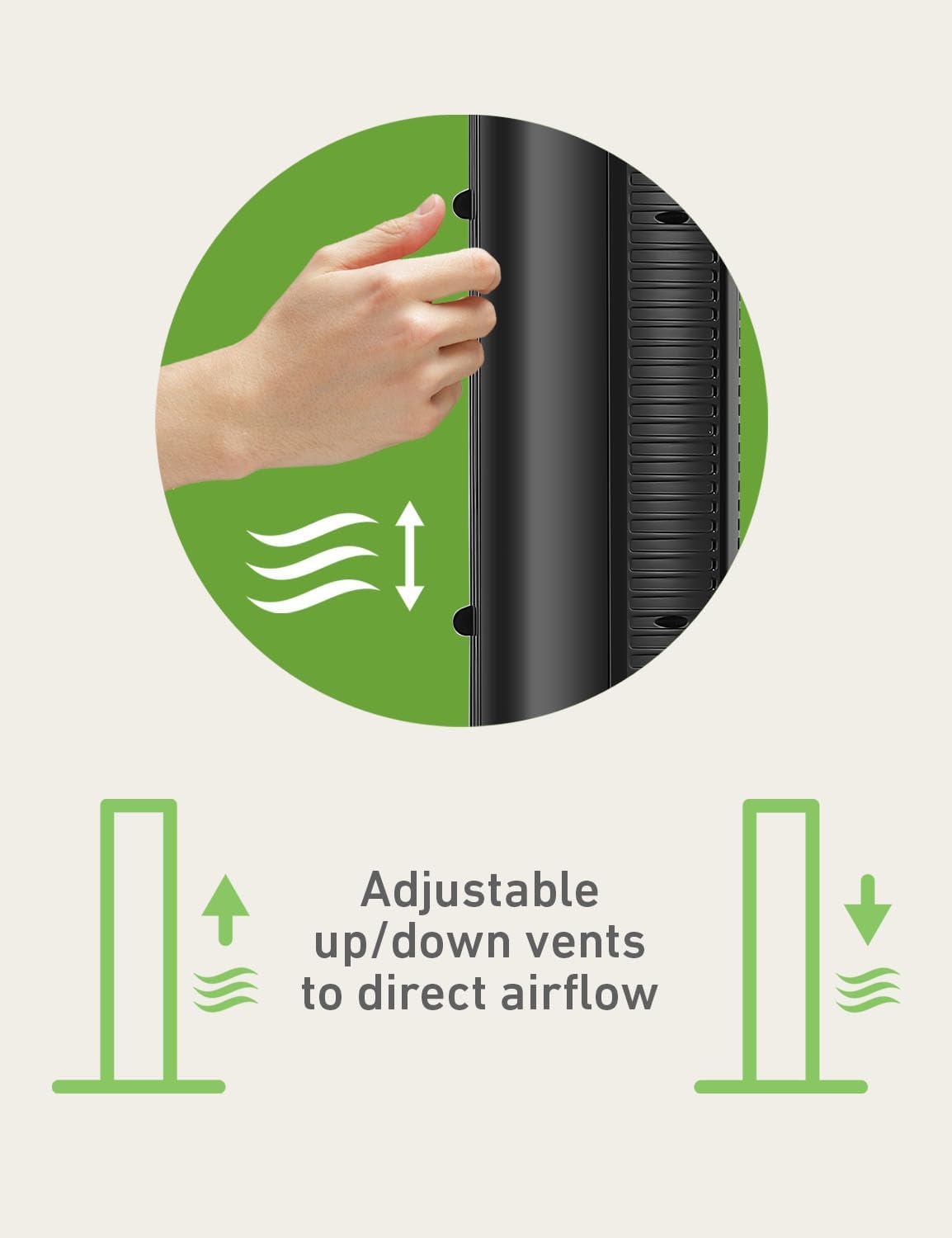
Image: A hand demonstrating the adjustable up/down vents, allowing users to customize airflow direction.
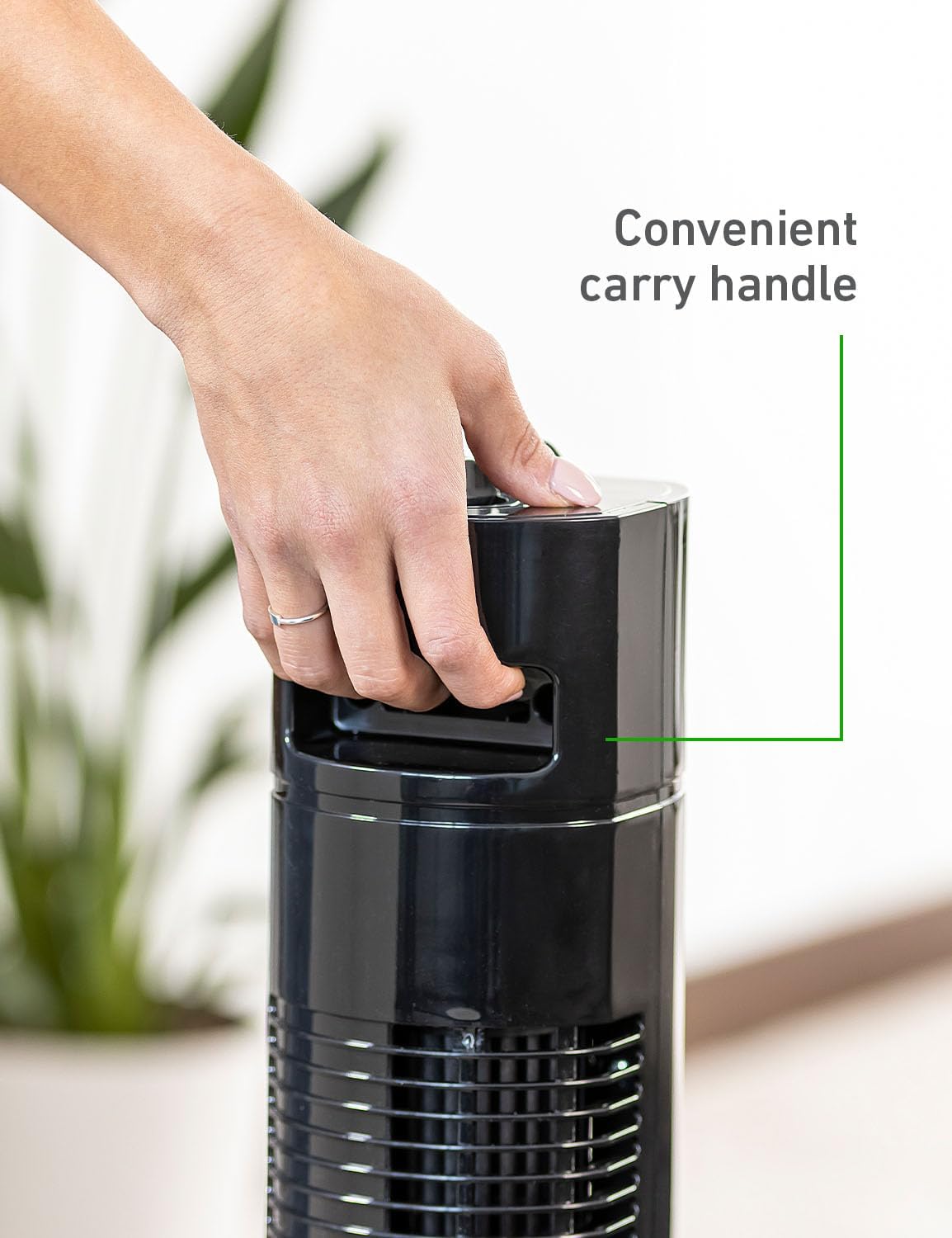
Image: A hand gripping the convenient carry handle located at the top of the fan, emphasizing its portability.

Image: The slim tower fan positioned in a living room, demonstrating its compact size and suitability for various home environments.
Maintenance
Regular cleaning and maintenance will help ensure optimal performance and longevity of your fan.
Cleaning
- Always unplug the fan before cleaning.
- Use a soft, damp cloth to wipe the exterior surfaces of the fan. Do not use abrasive cleaners or solvents.
- To clean dust from the air intake and exhaust grilles, use a vacuum cleaner with a brush attachment.
- Do not immerse the fan in water or allow water to drip into the motor housing.
Storage
- When storing the fan, keep it in its original packaging or cover it to protect it from dust.
- Store the fan in a cool, dry place.
Troubleshooting
If your fan is not operating as expected, please refer to the following common issues and solutions:
| Problem | Possible Cause | Solution |
|---|---|---|
| Fan does not turn on. | No power to the unit. | Ensure the fan is securely plugged into a working electrical outlet. Check the circuit breaker. |
| Weak or no airflow. | Fan speed set too low; air intake/exhaust blocked. | Increase the fan speed. Ensure air grilles are not obstructed by objects or dust. |
| Fan is making unusual noise. | Fan not on a level surface; internal obstruction; motor issue. | Place the fan on a flat, stable surface. Unplug and check for any visible obstructions. If noise persists, discontinue use and contact customer support. |
| Oscillation not working. | Oscillation function is off. | Ensure the oscillation knob is set to the 'ON' position. |
Specifications
Detailed specifications for the Holmes 31-inch Manual Tower Fan:
- Brand: HOLMES
- Model Name: 31" Manual Tower Fan
- Model Number: 17035
- UPC: 694501170357
- Color: Black
- Product Dimensions: 10"D x 31"W x 9.1"H
- Item Weight: 5.79 pounds (2.63 Kilograms)
- Power Source: AC
- Wattage: 65 watts
- Noise Level: 58 dB (on highest setting)
- Control Method: Manual Knob
- Number of Power Levels: 3
- Special Feature: Oscillating, Adjustable Vents, 2-Hour Timer
- Indoor/Outdoor Usage: Indoor

Image: A visual representation of the fan's dimensions, indicating its 31-inch height, 9.1-inch width, and 10-inch depth.
Warranty and Support
This Holmes 31-inch Manual Tower Fan comes with a 3-year limited warranty. For warranty claims, technical support, or any questions not covered in this manual, please contact Holmes customer service. Refer to the product packaging or the official Holmes website for current contact information.


