1. Introduction
This manual provides detailed instructions for the Noise Buds VS404 Truly Wireless Earbuds. Please read this guide thoroughly to ensure proper usage, optimal performance, and longevity of your device. Keep this manual for future reference.
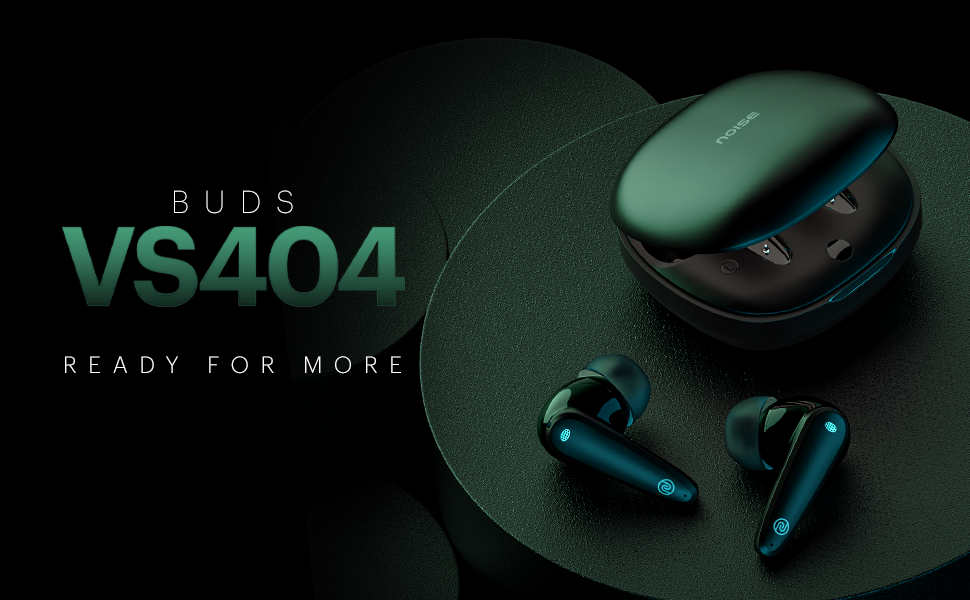
Image 1.1: Overview of Noise Buds VS404 key features including extended playtime, advanced microphone system, multiple sound modes, and fast charging.
2. What's in the Box
Verify that all the following items are included in your package:
- 1N Bluetooth Headphone (Pair of Earbuds)
- 1N Charging Case
- 1N Charging Cable (Type-C)
- 1N User Manual
- 1N Warranty Registration Card
3. Product Overview
The Noise Buds VS404 are designed for comfort and high-quality audio. Each earbud features a 10mm dynamic driver and a quad-microphone setup with Environmental Noise Cancellation (ENC) for clear calls. The charging case provides additional battery life and protects the earbuds.

Image 3.1: The Noise Buds VS404 earbuds and their charging case.
3.1. Earbud Components
- Touch Control Area: For managing music, calls, and voice assistant.
- Microphone: Quad-mic setup for calls and ENC.
- Speaker: 10mm dynamic driver.
- Charging Contacts: For charging within the case.
3.2. Charging Case Components
- Earbud Slots: Securely holds and charges the earbuds.
- Charging Port: Type-C port for charging the case.
- LED Indicator: Displays charging status and battery level.
4. Setup
4.1. Charging the Earbuds and Case
Before first use, fully charge the earbuds and the charging case.
- Place the earbuds into the charging case. Ensure they are correctly seated.
- Connect the Type-C charging cable to the charging port on the case and to a power source.
- The LED indicator on the case will show the charging status. Once fully charged, the indicator will change or turn off.
The Noise Buds VS404 feature Instacharge, providing approximately 200 minutes of playtime with just 10 minutes of charging.
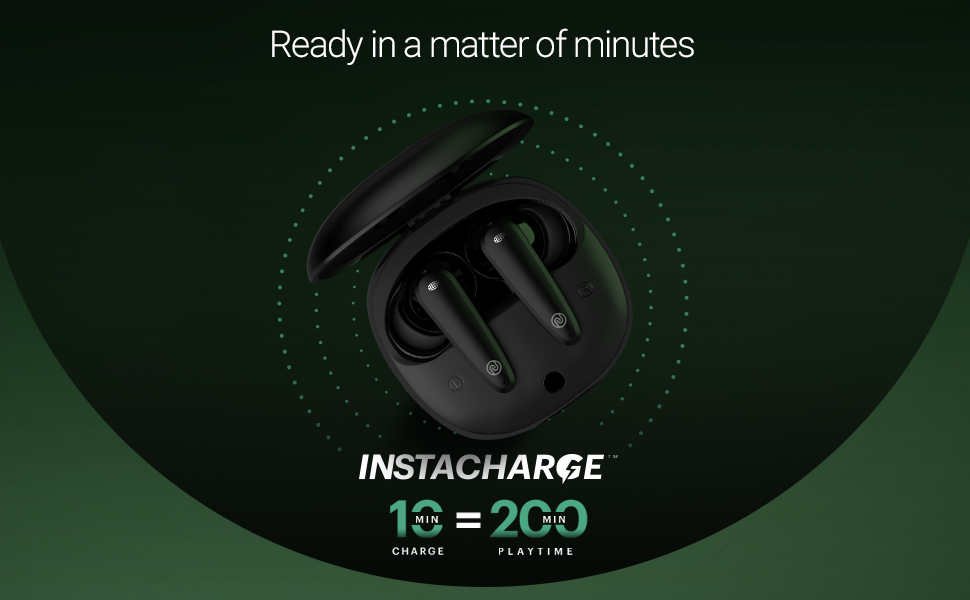
Image 4.1: Instacharge capability of the Noise Buds VS404, offering quick power-ups.
A full charge provides up to 50 hours of total playback time with the charging case.
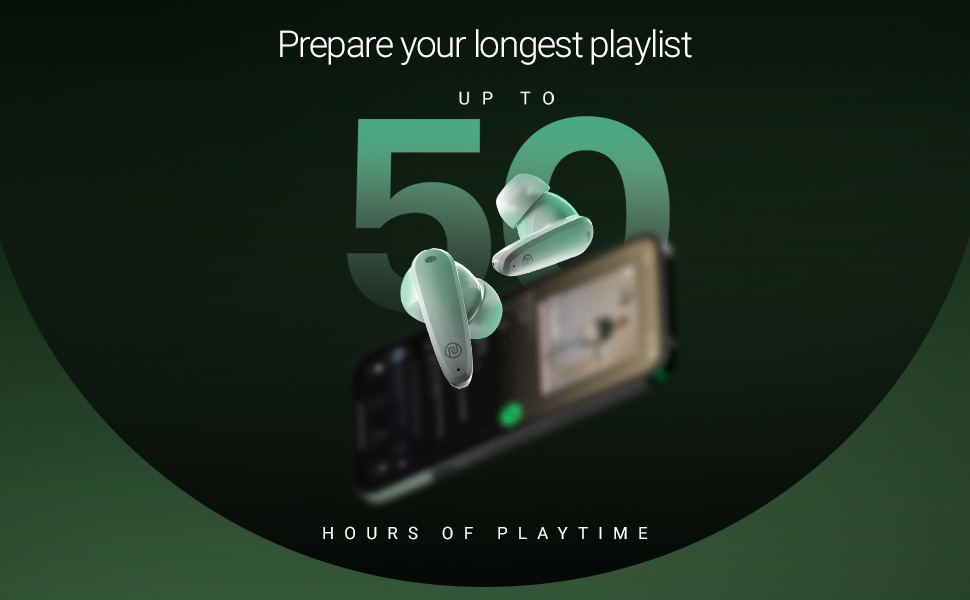
Image 4.2: The Noise Buds VS404 provide up to 50 hours of total playback time.
4.2. Bluetooth Pairing
To connect your earbuds to a device:
- Open the charging case. The earbuds will automatically enter pairing mode.
- On your device (smartphone, tablet, laptop), enable Bluetooth.
- Search for available Bluetooth devices and select "Noise Buds VS404" from the list.
- Once connected, you will hear an audio prompt, and the LED indicator on the earbuds may change.
The earbuds use Bluetooth v5.3 for a stable connection up to 10 meters.
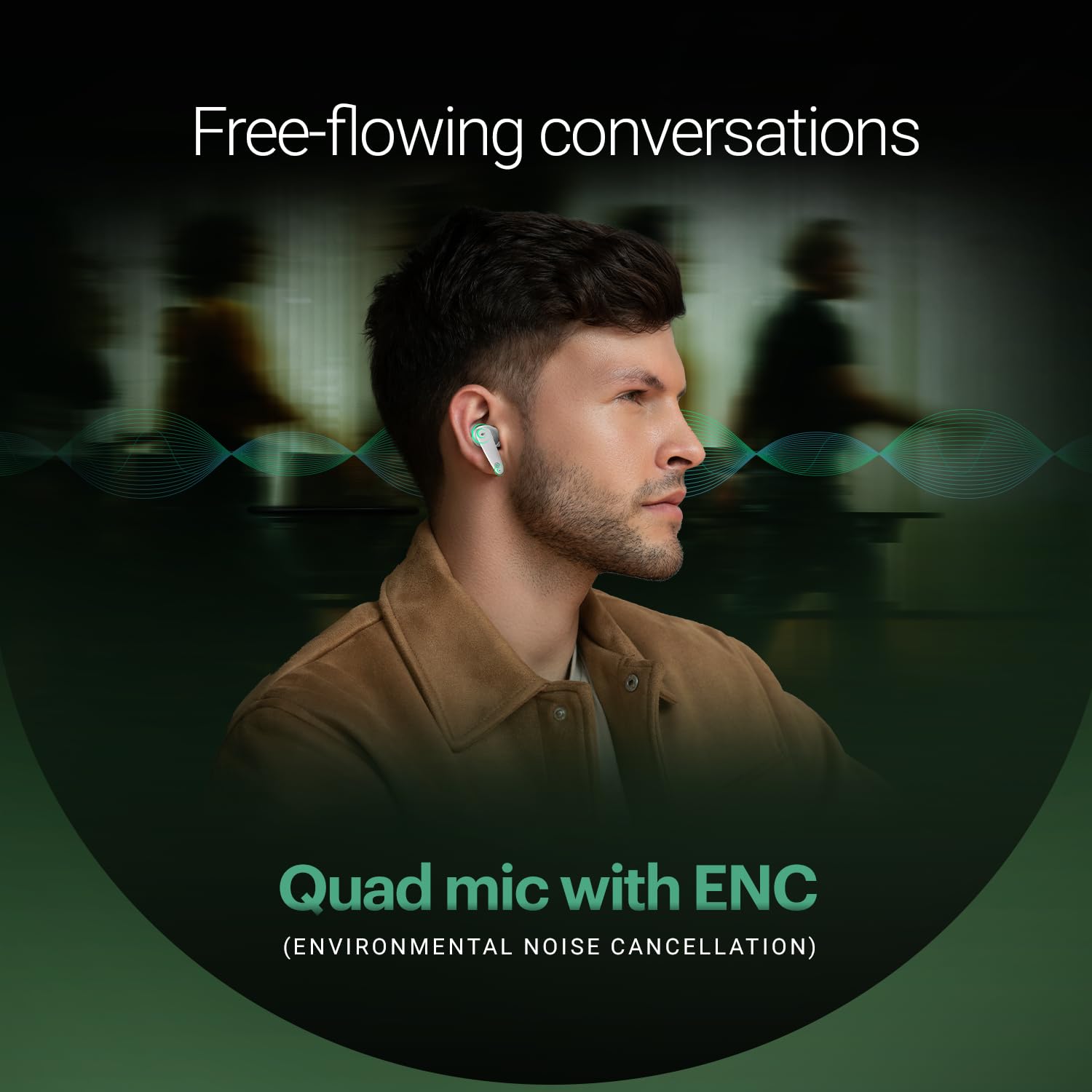
Image 4.3: Noise Buds VS404 establishing a flawless Bluetooth connection with a mobile device.
5. Operating Instructions
5.1. Power On/Off
- Power On: Open the charging case, and the earbuds will automatically power on and attempt to connect to the last paired device.
- Power Off: Place the earbuds back into the charging case and close the lid. They will automatically power off and begin charging.
5.2. Music Control
Use the touch control area on the earbuds for music playback:
- Play/Pause: Single tap on either earbud.
- Next Track: Double tap on the right earbud.
- Previous Track: Double tap on the left earbud.
5.3. Call Management
Manage calls using the touch controls:
- Answer/End Call: Single tap on either earbud.
- Reject Call: Press and hold either earbud for 2 seconds.
The earbuds feature a quad-mic setup with Environmental Noise Cancellation (ENC) for clear voice transmission during calls.
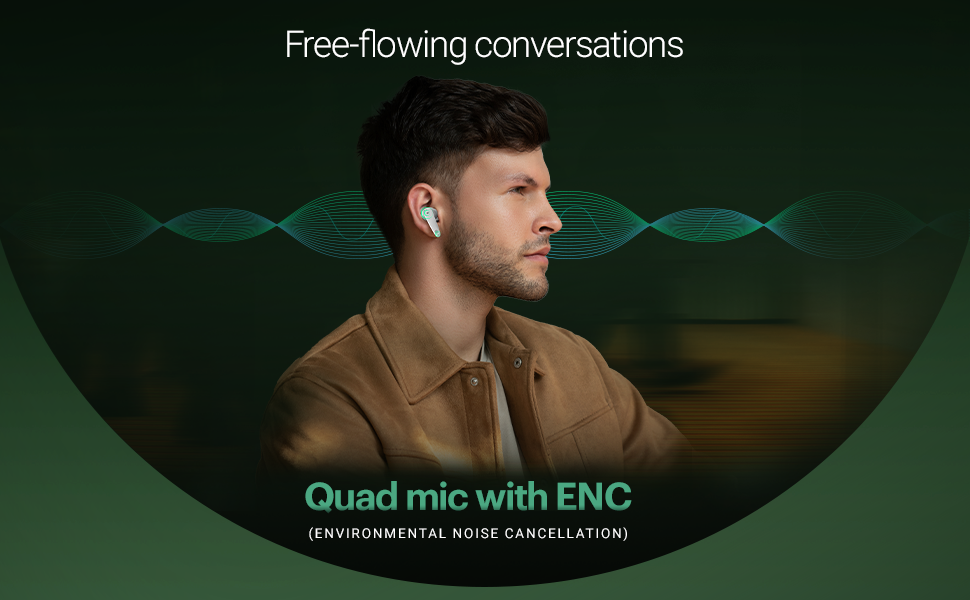
Image 5.1: The Noise Buds VS404 utilize a quad microphone system with ENC for enhanced call clarity.
5.4. EQ Modes
The Noise Buds VS404 offer three distinct EQ modes to tailor your audio experience:
- Bass Mode: Enhances low frequencies for a deeper sound.
- Gaming Mode: Optimizes audio for gaming, reducing latency.
- Normal Mode: Provides a balanced audio profile for everyday listening.
To switch between EQ modes, triple tap on either earbud.
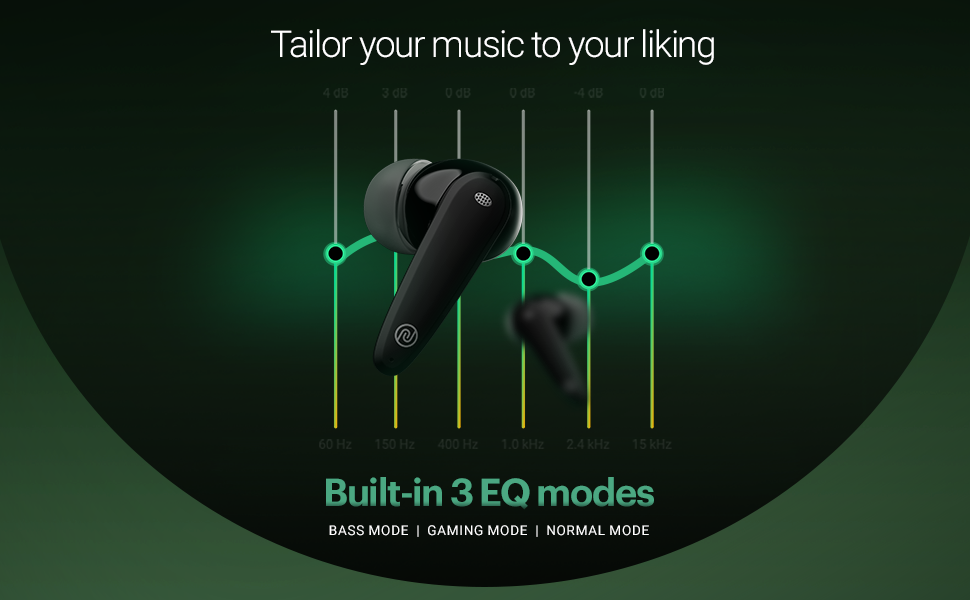
Image 5.2: Visual representation of the three built-in EQ modes available on the Noise Buds VS404.
5.5. Voice Assistant
Activate your device's voice assistant (Google Assistant, Siri) by pressing and holding either earbud for 2 seconds.
6. Maintenance
6.1. Cleaning
- Regularly clean the earbuds and charging case with a soft, dry, lint-free cloth.
- Do not use harsh chemicals, cleaning solvents, or strong detergents.
- Clean the charging contacts on both the earbuds and the case to ensure proper charging.
6.2. Storage
- When not in use, always store the earbuds in their charging case to protect them and keep them charged.
- Store the device in a cool, dry place, away from extreme temperatures and direct sunlight.
The earbuds are IPX5 water-resistant, meaning they can withstand splashes and sweat, making them suitable for workouts and outdoor use. However, they are not designed for submersion in water.

Image 6.1: The Noise Buds VS404 are built with IPX5 water resistance, suitable for outdoor activities.
7. Troubleshooting
If you encounter issues with your Noise Buds VS404, refer to the following common solutions:
| Problem | Solution |
|---|---|
| Earbuds not pairing | Ensure earbuds are charged. Turn off and on Bluetooth on your device. Forget the device in Bluetooth settings and re-pair. |
| Only one earbud working | Place both earbuds back in the case, close the lid, wait a few seconds, then open again. Check if both are charged. |
| Low volume or poor sound quality | Clean earbud speaker meshes. Adjust volume on your device. Try different EQ modes. Ensure earbuds are properly seated in your ears. |
| Charging issues | Ensure charging cable is securely connected. Clean charging contacts on earbuds and case. Try a different charging cable or power adapter. |
| Earbuds not disconnecting from device when placed in case | Ensure the charging case has sufficient battery. Close the lid firmly. If the issue persists, manually disconnect from your device's Bluetooth settings. |
8. Specifications
| Feature | Detail |
|---|---|
| Model Name | Buds VS404 |
| Connectivity Technology | Wireless (Bluetooth v5.3) |
| Bluetooth Range | 10 Metres |
| Audio Driver Type | 10mm Dynamic Driver |
| Battery Life (Total) | Up to 50 Hours (with charging case) |
| Fast Charging | Instacharge (10 min charge = 200 min playtime) |
| Charging Port | Type-C |
| Microphone | Quad Mic with Environmental Noise Cancellation (ENC) |
| EQ Modes | Bass, Gaming, Normal |
| Water Resistance | IPX5 (Sweat and splash resistant) |
| Control Method | Touch, Voice (Google Assistant, Siri) |
| Material | Polycarbonate (PC) |
| Item Weight | 50 Grams |
| Product Dimensions | 6.5 x 4.9 x 2.9 cm |
9. Warranty and Support
Your Noise Buds VS404 come with a 1-year warranty. Please refer to the included Warranty Registration Card for details on how to register your product and claim warranty services.
For technical support, service, or further inquiries, please contact Noise customer support. Contact information can be found on the warranty card or the official Noise website.
Manufacturer: Nexxbase Marketing Pvt. Ltd, Khasra No-146/25/2/1, Jail Road Badshahpur, Gurugram Haryana-122101


