
Introduction
This manual provides instructions for the safe and efficient use of your Lifetime Air Mini USB Table Fan. This compact and portable fan is designed to provide personal cooling in various indoor environments, powered conveniently via a USB connection. Please read these instructions thoroughly before first use and retain them for future reference.
Setup
- Unpacking: Carefully remove the fan and its USB cable from the packaging. Ensure all components are present.
- Placement: Place the fan on a stable, flat surface such as a desk, table, or nightstand.
- Power Connection: Connect the small end of the included USB cable to the fan's power input port. Plug the larger end of the USB cable into a compatible USB power source (e.g., computer, laptop, power bank, or USB wall adapter). The fan requires a 5V USB power supply.

The fan is now ready for operation.
Operation
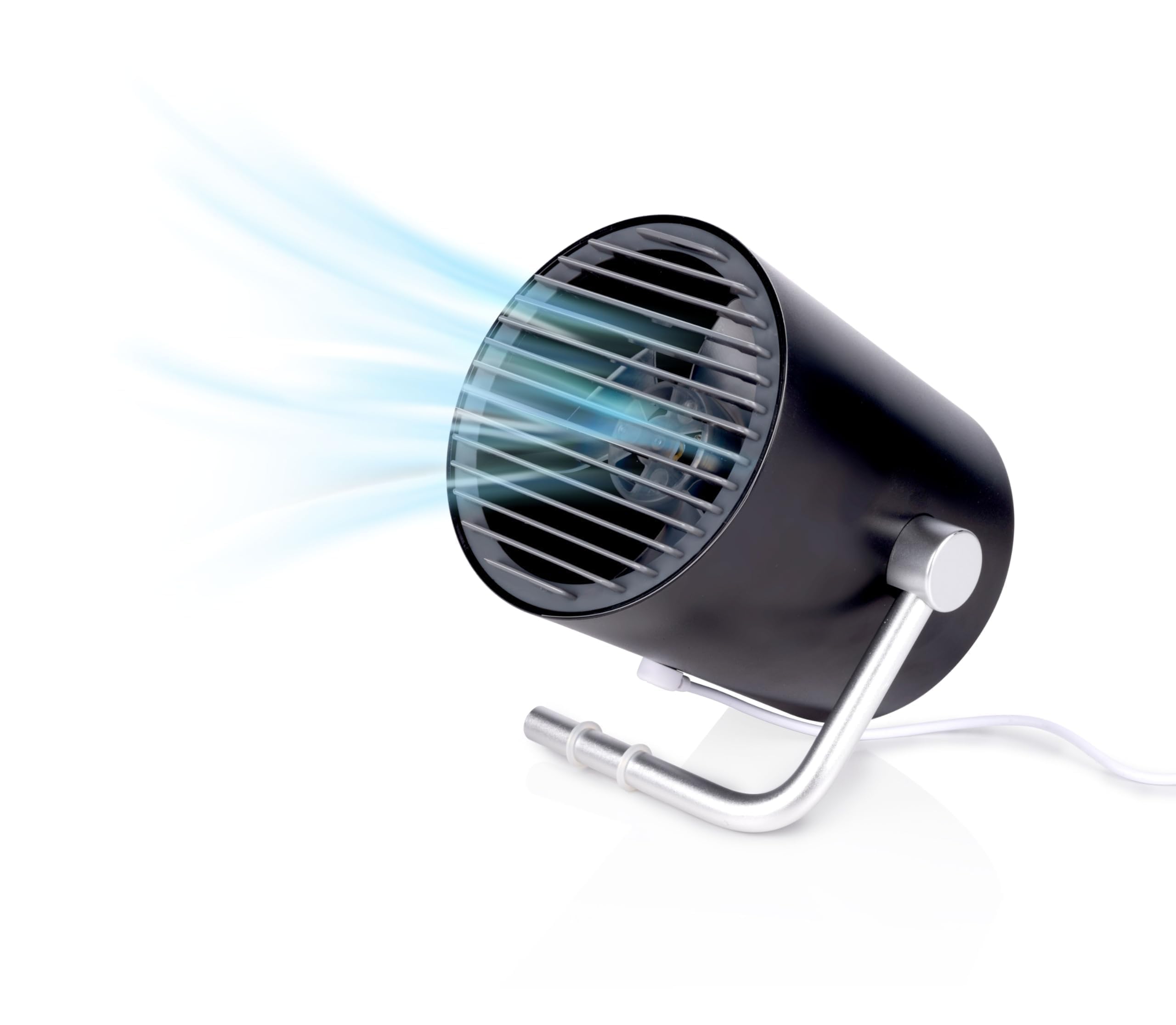
The Lifetime Air Mini USB Table Fan features simple touch controls for power and speed adjustment, along with a tiltable head for directing airflow.
Power and Speed Control
- To Turn On: Gently touch the power button/sensor located on the fan. The fan will start at Speed 1 (low).
- To Change Speed: Touch the power button/sensor again to switch to Speed 2 (high).
- To Turn Off: Touch the power button/sensor a third time to turn the fan off.
Adjusting Airflow Direction
The fan head can be manually tilted up or down to direct the airflow to your desired angle. Hold the fan base firmly and gently adjust the fan body to the preferred position.

Maintenance
Regular maintenance ensures optimal performance and longevity of your fan.
- Cleaning: Always ensure the fan is unplugged from its power source before cleaning. Use a soft, dry cloth to wipe the exterior surfaces of the fan. Do not use abrasive cleaners, solvents, or harsh chemicals, as these can damage the finish.
- Dust Removal: Periodically inspect the fan blades and grille for dust accumulation. If accessible, gently clean with a soft brush or use compressed air to remove dust. Do not attempt to disassemble the fan housing to access the blades.
- Storage: When not in use, store the fan in a cool, dry place, away from direct sunlight and excessive moisture.
Troubleshooting
If you encounter issues with your fan, refer to the following common problems and solutions:
| Problem | Possible Cause | Solution |
|---|---|---|
| Fan does not turn on. | No power supply or loose connection. | Ensure the USB cable is securely connected to both the fan and the power source. Verify the USB power source is active (e.g., laptop is on, power bank is charged). Try a different USB port or power source. |
| Fan is unusually noisy. | Unstable placement or obstruction. | Place the fan on a stable, flat surface to minimize vibrations. Check for any foreign objects or dust obstructing the fan blades. |
| Weak airflow. | Incorrect speed setting or dust accumulation. | Ensure the fan is set to Speed 2 for maximum airflow. Clean any dust from the fan blades and grille as described in the Maintenance section. |
Specifications
- Brand: Lifetime Air
- Model Number: 8711252249612
- Color: Black
- Power Source: USB Powered
- Input Voltage: 5V (AC)
- Maximum Power Consumption: 1 Watt
- Number of Speed Settings: 2
- Control Method: Touch
- Oscillation: Up/Down Tiltable
- Material: Acrylonitrile Butadiene Styrene (ABS), Plastic blades
- Product Dimensions (L x W x H): 11.6 cm x 11.2 cm x 10 cm (approx. 118 x 118 x 125 mm)
- Product Weight: 270 grams
- Cable Length: 95 cm (USB cable included)
- Usage Environment: Indoor
- Special Feature: Portable
Warranty and Support
For information regarding product warranty, returns, or technical support, please refer to the terms and conditions provided by the retailer where you purchased this product. You may also contact Lifetime Air customer service through their official channels for further assistance.

