
1. Introduction
This manual provides instructions for the safe and proper use of your PKPOWER 6ft 18AWG AC Internal Power Cord. This power cord is designed to provide reliable power connection for compatible Hisense television models.
2. Safety Information
Please read and understand all safety instructions before using this product. Failure to follow these instructions may result in electric shock, fire, or damage to the product or connected devices.
- Ensure the power cord is compatible with your device's power requirements before connection.
- Do not use the power cord if it is damaged, frayed, or has exposed wires.
- Avoid placing heavy objects on the power cord or bending it sharply.
- Keep the power cord away from water, heat sources, and direct sunlight.
- Always unplug the power cord from the wall outlet before disconnecting it from the device.
- This product is for indoor use only.
- Proposition 65 Warning: This product may contain chemicals known to the State of California to cause cancer and birth defects or other reproductive harm.
3. Package Contents
- 1 x PKPOWER 6ft 18AWG AC Internal Power Cord

Figure 1: The PKPOWER 6ft 18AWG AC Internal Power Cord, featuring a standard US 2-prong plug on one end and a white internal connector on the other.
4. Setup and Installation
Follow these steps to properly connect your PKPOWER AC Internal Power Cord to your compatible Hisense TV.
- Power Off: Ensure your Hisense TV and any connected devices are completely powered off and unplugged from the wall outlet.
- Locate Internal Power Port: Identify the internal power port on your Hisense TV. This port is typically located on the back panel of the television. Refer to your TV's specific manual if you have difficulty locating it.
- Connect Internal Connector: Carefully insert the white internal connector of the PKPOWER cord into the corresponding port on your Hisense TV. Ensure a firm and secure connection.
- Connect to Wall Outlet: Plug the standard 2-prong AC plug of the power cord into a functional wall outlet or surge protector.
- Power On: You may now power on your Hisense TV.

Figure 2: Example of the power cord connected to a television and a power strip. Ensure the connection is secure at both ends.
5. Operation
Once properly installed, the PKPOWER AC Internal Power Cord provides the necessary electrical connection for your compatible Hisense TV to function. No further operational steps are required for the power cord itself.
6. Compatibility
This PKPOWER 6ft 18AWG AC Internal Power Cord is compatible with the following Hisense TV models:
- Hisense 58RGE3
- Hisense F39V77C
- Hisense 58H6570G
- Hisense 58R6E3
For other models, please verify the power port type and specifications to ensure compatibility.

Figure 3: Illustration of universal compatibility, depicting the power cord alongside various television models it can support.
7. Maintenance
To ensure the longevity and safe operation of your power cord, follow these maintenance guidelines:
- Cleaning: Disconnect the power cord from all power sources before cleaning. Wipe the cord with a dry, soft cloth. Do not use liquid cleaners or abrasive materials.
- Storage: When not in use, coil the power cord loosely. Avoid tight coiling or kinking, which can damage the internal wires. Store in a cool, dry place.
- Inspection: Periodically inspect the cord for any signs of damage, such as cuts, fraying, or discoloration. If damage is observed, discontinue use immediately and replace the cord.
8. Troubleshooting
If you experience issues with your power cord, refer to the following common troubleshooting steps:
- No Power to TV:
- Ensure both ends of the power cord are securely connected to the TV and the wall outlet.
- Verify that the wall outlet is functional by plugging in another device.
- Check your home's circuit breaker to ensure it hasn't tripped.
- Inspect the power cord for any visible damage. If damaged, replace it.
- Loose Connection:
- Gently push both connectors to ensure they are fully seated. Avoid excessive force.
- Overheating:
- If the power cord or connectors feel excessively hot, immediately unplug it from the wall and the TV. Do not use the cord if it overheats.
- If issues persist after following these steps, contact customer support.
9. Specifications
| Feature | Specification |
|---|---|
| Input Voltage | 100-240V 50-60Hz |
| Wire Gauge | 18AWG |
| Length | 6 feet (approximately 1.83 meters) |
| Protection Features | OVP (Over Voltage Output Protection), OCP (Over Current Output Protection), SCP (Short Circuit Output Protection) |
| Certifications | CE / FCC / RoHS certified |
| Connector Type (Wall) | US Standard 2-prong (Type B plug format) |
| Connector Type (Device) | Internal Power Board Connector |
| Color | Black |
| Item Weight | Approximately 3 ounces (80g) |
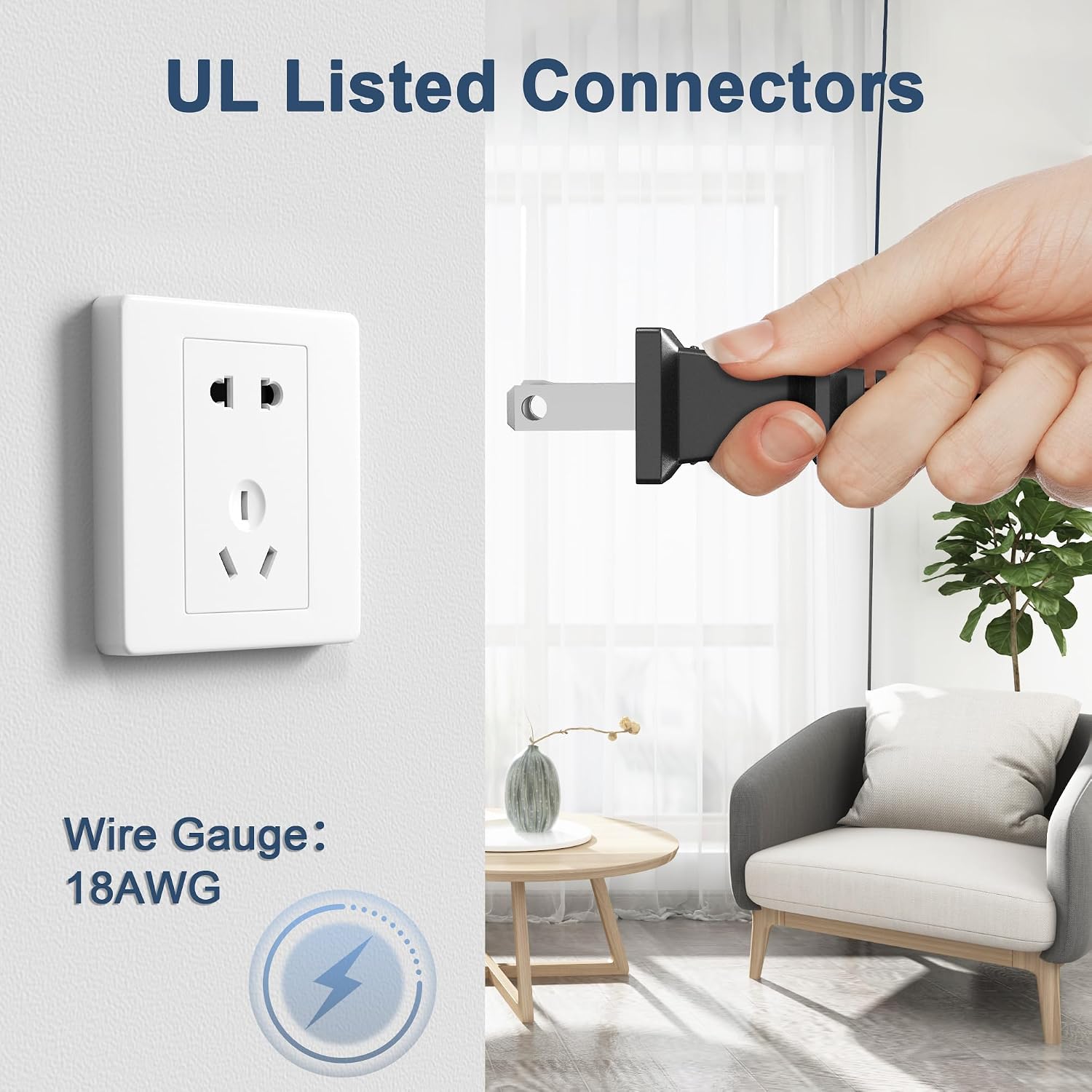
Figure 4: Close-up of the power cord's plug, highlighting UL Listed Connectors and the 18AWG wire gauge.

Figure 5: The coiled power cord, indicating its weight (80g). Note: While this image shows '5ft', the product is specified as 6ft in length.
10. Warranty and Support
PKPOWER products are designed for reliability and performance. For any questions, concerns, or support needs, please contact our customer service team.
Customer Service: Our friendly and reliable customer service will respond to you within 24 hours. You can contact us directly from your Amazon account:
- Locate your order in "Your Account".
- Click the "Problem with this order?" button.
- Select the "Contact Seller" button to send an e-mail message.
We are committed to resolving any issues you may encounter.