
1. Introduction and Product Overview
Thank you for choosing the Rointe Elba Oval Wi-Fi Electric Towel Rail 750W. This manual provides essential information for the safe and efficient operation of your new appliance. Please read these instructions carefully before installation and use, and retain them for future reference.
Key Features:
- High-Quality Steel Body: Durable and elegantly designed for modern bathrooms.
- Vertical Installation: Space-saving design suitable for various bathroom layouts.
- Shielded Resistance: Ensures efficient and safe heating performance.
- Class II Electrical Protection: Provides enhanced safety against electrical shock.
- IP44 Protection Rating: Suitable for use in bathrooms, protected against splashing water.
- High Thermal Transfer Fluid: Optimizes heat distribution for consistent warmth.
- Wi-Fi Connectivity: Control your towel rail remotely using the Rointe Connect and Rointe Lite applications.
- Nominal Power: 750W, providing effective heating for towels and the bathroom environment.
- Dimensions: 500 mm width x 1595 mm height, with an installed depth of 100 mm.
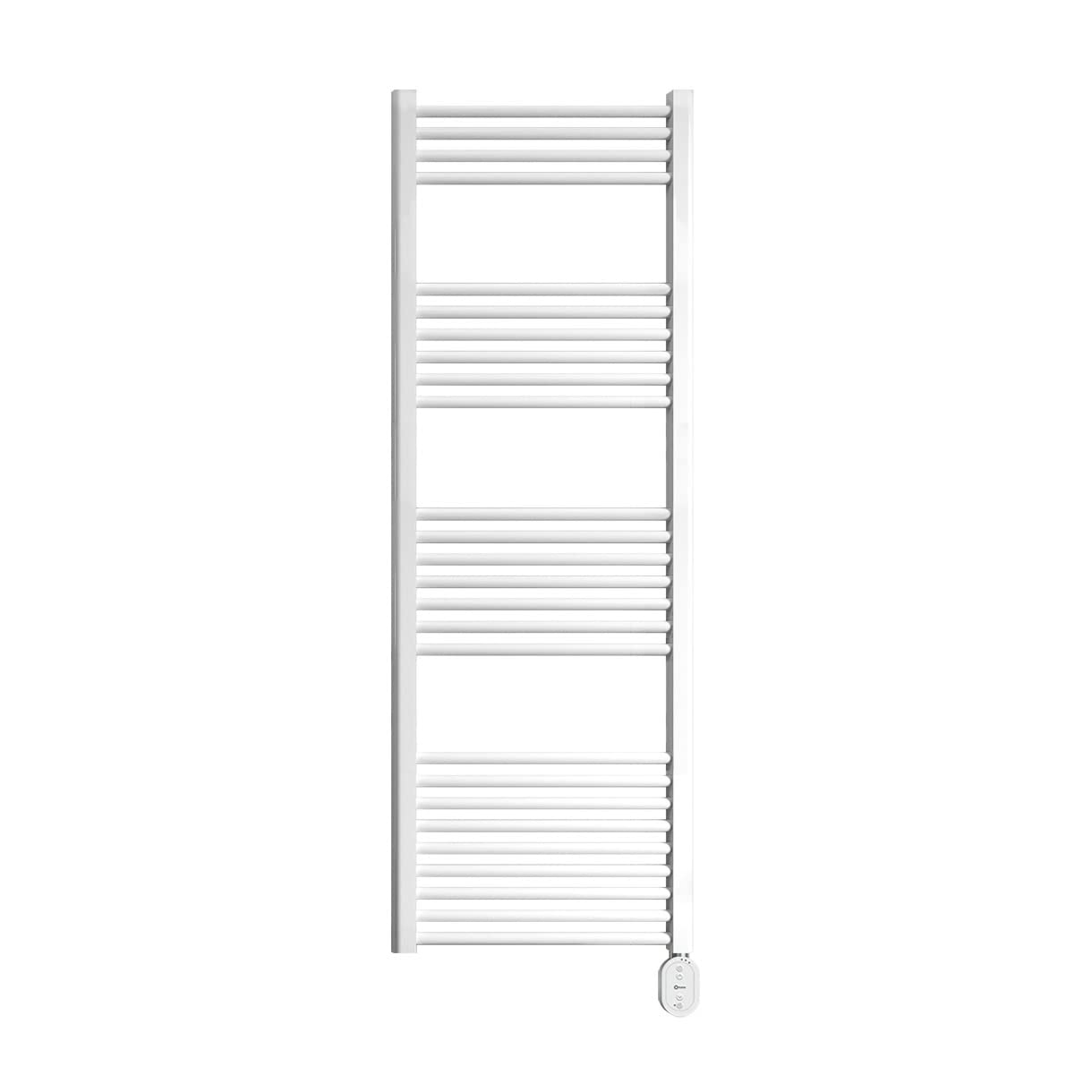
Image: The Rointe Elba Oval Wi-Fi Electric Towel Rail 750W, a white, vertically installed towel warmer with multiple horizontal bars, designed for bathroom use.
2. Safety Information
Please observe the following safety precautions to prevent personal injury or damage to the appliance:
- This appliance is intended for domestic use only as a towel warmer and bathroom heater.
- Do not cover the towel rail with clothing or other materials that could obstruct heat dissipation, as this may cause overheating.
- Ensure the appliance is installed by a qualified electrician in accordance with local wiring regulations and building codes.
- Do not operate the appliance with wet hands or while standing in water.
- Keep children and pets away from the appliance when it is in operation.
- Disconnect the power supply before cleaning or performing any maintenance.
- If the power cord is damaged, it must be replaced by the manufacturer, its service agent, or similarly qualified persons to avoid a hazard.
- The appliance must be installed in a position where switches and other controls cannot be touched by a person in a bath or shower.
3. Installation
The Rointe Elba Oval Wi-Fi Electric Towel Rail is designed for vertical wall mounting. Professional installation is highly recommended to ensure proper and safe operation.
Installation Steps (General Guidance):
- Choose Location: Select a suitable wall in your bathroom, ensuring it is away from direct water spray and has adequate clearance around the unit for air circulation.
- Mark Drilling Points: Use the provided mounting template (if included) to mark the drilling points on the wall.
- Drill Holes: Drill holes at the marked points and insert appropriate wall plugs.
- Mount Brackets: Secure the mounting brackets to the wall using screws.
- Attach Towel Rail: Carefully lift and attach the towel rail to the mounting brackets. Ensure it is securely fastened.
- Electrical Connection: Connect the appliance to the main power supply. This step must be performed by a qualified electrician. Ensure the power supply is off before making any connections.
For detailed installation instructions, refer to the separate installation guide provided with your product or consult a professional installer.
4. Setup and Wi-Fi Connectivity
Your Rointe Elba Oval towel rail features an LED display with tactile controls and Wi-Fi connectivity for smart control.
Initial Setup:
- Power On: Once installed and connected to the power supply, switch on the appliance. The LED display will illuminate.
- Basic Settings: Use the tactile controls on the LED display to set the desired temperature and operating mode.
Wi-Fi Connection (Rointe Connect / Rointe Lite App):
- Download App: Download the Rointe Connect or Rointe Lite app from your smartphone's app store (available for iOS and Android).
- Create Account: Open the app and create a user account, or log in if you already have one.
- Add Device: Follow the in-app instructions to add your Rointe Elba Oval towel rail. This typically involves putting the towel rail into pairing mode and connecting it to your home Wi-Fi network.
- Remote Control: Once connected, you can control the towel rail's settings, schedule, and monitor its status from your smartphone.
5. Operating Instructions
The Rointe Elba Oval towel rail offers various operating modes and temperature settings for personalized comfort.
Control Panel:
The integrated LED display and tactile buttons allow for easy adjustment of settings. Refer to the icons on the display for power, mode selection, temperature adjustment, and timer functions.
Operating Modes:
- Comfort Mode: Maintains a consistent, comfortable temperature.
- Eco Mode: Operates at a lower temperature to save energy.
- Open Window Mode: Automatically detects open windows and temporarily suspends heating to prevent energy waste.
Temperature Selection:
You can set the desired temperature between 10°C and 35°C using the up/down arrows on the control panel or via the Rointe app.
Weekly Programmer:
Utilize the weekly programmer function to set specific heating schedules for different days and times, optimizing energy consumption and ensuring your bathroom is warm when needed.
6. Maintenance
Regular cleaning and maintenance will ensure the longevity and efficient operation of your towel rail.
- Cleaning: Disconnect the appliance from the power supply before cleaning. Use a soft, damp cloth to wipe the surface. Do not use abrasive cleaners, solvents, or harsh chemicals, as these can damage the finish.
- Inspection: Periodically check the power cord and the appliance for any signs of damage. If any damage is found, contact a qualified technician for repair.
- No User-Serviceable Parts: The internal components of the towel rail are not user-serviceable. Do not attempt to open or repair the appliance yourself.
7. Troubleshooting
If you encounter any issues with your Rointe Elba Oval Wi-Fi Electric Towel Rail, refer to the following common troubleshooting steps:
- No Power: Check if the appliance is properly plugged in and if the circuit breaker has tripped. Ensure the power switch on the unit is in the 'ON' position.
- Not Heating: Verify that the desired temperature is set higher than the ambient temperature. Check the operating mode (e.g., ensure it's not in 'Open Window' mode if windows are closed).
- Wi-Fi Connection Issues: Ensure your Wi-Fi router is working correctly and within range. Restart the towel rail and your router. Follow the app's instructions for re-pairing the device.
- Error Codes: If the display shows an error code, consult the full product manual or contact Rointe customer support for assistance.
If the problem persists after attempting these steps, contact Rointe customer support or a qualified technician.
8. Specifications
| Feature | Detail |
|---|---|
| Brand | ROINTE |
| Model Identifier | TELWN50B150 |
| Nominal Power | 750 W |
| Material | Steel Body |
| Installation | Vertical |
| Electrical Protection | Class II |
| Ingress Protection (IP) Rating | IP44 |
| Heating Element | Shielded Resistance with High Thermal Transfer Fluid |
| Vertical Collectors | 30 x 40 mm |
| Horizontal Tubes | Ø 22 mm |
| Installed Depth | 100 mm |
| Connectivity | Wi-Fi (Rointe Connect / Rointe Lite App) |
| Temperature Range | 10°C to 35°C |
| Control | LED Display with Tactile Controls, Weekly Programmer |
9. Warranty and Support
The Rointe Elba Oval Wi-Fi Electric Towel Rail 750W comes with a manufacturer's warranty. Please refer to the warranty card included with your product for specific terms and conditions.
- Body Warranty: 10 years
- Electronics Warranty: 3 years
For technical support, spare parts, or warranty claims, please contact Rointe customer service through their official website or the contact information provided in your product packaging.