
Frigidaire FHWW245WE2
Contents
Frigidaire 24,000 BTU Smart Inverter Window Air Conditioner User Manual
Model: FHWW245WE2
Introduction
This manual provides essential information for the safe and efficient operation, installation, and maintenance of your Frigidaire 24,000 BTU Smart Inverter Window Air Conditioner. Please read this manual thoroughly before using your air conditioner and retain it for future reference.
Setup
Window Installation
The Frigidaire FHWW245WE2 is designed for window installation. Ensure the window opening meets the required dimensions for proper fit and secure mounting. The unit comes with a window kit for installation. Proper sealing is crucial for optimal performance and energy efficiency.

Image: Front view of the Frigidaire window air conditioner with its dimensions (18" height, 23 3/4" width, 25 1/2" depth) indicated.
Electrical Requirements
This air conditioner operates at 208/230V and 2630W. Ensure your electrical outlet and circuit can support these requirements. Consult a qualified electrician if you are unsure about your home's electrical capacity.
Wi-Fi Connectivity
Your Frigidaire air conditioner is Wi-Fi enabled, allowing for remote control via the Frigidaire app. It can also connect with Amazon Alexa or Google Home devices for voice control.
- Download the Frigidaire app from your device's app store.
- Follow the in-app instructions to connect your air conditioner to your home Wi-Fi network.
- Once connected, you can manage settings, monitor status, and set schedules from anywhere.

Image: The Frigidaire window air conditioner shown alongside a smartphone displaying the Frigidaire Home app, illustrating Wi-Fi connectivity.

Image: The Frigidaire air conditioner with "Works with Google Home" and "Works with Alexa" logos, highlighting its smart home integration capabilities.
Operating Instructions
Your Frigidaire air conditioner offers various modes and settings to optimize your comfort.
Control Panel and Remote Control
The unit features an intuitive control panel on the front. A remote control is also included for convenient adjustment of settings from anywhere in the room.
Cooling Modes and Features
- Temperature Settings: Adjust the desired temperature using the control panel or remote. The unit is designed to cool areas up to 1,020 sq. ft.
- Fan Speeds: Select from three different fan speeds (Low, Medium, High) to control airflow intensity.
- Multi-Directional Airflow: Utilize the 6-way directional airflow to direct cool air precisely where it's needed for consistent comfort.
- 24-Hour On/Off Timer: Program the unit to turn on or off at specific times, allowing you to pre-cool your space or save energy when not needed.
- Dry Mode: This mode helps remove excess moisture from the air, creating a more comfortable environment, especially in humid conditions.
- Eco Mode: For energy savings, Eco Mode cycles the compressor on and off to maintain your desired temperature while minimizing power consumption.
- Sleep Mode: In Sleep Mode, the temperature gradually increases throughout the night to conserve energy and provide a comfortable sleeping environment.

Image: The Frigidaire air conditioner with blue lines indicating airflow, demonstrating the three different fan speeds for cooling flexibility.
Inverter Technology and Energy Efficiency
Equipped with inverter technology and Energy Star certification, this unit provides efficient cooling, better temperature regulation, and quieter operation, contributing to lower energy consumption and utility costs.

Image: Three icons illustrating the benefits of inverter technology: quieter operation, energy savings, and more efficient cooling.
Quiet Operation
The unit operates at a quiet 48 dBA, ensuring a peaceful environment without significant noise disruption.

Image: A chart comparing the 48 dBA noise level of the air conditioner to common sounds, indicating it is as quiet as a library.
Maintenance
Cleaning the Washable Filter
Regular cleaning of the washable dust filter is essential for maintaining optimal performance and air quality. The unit features a Clean Filter alert to notify you when cleaning is due.
- Gently pull down on the front panel of the unit to release it. It may catch slightly, so pull up a little on it to release the piece that goes into the slot.
- Carefully remove the filter by pulling it out. Note the direction it is facing for reinstallation.
- Wash the filter with soap or a degreaser and water. Be careful not to scrub too hard or tear the mesh material.
- Allow the filter to dry completely before reinserting it.
- Align the filter with the tabs and slide it back into place. Ensure the front panel is properly seated and pushed back into position.
- After cleaning and reinstallation, press the "Filter Reset" button on the control panel to clear the alert.

Image: A hand demonstrating the removal of the washable filter from the front panel of the Frigidaire air conditioner.
For enhanced air quality, you may consider purchasing the optional PureAir® Advanced Filter (sold separately).
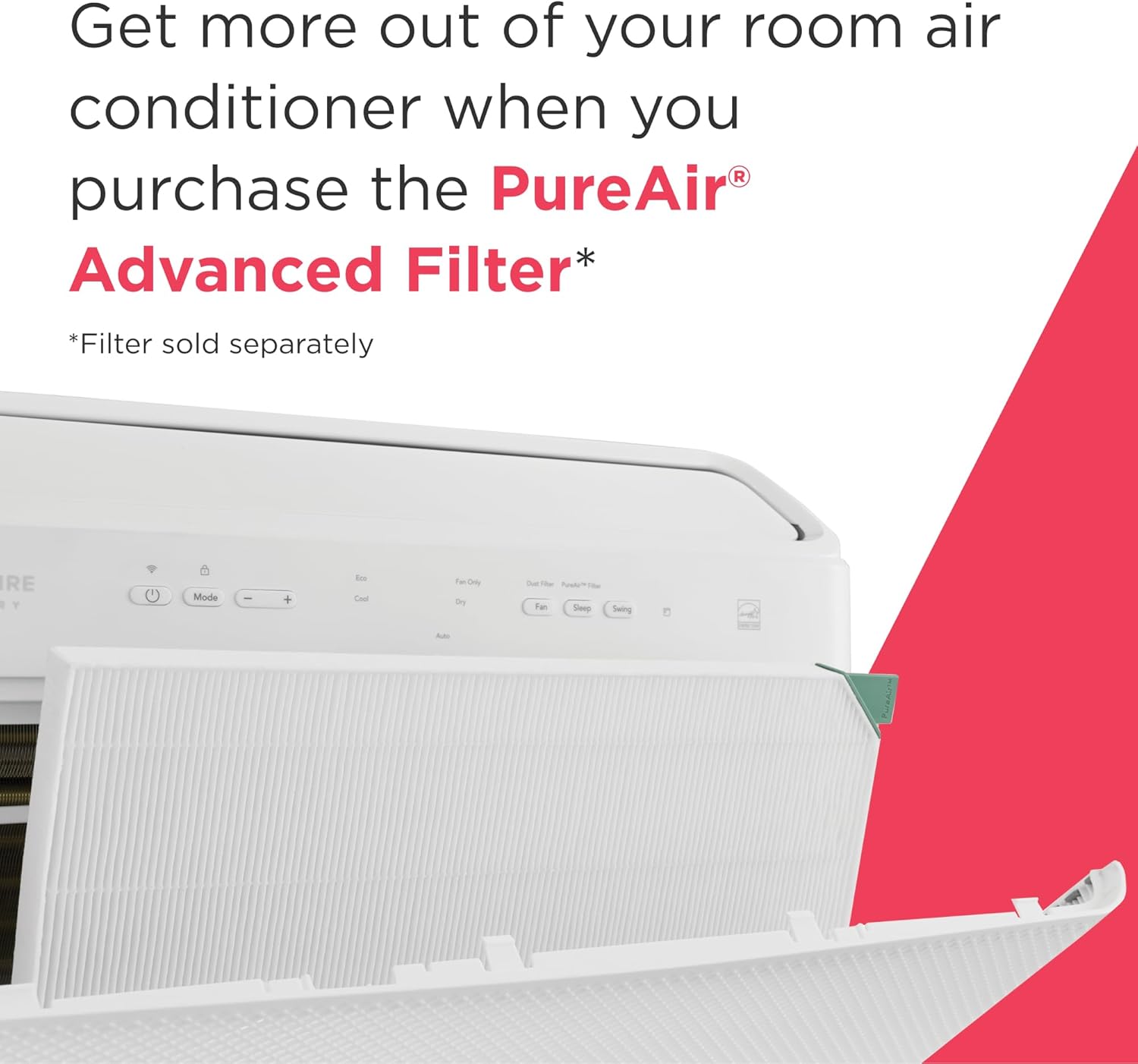
Image: A hand holding an advanced air filter, indicating the option to upgrade for improved air quality.
Troubleshooting
If your air conditioner is not operating as expected, refer to the following common issues and solutions:
| Problem | Possible Cause | Solution |
|---|---|---|
| Unit does not turn on | No power, circuit breaker tripped, unit unplugged. | Check power supply, reset circuit breaker, ensure unit is securely plugged in. |
| Insufficient cooling | Dirty air filter, blocked air vents, room too large, windows/doors open. | Clean air filter, clear obstructions, ensure room size is within cooling capacity (up to 1,020 sq. ft.), close all windows and doors. |
| Unit is noisy | Loose parts, unit not level, normal operating sounds. | Ensure unit is installed level and securely. Some fan and compressor sounds are normal. |
| Clean Filter light is on | Air filter needs cleaning. | Refer to the "Cleaning the Washable Filter" section in this manual. |
| Water dripping outside | Normal condensation during high humidity. | This is normal. Ensure proper drainage if applicable. |
For issues not listed here, or if problems persist, please contact Frigidaire customer support.
Specifications
| Feature | Detail |
|---|---|
| Model Number | FHWW245WE2 |
| Cooling Capacity | 24,000 BTU |
| Cooling Area | Up to 1,020 sq. ft. |
| Product Dimensions (D x W x H) | 25.4" x 23.6" x 17.8" |
| Item Weight | 103 pounds |
| Voltage | 230 Volts (AC) |
| Noise Level | 48 dBA |
| Energy Efficiency | Energy Star Certified, Inverter Technology |
| Connectivity | Wi-Fi Enabled (Frigidaire App, Amazon Alexa, Google Home) |
| Filter Type | Washable Dust Filter (with Clean Filter alert) |
| Included Components | Window Kit, Washable filter, Remote Control (2 AAA batteries included) |
Warranty and Support
Manufacturer's Warranty
This Frigidaire air conditioner is covered by a 1 Year Manufacturer's Warranty. Please refer to the warranty card included with your product for full terms and conditions.
Customer Support
For technical assistance, troubleshooting, or warranty claims, please contact Frigidaire customer support. Contact information can typically be found on the Frigidaire website or on the product packaging.
Documents and downloads
Ask a question about this manual
Ask about setup, troubleshooting, compatibility, parts, safety, or missing instructions. Manuals+ will review the question and use this page’s manual context to help answer it.